
FaceShot vs Seedream 4.5

FaceShot
Get stunning professional headshots from just one selfie in seconds, no studio needed.
Last updated: February 27, 2026

Seedream 4.5
Seedream 4.5 delivers stunning, production-ready images with unmatched text accuracy and multi-image consistency in.
Last updated: February 28, 2026
Visual Comparison
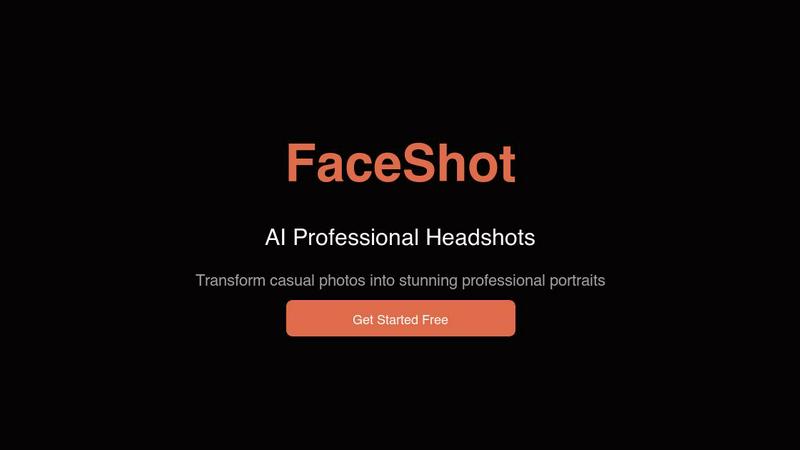
FaceShot
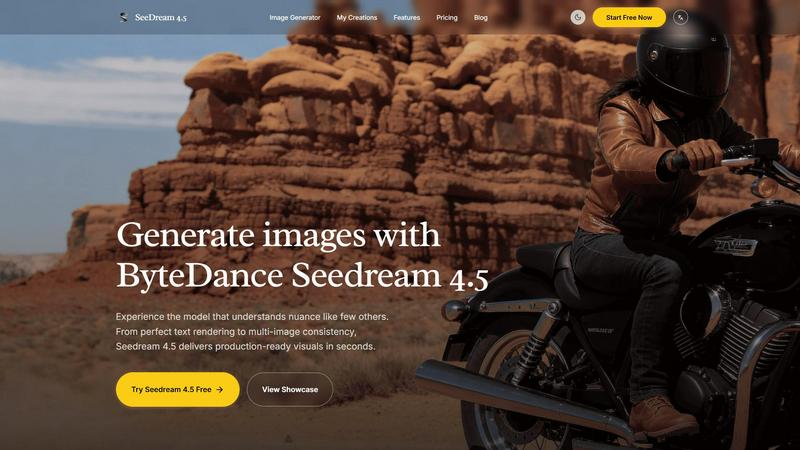
Seedream 4.5
Feature Comparison
FaceShot
Instant Headshot Generation
FaceShot allows users to generate professional headshots from a single selfie in just about 60 seconds. This rapid turnaround time means you can have a polished image ready for any occasion without the long wait associated with traditional photography.
Diverse Style Options
With over 20 customizable styles to choose from, including executive and creative looks, FaceShot caters to various professions and personal branding needs. This variety ensures that users can select a headshot style that best represents their unique personality and professional image.
AI-Enhanced Quality
The AI technology behind FaceShot specializes in portrait photography, which guarantees that the generated headshots exhibit superior quality. Natural skin tones, appropriate lighting, and professional-looking backgrounds are all handled automatically, ensuring each portrait meets high standards.
High-Resolution Downloads
Every portrait generated through FaceShot is available for download in full resolution without any watermarks. Users can confidently use their images across platforms, knowing they have high-quality, professional headshots that enhance their personal or corporate branding.
Seedream 4.5
Enhanced Fidelity
Seedream 4.5 offers enhanced fidelity, allowing creators to produce images with unmatched quality. This feature ensures that every visual aspect, from textures to colors, is rendered with incredible detail, making it suitable for high-end projects.
14+ Reference Image Support
With the ability to use over 14 reference images for "surgical" editing, Seedream 4.5 allows users to focus on specific areas of their creations. This flexibility empowers designers to make targeted adjustments without compromising the overall style and coherence of the image.
Native 4K Support
Seedream 4.5 comes with native 4K support, enabling the generation of ultra-high-definition images. This feature is essential for professionals who require crisp, clear visuals for presentations, marketing materials, or any other commercial applications.
Precise Instruction Following
The model is optimized for precise instruction following, allowing users to input detailed prompts that lead to highly accurate image outputs. This capability is crucial for designers looking to achieve specific artistic visions and ensures that the generated visuals align closely with the intended concept.
Use Cases
FaceShot
LinkedIn Profiles
Professionals can easily enhance their LinkedIn profiles with eye-catching headshots that convey confidence and approachability. With FaceShot, users can instantly create a polished image that stands out to recruiters and connections alike.
Corporate Team Pages
Businesses can streamline the process of updating their team pages by utilizing FaceShot to generate consistent and professional headshots for all employees. This efficiency eliminates the logistical challenges of coordinating individual photo shoots.
Speaker Bios
For those preparing for conferences or public speaking engagements, FaceShot provides an easy way to create striking headshots that reflect professionalism. A well-crafted image can significantly enhance speaker bios and promotional materials.
Personal Branding on Social Media
Individuals looking to enhance their personal brands on social media can use FaceShot to create authentic yet professional headshots. Whether for dating profiles, personal websites, or portfolios, these high-quality images help users make a lasting impression.
Seedream 4.5
Marketing Campaigns
Seedream 4.5 is perfect for creating visuals for marketing campaigns. With its ability to produce high-quality images quickly, marketers can generate eye-catching graphics that resonate with their audience, enhancing brand visibility and engagement.
Concept Art Development
Artists and designers can leverage Seedream 4.5 for concept art development. The tool's enhanced fidelity and 14+ reference image support allow creators to experiment with different styles and elements, facilitating the brainstorming process for new projects.
Social Media Content Creation
For social media managers, Seedream 4.5 provides a robust solution for generating unique and captivating content. The model's quick rendering capabilities enable the production of diverse visuals that can drive engagement and attract followers.
Product Visualization
E-commerce businesses can use Seedream 4.5 to create stunning product visuals. By generating high-quality images that showcase products in an appealing manner, companies can improve their online presence and boost sales.
Overview
About FaceShot
FaceShot is a revolutionary AI-driven platform that transforms your ordinary selfies into stunning, studio-quality professional headshots in mere minutes. Designed for individuals and businesses alike, FaceShot eliminates the need for traditional photoshoots, allowing users to bypass the hassle of booking appointments, traveling to studios, and waiting for photo development. Whether you are looking to enhance your LinkedIn profile, create a standout team page, or refresh your personal image for social media, FaceShot provides a streamlined experience with impressive results. The platform harnesses advanced AI technology specifically tailored for portrait photography, ensuring that your headshots reflect natural skin tones, professional backgrounds, and impeccable lighting. With a user-friendly interface, you can upload a clear photo, select from over 20 distinct styles, and receive high-resolution portraits in approximately one minute, making it a game-changing solution for anyone needing high-quality images quickly and effortlessly.
About Seedream 4.5
Seedream 4.5 is a groundbreaking image generation tool designed to transform the way creators produce visuals. With its ability to deliver production-ready images in seconds, it sets a new standard in the world of AI-driven design. This powerful tool excels in rendering perfect text, ensuring that every detail is captured with clarity and precision. Furthermore, Seedream 4.5 maintains character consistency across multiple shots, making it the ideal choice for professional designers and artists who require a reliable and cohesive visual output. Its unique feature of "surgical" editing allows users to refine specific areas of their images using over 14 reference images, ensuring that creative visions come to life without sacrificing style. With native 4K support and enhanced instruction-following capabilities, Seedream 4.5 is optimized for commercial projects, allowing users to create stunning visuals that meet the highest industry standards.
Frequently Asked Questions
FaceShot FAQ
How does FaceShot work?
FaceShot operates by allowing users to upload a clear photo or take one using their webcam. After selecting a preferred style from over 20 options, the AI generates multiple high-resolution portraits in seconds.
Is there a limit to how many headshots I can create?
FaceShot provides one free credit for the first headshot generation, allowing users to try the service. Additional credits can be purchased for more headshots or advanced features like premium styles.
What types of styles are available?
FaceShot offers a variety of styles catering to different professional needs, including executive, creative, tech casual, and editorial options. This diversity allows users to select a look that resonates with their personal brand or industry.
Can I use the headshots for commercial purposes?
Yes, all portraits generated by FaceShot are available for download in full resolution without watermarks, making them suitable for commercial use on websites, marketing materials, and professional profiles. Users can confidently showcase their images in any context.
Seedream 4.5 FAQ
How does Seedream 4.5 render text so perfectly?
Seedream 4.5 utilizes advanced algorithms that are specifically designed for text rendering. This ensures that any text included in the generated images appears clear and legible, making it ideal for marketing and branding purposes.
Can I edit images after they are generated?
Yes, Seedream 4.5 offers "surgical" editing capabilities. Users can upload reference images and make targeted adjustments to specific areas, allowing for detailed customization without losing the original style of the image.
Is Seedream 4.5 suitable for professional use?
Absolutely! Seedream 4.5 is optimized for professional design and commercial reliability, making it an excellent choice for designers, marketers, and artists who require high-quality visuals for their projects.
What file formats does Seedream 4.5 support for output?
Seedream 4.5 supports multiple file formats for output, including JPEG and PNG, ensuring compatibility with various platforms and applications for seamless integration into your workflow.
Alternatives
FaceShot Alternatives
FaceShot is an innovative AI-driven tool that transforms a simple selfie into professional-grade headshots without the need for a studio or a photographer. It belongs to the AI Assistants and Image Generation categories, catering to anyone in need of high-quality portraits for various purposes, from LinkedIn profiles to team pages. Users often seek alternatives for reasons like pricing, specific feature sets, or compatibility with their preferred platforms. When choosing an alternative, consider factors such as ease of use, output quality, variety of styles offered, and turnaround time to ensure a solution that meets your unique needs.
Seedream 4.5 Alternatives
Seedream 4.5 is an innovative image generation tool designed for professionals seeking production-ready visuals. This cutting-edge AI solution excels in rendering perfect text and ensuring character consistency across various shots, making it a go-to choice for commercial projects. Users often seek alternatives to Seedream 4.5 for a variety of reasons, including pricing, desired features, compatibility with specific platforms, or unique project needs. When searching for an alternative, it’s essential to assess the specific functionalities that align with your workflow. Consider factors like image quality, editing capabilities, and whether the tool supports your required output resolutions. Understanding these aspects will help you find a suitable solution that meets your creative demands without sacrificing quality or efficiency.