
Magic Hour vs Veo 4 AI Video Generator

Last updated: February 28, 2026

Veo 4 AI Video Generator
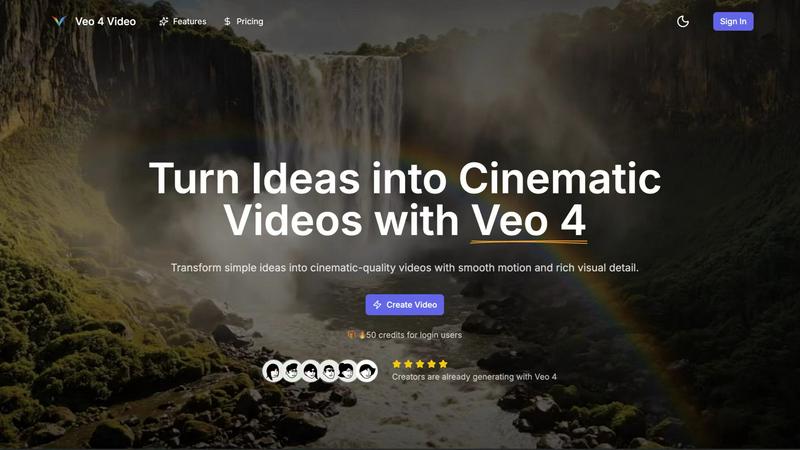
Create stunning cinematic videos in minutes with Veo 4's powerful AI-driven text and image generation tools.
Last updated: February 28, 2026
Visual Comparison
Magic Hour

Veo 4 AI Video Generator
Overview
About Magic Hour
Magic Hour is a browser-based AI video generator and editor that helps creators, marketers, and teams produce videos fast. Generate videos from text or images (text-to-video, image-to-video), restyle footage with video-to-video, and personalize content with AI Face Swap and AI Lip Sync. You can also generate and edit images (AI Image Generator, Image Editor), create professional AI headshots, and upscale/enhance media for higher-quality exports. Use it for short-form social content, ads, product demos, training clips, memes, and localized variants—without reshoots or a complex editing stack. Workflow: upload a photo/video (or enter a prompt), pick a tool or template, preview, and download the result. Built for quick iteration when you need many variations, consistent style, and shareable outputs.
About Veo 4 AI Video Generator
Veo 4 AI Video Generator is a groundbreaking tool designed to transform your creative ideas into stunning cinematic videos using state-of-the-art AI technology. This innovative platform allows users to generate high-quality video content from text prompts and images swiftly and effortlessly. Whether you're a marketer looking to create engaging product ads, a social media manager in need of captivating content for platforms like TikTok or Instagram, or simply a creative enthusiast wanting to bring your vision to life, Veo 4 caters to a diverse audience. Its main value proposition lies in its ability to produce visually striking clips with realistic motion and synchronized audio, all within minutes. With Veo 4, you can turn simple concepts into 8-second cinematic masterpieces that are ready to be shared across various platforms, making it an essential tool for anyone seeking to elevate their video content.
Alternatives
Magic Hour Alternatives
Magic Hour is a browser-based AI video generator and editor that lives in the content creation category. It's designed to help creators, marketers, and teams produce videos fast using tools like text-to-video, face swap, and lip sync, all without needing complex software. Users often explore alternatives for various reasons. Some might be looking for different pricing models or subscription tiers that better fit their budget. Others might need specific features not offered, prefer a downloadable desktop application over a web-based tool, or require a platform tailored for a different type of user, like large enterprises or individual hobbyists. When choosing an alternative, focus on your core needs. Consider the primary tasks you need to accomplish—whether it's generating videos from text, swapping faces, or syncing lips—and ensure the platform excels there. Also, evaluate the overall workflow speed, output quality, and how easily you can iterate to create multiple variations for things like social content or localized ad variants.
Veo 4 AI Video Generator Alternatives
Veo 4 AI Video Generator is a groundbreaking tool that empowers users to transform their ideas into stunning cinematic videos effortlessly. As part of the video generation category, it leverages advanced artificial intelligence to create high-quality content from simple text prompts, making the video creation process fast and accessible for everyone. However, many users seek alternatives to Veo 4 for various reasons, including pricing models, specific feature sets, or compatibility with particular platforms. When exploring alternatives, it's essential to consider factors such as the ease of use, the quality of the output, available customization options, and whether the platform aligns with your specific video creation needs.