
FormBlink - AI-powered form builder
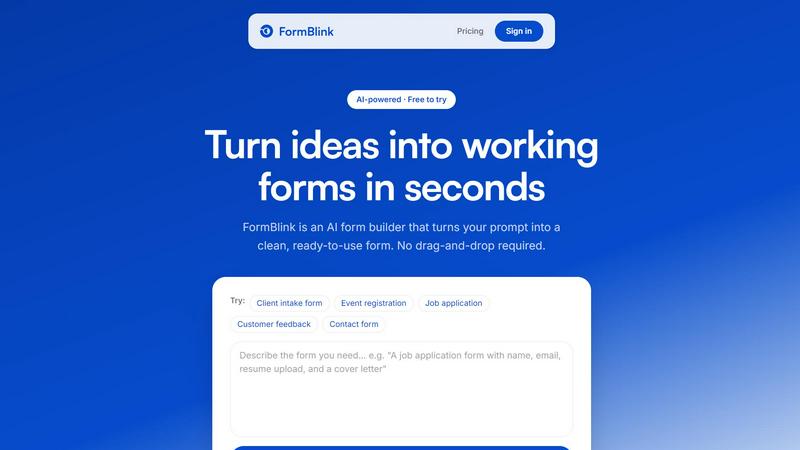
FormBlink instantly creates ready-to-use forms from your prompts, eliminating setup time and hassle for seamless data collection.
About FormBlink - AI-powered form builder
FormBlink is an innovative AI-first form builder that revolutionizes the way you create online forms. Instead of laboriously dragging and dropping fields or sifting through a maze of templates, FormBlink allows you to generate a fully functional form simply by describing it in plain English. This unique approach not only saves time but also eliminates the common frustrations associated with traditional form builders. Whether you need a lead capture form, client intake questionnaire, survey, or feedback form, FormBlink delivers a clean, responsive design that is ready to use almost instantly. Ideal for busy founders, marketers, and service-oriented businesses, FormBlink is designed to streamline the form creation process, enabling users to focus on their core tasks rather than getting bogged down in complex setups. With built-in validation and seamless integrations, FormBlink ensures you can collect and process responses efficiently, making it a game changer for anyone looking to simplify their workflow and enhance productivity.
Features of FormBlink - AI-powered form builder
AI-Powered Form Generation
FormBlink's standout feature is its AI-driven form generation capability. By simply describing the desired form in natural language, users can generate a complete, production-ready form in approximately 10 seconds. This eliminates the tedious setup process of conventional builders and allows for immediate deployment.
Seamless Editing with Natural Language
Editing your forms is just as simple as creating them. With FormBlink, you can modify any part of the form by typing direct instructions. Whether you want to add new fields, change existing ones, or adjust the structure, your changes are made in seconds without navigating complex menus.
Unlimited Integrations
FormBlink offers unlimited integrations across all its plans. Whether you want to collect responses in Google Sheets, send notifications to Slack, or connect with HubSpot, you can set it up with just a few clicks. This feature ensures that your data flows smoothly to your preferred tools without any tier restrictions.
Instant Sharing and Publishing
Once your form is ready, sharing it is effortless. FormBlink provides a simple shareable link for immediate distribution or the option to embed the form on your website. Additionally, you can generate unique QR codes to enhance accessibility and engagement, making it easy for respondents to access your forms.
Use Cases of FormBlink - AI-powered form builder
Client Intake Forms
FormBlink is perfect for service businesses that need to gather detailed client information quickly. Simply describe the necessary fields and get a fully functional intake form that captures all relevant data without the hassle of manual setup.
Event Registration
Organizing events can be stressful, but FormBlink simplifies the registration process. By describing your event's requirements, you can create a registration form to capture attendee details and preferences in moments, ensuring a smooth experience for both the organizer and participants.
Customer Feedback Collection
Gathering feedback is crucial for improving your services. With FormBlink, you can easily create customer feedback forms tailored to your needs. The AI will generate the form, allowing you to focus on analyzing the results rather than worrying about the collection process.
Job Applications
FormBlink streamlines the hiring process by enabling you to create comprehensive job application forms in seconds. Describe the fields you need, such as qualifications and experience, and let FormBlink handle the rest, making your recruitment efforts efficient and organized.
Frequently Asked Questions
How does FormBlink generate forms so quickly?
FormBlink utilizes advanced AI technology to interpret your plain English descriptions and generate complete forms in seconds. This eliminates the need for manual setup and drastically reduces the time spent creating forms.
Can I edit my forms after they are generated?
Absolutely! With FormBlink, you can edit your forms using natural language commands. This means you can make changes on the fly without navigating through traditional drag-and-drop interfaces.
What integrations does FormBlink support?
FormBlink supports a wide range of integrations, including Google Sheets, Slack, Notion, and HubSpot. All integrations are available on every plan, allowing you to connect your forms to the tools you already use seamlessly.
Is there a limit to the number of responses I can collect?
No, FormBlink does not impose any limits on the number of responses you can collect, regardless of your pricing plan. This makes it an ideal solution for businesses looking to gather data without restrictions.
Top Alternatives to FormBlink - AI-powered form builder

Visfeng
AI-powered feng shui bedroom analysis with visual reports
Wysera
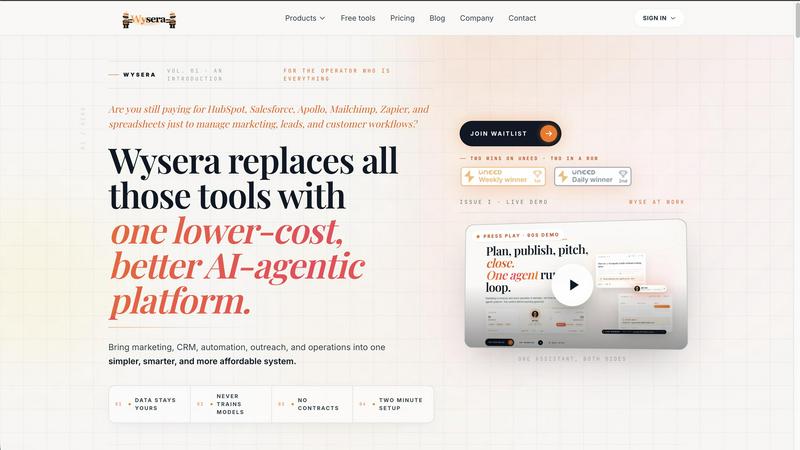
One AI assistant that posts to your social, answers your leads, and follows up with clients.
Decker
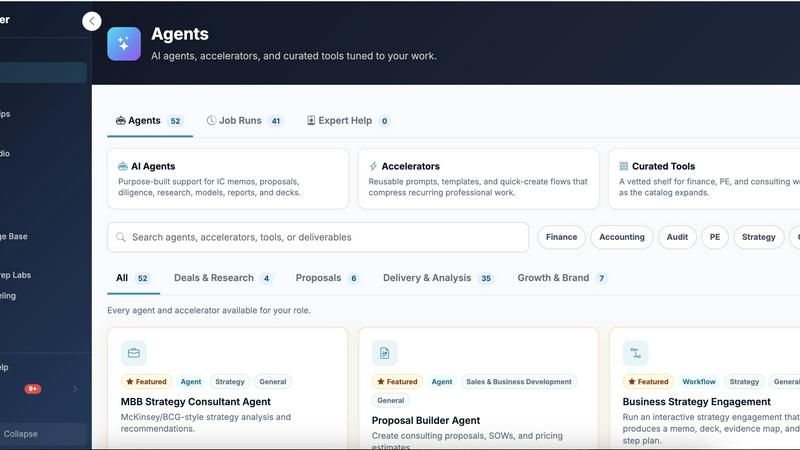
Decker is the all-in-one operating system and monetization platform that helps consultants build, learn, belong, and earn from their deliverables.

Receptri
Receptri is your AI receptionist that answers calls and chats 24/7, learning your business to enhance customer engagement effortlessly.

LLM Reference
LLM Reference helps you quickly find and compare the best LLM models and providers for your shipping needs, keeping you updated weekly.
Commenter AI
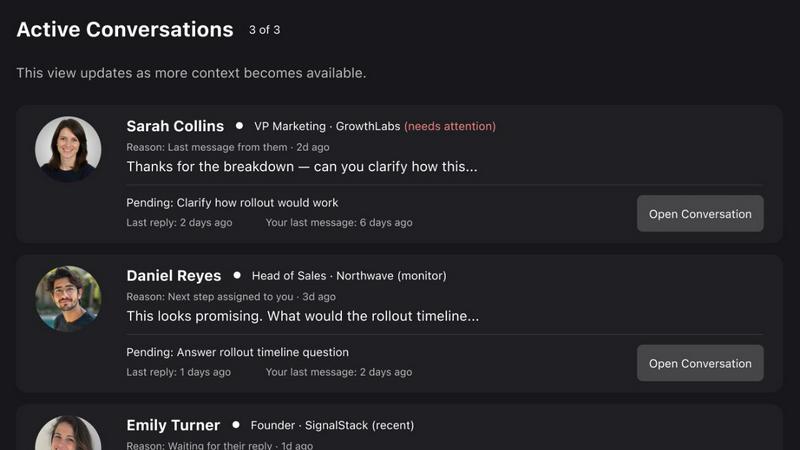
Commenter AI ranks your LinkedIn DMs so you know which sales conversations need your attention today.