GPT Image 2
Transform ideas into stunning images effortlessly with GPT Image 2, your AI-powered generator and editor for text prompts and remixes.
About GPT Image 2
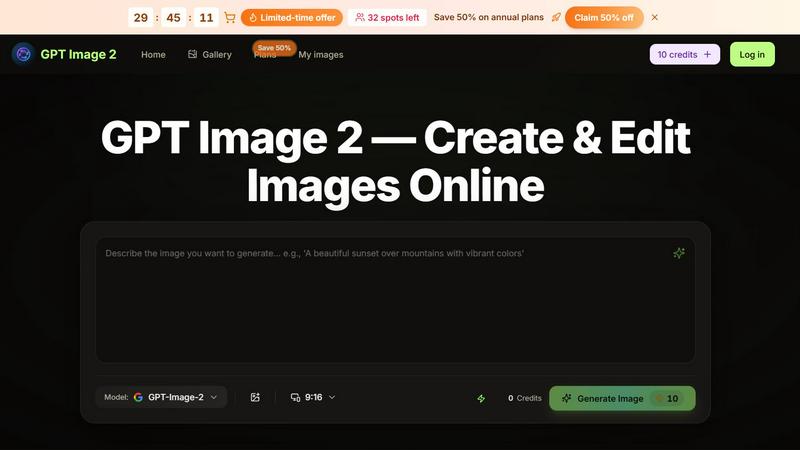
GPT Image 2 is a revolutionary AI image generator and editor that harnesses the power of the advanced GPT-Image-2 model. This innovative tool allows users to create stunning visuals from simple text prompts, edit existing images using plain English, and remix reference images seamlessly within a fast and intuitive browser interface. Whether you are an e-commerce seller looking to enhance your product listings, a marketer in need of eye-catching visuals, or a content creator aiming to produce engaging graphics, GPT Image 2 is designed for you. With its user-friendly features, you can transform your ideas into polished images in seconds, making it an essential tool for anyone looking to elevate their visual content without the need for advanced design skills. The platform offers a unique blend of speed and creativity, enabling you to generate and refine images quickly, ensuring that your projects are completed efficiently and to a high standard.
Features of GPT Image 2
Text to Image
With the Text to Image feature, simply describe your desired visual in plain English, and GPT Image 2 will generate high-quality images that match your description. This is perfect for creating product photos, marketing graphics, and unique artwork without needing any design experience.
AI Image Editing
The AI Image Editing tool allows users to upload existing images and specify changes through simple prompts. Whether you need to swap backgrounds, adjust styles, or remove unwanted elements, this feature enables you to refine images easily without complex software like Photoshop.
Reference Remix
The Reference Remix feature allows you to upload an image that represents your desired style and then describe new subjects or scenes. GPT Image 2 intelligently combines these inputs, enabling you to create on-brand variations and consistent series of visuals for your projects.
Batch Variations
Generate multiple variations of a single image in one go with the Batch Variations feature. This is ideal for creating consistent product catalogs or marketing campaigns, allowing you to maintain a cohesive look across all your visuals while saving time.
Use Cases of GPT Image 2
E-commerce Product Photography
E-commerce sellers can utilize GPT Image 2 to generate high-quality product images from text descriptions. This means no more hiring photographers or spending hours staging products, allowing sellers to focus more on marketing and selling.
Social Media Content Creation
Marketers and social media managers can quickly create eye-catching graphics for campaigns or posts. With fast image generation, you can keep your content fresh and engaging, ensuring your audience stays captivated.
Concept Art Development
Artists and designers can leverage GPT Image 2 to brainstorm and visualize concepts. This tool allows creators to iterate on ideas rapidly, transforming rough thoughts into polished visuals that can serve as a basis for further development.
A/B Testing Visuals
Utilize the platform to create variations of images for A/B testing in campaigns. By generating different styles or subjects based on the same reference, you can determine which visuals resonate best with your audience without the need for extensive reshoots.
Frequently Asked Questions
How does GPT Image 2 work?
GPT Image 2 uses the advanced GPT-Image-2 model to convert text prompts into high-quality images. Users can provide descriptions or upload reference images, and the AI processes these inputs to generate visuals that match the given criteria.
Do I need design skills to use GPT Image 2?
No, GPT Image 2 is designed for everyone, regardless of design experience. The platform allows users to create and edit images using plain English, making it accessible for marketers, sellers, and content creators alike.
Is there a free version of GPT Image 2?
Yes, users can start with a free version of GPT Image 2, which provides 10 credits for generating and editing images. This allows you to test the platform before deciding to upgrade to a Pro plan for more daily generations.
What types of images can I create with GPT Image 2?
You can create a wide range of images, including product photos, marketing visuals, social media graphics, and artistic concept art. The versatility of the tool allows you to cater to various needs across different industries.
Top Alternatives to GPT Image 2

Decker
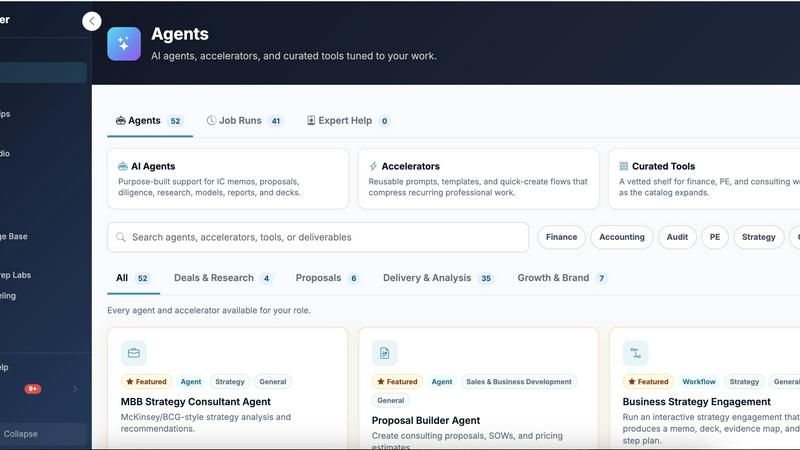
Decker is the all-in-one operating system and monetization platform that helps consultants build, learn, belong, and earn from their deliverables.

Receptri
Receptri is your AI receptionist that answers calls and chats 24/7, learning your business to enhance customer engagement effortlessly.

LLM Reference
LLM Reference helps you quickly find and compare the best LLM models and providers for your shipping needs, keeping you updated weekly.
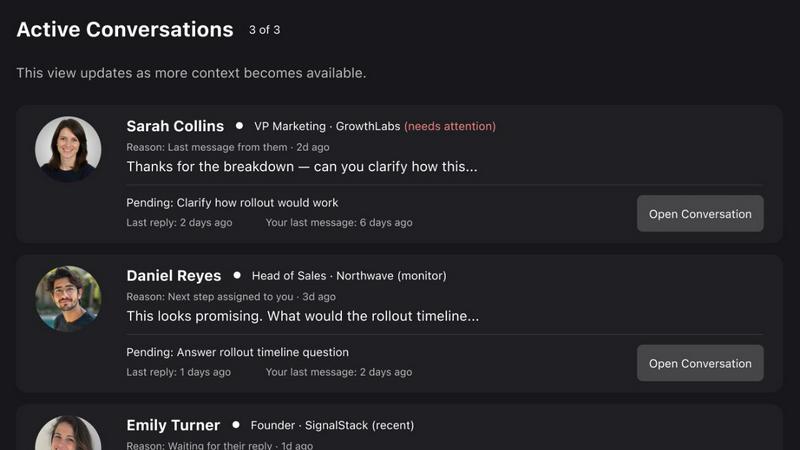
Commenter AI
Commenter AI ranks your LinkedIn DMs so you know which sales conversations need your attention today.
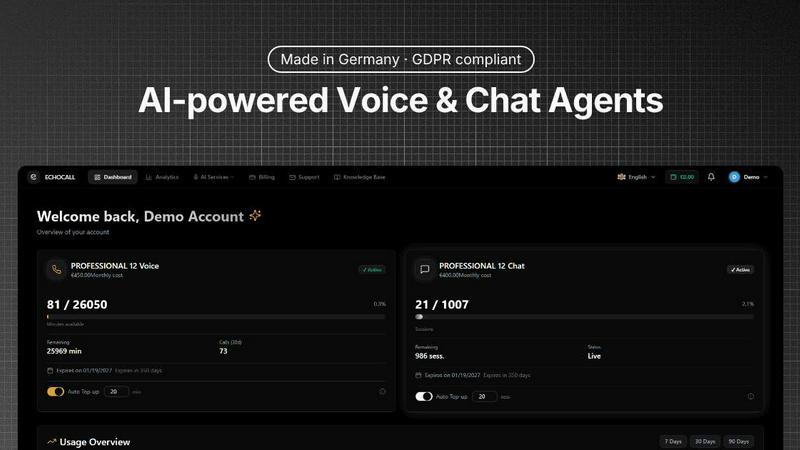
EchoCall
EchoCall is the all-in-one AI platform for voice, chat, and automation that qualifies leads, books appointments, and provides GDPR-compliant global.
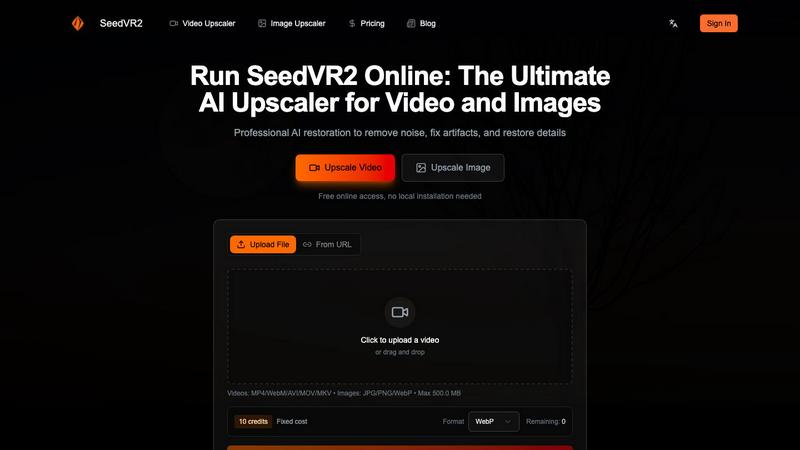
SeedVR2
SeedVR2 is a powerful AI upscaler that enhances videos and images to stunning 4K or 8K quality, restoring details and removing artifacts effortlessly.