
ProcessBankStatement
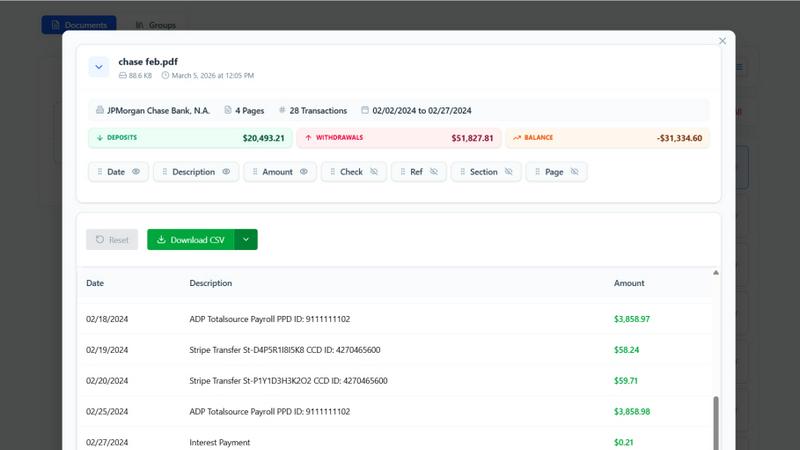
Convert your PDF bank statements to clean CSVs in seconds with ProcessBankStatement—fast, secure, and hassle-free data extraction.
About ProcessBankStatement
ProcessBankStatement is an innovative tool designed to transform the way individuals and businesses handle their financial data. It simplifies the tedious task of manual data entry by allowing users to upload any PDF bank statement and instantly receive a downloadable CSV file. This service is perfect for accountants, small business owners, financial consultants, and anyone who needs a quick and efficient way to manage bank statements. With support for major U.S. banks such as Chase, Bank of America, and Wells Fargo, the tool ensures comprehensive compatibility. Security is a top priority; all data is encrypted, and users maintain full control over their files, with the option to delete them at any time. ProcessBankStatement is not just a time-saver; it empowers users to focus on analysis rather than data entry, making financial management seamless and hassle-free.
Features of ProcessBankStatement
Fast & Effortless Data Conversion
With ProcessBankStatement, users can upload their PDF bank statements and receive clean, structured CSV data in seconds. There is no complicated setup or time-consuming processes involved. The streamlined workflow allows users to focus on what matters most instead of getting bogged down with manual entries.
Enhanced Security & Privacy
Data security is a key feature of ProcessBankStatement. All uploaded files are encrypted during transit, ensuring that sensitive financial information remains safe from prying eyes. Users can also delete their files at any time, maintaining total control over their data and privacy.
Smart Data Extraction
The intelligent parsing engine of ProcessBankStatement is designed to accurately detect transactions and clean up formatting. This feature guarantees that the extracted data is structured and ready for immediate use in popular software like QuickBooks and Excel, making it easy to integrate into existing workflows.
Flexible Upload Options
ProcessBankStatement supports a variety of PDF file types, including multi-page and scanned documents. Users can easily upload their bank statements without needing to worry about special formatting, making the process as simple as drag and drop.
Use Cases of ProcessBankStatement
Streamlined Bookkeeping
For accountants and bookkeepers, ProcessBankStatement offers a way to streamline the bookkeeping process. By converting multiple bank statements into structured CSV files, professionals can save significant time and reduce errors associated with manual data entry.
Efficient Financial Analysis
Financial analysts can leverage the power of ProcessBankStatement to quickly convert bank statements into usable data formats. This allows for rapid analysis, enabling them to derive insights and make informed decisions without the hassle of sorting through unstructured data.
Simplified Client Onboarding
Financial consultants can integrate ProcessBankStatement into their client onboarding process. Clients can easily upload their bank statements, and consultants receive immediate access to structured data, enhancing efficiency and improving service delivery.
Hassle-Free Tax Preparation
During tax season, individuals and small business owners can use ProcessBankStatement to convert their bank statements into clean CSV files. This simplifies the tax preparation process, making it easier to gather necessary financial information and reducing the stress of meeting tax deadlines.
Frequently Asked Questions
What file types are supported?
Currently, ProcessBankStatement supports PDF bank statements, which can be either text-based or scanned. This flexibility ensures that users can work with a wide variety of document types.
Can I upload scanned images or photos?
Yes! ProcessBankStatement fully supports scanned PDFs and image-based statements, allowing users to convert various formats without any issues.
Is there a free trial available?
Absolutely! Guests can process 3 pages per day for free, while registered users enjoy 5 pages per day without charge, making it easy to test the tool's capabilities before committing.
Is my data secure with ProcessBankStatement?
Yes, the security of your data is paramount. All files are encrypted during transmission, and users have complete control over their data, including the ability to delete files at any time for added peace of mind.
Explore more in this category:
Top Alternatives to ProcessBankStatement
Decker
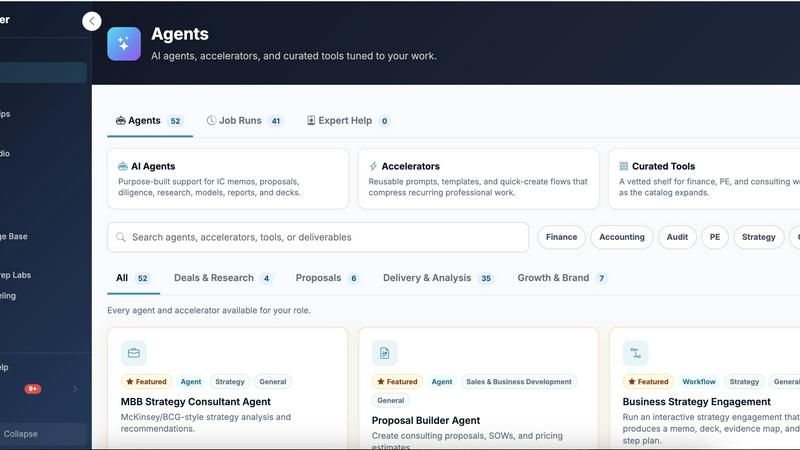
Decker is the all-in-one operating system and monetization platform that helps consultants build, learn, belong, and earn from their deliverables.

Liners Africa
Discover, compare, and review over 1,500 African software products with insights from human researchers and AI for smarter choices.
Fake Mayo
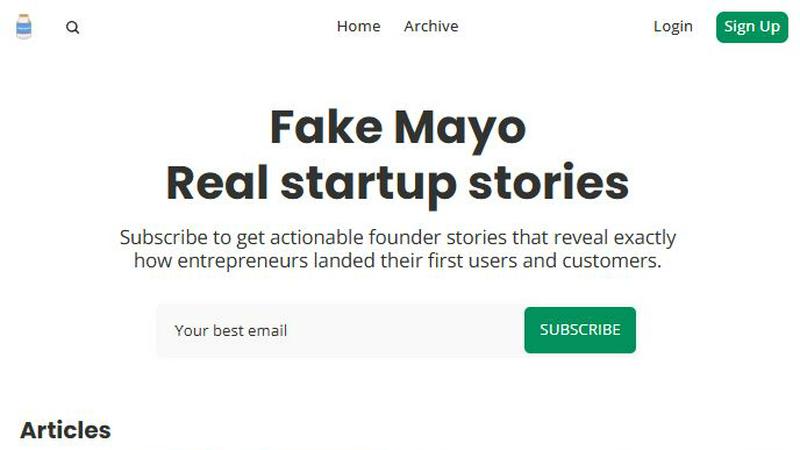
Fake Mayo delivers real startup stories with exact traction tactics, no fluff, just proven moves.

WhoFixedIt
WhoFixedIt is your ultimate logbook to track repairs and trusted service providers for your home or business, making maintenance a breeze.

VolRadar
VolRadar scans 500 stocks overnight to give you the best premium selling setups before the bell, so your morning research takes 30 seconds.
PopPay
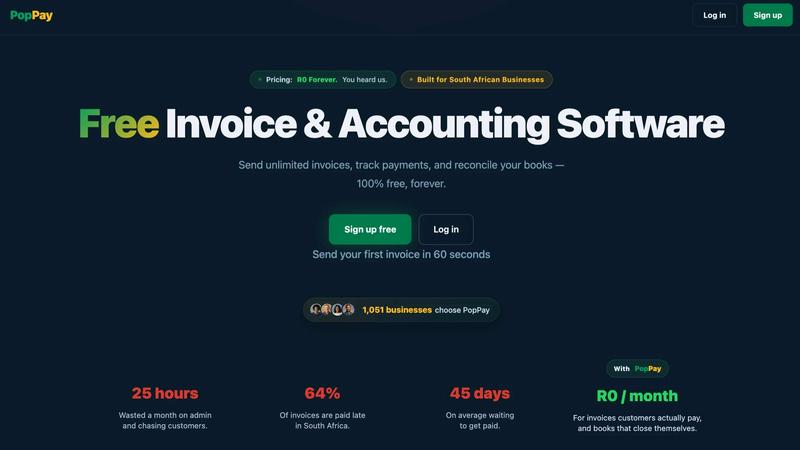
PopPay brings free, end-to-end AI business management to your fingertips with launch-day energy and total control.
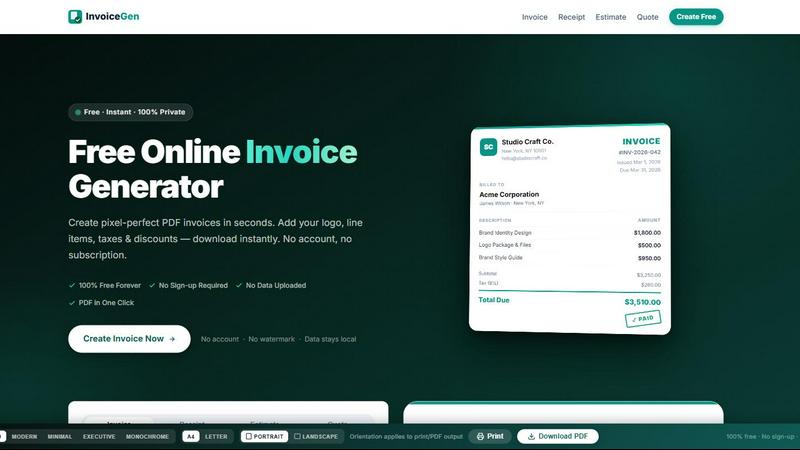
Online Invoice Generator
Create stunning PDF invoices instantly with zero sign-up, no data uploads, and 100% free forever.
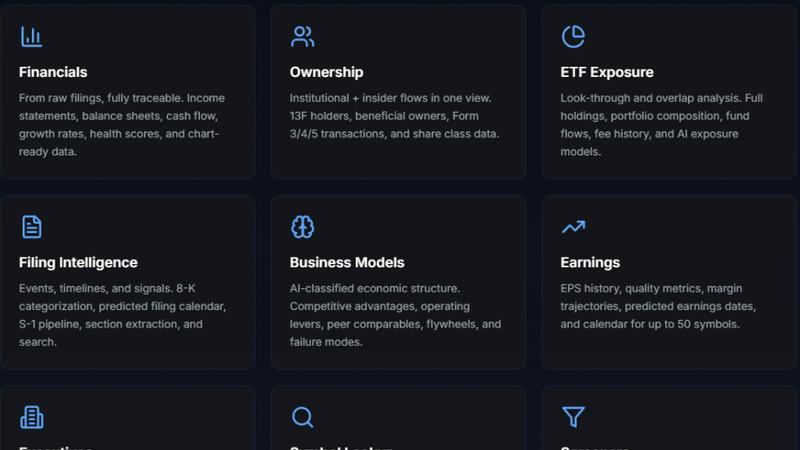
StockFit API
Unlock powerful financial modeling with StockFit API, delivering standardized data and sector-aware metrics for accurate valuation and backtesting.