
Trellis 2
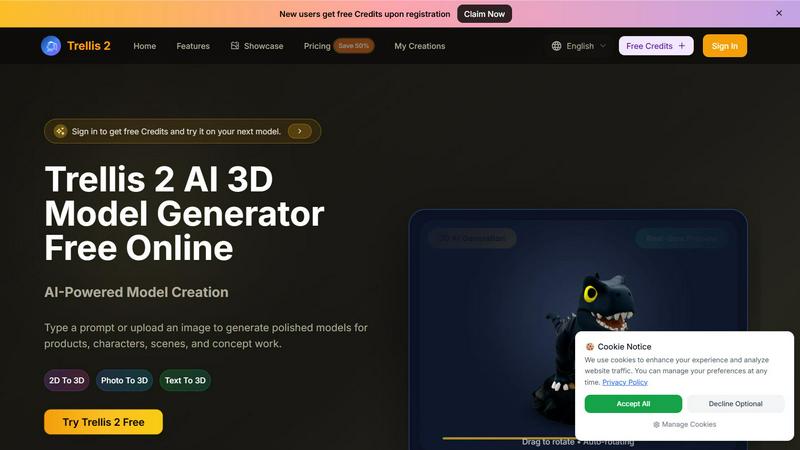
Transform your ideas into stunning 3D models with Trellis 2, the AI tool that converts text and images into polished designs effortlessly.
About Trellis 2
Trellis 2 is a cutting-edge AI 3D model generator that transforms text prompts and reference images into high-quality 3D assets. Designed for designers, game developers, creators, and indie makers, Trellis 2 streamlines the prototyping process, allowing users to create and export 3D models with remarkable speed and efficiency. The platform supports both text-to-3D and image-to-3D workflows, enabling users to generate polished models for products, characters, scenes, and conceptual work effortlessly. New users can enjoy free credits upon registration, making it easy to dive right into the world of 3D creation. With its interactive real-time preview feature and various export options, Trellis 2 empowers teams to iterate quickly and bring their visual ideas to life without lengthy production cycles. Whether you are crafting a game asset, designing a product, or creating stunning visuals for a project, Trellis 2 is the ultimate tool to elevate your creative process.
Features of Trellis 2
AI-Powered Model Creation
Trellis 2 harnesses the power of artificial intelligence to turn simple text prompts or uploaded images into sophisticated 3D models. This feature allows users to generate assets for various applications, from product designs to character models, with impressive accuracy and speed.
Real-Time Preview
With the real-time preview functionality, users can rotate and inspect their 3D models instantly. This feature enhances the review process, making it easier to assess designs for e-commerce, presentations, and client approvals without exporting files repeatedly.
Image-to-3D Conversion
This feature enables users to start from a single reference image and transform it into a usable 3D model. Ideal for product mockups or architectural concepts, this process ensures consistent styles and high-resolution exports that meet professional standards.
Style Gallery
Trellis 2 includes a style gallery that allows users to select a visual direction before generating their models. This ensures that the final output aligns with the desired aesthetic, whether it’s a clean product render or a stylized artistic concept.
Use Cases of Trellis 2
Game Asset Development
Game developers can utilize Trellis 2 to create character models and environments quickly. By inputting creative prompts or reference images, teams can iterate on designs, ensuring they fit the narrative and gameplay mechanics seamlessly.
Product Design and Prototyping
Designers can leverage Trellis 2 to produce high-quality product visuals for mockups and presentations. The ability to generate models from both text and images allows for rapid prototyping, helping teams visualize their concepts effectively.
Architectural Visualization
Architects can use Trellis 2 to create 3D representations of their designs from plans or reference images. This aids in communicating ideas to clients and stakeholders, providing a more tangible understanding of the proposed structures.
Marketing and Advertising
Marketers can generate eye-catching 3D visuals for campaigns, social media, and promotional materials. The platform's quick turnaround time ensures that marketing teams can keep up with fast-paced project demands and stay ahead of trends.
Frequently Asked Questions
What formats does Trellis 2 support for image uploads?
Trellis 2 supports JPG, PNG, and WEBP formats for image uploads, with a maximum file size of 5MB. This flexibility allows users to work with various image types seamlessly.
How can I start using Trellis 2?
To begin using Trellis 2, simply register for an account on the website. New users are granted free credits, allowing them to explore the platform's capabilities without any initial investment.
Is there a limit to how many models I can generate?
While Trellis 2 offers free credits for new users, there may be limits based on the credit system. Users can check their account for details on remaining credits and usage limits.
Can I export the 3D models I create?
Yes, Trellis 2 allows users to export their generated 3D models in various formats suitable for design reviews, e-commerce, and content pipelines, making it easy to integrate into existing workflows.
Top Alternatives to Trellis 2
Visfeng
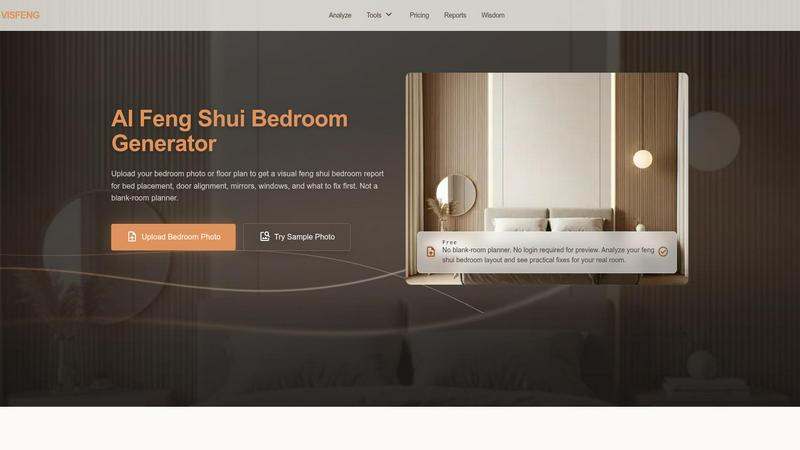
AI-powered feng shui bedroom analysis with visual reports
ShotLab
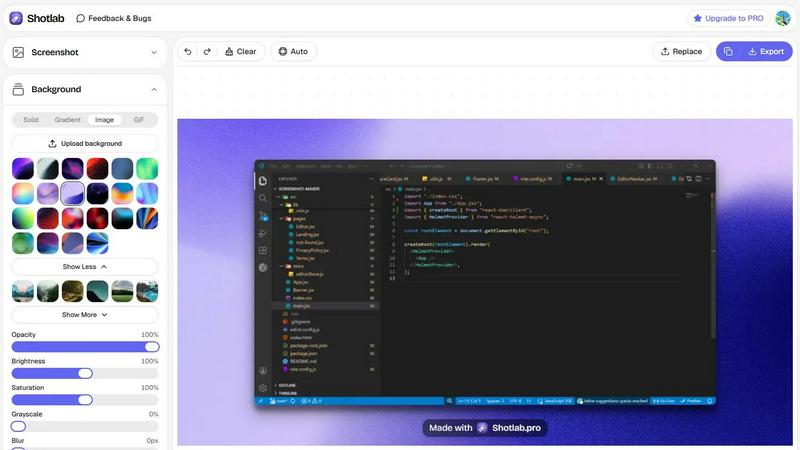
Turn boring screenshots into scroll-stopping content!
Receiptum
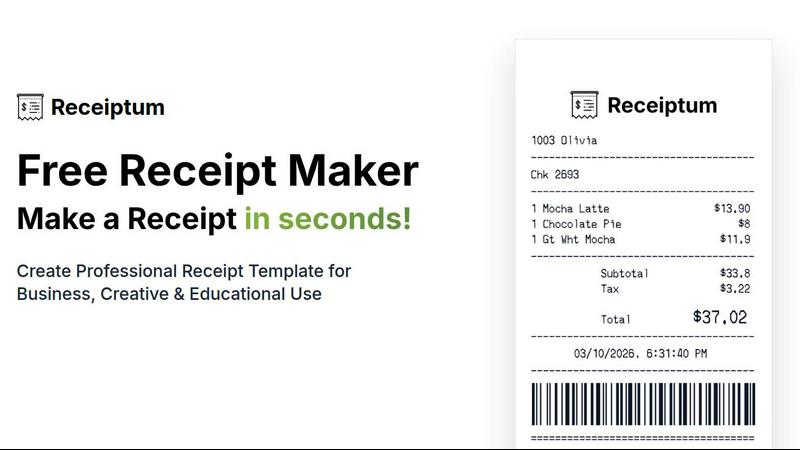
Receiptum lets you create professional, fully customizable receipts in seconds with zero design skills needed.
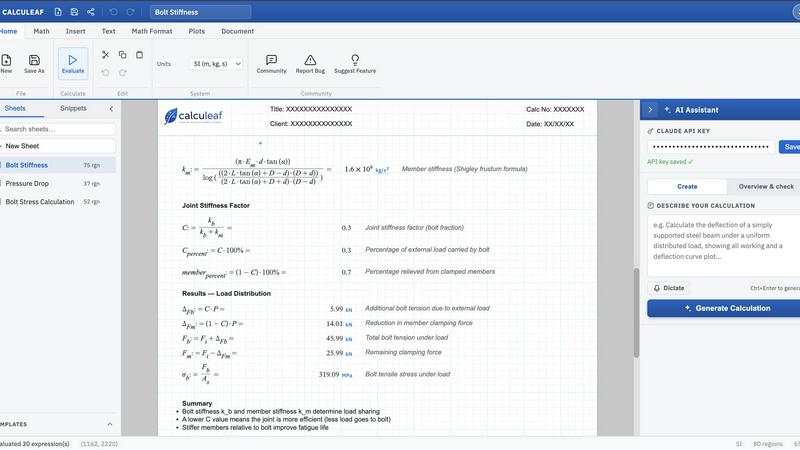
Calculeaf
Calculeaf is the next-generation web-based engineering worksheet for unit-aware math, notes, plots, and reusable calculations.
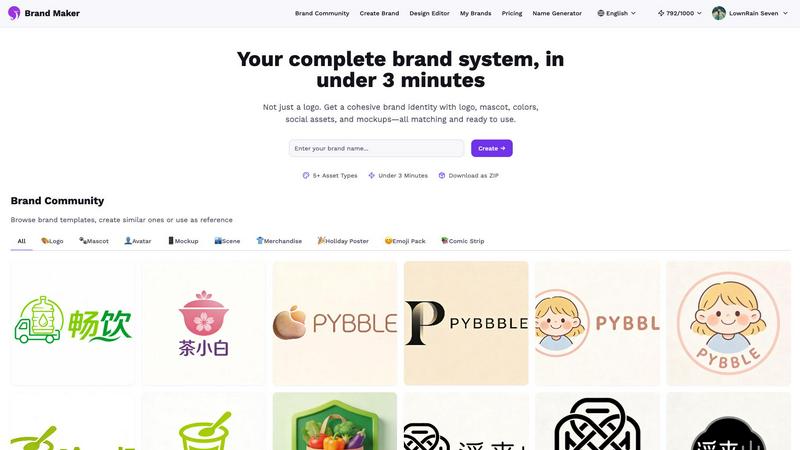
BrandMaker
BrandMaker delivers a complete brand identity system in under 3 minutes, providing logos, mascots, colors, and more for instant brand cohesion.
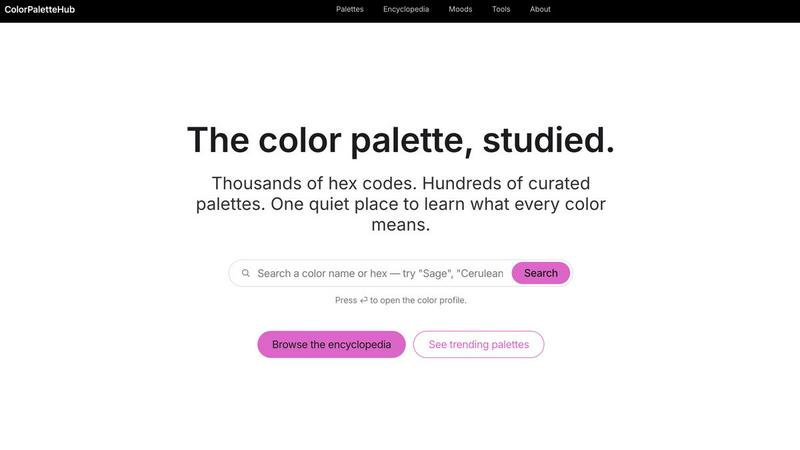
ColorPaletteHub
ColorPaletteHub is your quiet encyclopedia of thousands of curated hex codes and design tools to explore every color's meaning.
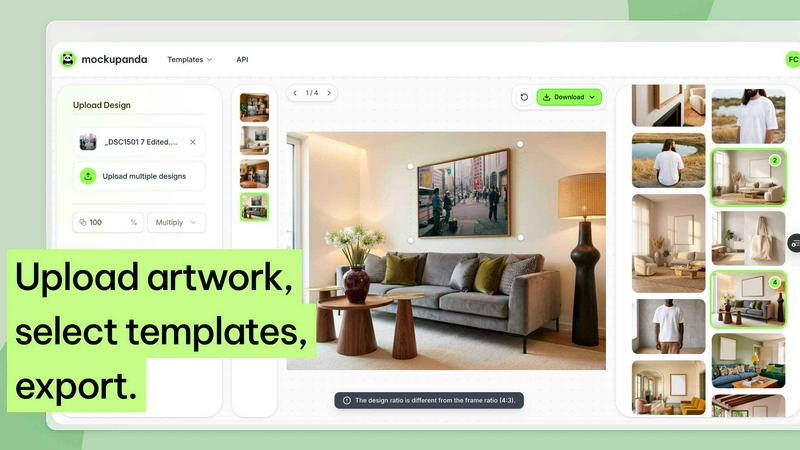
Mockupanda
Mockupanda lets you upload one print design and instantly generate unlimited professional mockups to boost your Etsy and POD sales.
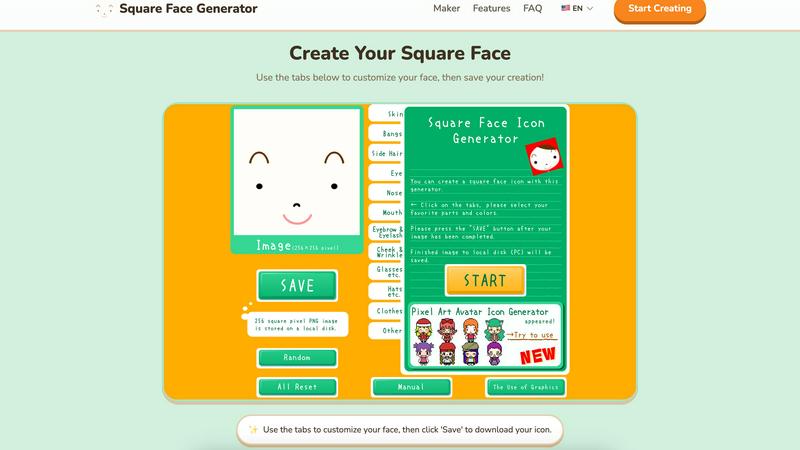
Square Face Generator
Create custom square face icons and pixel avatars instantly with this free, no-signup tool for social media, games, and creative projects.