
AI Image Maker vs Seedream Pro

AI Image Maker
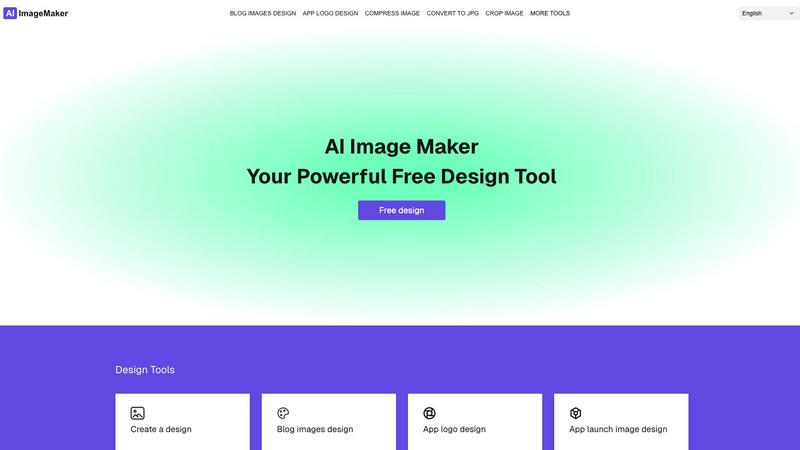
Create stunning images effortlessly with our all-in-one AI Image Maker, featuring 20+ powerful design tools.
Last updated: February 28, 2026

Seedream Pro
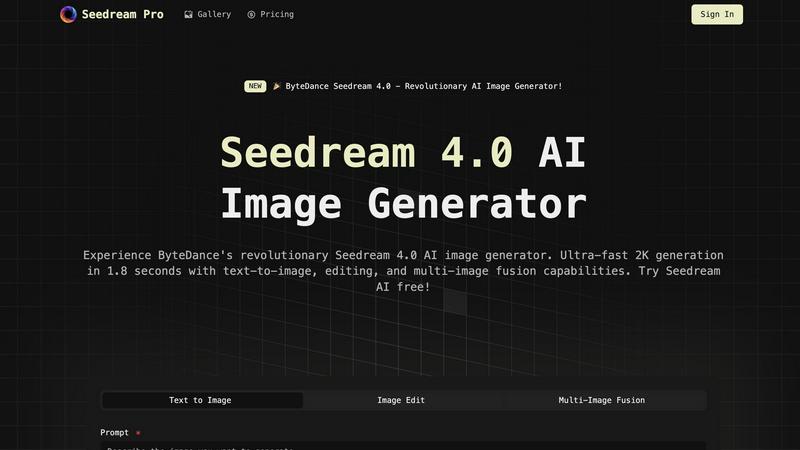
Unleash your creativity with Seedream Pro, the ultra-fast AI image generator from.
Last updated: February 27, 2026
Visual Comparison
AI Image Maker
Seedream Pro
Feature Comparison
AI Image Maker
Design Canvas
The built-in design canvas allows users to create stunning blog covers, app icons, and store screenshots with ease. The canvas is user-friendly and provides a seamless experience for both beginners and advanced users alike, ensuring that you can focus on your creativity without technical hurdles.
Image Compression
Optimizing your images has never been easier. AI Image Maker's image compression feature reduces file sizes significantly without sacrificing quality, allowing you to maintain high visual fidelity while improving load times for websites or applications.
Background Removal
Say goodbye to tedious manual editing. The background removal feature utilizes advanced AI algorithms to automatically remove backgrounds from images with a single click, making it incredibly efficient for users who require clean and professional-looking visuals quickly.
QR Code Generator
Create customizable QR codes for your projects effortlessly. Whether you need a QR code for a link, text, or any other purpose, this feature simplifies the process, allowing you to add interactive elements to your designs without needing additional tools.
Seedream Pro
Ultra-Fast 2K Image Generation
Seedream Pro excels in rapid image creation, generating high-resolution 2K images in just 1.8 seconds. This speed allows users to bring their creative visions to life almost instantaneously, making it ideal for time-sensitive projects.
Multi-Image Fusion
With the multi-image fusion feature, users can combine multiple images into a cohesive visual masterpiece. This functionality is perfect for creating complex scenes, enhancing storytelling, and producing eye-catching graphics that stand out.
Professional Image Editing Tools
Seedream Pro comes equipped with a comprehensive set of editing tools that enable users to refine and customize their images. From basic adjustments to intricate manipulations, these tools enhance the overall quality and appeal of the generated visuals.
Diverse Prompt Capabilities
The platform allows users to enter a wide range of prompts, from simple keywords to detailed descriptions. This flexibility ensures that whether you're looking for fantasy art or educational graphics, Seedream Pro can generate content that meets your specific requirements.
Use Cases
AI Image Maker
Creating Marketing Materials
Marketers can leverage AI Image Maker to develop promotional materials like social media graphics, posters, and flyers. The intuitive features enable quick iterations, ensuring that your marketing campaigns are visually appealing and on-brand.
Designing App Store Assets
App developers can efficiently design app icons and store screenshots that stand out in competitive marketplaces. With the design canvas and format conversion tools, creating eye-catching assets becomes a straightforward process.
Streamlining Content Creation
Content creators can use AI Image Maker to produce engaging visuals for blogs and websites. The platform's ability to compress images without losing quality ensures that your content loads quickly and maintains a professional appearance.
Converting Video Clips
Transforming video clips into GIFs is a breeze with AI Image Maker. This feature is perfect for social media managers looking to create shareable content that captures attention and engages audiences with dynamic visuals.
Seedream Pro
E-Commerce Product Images
Businesses can leverage Seedream Pro to create high-quality product showcase images. The ultra-fast generation speeds enable the creation of multiple lifestyle shots and marketing materials, making products more attractive and engaging to potential customers.
Education & Training Materials
Educators can use Seedream Pro to develop visually appealing courseware and training materials. By generating illustrations and infographics quickly, teachers can enhance student engagement and improve learning outcomes.
Corporate Branding and Promotion
Companies can utilize Seedream Pro to produce professional visual elements for their branding needs. Whether it's for corporate websites, brochures, or presentations, the platform helps create a polished and cohesive corporate image.
Personal Projects and Social Media
Individuals can explore their creativity with Seedream Pro by generating unique visuals for personal blogs, photo albums, or social media profiles. The ability to create multiple variations of images in seconds allows users to showcase their personal style effortlessly.
Overview
About AI Image Maker
AI Image Maker is a cutting-edge online image editor and design platform that empowers users to bring their creative visions to life effortlessly. Whether you are a designer crafting stunning posters, a marketer developing eye-catching blog covers, or a content creator needing attractive app icons, AI Image Maker provides the tools you need—all for free and without registration. Its powerful features include image compression, resizing, cropping, format conversion (supporting JPG, PNG, WEBP, GIF, and PDF), background removal using AI technology, and the ability to generate QR codes. Additionally, users can slice images for social media and convert videos into GIFs with just a few clicks. This platform is perfect for indie developers, solo founders, and anyone looking to create high-quality visuals quickly and efficiently. With AI Image Maker, you will streamline your design process and elevate your creative projects effortlessly.
About Seedream Pro
Seedream Pro is the latest innovation from ByteDance, designed to revolutionize the way creatives generate and manipulate images. This advanced AI image generator boasts ultra-fast 2K generation capabilities, delivering stunning visuals in just 1.8 seconds. Whether you are a graphic designer, content creator, educator, or business professional, Seedream Pro offers a suite of powerful features that cater to diverse needs. With its sophisticated text-to-image functionality, multi-image fusion, and professional editing tools, Seedream Pro empowers users to create visually captivating content effortlessly. The platform is perfect for anyone looking to enhance their creative workflow, making it an invaluable tool for industries such as e-commerce, education, corporate promotion, and personal projects. Experience the future of image generation with Seedream Pro, where creativity meets cutting-edge technology.
Frequently Asked Questions
AI Image Maker FAQ
Can I use this commercially?
Yes, AI Image Maker allows for both personal and commercial use. You can freely utilize your creations in your projects without any recurring fees or limitations.
Do I need design skills?
Not at all! AI Image Maker is designed for users of all skill levels. Its intuitive interface and built-in templates make it easy for anyone to create stunning visuals, regardless of their design background.
Can I customize the template?
Absolutely! The AI Image Maker template is fully customizable. You can tweak design elements, add your branding, and modify features to fit your specific needs or preferences.
What image tools are included?
AI Image Maker includes over 20 image tools, such as background removal, image compression, format conversion, and design canvas, among others, providing a comprehensive suite for all your image editing needs.
Seedream Pro FAQ
What makes Seedream Pro different from other image generators?
Seedream Pro stands out due to its ultra-fast 2K image generation capabilities and advanced features like multi-image fusion and professional editing tools. These features provide users with a comprehensive and efficient image creation experience.
Can I use Seedream Pro for commercial purposes?
Yes, Seedream Pro is designed for a range of users, including businesses and professionals who wish to use the generated images for commercial projects, marketing materials, and promotional content.
Is there a limit to the number of images I can generate?
Seedream Pro allows for the generation of multiple images simultaneously, providing users with the flexibility to create various versions of visuals quickly. However, specific limits may depend on the subscription plan chosen.
How do I get started with Seedream Pro?
Getting started with Seedream Pro is easy. Simply sign up for an account on the Seedream website, and you can begin exploring the AI image generation features. New users can also try the platform for free to experience its capabilities firsthand.
Alternatives
AI Image Maker Alternatives
AI Image Maker is a dynamic and user-friendly online design tool that allows users to create stunning visuals such as posters, blog covers, and app icons without any hassle. As a free image editor, it empowers designers, marketers, and content creators to easily manipulate images through a variety of features including resizing, background removal, and GIF creation. This platform falls under the category of design tools, providing an accessible solution for anyone looking to enhance their visual content. Users often seek alternatives to AI Image Maker due to various reasons, including specific feature requirements, pricing models, or platform compatibility. Sometimes, users may be looking for tools that offer more advanced capabilities or cater to unique workflows. When choosing an alternative, it's essential to consider factors like ease of use, range of features, customer support, and whether it aligns with your specific design needs and project goals.
Seedream Pro Alternatives
Seedream Pro is an innovative AI image generator developed by ByteDance, designed to help users create stunning visuals with remarkable speed and professional quality. As part of the design tools and image generation category, Seedream Pro offers advanced features like ultra-fast 2K generation and sophisticated editing tools, appealing to creatives and professionals alike. However, users often seek alternatives for various reasons. Some may find pricing structures more appealing elsewhere, while others might need specific features or platform compatibility that better aligns with their unique workflows. When exploring alternatives, it's essential to consider factors such as usability, feature sets, and integration capabilities to ensure the new tool meets your creative needs and enhances your productivity.