
AI Image Maker
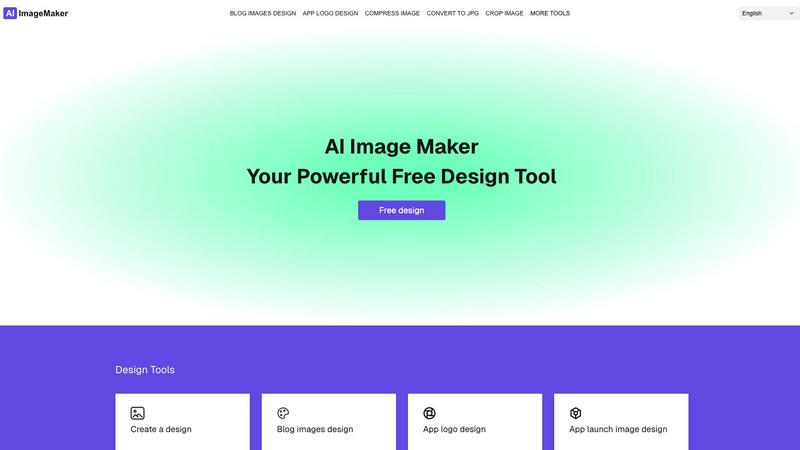
Create stunning images effortlessly with our all-in-one AI Image Maker, featuring 20+ powerful design tools.
About AI Image Maker
AI Image Maker is a cutting-edge online image editor and design platform that empowers users to bring their creative visions to life effortlessly. Whether you are a designer crafting stunning posters, a marketer developing eye-catching blog covers, or a content creator needing attractive app icons, AI Image Maker provides the tools you need—all for free and without registration. Its powerful features include image compression, resizing, cropping, format conversion (supporting JPG, PNG, WEBP, GIF, and PDF), background removal using AI technology, and the ability to generate QR codes. Additionally, users can slice images for social media and convert videos into GIFs with just a few clicks. This platform is perfect for indie developers, solo founders, and anyone looking to create high-quality visuals quickly and efficiently. With AI Image Maker, you will streamline your design process and elevate your creative projects effortlessly.
Features of AI Image Maker
Design Canvas
The built-in design canvas allows users to create stunning blog covers, app icons, and store screenshots with ease. The canvas is user-friendly and provides a seamless experience for both beginners and advanced users alike, ensuring that you can focus on your creativity without technical hurdles.
Image Compression
Optimizing your images has never been easier. AI Image Maker's image compression feature reduces file sizes significantly without sacrificing quality, allowing you to maintain high visual fidelity while improving load times for websites or applications.
Background Removal
Say goodbye to tedious manual editing. The background removal feature utilizes advanced AI algorithms to automatically remove backgrounds from images with a single click, making it incredibly efficient for users who require clean and professional-looking visuals quickly.
QR Code Generator
Create customizable QR codes for your projects effortlessly. Whether you need a QR code for a link, text, or any other purpose, this feature simplifies the process, allowing you to add interactive elements to your designs without needing additional tools.
Use Cases of AI Image Maker
Creating Marketing Materials
Marketers can leverage AI Image Maker to develop promotional materials like social media graphics, posters, and flyers. The intuitive features enable quick iterations, ensuring that your marketing campaigns are visually appealing and on-brand.
Designing App Store Assets
App developers can efficiently design app icons and store screenshots that stand out in competitive marketplaces. With the design canvas and format conversion tools, creating eye-catching assets becomes a straightforward process.
Streamlining Content Creation
Content creators can use AI Image Maker to produce engaging visuals for blogs and websites. The platform's ability to compress images without losing quality ensures that your content loads quickly and maintains a professional appearance.
Converting Video Clips
Transforming video clips into GIFs is a breeze with AI Image Maker. This feature is perfect for social media managers looking to create shareable content that captures attention and engages audiences with dynamic visuals.
Frequently Asked Questions
Can I use this commercially?
Yes, AI Image Maker allows for both personal and commercial use. You can freely utilize your creations in your projects without any recurring fees or limitations.
Do I need design skills?
Not at all! AI Image Maker is designed for users of all skill levels. Its intuitive interface and built-in templates make it easy for anyone to create stunning visuals, regardless of their design background.
Can I customize the template?
Absolutely! The AI Image Maker template is fully customizable. You can tweak design elements, add your branding, and modify features to fit your specific needs or preferences.
What image tools are included?
AI Image Maker includes over 20 image tools, such as background removal, image compression, format conversion, and design canvas, among others, providing a comprehensive suite for all your image editing needs.
Top Alternatives to AI Image Maker
Pet Stamped
Create personalized pet certificates online for every occasion, available for instant download and always free, because every pet deserves an award.
PythonStarter
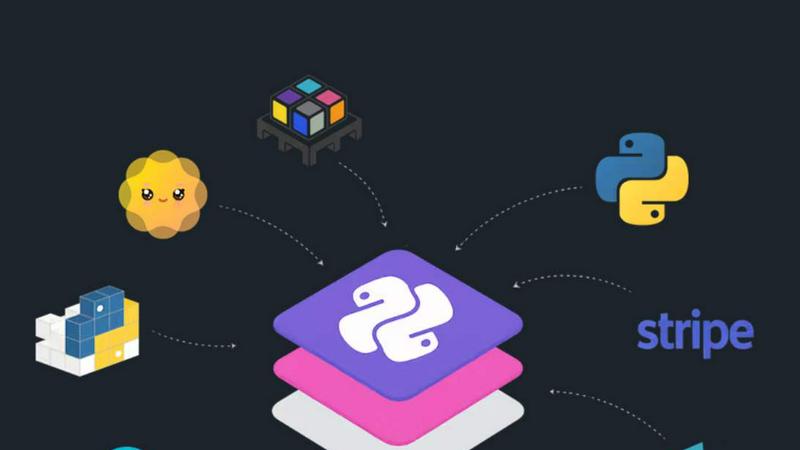
Launch your SaaS in record time with PythonStarter, a production-ready Flask kit that streamlines authentication, payments, and deployment.
DiggaByte Labs
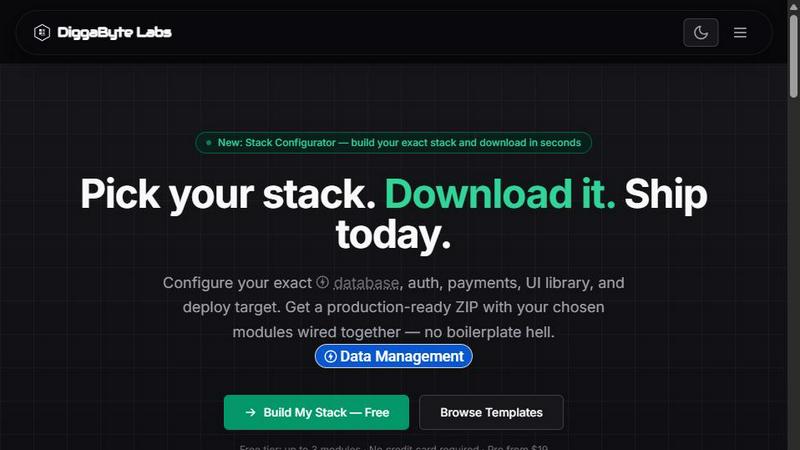
DiggaByte Labs lets you effortlessly configure and download production-ready SaaS templates in minutes, streamlining your development process.
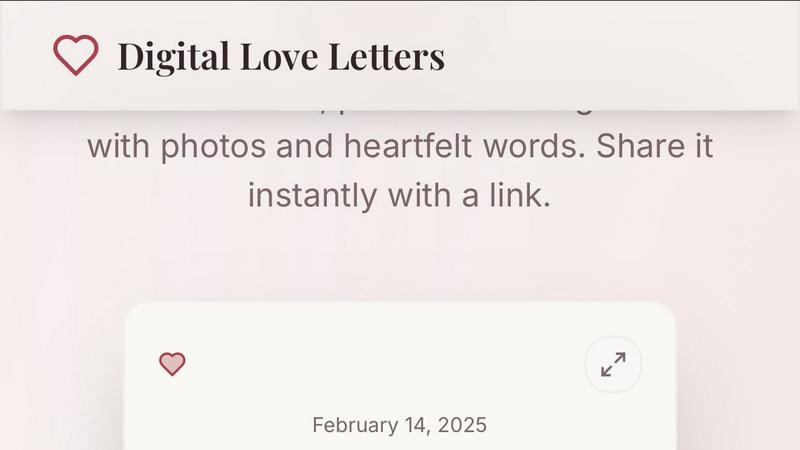
Digital Love Letters
Create heartfelt digital love letters with photos to share instantly, making every occasion unforgettable and uniquely yours.
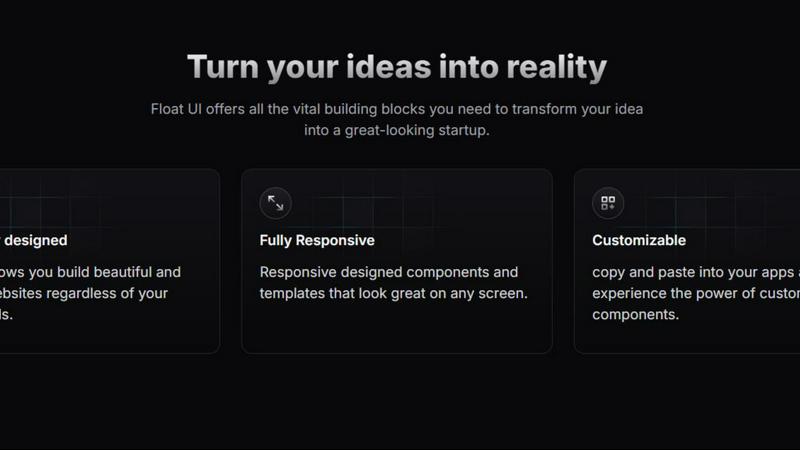
Float UI
Effortlessly create stunning, responsive websites with customizable Tailwind CSS.
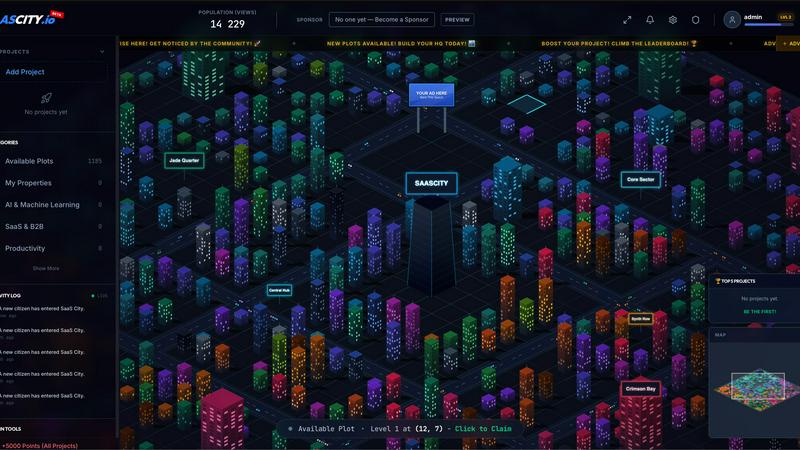
SaaSCity
SaaSCity turns your SaaS listing into a 3D building with a permanent, indexable page for free SEO and exposure.
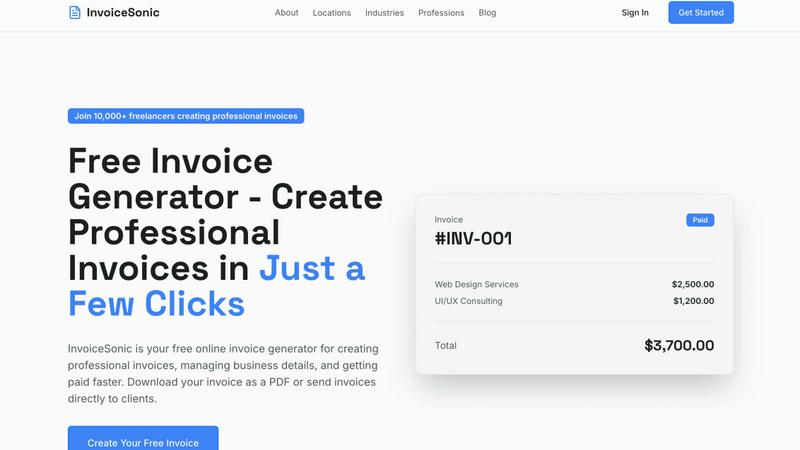
invoice Sonic
Create professional invoices instantly and for free with no signup required.
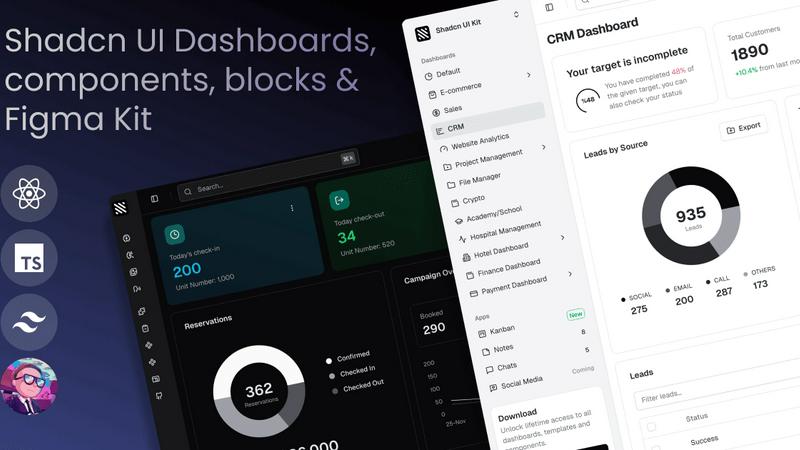
Shadcn UI Kit
Accelerate your web projects with Shadcn UI Kit's ready-to-use admin dashboards, components, and templates for React.