
AI Manga Translator vs EditPhoto AI

AI Manga Translator
AI Manga Translator

Visual Comparison
AI Manga Translator
EditPhoto AI
Overview
About AI Manga Translator
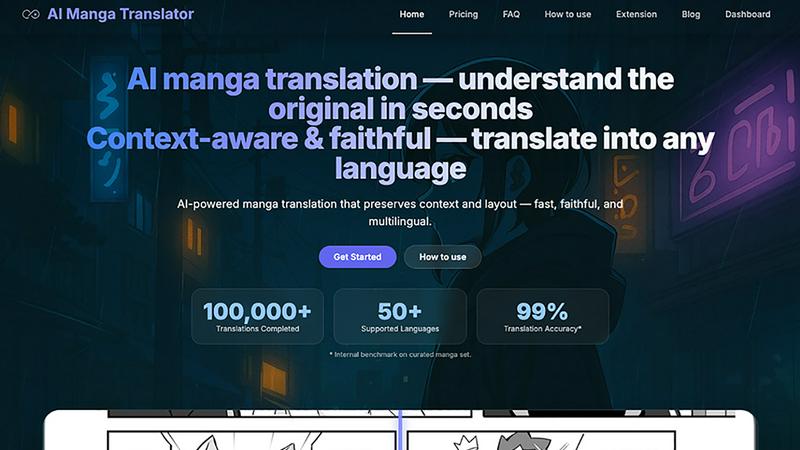
AI Manga Translation is a browser-based OCR + translation tool built specifically for manga and doujin. It accurately recognizes vertical and horizontal text, handles line breaks and ruby/furigana, and translates into multiple languages. For production speed, it supports true batch processing of whole chapters/books and performs layout-preserving auto-typesetting so pages keep their original look with minimal manual editing. A review screen lets you proof and tweak results before export. Works on any OS and modern browser, supports high-resolution images and common manga page sizes, and is friendly for both solo scanlators and teams. Freemium model with a free tier and optional Pro features. We respect copyright and process your files only for your tasks.
About EditPhoto AI
EditPhoto AI
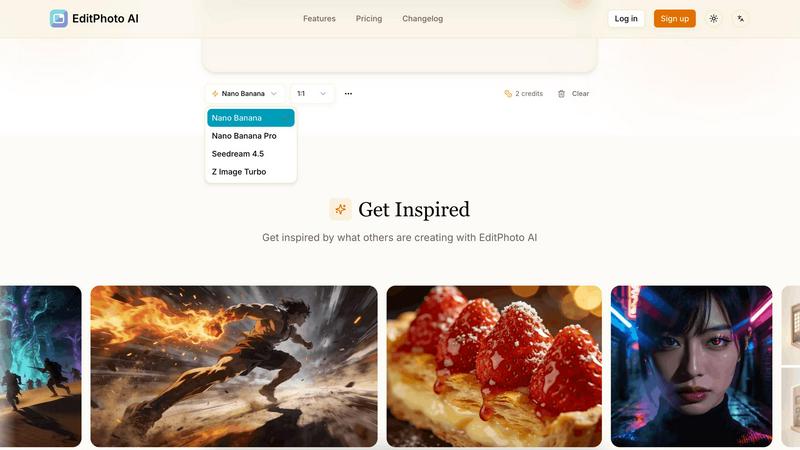
EditPhoto AI is a free, browser-based AI image editor that transforms photo editing into a prompt-driven workflow. Upload images (JPG/PNG/WebP), describe edits in natural language, and the service applies high-quality model-based operations like background removal, object removal, portrait retouching, upscaling to 4K, outpainting, and style transfers.
Key features:
- Text-to-edit: Use simple text prompts to perform edits (e.g., "remove background", "enhance eyes", "change sky to sunset").
- Multiple AI models: Select models optimized for speed, consistency, or high-resolution output (Nano Banana, Nano Banana Pro, Seedream, Z Image Turbo).
- Multi-image reference: Upload up to 14 reference images to preserve style or combine elements across inputs.
- High-resolution output: Support for 1K/2K/4K generation and AI upscaling for professional use.
- Common photo workflows: Background removal, object erasing, portrait retouch, ID photo formatting, old photo restoration, virtual staging, food photography enhancements.
- Privacy-first processing: SSL, isolated processing environments, ephemeral storage and GDPR-aligned claims.
Target users and use cases:
- E-commerce and marketplaces: One-click product white background removal and batch-friendly edits for listings.
- Photographers and designers: Fast retouching, upscaling, and style transformations without complex software.