EditPhoto AI
Elevate your creativity with EditPhoto AI, the ultimate online photo editor powered by advanced AI tools and effects.
About EditPhoto AI
EditPhoto AI is an innovative, free, browser-based AI image editor that redefines the way users approach photo editing. By transforming traditional editing into a prompt-driven workflow, it empowers users to upload images in various formats such as JPG, PNG, and WebP. With the ability to describe desired edits in natural language, the platform efficiently applies high-quality model-based operations. Users can engage in complex tasks like background removal, object removal, portrait retouching, and upscaling images to 4K resolution. EditPhoto AI caters to a diverse audience including e-commerce professionals, photographers, and graphic designers, fundamentally enhancing productivity and creativity. Its emphasis on privacy-first processing ensures that user data remains secure while delivering high-quality results. The platform is ideal for anyone looking to streamline their photo editing experience without the need for complex software, making professional-grade edits accessible to all.
Features of EditPhoto AI
Text-to-edit
EditPhoto AI features a unique text-to-edit capability that allows users to perform edits using straightforward text prompts. For example, users can input commands like "remove background," "enhance eyes," or "change sky to sunset," and the AI will execute these tasks automatically, making photo editing intuitive and accessible.
Multiple AI models
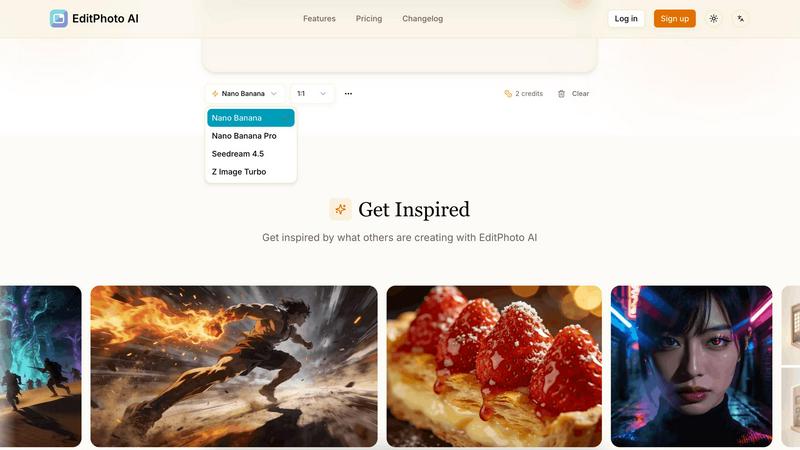
The platform offers access to multiple AI models, each optimized for specific needs, such as speed, consistency, or high-resolution output. Users can choose from models like Nano Banana, Nano Banana Pro, Seedream, and Z Image Turbo, ensuring they get the best performance based on their requirements.
Multi-image reference
With the ability to upload up to 14 reference images, EditPhoto AI allows users to maintain consistent styles or merge elements from various photos. This feature is especially useful for designers and photographers who want to create cohesive visuals or blend different artistic ideas seamlessly.
High-resolution output
EditPhoto AI supports high-resolution output options of 1K, 2K, and 4K, which is essential for professionals needing high-quality images for print or online use. Additionally, AI upscaling enhances image quality, ensuring that every detail is crisp and clear.
Use Cases of EditPhoto AI
E-commerce and marketplaces
EditPhoto AI is an invaluable tool for e-commerce businesses looking to enhance their product listings. With one-click background removal and batch-friendly editing capabilities, users can quickly prepare images that attract more customers and improve sales.
Photographers and designers
For photographers and designers, EditPhoto AI streamlines the retouching process, allowing for fast edits, upscaling, and style transformations. The platform eliminates the need for complicated software, saving time and making it easier to focus on creativity.
Social media content creation
Content creators can leverage EditPhoto AI to produce stunning visuals for social media platforms. Whether it’s enhancing images with artistic filters, creating engaging posts, or preparing high-quality graphics for campaigns, this tool offers a quick and effective solution.
Old photo restoration
EditPhoto AI is perfect for restoring old or damaged photographs. Users can revive cherished memories by enhancing and repairing images, making them suitable for display or sharing with family and friends, thus preserving history with modern technology.
Frequently Asked Questions
How do I use EditPhoto AI?
To use EditPhoto AI, simply upload your image in a supported format, describe the edits you want in plain language, and let the AI process your request. The results will be generated quickly, allowing you to download or further edit your image.
Is EditPhoto AI free to use?
Yes, EditPhoto AI is completely free to use. Users can access a range of powerful editing tools without any subscription fees, making it an ideal choice for anyone looking to enhance their images without incurring costs.
What file formats does EditPhoto AI support?
EditPhoto AI supports various file formats, including JPG, PNG, and WebP. This ensures that users can upload their images in the format that best fits their needs.
Is my data safe when using EditPhoto AI?
EditPhoto AI prioritizes user privacy and data security. The platform employs SSL encryption, isolated processing environments, and ephemeral storage, ensuring that your data is handled securely and in compliance with GDPR regulations.
Explore more in this category:
Top Alternatives to EditPhoto AI
FlipFlow
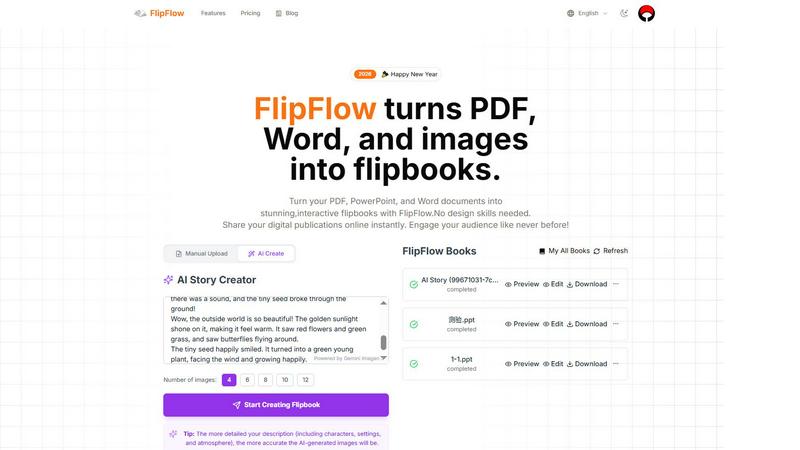
FlipFlow instantly converts your PDFs, Word docs, and images into stunning, interactive flipbooks with AI, no design skills needed.
SciFig
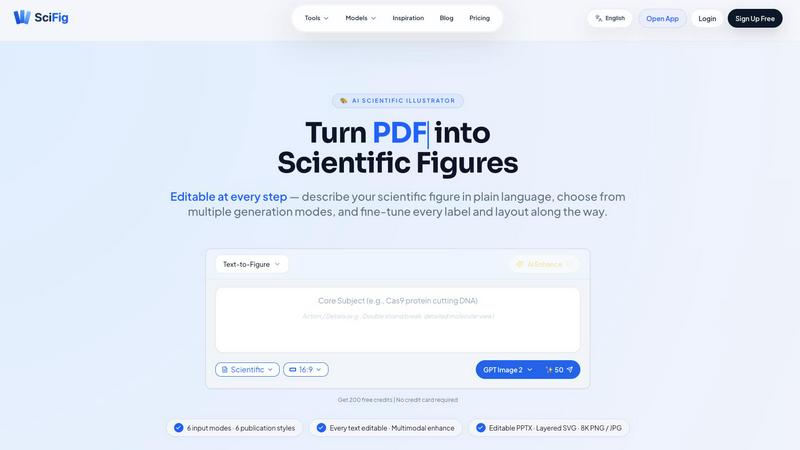
SciFig turns text, sketches, PDFs, or photos into editable, publication-ready scientific figures with AI.
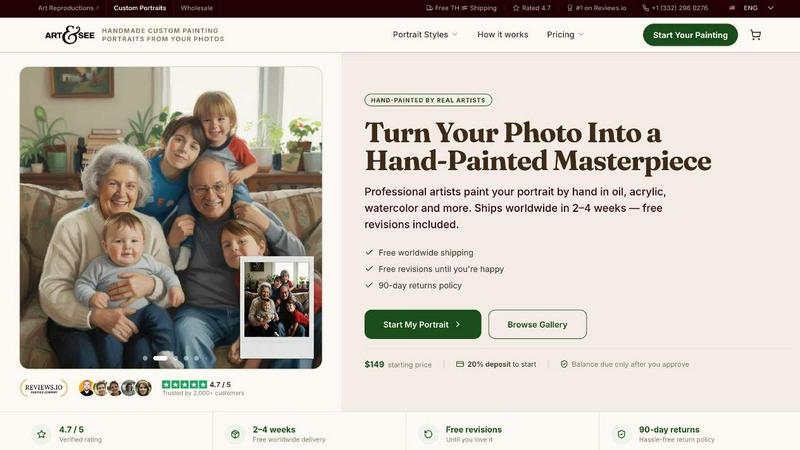
Art & See Custom Oil Painting Portraits
Transform your cherished memories into stunning custom oil painting portraits crafted by master artists, with free shipping included.
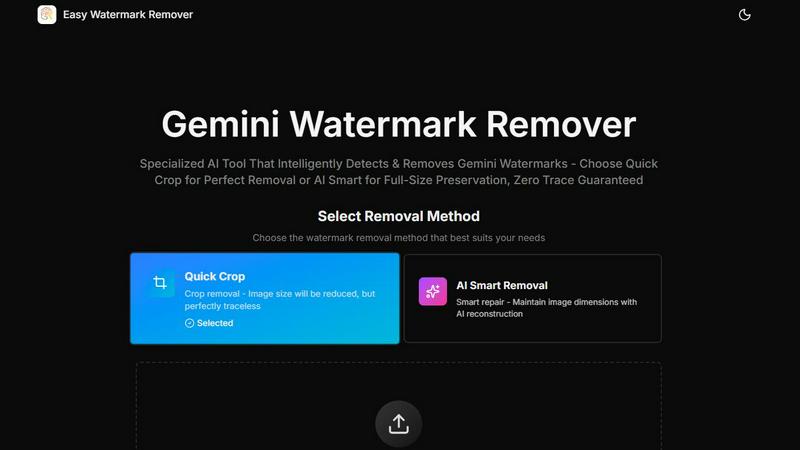
Easy Watermark Remover
Remove Google Gemini AI watermarks and SynthID instantly with AI smart removal or crop, no signup needed.
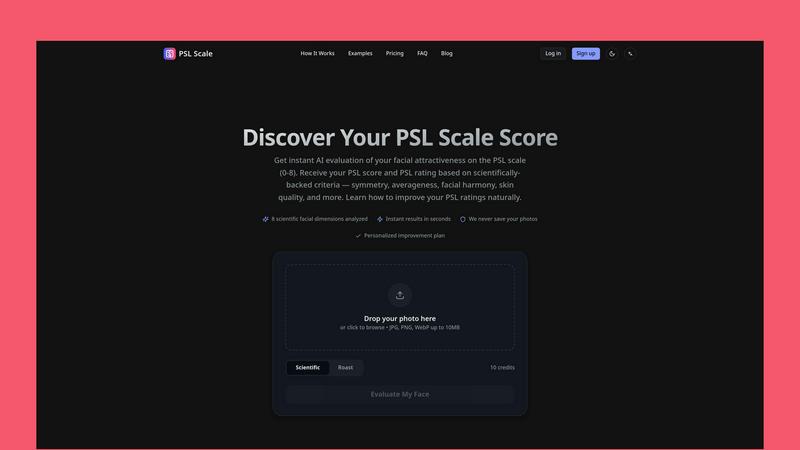
PSL SCALE
Get instant AI evaluation of your facial attractiveness with a PSL score from 0 to 8 based on scientific criteria like symmetry and harmony.
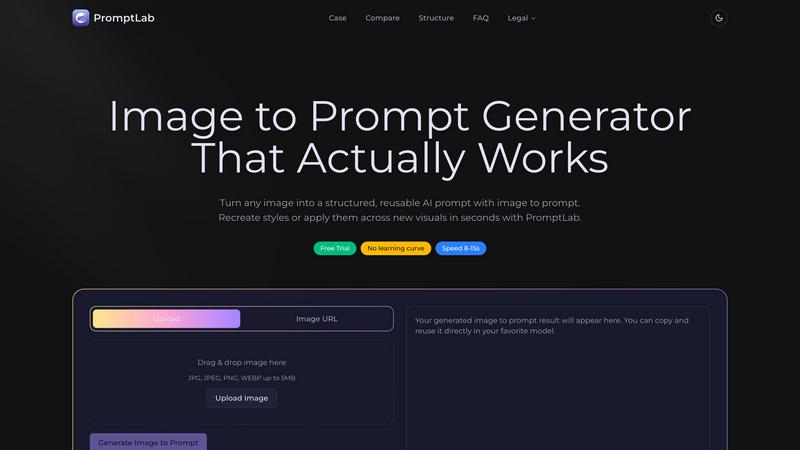
PromptLab Image to Prompt
Turn images into reusable AI prompts that actually work.
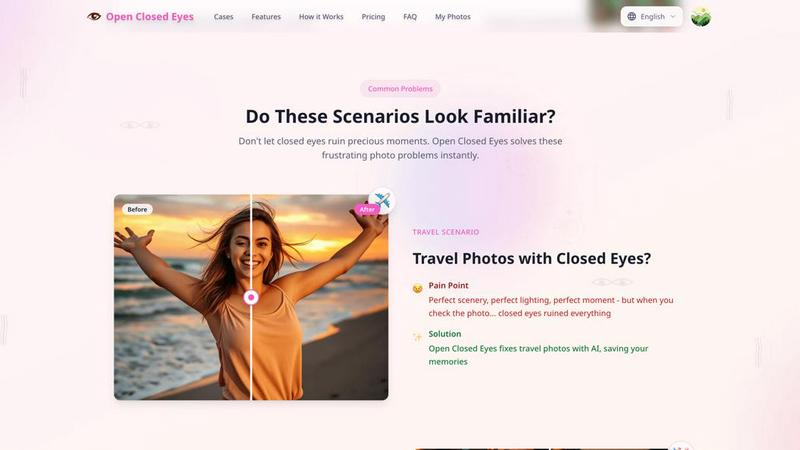
Open Closed Eyes
Fix closed eyes in any photo instantly with AI - no login required, free to try.