SciFig

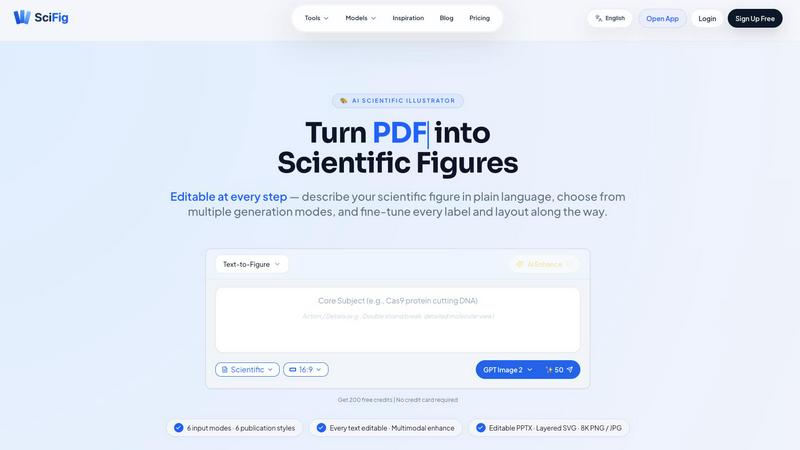
SciFig turns text, sketches, PDFs, or photos into editable, publication-ready scientific figures with AI.

SciFig application interface and features

About SciFig

SciFig is the AI scientific illustrator built for researchers who are tired of spending entire days wrestling with complex design software just to get a figure ready for submission. This tool transforms the way scientists create visual content by letting them describe their figure in plain language, drop a PDF, snap a lab photo, or upload a simple sketch. In seconds, SciFig generates a journal-grade draft that is ready for publication. The real magic is that every element remains editable at every stage. You can fine-tune every label, arrow, and layer without starting over from scratch. SciFig supports six different input modes and six distinct publication styles engineered to match the visual standards of top journals like Nature, Cell, and Science. Whether you are a postdoc rushing to meet a deadline, a principal investigator preparing a grant proposal, or a PhD candidate working on their dissertation, SciFig gives you the power to create professional scientific figures in minutes. The platform also offers powerful export options including editable PPTX files, layered SVGs, and ultra-high-resolution 8K PNG and JPG images. New users get 400 free credits on day one with an invite, and there is no credit card required to start. SciFig is not just another AI image generator; it is a complete scientific illustration workflow that eliminates the back-and-forth between multiple tools and lets you focus on your research.

Features of SciFig

Six Input Modes and Six Publication Styles

SciFig accepts any input you throw at it. You can type a plain language description of your figure, upload a rough sketch, provide a reference image, drop a PDF page from an existing paper, or snap a photo from your lab bench. Once your input is processed, you can choose from six publication styles including scientific, line art, 3D, editorial, sketch, and watercolor. Each style is engineered to match the visual standards of high-impact journals. There is also an Auto mode that skips the style overlay and follows your prompt alone, giving you maximum creative freedom.

Editable Text and Precision Inpainting

Unlike one-shot AI tools that lock you into a single output, SciFig keeps everything editable after generation. You can click on any text label to change its content, font, size, or position directly on the canvas. If a specific region of your figure needs improvement, you can circle that area and regenerate it with a natural language prompt. You can even feed a PDF as context for smarter edits. This means you never have to start over from scratch when a reviewer asks for a minor change. It is precision editing without the frustration.

Multimodal Enhancement and 8K Upscaling

SciFig goes beyond basic generation by offering powerful enhancement capabilities. You can take any generated figure and upscale it to stunning 8K resolution, ensuring your images are crisp and clear for print publication or large poster presentations. The enhancement feature also allows you to refine details across multiple modalities, combining text, images, and reference materials to produce figures that accurately represent your data. This multimodal approach ensures your figures are not just visually appealing but scientifically accurate.

Editable PPTX and Layered SVG Exports

Exporting your work is where SciFig truly shines. You can download your figures as editable PPTX files that retain every shape, label, and color, allowing you to fine-tune them directly in PowerPoint. For users who need even more control, SciFig offers layered SVG exports that keep every element separate and editable. The built-in canvas also provides full undo and redo functionality, so you can experiment freely without fear of losing your work. No more roundtripping to Illustrator or Figma. Everything stays in one place.

Use Cases of SciFig

Creating Publication-Ready Figures for Journal Submission

Researchers preparing manuscripts for high-impact journals like Nature, Cell, or Science can use SciFig to generate figures that meet strict publication standards. You simply describe your experimental results or data visualization in plain language, select the scientific style, and get a draft in seconds. You can then fine-tune every label, arrow, and color to match your data perfectly. The editable PPTX export ensures that last-minute reviewer changes are handled in minutes, not hours.

Rapid Figure Revision During Peer Review

When reviewers request changes to your figures, the clock is ticking. SciFig eliminates the need to redraw entire figures from scratch. You can click on any text label to change its wording, circle a region to regenerate it with a new prompt, or attach a PDF of the reviewer's comments for context. The precision inpainting feature lets you make targeted edits without affecting the rest of the figure. This turns what used to be a full-day task into a ten-minute job.

Generating Figures for Grant Proposals and Presentations

Grant reviewers and conference audiences demand clear, professional visuals. With SciFig, you can quickly generate compelling figures that illustrate your research methodology, results, or proposed experiments. The ability to choose from multiple styles means you can tailor your visuals to different audiences. A 3D style might work best for a conference presentation, while a clean scientific style is ideal for a grant proposal. The 8K export ensures your figures look stunning on large screens or printed posters.

Converting Lab Photos and Sketches into Professional Diagrams

Many researchers capture valuable data as lab photos or hand-drawn sketches. SciFig transforms these raw inputs into polished, publication-ready scientific figures. You can upload a photo of a gel electrophoresis result or a sketch of a molecular pathway, and SciFig will generate a clean, professional illustration. You can then refine the labels and add annotations directly in the built-in canvas. This is perfect for labs that want to digitize their analog workflows without learning complex design software.

Frequently Asked Questions

How do I get started with SciFig?

Getting started is simple. Visit the SciFig website and sign up for a free account. New users receive 400 free credits on day one when they use an invite link. No credit card is required. Once you log in, you can immediately start generating figures by typing a description, uploading a sketch, or dropping a PDF. The platform guides you through each step, and you can explore the inspiration gallery to see examples of what other researchers have created.

Can I edit my figure after it is generated?

Yes, absolutely. Unlike other AI tools that produce a single static image, SciFig keeps every element of your figure editable after generation. You can click on any text label to change its content, font, size, or position. You can also select a specific region of the figure and regenerate it with a new natural language prompt. The built-in canvas supports full undo and redo, so you can experiment freely. This makes revision cycles incredibly fast.

What export formats does SciFig support?

SciFig supports multiple export formats to fit your workflow. You can download your figures as editable PPTX files that retain all shapes, labels, and colors for further editing in PowerPoint. For vector graphics enthusiasts, layered SVG exports keep every element separate and editable. You can also export ultra-high-resolution 8K PNG and JPG images suitable for print publication, posters, and presentations. All exports maintain the quality and precision of your original figure.

Is SciFig suitable for complex molecular or cellular diagrams?

Yes, SciFig is specifically designed for scientific illustration, including complex molecular and cellular diagrams. The platform understands scientific context and can generate detailed views of molecular interactions, cellular pathways, and structural biology concepts. You can describe specific actions like "Cas9 protein cutting DNA with a double strand break in a detailed molecular view" and get an accurate, journal-grade illustration. The six publication styles, including scientific and 3D, give you the flexibility to represent complex biological processes clearly.

Top Alternatives to SciFig

FlipFlow

FlipFlow instantly converts your PDFs, Word docs, and images into stunning, interactive flipbooks with AI, no design skills needed.

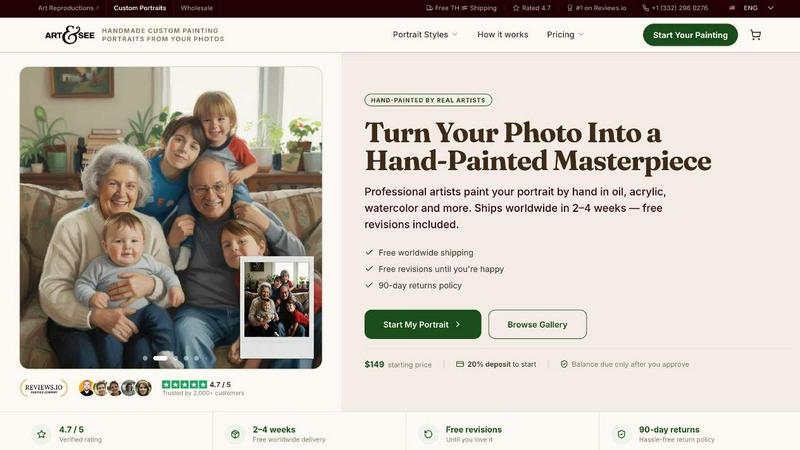
Art & See Custom Oil Painting Portraits

Transform your cherished memories into stunning custom oil painting portraits crafted by master artists, with free shipping included.
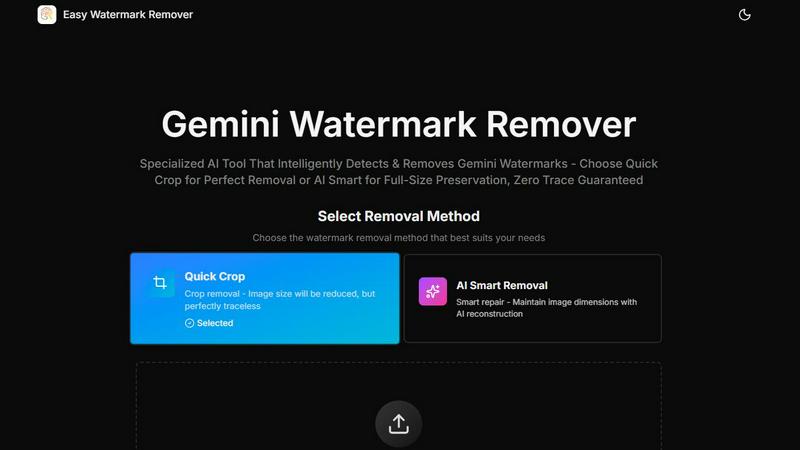
Easy Watermark Remover

Remove Google Gemini AI watermarks and SynthID instantly with AI smart removal or crop, no signup needed.
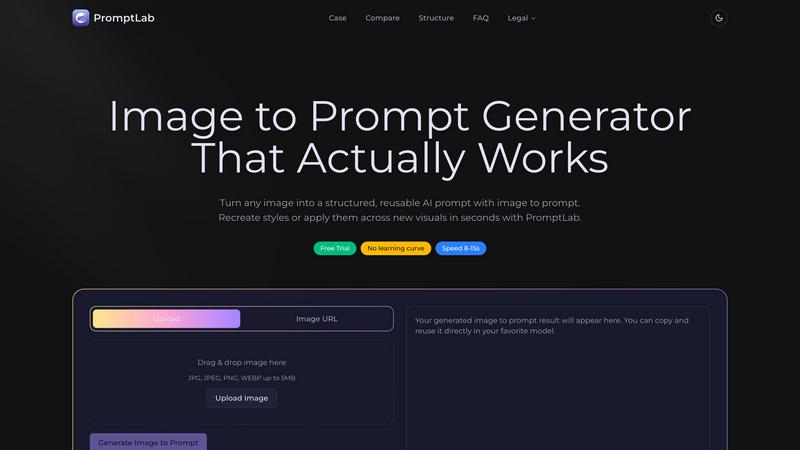
PromptLab Image to Prompt

Turn images into reusable AI prompts that actually work.
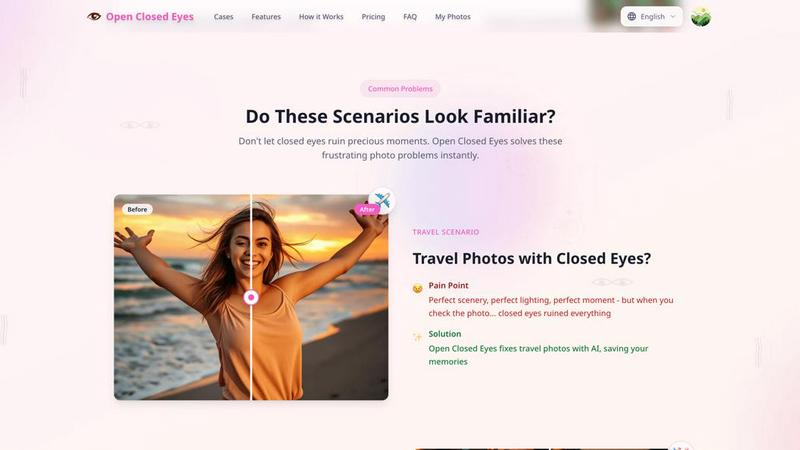
Open Closed Eyes

Fix closed eyes in any photo instantly with AI - no login required, free to try.
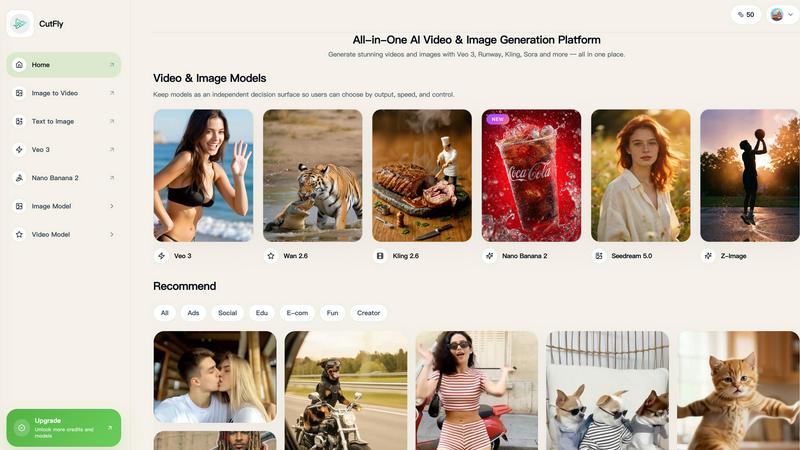
cutfly.app

cutfly ai video generator

AI Jersey Generator

Create stunning, custom team jerseys in just 5 seconds with our dual-mode AI generator for every sport and occasion.