
PromptLab Image to Prompt
Turn any image into a structured, reusable AI prompt to instantly recreate styles across new visuals with PromptLab.
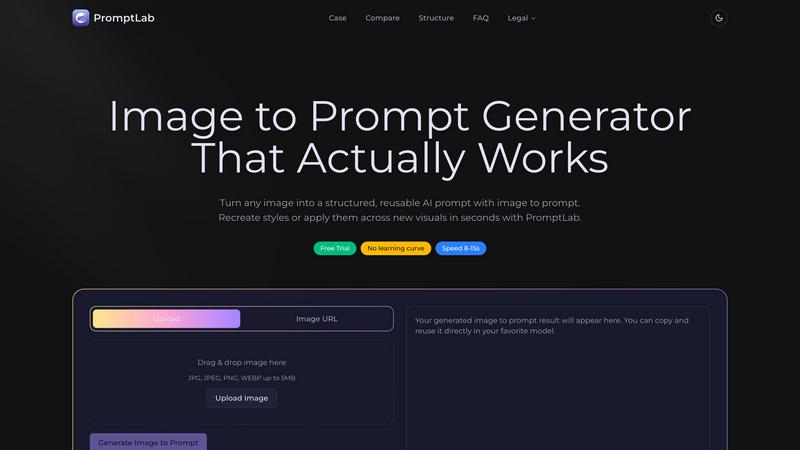
About PromptLab Image to Prompt
PromptLab Image to Prompt is a powerful AI tool that transforms any reference image into a structured, reusable text prompt designed for direct use across popular image generation models. It solves one of the biggest challenges in AI image creation: the difficulty of accurately describing visual styles, compositions, lighting, and color palettes in words. Instead of spending hours trying to craft the perfect prompt through trial and error, users simply upload an image or paste an image URL, and the tool analyzes the visual content to produce a detailed, model-ready prompt in just 8 to 15 seconds. This product is built for digital artists, designers, content creators, marketers, and anyone working with AI image generation who needs consistency and speed. The main value proposition is reusability. Once a style is captured from a reference image, that prompt can be applied to generate new visuals with the same aesthetic, enabling brand consistency, creative exploration, and massive time savings. There is no learning curve involved, making it accessible to beginners and professionals alike. The tool supports major models including Flux, Stable Diffusion, MidJourney, GPT-4o, and Nano Banana, ensuring that your workflow remains portable and flexible. Whether you are recreating a specific artistic style, building a visual brand library, or simply exploring creative possibilities, PromptLab Image to Prompt delivers accurate, structured prompts that actually work.
Features of PromptLab Image to Prompt
Instant Image Analysis and Prompt Generation
Upload any image or paste an image URL, and the tool immediately analyzes the entire visual composition. It identifies key elements including subject matter, lighting conditions, color palette, composition style, perspective, mood, and artistic technique. Within 8 to 15 seconds, the system generates a fully structured prompt that captures these details in a format that image models understand. This eliminates the guesswork and frustration of manual prompt writing, delivering consistent, high-quality results every time.
Structured, Model-Ready Output
The generated prompts are not just descriptions; they are carefully structured text optimized for direct use in AI image generators. Each prompt includes specific details about the subject, environment, lighting, color tones, perspective, and artistic style, organized in a logical order that models like Flux, Stable Diffusion, MidJourney, GPT-4o, and Nano Banana process effectively. You can copy the output and paste it directly into your favorite model without any editing or reformatting.
Style Reusability Across Visuals
This feature enables you to capture a specific style from one image and apply it to entirely new visuals. For example, you can take a reference image with a cyberpunk aesthetic and generate a prompt that recreates that same neon-lit, futuristic look for a different subject or scene. This is invaluable for maintaining brand consistency across multiple assets, exploring variations on a theme, or building a library of reusable style prompts that save time on future projects.
Drag and Drop Interface with URL Support
The tool offers a simple, intuitive interface that supports both drag and drop file uploads and direct image URL input. You can upload JPG, JPEG, PNG, and WEBP files up to 5MB in size. The clean design eliminates any learning curve, allowing you to start generating prompts immediately. The interface also displays your usage and generation history, making it easy to track your workflow and revisit previous prompts.
Use Cases of PromptLab Image to Prompt
Recreating Artistic Styles for Consistent Branding
Brand designers and marketers can use PromptLab Image to Prompt to capture the exact visual style of a brand asset, such as a product photo or illustration, and then generate new images that match that style perfectly. This ensures consistency across marketing campaigns, social media content, and website visuals without requiring a human designer to manually describe the style each time. The reusable prompt becomes a brand asset in itself.
Accelerating Creative Exploration for Artists
Digital artists and illustrators can upload reference images from various sources, like paintings, photographs, or concept art, and instantly generate prompts that capture those aesthetics. This allows for rapid exploration of different styles and moods without spending hours writing and testing prompts. Artists can build a personal library of style prompts for future use, enabling them to quickly iterate on ideas and find the perfect visual direction for their projects.
Generating Variations on a Visual Theme
Content creators and game developers can take a single reference image that represents a desired theme, such as a fantasy landscape or a futuristic city, and generate multiple variations by tweaking the prompt or using it across different models. This is ideal for creating concept art, environment designs, or character portraits that share a cohesive look. The structured prompt ensures that each variation retains the core style while allowing for creative differences.
Reverse Engineering Prompts for Learning and Analysis
Users who want to understand how professional AI images are created can upload those images into PromptLab Image to Prompt to see the exact prompt structure that produces the result. This serves as a powerful learning tool for improving prompt engineering skills. By analyzing the generated prompts, users can learn how to describe lighting, composition, color palettes, and artistic techniques more effectively in their own manual prompts.
Frequently Asked Questions
What file types and sizes does PromptLab Image to Prompt support?
The tool supports JPG, JPEG, PNG, and WEBP file formats. Each uploaded image must be 5MB or smaller. You can also use an image URL instead of uploading a file. The system processes these inputs quickly, typically generating a prompt within 8 to 15 seconds.
Which AI image models are compatible with the generated prompts?
The prompts generated by PromptLab Image to Prompt are designed to work with the most popular mainstream models, including Flux, Stable Diffusion, MidJourney, GPT-4o, and Nano Banana. The structured format ensures that the prompt is portable and effective across all these platforms, so you are not locked into a single ecosystem.
Can I reuse a generated prompt to create multiple different images?
Yes, that is the core value of the tool. The generated prompt captures the style, composition, lighting, and color palette of your reference image. You can paste that same prompt into your chosen model and change the subject or scene description to generate entirely new visuals that retain the original aesthetic. This makes style replication fast and consistent.
Is there a learning curve to use this tool?
No, there is no learning curve. The interface is designed for immediate use. You simply drag and drop an image or paste a URL, click the generate button, and your structured prompt appears in seconds. The tool handles all the complex analysis and formatting, so you do not need any prior experience with prompt engineering or AI image generation.
Explore more in this category:
Top Alternatives to PromptLab Image to Prompt
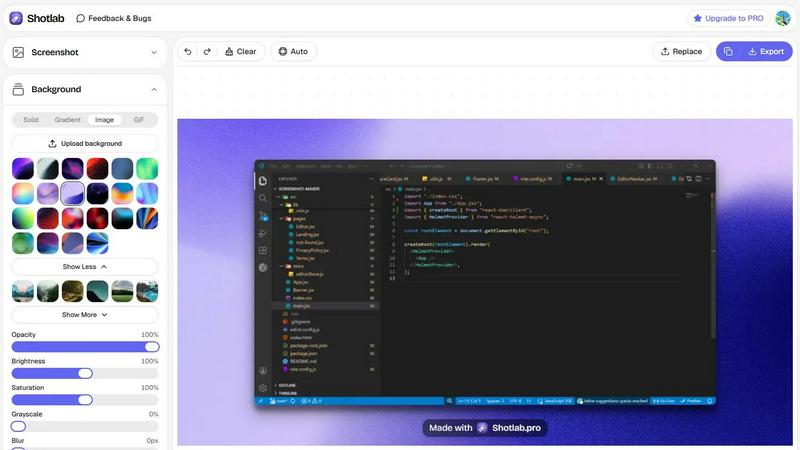
ShotLab
Turn boring screenshots into scroll-stopping content!
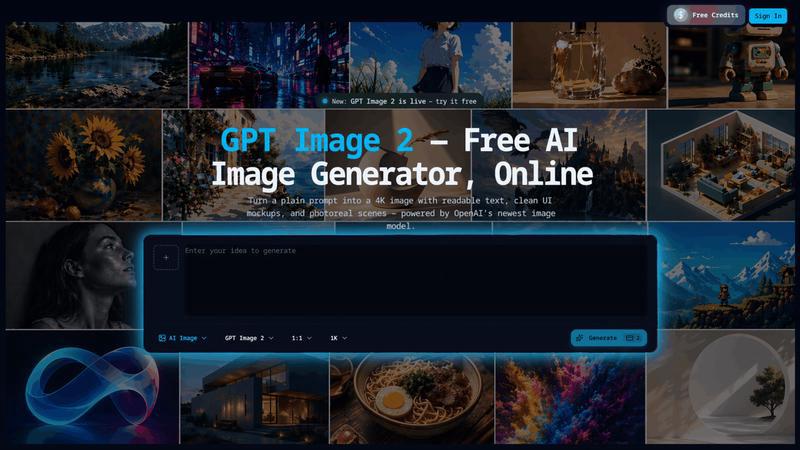
GPT Image 2
Transform simple prompts into stunning 4K images with readable text and multilingual support using the powerful GPT Image 2 AI generator.
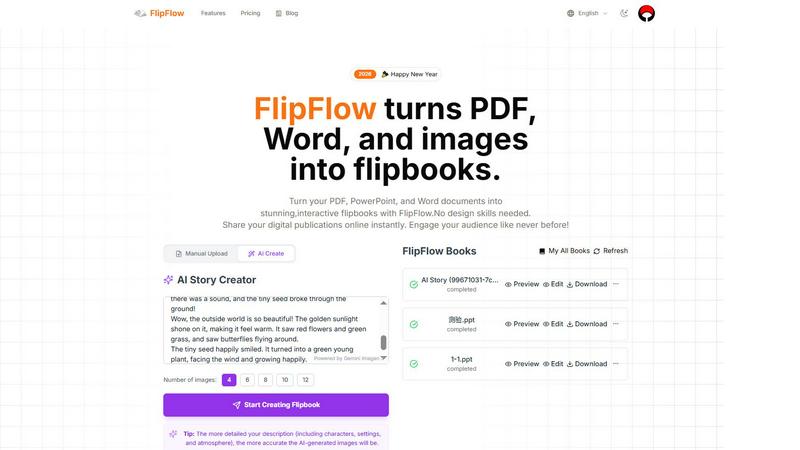
FlipFlow
FlipFlow instantly converts your PDFs, Word docs, and images into stunning, interactive flipbooks with AI, no design skills needed.
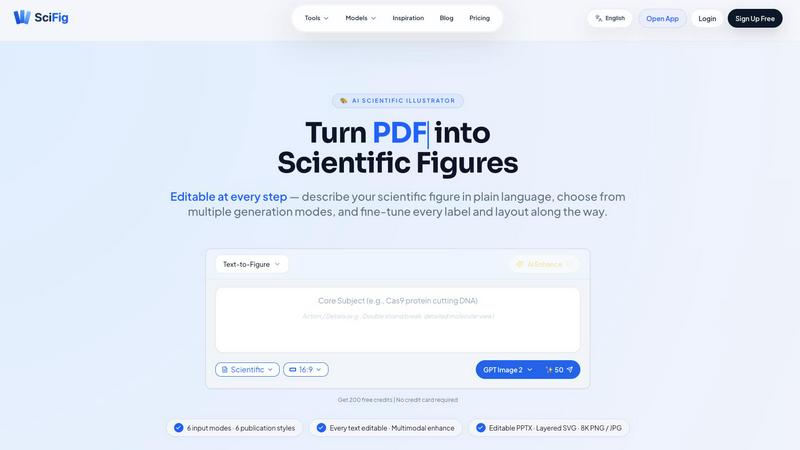
SciFig
SciFig turns text, sketches, PDFs, or photos into editable, publication-ready scientific figures with AI.
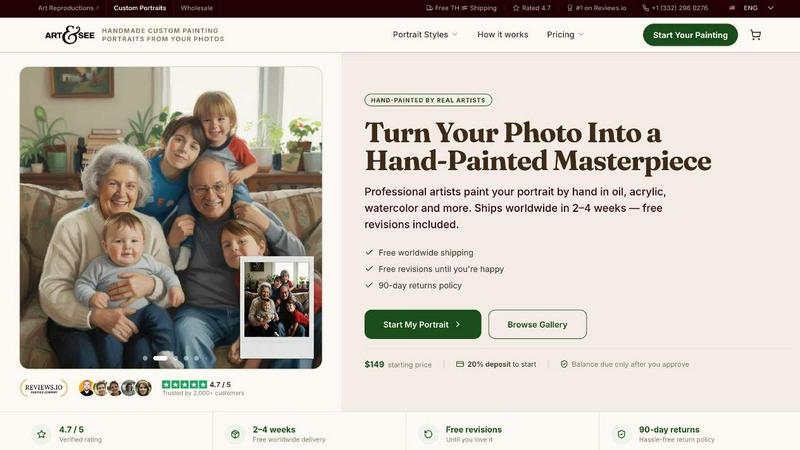
Art & See Custom Oil Painting Portraits
Transform your cherished memories into stunning custom oil painting portraits crafted by master artists, with free shipping included.
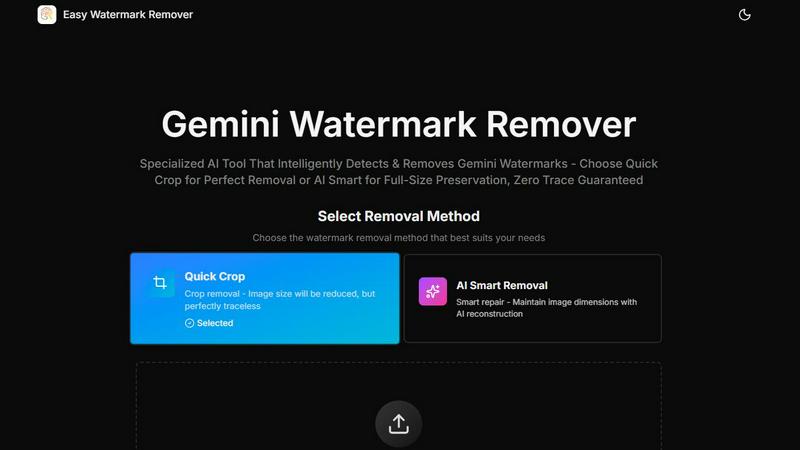
Easy Watermark Remover
Remove Google Gemini AI watermarks and SynthID instantly with AI smart removal or crop, no signup needed.
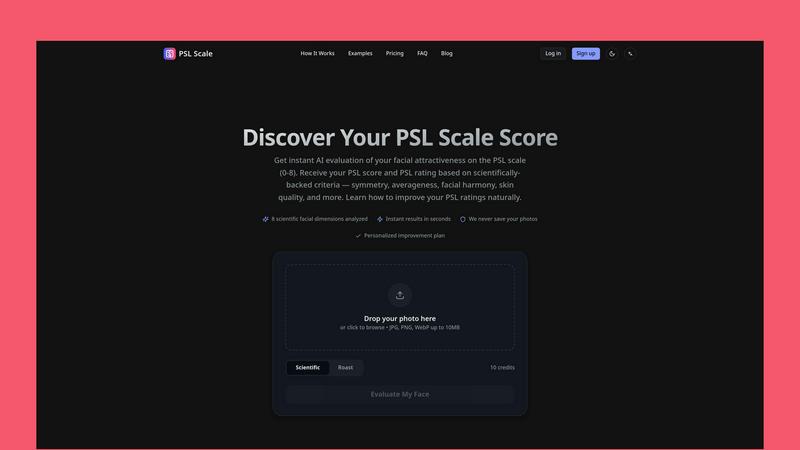
PSL SCALE
Get instant AI evaluation of your facial attractiveness with a PSL score from 0 to 8 based on scientific criteria like symmetry and harmony.
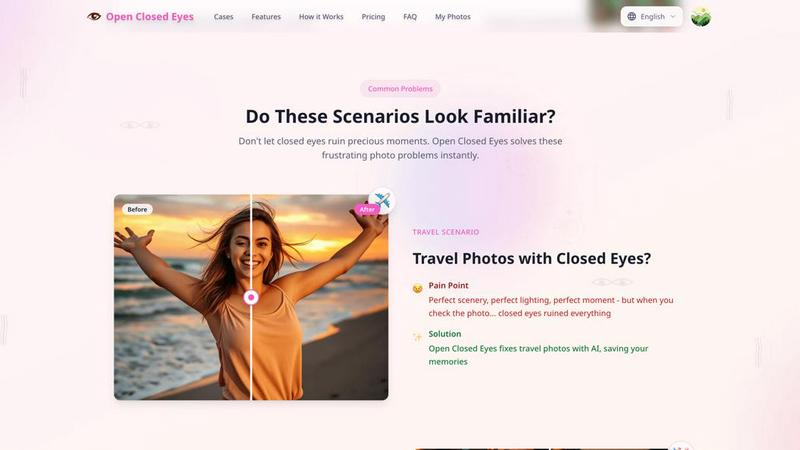
Open Closed Eyes
Fix closed eyes in any photo instantly with AI - no login required, free to try.