
Before After Photo Maker
Effortlessly create stunning before and after photo comparisons online with customizable layouts and high-quality exports.
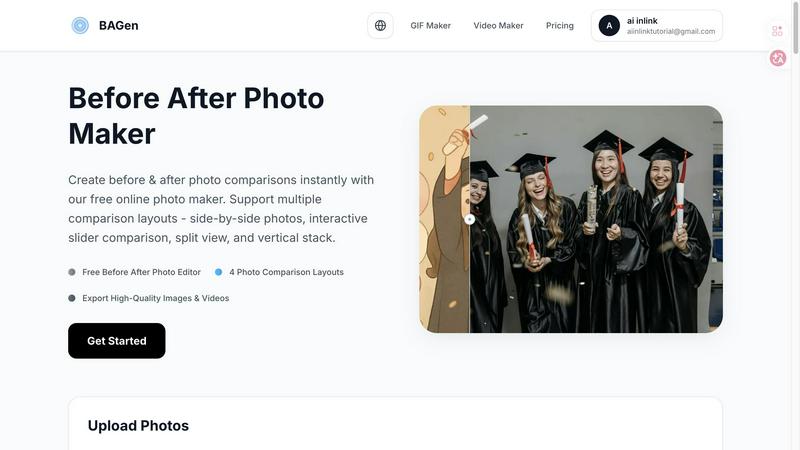
About Before After Photo Maker
Before After Photo Maker is an innovative online tool designed to help users create stunning before and after photo comparisons in just minutes. Whether you're a fitness enthusiast wanting to showcase your transformation, a home renovator eager to display your project before and after images, or an artist documenting the evolution of your digital creations, this tool is perfect for you. It offers a user-friendly interface that allows for seamless photo uploading via drag and drop, making it accessible for everyone, regardless of technical skill. With multiple comparison layouts such as side-by-side, interactive slider, split view, and vertical stack, users can choose the best format to highlight their transformations effectively. The main value proposition lies in its ability to deliver high-quality image exports and interactive video outputs without the need for complex software or registration, making it an indispensable resource for anyone looking to present visual changes compellingly.
Features of Before After Photo Maker
Multiple Comparison Layouts
Before After Photo Maker offers four distinct layouts to choose from: side-by-side, interactive slider, split view, and vertical stack. This flexibility enables users to select the most effective visual representation for their specific needs, whether for social media or professional presentations.
High-Quality Export Options
Users can easily export their created comparisons in high-quality formats, including images and interactive videos. This ensures that the final product maintains clarity and professionalism, making it suitable for various platforms and uses.
Customizable Labels and Watermarks
The tool allows users to add customizable labels to their images, adjusting size and radius as needed. Additionally, users can upload a company logo to feature in their comparisons, enhancing brand visibility and recognition.
Live Preview Functionality
Before After Photo Maker includes a live preview feature, enabling users to see their edits in real-time. This immediate feedback loop ensures that adjustments can be made easily, allowing for a polished final product before export.
Use Cases of Before After Photo Maker
Fitness Transformations
Fitness trainers and enthusiasts can utilize Before After Photo Maker to document and showcase their physical transformations or client progress. This visual documentation can serve as motivation for others and as a marketing tool for personal trainers.
Home Renovation Projects
Homeowners and contractors can use the tool to present dramatic renovations and improvements. By showcasing before and after images, they can effectively communicate their work's impact, making it an excellent resource for portfolios or social media.
Beauty and Skincare Results
Beauty professionals can utilize the tool to highlight the effectiveness of skincare regimens or cosmetic treatments. By presenting before and after images, they can build trust with potential clients and demonstrate the results of their services.
Digital Art and Creative Projects
Artists can leverage Before After Photo Maker to showcase their creative processes, from initial sketches to final pieces. This is especially useful for game developers and digital artists who want to illustrate their growth and progression over time.
Frequently Asked Questions
How do I upload my images?
You can easily upload your before and after images by using the drag and drop feature or by clicking the upload button. The tool supports formats such as PNG, JPG, and GIF, with a maximum file size of 10MB.
Do I need to create an account to use the tool?
No, Before After Photo Maker is completely free to use without the need for registration. You can start creating your photo comparisons immediately after accessing the site.
Can I customize the labels in my comparisons?
Absolutely! The tool allows you to add customizable labels to your photos, adjusting their size and radius to fit your needs. You can also include a company logo to enhance brand visibility.
What export options are available?
You can export your completed comparisons in high-quality image formats or as interactive videos. This versatility ensures that your final product is suitable for various platforms, whether for online sharing or professional presentations.
Explore more in this category:
Top Alternatives to Before After Photo Maker
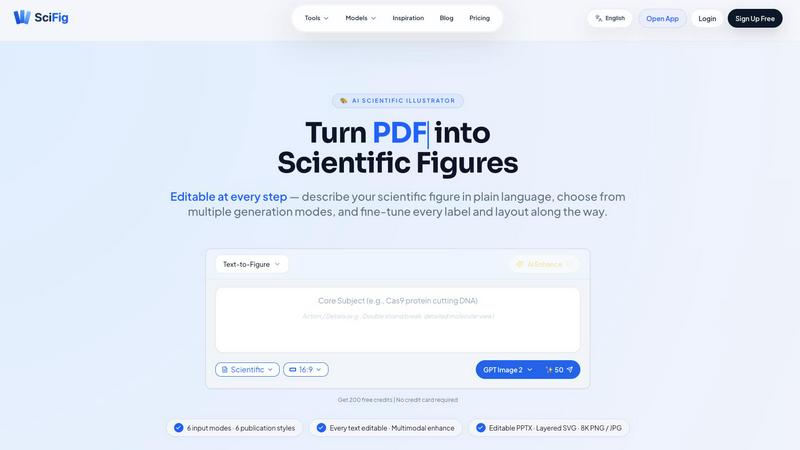
SciFig
SciFig turns text, sketches, PDFs, or photos into editable, publication-ready scientific figures with AI.
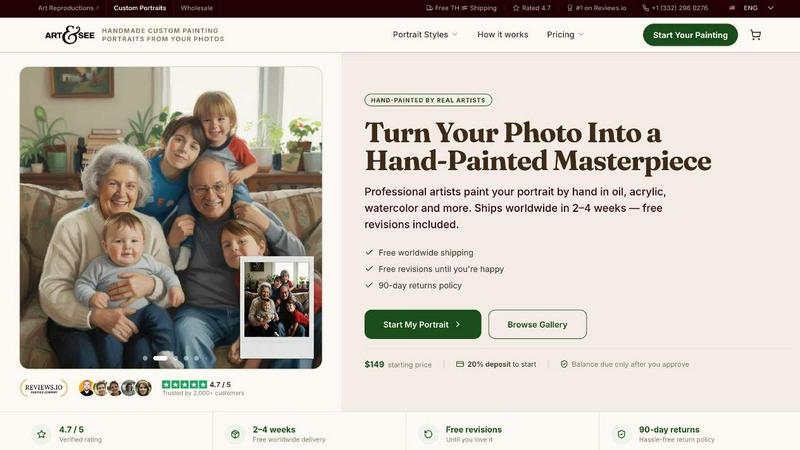
Art & See Custom Oil Painting Portraits
Transform your cherished memories into stunning custom oil painting portraits crafted by master artists, with free shipping included.
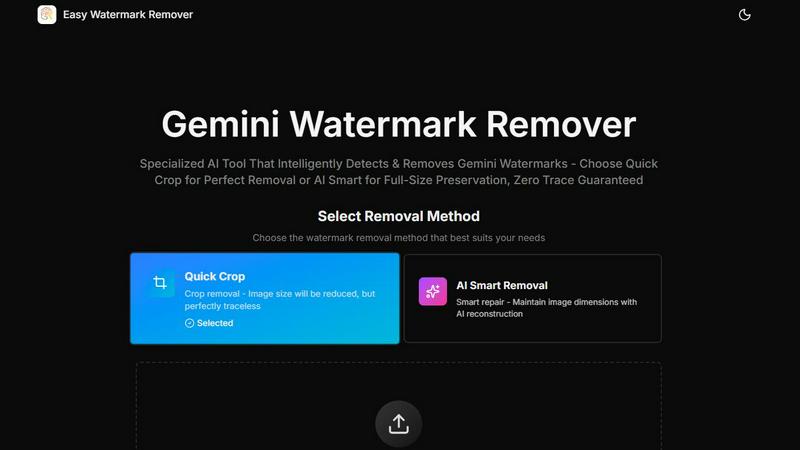
Easy Watermark Remover
Remove Google Gemini AI watermarks and SynthID instantly with AI smart removal or crop, no signup needed.
PromptLab Image to Prompt
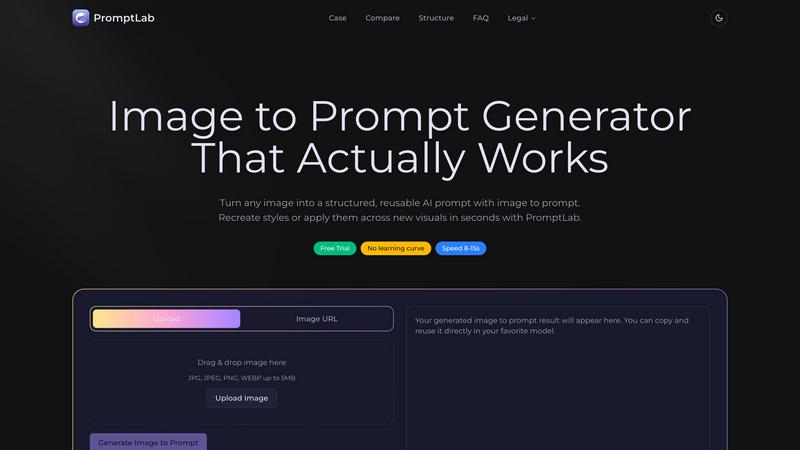
Turn images into reusable AI prompts that actually work.
Open Closed Eyes
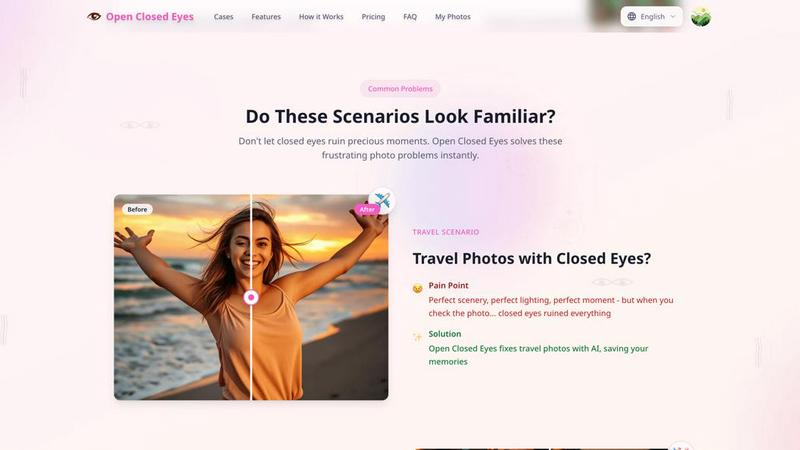
Fix closed eyes in any photo instantly with AI - no login required, free to try.
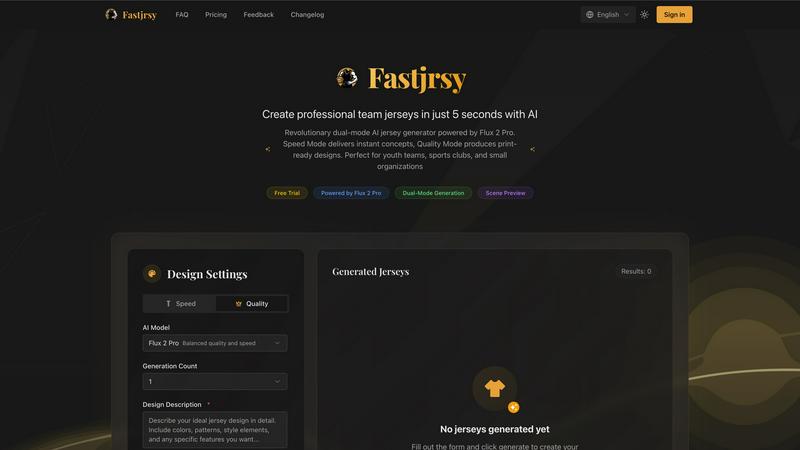
AI Jersey Generator
Create stunning, custom team jerseys in just 5 seconds with our dual-mode AI generator for every sport and occasion.