
Editaimg vs EditPhoto AI


Visual Comparison
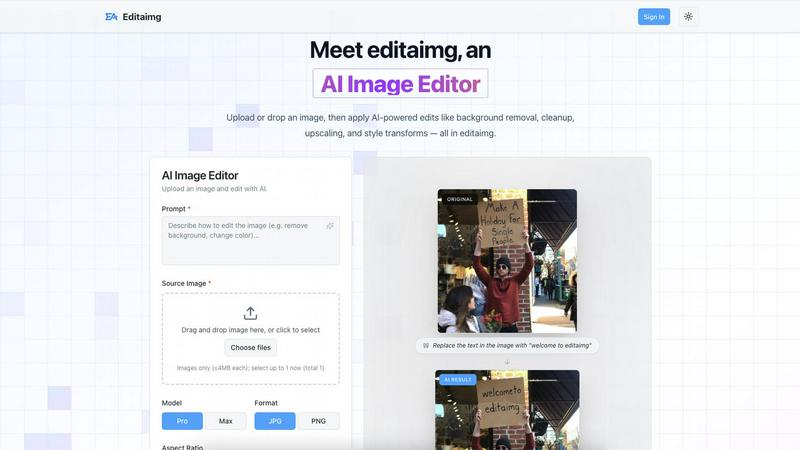
Editaimg
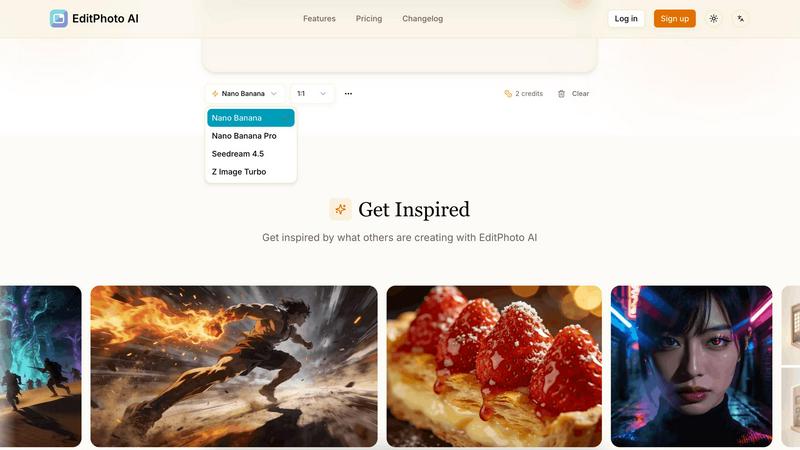
EditPhoto AI
Overview
About Editaimg
Editaimg is an all-in-one AI image editing platform designed to simplify professional-grade visual manipulation through generative intelligence. Its primary feature is a text-driven editor that allows users to replace backgrounds, remove unwanted objects, and edit text within images using simple natural language commands. This tool significantly benefits developers, content creators, and businesses by reducing the time and technical skill required to produce high-quality marketing assets. The platform also includes specialized utilities such as a Gemini watermark remover for cleaning AI-generated media, an AI Snow generator for atmospheric effects, and a tool to realistically add people to existing photos. By providing these advanced neural editing capabilities in a browser-based interface, Editaimg eliminates creative bottlenecks and enables efficient, high-resolution asset production for any digital project.
About EditPhoto AI
EditPhoto AI
EditPhoto AI is a free, browser-based AI image editor that transforms photo editing into a prompt-driven workflow. Upload images (JPG/PNG/WebP), describe edits in natural language, and the service applies high-quality model-based operations like background removal, object removal, portrait retouching, upscaling to 4K, outpainting, and style transfers.
Key features:
- Text-to-edit: Use simple text prompts to perform edits (e.g., "remove background", "enhance eyes", "change sky to sunset").
- Multiple AI models: Select models optimized for speed, consistency, or high-resolution output (Nano Banana, Nano Banana Pro, Seedream, Z Image Turbo).
- Multi-image reference: Upload up to 14 reference images to preserve style or combine elements across inputs.
- High-resolution output: Support for 1K/2K/4K generation and AI upscaling for professional use.
- Common photo workflows: Background removal, object erasing, portrait retouch, ID photo formatting, old photo restoration, virtual staging, food photography enhancements.
- Privacy-first processing: SSL, isolated processing environments, ephemeral storage and GDPR-aligned claims.
Target users and use cases:
- E-commerce and marketplaces: One-click product white background removal and batch-friendly edits for listings.
- Photographers and designers: Fast retouching, upscaling, and style transformations without complex software.