
Afterly Plan vs File Studio

Afterly Plan
Navigate the complexities of loss with step-by-step guidance for after a death.
Last updated: February 27, 2026

Visual Comparison
Afterly Plan

File Studio
Overview
About Afterly Plan
Afterly Plan is a compassionate and user-friendly platform designed to support families during one of life’s most challenging times: the loss of a loved one. It offers a guided, step-by-step approach to managing the overwhelming tasks that arise following a death. Afterly Plan breaks down the complex processes of probate, estate settlement, and executor duties into clear, actionable phases, providing essential checklists, timelines, and expert support for paperwork, accounts, notifications, and memorial planning. The platform is tailored for families who need clarity and structure when faced with grief, allowing them to focus on healing while Afterly Plan guides them through the necessary logistics. By simplifying these tasks, Afterly Plan empowers users to stay organized, track their progress, and effectively handle essential responsibilities, ensuring that they do not feel lost or alone during this difficult journey.
About File Studio
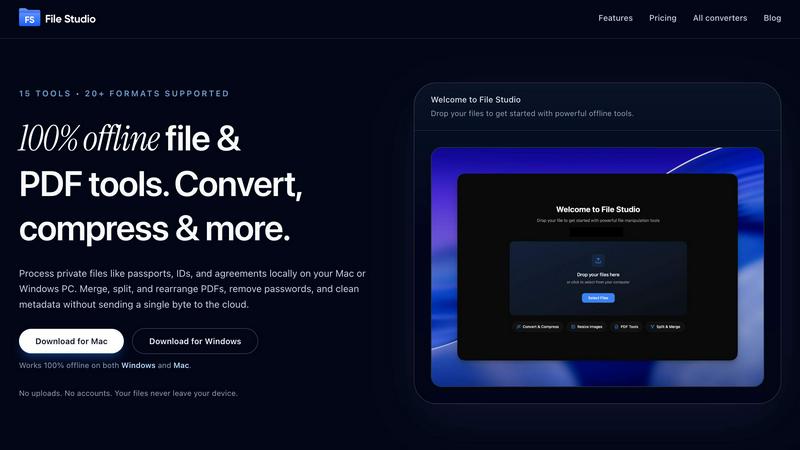
File Studio is a powerful desktop app that processes PDFs and images entirely offline on your Mac or Windows PC. Handle sensitive documents like passports, IDs, and contracts without ever uploading them to the cloud.
Merge multiple PDFs, split into pages, reorder and rotate, remove passwords, and convert to images. Convert between 20+ formats (including HEIC, WebP, AVIF, and 14 RAW types), resize, compress, crop, add watermarks, create collages, and batch process entire folders.
Why File Studio?
100% offline - files never leave your device
No accounts or subscriptions required
Batch process hundreds of files at once
One-time purchase, yours forever
Works on both Mac and Windows
Perfect for photographers, freelancers, remote workers, and anyone handling private documents who values speed and privacy over cloud-based alternatives.