
File Studio
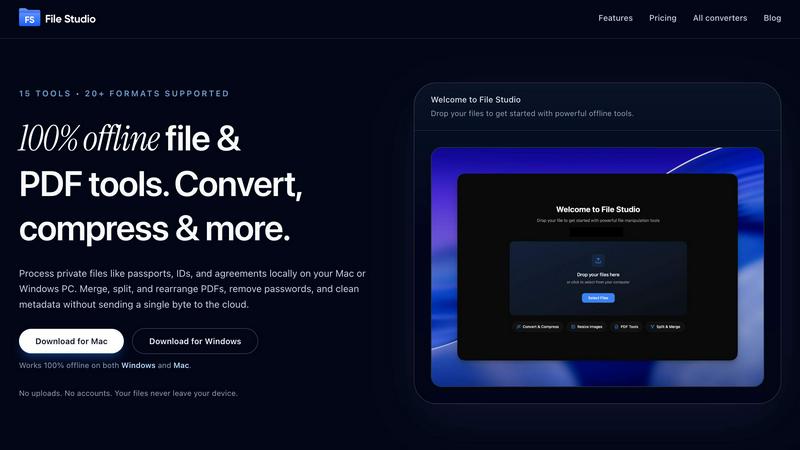
File Studio empowers you to process and manage files offline, keeping your sensitive documents secure and private.
About File Studio
File Studio is an innovative desktop application designed to empower users by handling PDFs and images entirely offline on both Mac and Windows platforms. This powerful tool is perfect for individuals and professionals who handle sensitive documents, such as passports, identification cards, and contracts, ensuring that their private files never leave their device. With File Studio, you can merge multiple PDFs, split them into single pages, reorder and rotate layouts, remove passwords, and convert files to various image formats. Supporting over 20 formats, including HEIC, WebP, and 14 RAW types, this application allows users to resize, compress, crop, and watermark their images, create collages, and batch process entire folders effortlessly. The value proposition is clear: speed and privacy without the hassle of cloud-based services, accounts, or subscriptions. Ideal for photographers, freelancers, and remote workers, File Studio offers the perfect balance of functionality and security, making it an essential tool for anyone who values their privacy.
Features of File Studio
100% Offline Processing
File Studio ensures that all file processing occurs locally on your device. Users can work on their sensitive documents without the risk of uploading files to the cloud, ensuring complete data privacy.
Comprehensive PDF Toolkit
With five specialized PDF tools, File Studio allows users to merge, split, edit, and unlock PDF documents effortlessly. This full PDF management solution enables you to manipulate your PDFs without the need for internet connectivity.
Versatile Image Tools
The application includes ten image tools that support over 20 formats, including HEIC and AVIF. Users can convert, resize, compress, crop, and create collages, empowering them to manage their images efficiently and effectively.
Batch Processing Capability
File Studio’s batch processing feature lets users handle hundreds of files at once. Whether converting, resizing, or compressing, this tool processes multiple files simultaneously to maximize efficiency and save time.
Use Cases of File Studio
Personal Document Management
Users can seamlessly manage their personal documents, such as passports and IDs, with File Studio. The ability to edit and convert files offline ensures that sensitive information remains secure and confidential.
Professional PDF Handling
Freelancers and professionals can use File Studio for comprehensive PDF management, including merging contracts, splitting documents for client review, and removing passwords for easy access—all without any cloud interaction.
Image Optimization for Photographers
Photographers can rely on File Studio to convert RAW images to various formats, resize photos for web uploads, and compress files for easier sharing, all while maintaining image quality and detail.
Efficient Workflow for Remote Workers
Remote workers can streamline their document and image workflows with File Studio. The application allows for efficient batch processing of files, enabling users to optimize and manage their work without interruption.
Frequently Asked Questions
Is my data ever uploaded?
No. File Studio processes everything locally on your device. Your files never leave your computer, ensuring 100% offline processing and complete privacy.
Do you offer a free trial?
Yes. File Studio provides a free trial so users can explore its powerful features before committing to a purchase. Experience the benefits firsthand without any obligations.
Can I use File Studio on both Mac and Windows?
Absolutely! File Studio is designed to work seamlessly on both Mac and Windows platforms, making it a versatile tool for all users regardless of their operating system.
What is included in the lifetime plan?
The lifetime plan includes unlimited conversions, updates for one year, and access to all current tools. Once purchased, users enjoy on-device processing without any monthly fees or subscriptions.
Explore more in this category:
Top Alternatives to File Studio
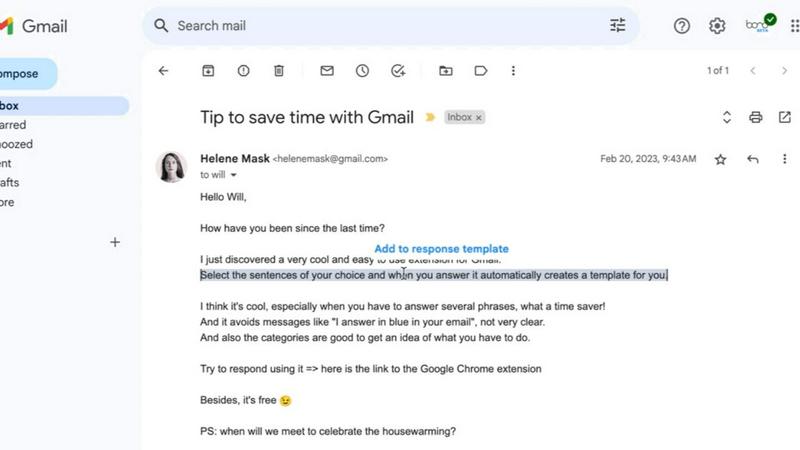
Tagada
Tagada lets you highlight and tag key parts of Gmail emails locally, keeping your data private and your replies fast.

PolicyCentral.ai
PolicyCentral.ai makes enterprise policy management intelligent and effortless with AI-driven creation, access, and compliance tracking.

GhostWriter
GhostWriter is the voice-to-text AI for Mac that instantly turns your messy speech into clean, ready-to-paste text anywhere.

Linkedin Pinpoint Answer
LinkedIn Pinpoint Answer delivers expert clues and daily solutions for Pinpoint and other popular games, helping you master puzzles effortlessly.

Vaiz
Vaiz is the all-in-one work management tool that boosts productivity, streamlines tasks, and simplifies collaboration for teams of all sizes.
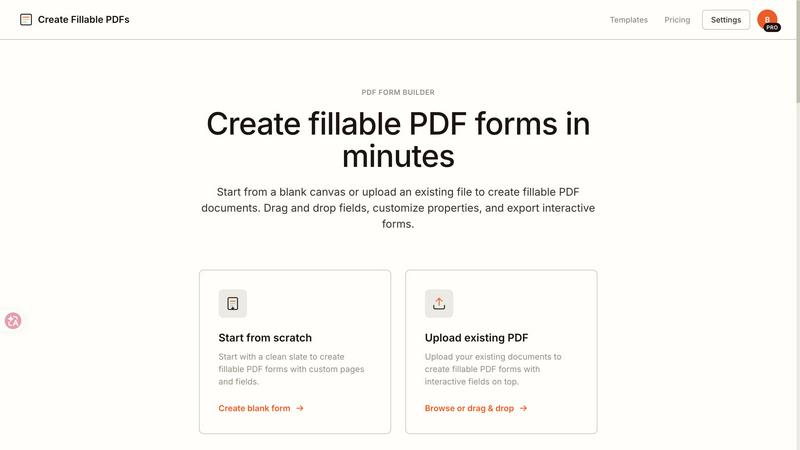
Create Fillable PDF Forms Online
Create fillable PDFs in minutes by uploading a file or starting from scratch with drag and drop fields.

WhoFixedIt
WhoFixedIt is your ultimate logbook to track repairs and trusted service providers for your home or business, making maintenance a breeze.

Scheduler.social
Scheduler.social replaces manual social media tasks with AI-driven team members that plan, collaborate, and publish across all platforms.