
Create Fillable PDF Forms Online
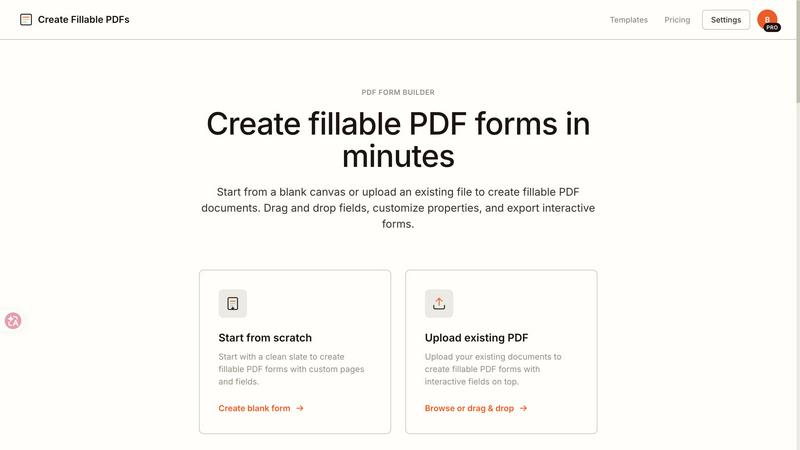
Create fillable PDFs in minutes by uploading a file or starting from scratch with drag and drop fields.
About Create Fillable PDF Forms Online
Create Fillable PDF Forms Online is your launchpad for turning static documents into dynamic, interactive masterpieces. This powerful, browser-based tool lets you build professional fillable PDF forms from scratch or by uploading existing files, all without needing a single piece of software installed. Whether you are a freelancer crafting contracts, an HR manager digitizing onboarding packets, or a small business owner creating invoices, this tool is built for you. Its core value proposition is speed and simplicity: drag-and-drop fields, customize properties, and export pixel-aligned, interactive forms that work in any standard PDF viewer. Forget wrestling with complicated desktop applications. With a clean, intuitive interface, you can add text fields, checkboxes, radio buttons, and signature areas in minutes. The tool also offers a library of ready-made templates for invoices, agreements, surveys, and more, letting you jumpstart your projects. Your progress auto-saves locally, and upgraded users can manage multiple projects seamlessly. It is the fastest, most exciting way to create fillable PDF forms that are legally binding, professional, and ready to share. This is document automation, simplified for the modern world.
Features of Create Fillable PDF Forms Online
Powerful Field Types
Add smart, interactive fields to your PDF forms with incredible ease. This feature supports a full suite of field types including single-line text boxes for short answers, multi-line paragraphs for detailed responses, checkboxes for options, and radio groups for exclusive choices. You can place them anywhere on the page, customize their properties like font size and color, and ensure they align perfectly with your layout. This turns any document into a functional, data-collecting powerhouse.
Digital Signatures
Make your documents legally binding and professionally complete by adding dedicated signature fields. This feature allows you to place signature areas exactly where needed on contracts, agreements, and consent forms. Recipients can easily sign using their mouse, touchscreen, or by typing, and the signature is embedded directly into the PDF. It eliminates the need for printing, scanning, and mailing, accelerating your document workflow and adding a layer of trust and authenticity to every form you create.
Auto-Save Projects
Never lose your work again with the auto-save feature that keeps your progress safe locally. This allows you to create fillable PDF forms at your own pace, stepping away and returning exactly where you left off. For upgraded users, the feature expands to manage multiple projects simultaneously, giving you a central hub for all your form-building activities. It provides peace of mind and flexibility, ensuring your creative flow is never interrupted by a forgotten save.
Clean PDF Standards
Every form you create is built on industry-standard PDF specifications. This ensures your fillable PDF files are compatible with every major PDF viewer, including Adobe Acrobat, Apple Preview, Google Chrome, and mobile PDF readers. There are no proprietary formats or special plugins required. Your recipients can open, fill, and submit your forms on any device without technical hurdles. This universal compatibility is the backbone of a seamless user experience, guaranteeing your forms work everywhere.
Use Cases of Create Fillable PDF Forms Online
Business Contracts and Agreements
Streamline your contract workflow by creating fillable PDF agreements with predefined signature areas and date fields. Whether it is a service agreement, a non-disclosure agreement, or a lease, you can add interactive fields for parties, scope, terms, and legally binding signatures. This eliminates manual data entry and back-and-forth emails, allowing you to close deals faster and with greater accuracy. It transforms static legal documents into dynamic, interactive tools for your business.
Surveys and Feedback Collection
Gather valuable data effortlessly by creating fillable PDF surveys and feedback forms. Use checkboxes for multiple-choice questions, radio buttons for single-answer selections, and text fields for open-ended comments. This is perfect for customer satisfaction surveys, employee feedback forms, or event evaluations. The interactive format makes it easy for respondents to complete, and you receive clean, structured data that is ready for analysis, improving your decision-making process.
Medical and Legal Forms
Digitize complex medical intake forms, consent documents, and legal paperwork with precision. The tool allows you to create multi-page fillable PDF forms with organized layouts and exact field alignment. Add patient information fields, medical history checkboxes, and signature areas for consent. This reduces paperwork errors, improves data accuracy, and ensures compliance with industry standards. It is an essential tool for clinics, law firms, and any organization handling sensitive information.
Event Registration and Management
Simplify event planning by creating custom fillable PDF registration forms. Collect attendee names, contact details, dietary preferences, and session selections using a mix of text fields and checkboxes. The forms are easy to distribute via email or your website, and responses are captured in a standardized format. This eliminates manual data entry and reduces the risk of lost information, making event coordination smoother and more efficient from start to finish.
Frequently Asked Questions
Is it free to use?
Yes, you can create fillable PDF forms and export them for free. Free users are allowed one export per day, and the exported PDF will include a small watermark. This is perfect for testing the tool or handling low-volume needs. For unlimited exports and watermark-free forms, you can explore the paid plans.
Can I add fields to an existing PDF?
Absolutely. You can upload any existing PDF document directly into the tool. Once uploaded, you can easily drag and drop interactive fields like text boxes, checkboxes, and signature areas exactly where you need them on the page. This makes it simple to convert static forms into dynamic, fillable documents without starting from scratch.
Do people need special software to fill the PDF?
No. The forms you create are built on standard PDF specifications. They work perfectly in any modern web browser like Chrome or Firefox, as well as in standard PDF viewers like Adobe Acrobat and Apple Preview. Recipients do not need to install any additional software or plugins to fill out and submit your forms.
How are my projects saved?
Your progress is automatically saved locally in your browser. This means you can step away from your work and return later without losing any changes. For upgraded users, there is an option to manage multiple projects, providing a centralized workspace for all your form-building activities. This ensures your work is secure and accessible whenever you need it.
Explore more in this category:
Top Alternatives to Create Fillable PDF Forms Online
Linkedin Pinpoint Answer
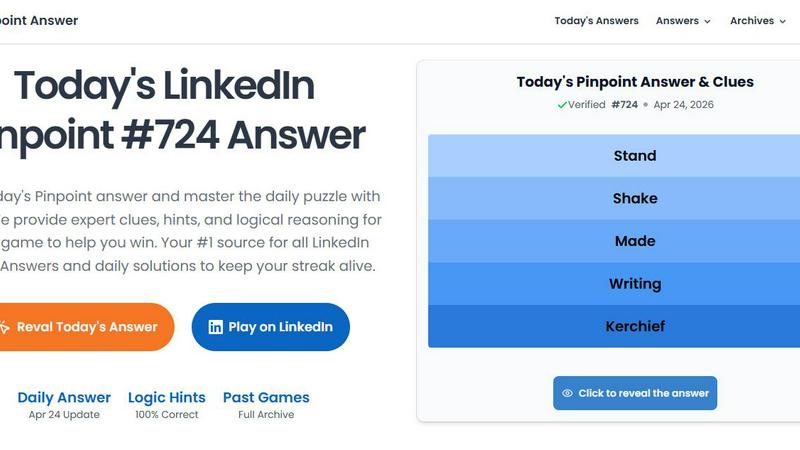
LinkedIn Pinpoint Answer delivers expert clues and daily solutions for Pinpoint and other popular games, helping you master puzzles effortlessly.
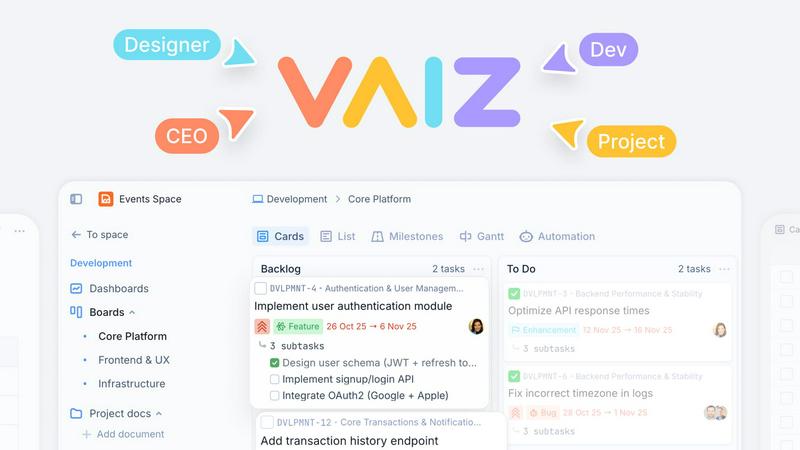
Vaiz
Vaiz is the all-in-one work management tool that boosts productivity, streamlines tasks, and simplifies collaboration for teams of all sizes.

WhoFixedIt
WhoFixedIt is your ultimate logbook to track repairs and trusted service providers for your home or business, making maintenance a breeze.
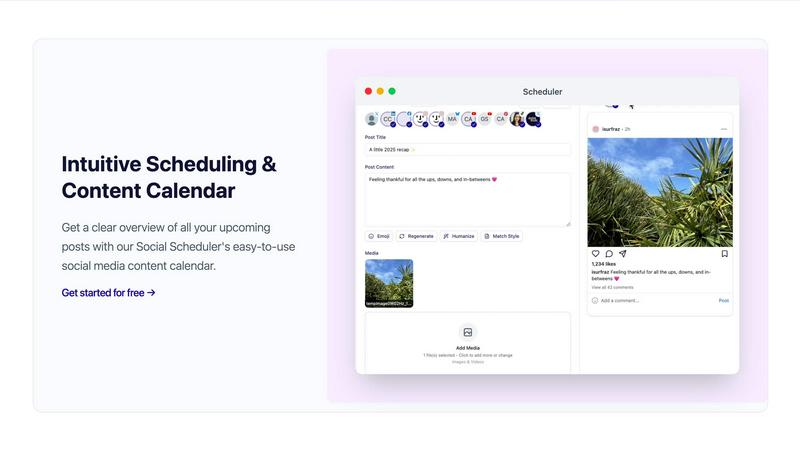
Scheduler.social
Scheduler.social replaces manual social media tasks with AI-driven team members that plan, collaborate, and publish across all platforms.
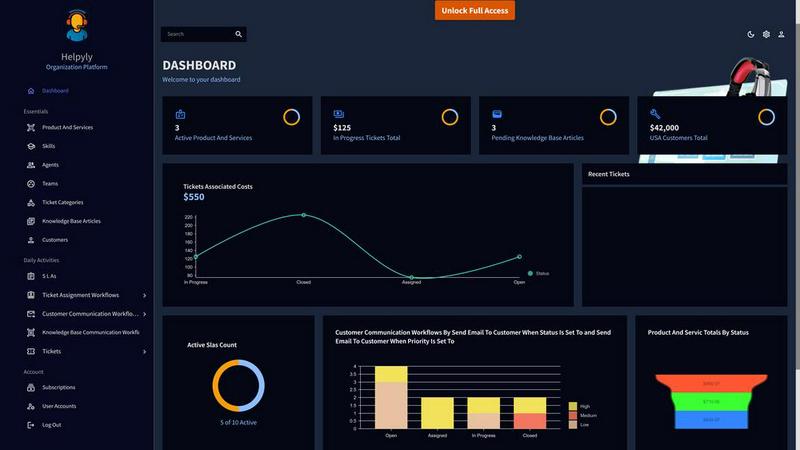
Helpyly
Helpyly is a centralized support hub that automates ticket management and workflows to help your team resolve issues faster.
VersQ
VersQ delivers accurate, format-preserved AI translations for documents with no per-character fees, empowering seamless multilingual communication.