
Tagada
Tagada lets you highlight and tag key parts of Gmail emails locally, keeping your data private and your replies fast.
About Tagada
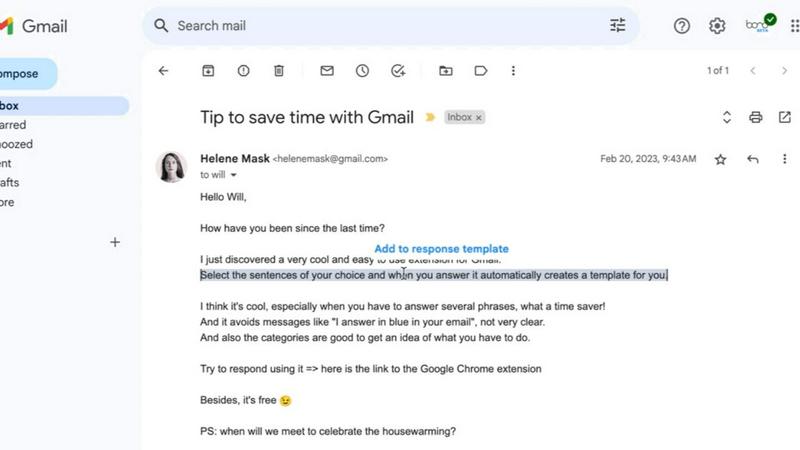
Tagada is a revolutionary browser extension that transforms how you read and reply to emails in Gmail, all while keeping your data completely private and secure on your own device. Instead of the tedious and confusing practice of writing replies in colored text inside the original message, Tagada intelligently parses incoming emails into clean, clickable sentences. You can then highlight, tag, and organize these sentences by category with a single click. The tool then generates a structured reply template built around only the points that matter to you, helping you respond faster, more clearly, and with far less effort. Tagada is built for professionals, support teams, freelancers, consultants, and anyone who manages long, complex email threads on a daily basis. Its core value proposition is simple: cut your email response time in half, structure your replies for maximum clarity, and keep your sensitive data fully under your control with 100% local processing. There is no AI, no cloud, and no third-party servers involved. The extension works directly inside your existing Gmail interface, meaning there is no new tool to learn and no disruption to your workflow. Tagada is the end of answers written inside the original message and the beginning of effortless email efficiency.
Features of Tagada
Instant Email Parsing
Tagada automatically breaks down any incoming Gmail message into individual, selectable sentences the moment you open it. This powerful parsing engine handles complex threads and lengthy messages, transforming a wall of text into a manageable list of clear, actionable points. You no longer have to manually scan and decipher long paragraphs. Instead, you get an instantly organized view of the email's content, allowing you to quickly identify the key information you need to address. This feature alone saves significant time and mental energy, especially when dealing with dense or poorly structured emails.
One-Click Highlighting and Tagging
Once your email is parsed into sentences, you can highlight and tag any sentence by category with a single click. This feature allows you to quickly mark key phrases, action items, questions, or important details before crafting your response. By categorizing information on the fly, you build a clear mental map of the conversation. This eliminates the risk of missing critical points and ensures your reply is comprehensive and well-organized. The tagging system is intuitive and customizable, making it easy to stay organized and keep track of important details without losing context.
Auto-Generated Reply Templates
After you have highlighted and tagged the relevant sentences in an email, Tagada automatically generates a clean, structured reply template. This template is built exclusively around the points you selected, ensuring your response is focused and directly addresses what matters most. You no longer have to switch between windows or copy and paste text to build your reply. The template provides a solid foundation for your response, which you can then edit and personalize. This dramatically reduces the time spent composing replies and helps you communicate more clearly and efficiently.
100% Local and Private Processing
Tagada operates entirely on your local device. Your emails never leave Gmail, and no data is ever sent to the cloud, an AI model, or any third-party server. This commitment to privacy means your sensitive business communications, client details, and personal information remain completely under your control. There is no risk of data breaches from external services, and you are not subject to the data usage policies of AI tools. This feature is a game-changer for professionals in regulated industries or anyone who values digital privacy and security above all else.
Use Cases of Tagada
Managing Long, Complex Email Threads
Professionals who manage long, multi-party email threads often struggle to keep track of all the points raised. Tagada instantly parses these complex threads into individual sentences, allowing you to highlight and tag each point from different senders. You can quickly identify action items, questions, and deadlines without re-reading the entire conversation. This turns a chaotic, scrolling nightmare into a structured, manageable list, ensuring you never miss a critical detail and can respond with confidence and clarity.
Streamlining Customer Support Responses
Support teams handle a high volume of emails, each containing multiple issues, questions, and requests. Tagada allows a support agent to quickly parse a customer's email, highlight the specific problems, and tag them by category (e.g., billing, technical issue, feature request). The tool then generates a reply template that directly addresses each highlighted point. This ensures no customer concern is overlooked, reduces response time, and helps maintain a high standard of service, all while keeping sensitive customer data entirely private on the agent's machine.
Accelerating Freelancer and Consultant Workflows
Freelancers and consultants often juggle multiple clients with different projects and priorities. Tagada helps them quickly process client emails, highlighting key requests, deadlines, and feedback. By tagging sentences by project or priority level, they can organize their thoughts before replying. The auto-generated reply template ensures their response is professional, structured, and addresses every client concern. This saves precious billable hours and helps maintain clear, effective communication across a diverse client base.
Organizing Personal and Professional Inboxes
Even for personal use, Tagada is incredibly powerful for keeping your inbox organized. Whether you are coordinating a family event, managing a volunteer project, or following up on a job application, Tagada helps you parse important emails into clear points. You can highlight key dates, to-do items, and questions, ensuring you respond thoughtfully and completely. This turns email from a source of stress into a well-organized communication tool, helping you stay on top of everything without feeling overwhelmed.
Frequently Asked Questions
Is Tagada free?
Tagada can be used without a paid license. However, the free version comes with limitations in terms of functionality. For a better, unrestricted experience that unlocks the full power of parsing, highlighting, and template generation, we suggest you purchase a license.
What data do you collect?
We only collect essential data to enhance your experience: your first name, email address, and language preference. We respect your privacy deeply and do not collect any unnecessary information. Your email content is never accessed or stored by us.
Do you send our emails to your servers?
No, your emails are never sent to our servers. Everything remains local on your device. At Tagada, we make sure that your data stays private and under your control. The entire process of parsing and highlighting happens directly within your browser.
Some emails get broken, how can I fix it?
If your emails appear to be corrupted or disorganized, the best solution is to disable the extension, reply to your emails normally, and then re-enable it. Some emails may have a specific structure that the extension is unable to parse. This simple toggle usually resolves the issue immediately.
Explore more in this category:
Top Alternatives to Tagada
PolicyCentral.ai
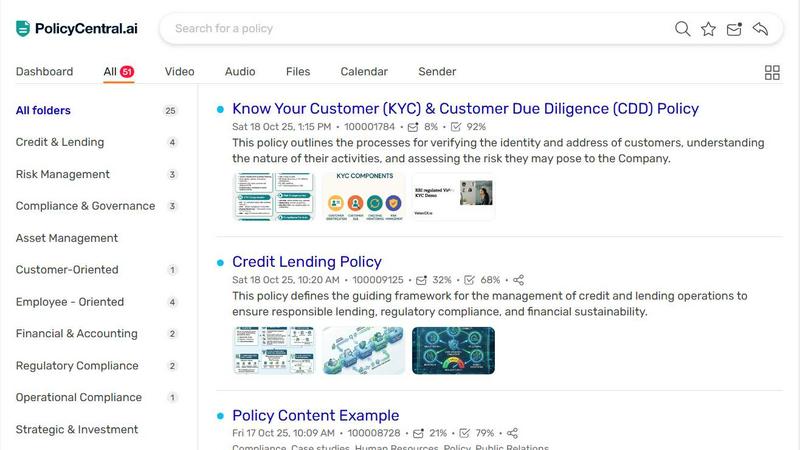
PolicyCentral.ai makes enterprise policy management intelligent and effortless with AI-driven creation, access, and compliance tracking.

Linkedin Pinpoint Answer
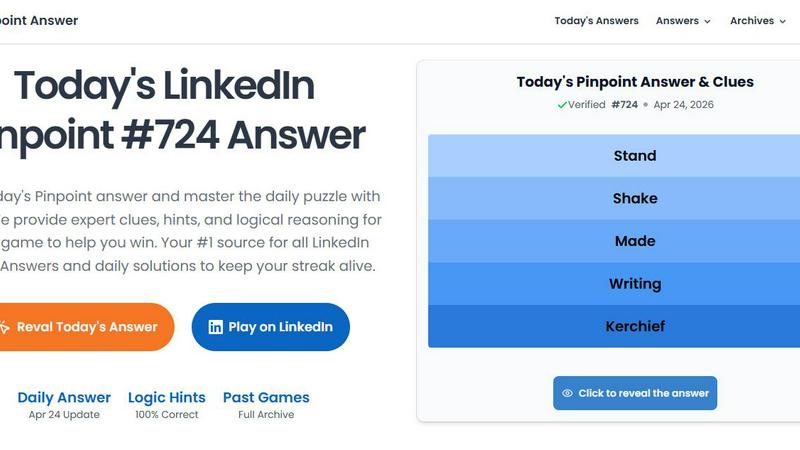
LinkedIn Pinpoint Answer delivers expert clues and daily solutions for Pinpoint and other popular games, helping you master puzzles effortlessly.
Vaiz
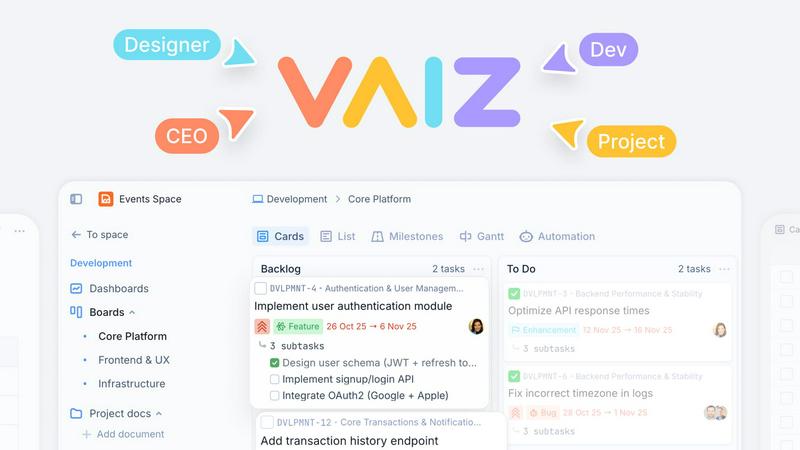
Vaiz is the all-in-one work management tool that boosts productivity, streamlines tasks, and simplifies collaboration for teams of all sizes.
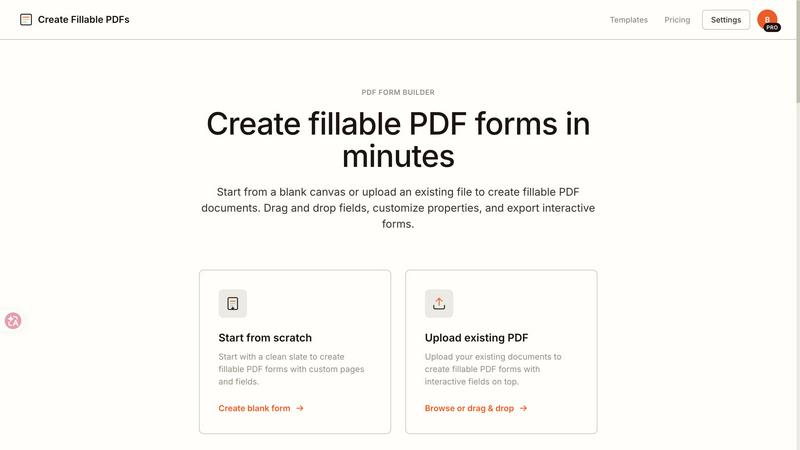
Create Fillable PDF Forms Online
Create fillable PDFs in minutes by uploading a file or starting from scratch with drag and drop fields.

WhoFixedIt
WhoFixedIt is your ultimate logbook to track repairs and trusted service providers for your home or business, making maintenance a breeze.
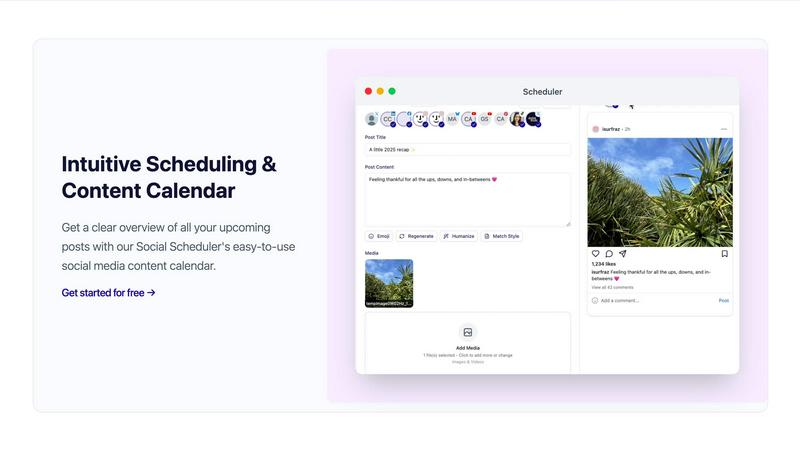
Scheduler.social
Scheduler.social replaces manual social media tasks with AI-driven team members that plan, collaborate, and publish across all platforms.
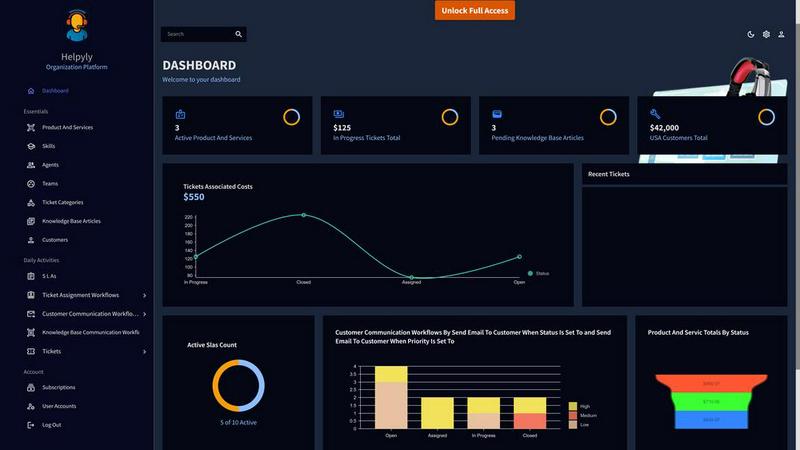
Helpyly
Helpyly is a centralized support hub that automates ticket management and workflows to help your team resolve issues faster.