
EditPhoto AI vs KidCanvas


Visual Comparison
EditPhoto AI
KidCanvas
Overview
About EditPhoto AI
EditPhoto AI
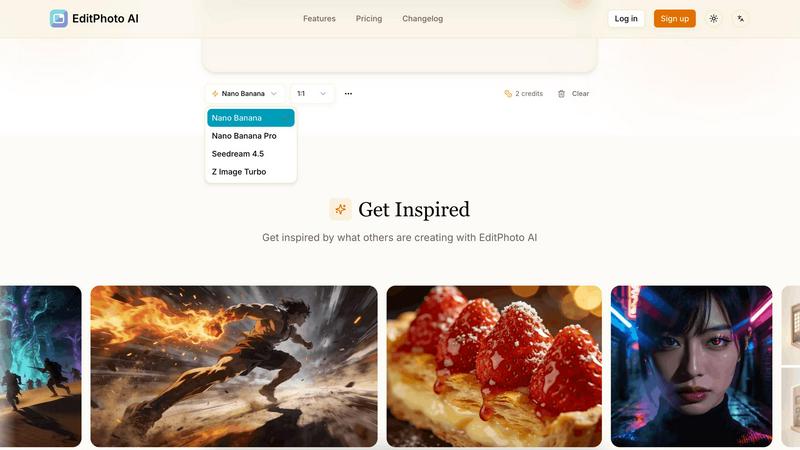
EditPhoto AI is a free, browser-based AI image editor that transforms photo editing into a prompt-driven workflow. Upload images (JPG/PNG/WebP), describe edits in natural language, and the service applies high-quality model-based operations like background removal, object removal, portrait retouching, upscaling to 4K, outpainting, and style transfers.
Key features:
- Text-to-edit: Use simple text prompts to perform edits (e.g., "remove background", "enhance eyes", "change sky to sunset").
- Multiple AI models: Select models optimized for speed, consistency, or high-resolution output (Nano Banana, Nano Banana Pro, Seedream, Z Image Turbo).
- Multi-image reference: Upload up to 14 reference images to preserve style or combine elements across inputs.
- High-resolution output: Support for 1K/2K/4K generation and AI upscaling for professional use.
- Common photo workflows: Background removal, object erasing, portrait retouch, ID photo formatting, old photo restoration, virtual staging, food photography enhancements.
- Privacy-first processing: SSL, isolated processing environments, ephemeral storage and GDPR-aligned claims.
Target users and use cases:
- E-commerce and marketplaces: One-click product white background removal and batch-friendly edits for listings.
- Photographers and designers: Fast retouching, upscaling, and style transformations without complex software.
About KidCanvas
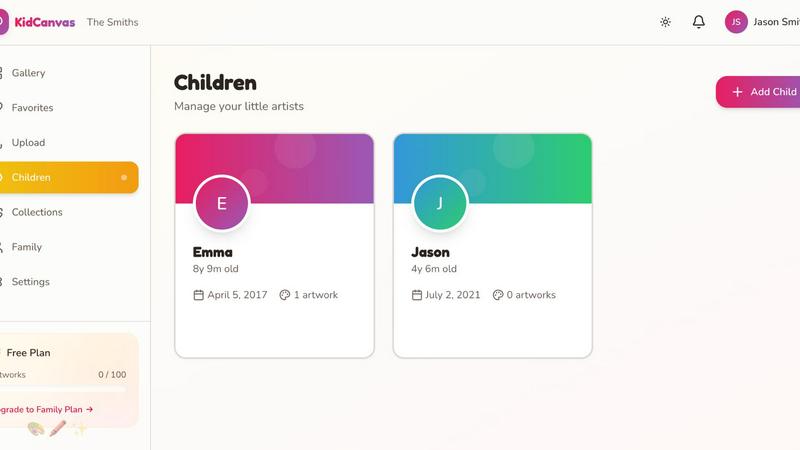
KidCanvas is a family-focused digital gallery that solves the problem every parent faces: what to do with all your children's artwork. Your kids bring home paintings, drawings, and crafts every week. They pile up on the fridge, then in drawers, and eventually you're left with a mountain of paper. You feel guilty throwing anything away, but keeping everything isn't realistic—and the best pieces often get damaged or lost. KidCanvas changes that. Simply snap a photo of any artwork, tag it with the child's name, add a title, and it's instantly saved to your family's digital gallery. Smart scanning technology automatically detects and enhances artwork, making each piece look its best. The entire family can access the gallery—grandparents, aunts, uncles, and other family members can see new artwork as soon as it's uploaded. No more mailing photos or trying to remember which drawing was whose. Search makes it easy to find "that rainbow drawing from last summer" in seconds. Key features include: - Smart artwork scanning that automatically detects and enhances artwork - Family sharing so grandparents and extended family can see artwork instantly - Artist tagging to organize pieces by child - Searchable gallery to find specific artwork quickly - Collections to organize artwork by theme, event, or time period - Favorites to highlight the best pieces.