
Caricature Generator vs Shrinkpad

Caricature Generator
Transform your photos into fun, unique caricatures with our easy-to-use Caricature Generator!.
Last updated: February 28, 2026

Visual Comparison
Caricature Generator
Shrinkpad
Overview
About Caricature Generator
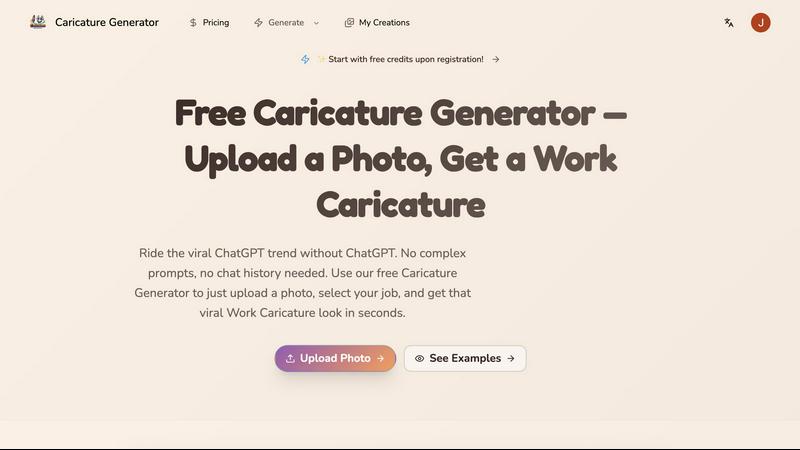
Caricature Generator is an innovative AI-driven platform designed to transform ordinary photos and descriptions into vibrant, exaggerated artistic portraits in mere seconds. This tool caters to individuals, professionals, and businesses looking for a unique way to express their personality, promote their brand, or simply have fun with creative art. With its user-friendly interface, users can easily upload a photo and watch as their caricature is generated instantly, removing the hassle of complex setups or extensive prompts. The main value proposition lies in its ability to deliver high-quality, personalized caricatures that can be used for various purposes, from social media branding to professional presentations. Whether you are an artist seeking inspiration or a business professional looking to stand out, Caricature Generator has you covered with its exceptional features that encourage creativity and individuality.
About Shrinkpad
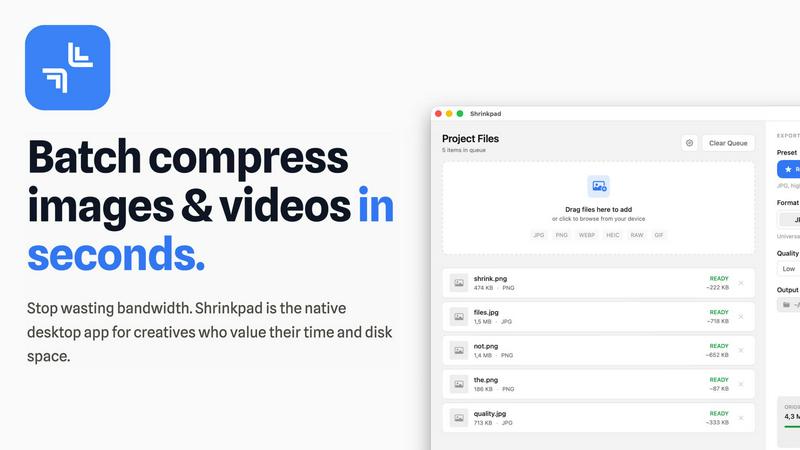
Batch compress images and videos on Mac. Drop hundreds of files or entire folders, pick your settings, and compress in seconds. Everything stays on your device.
ShrinkPad processes all your media locally using native macOS frameworks. No uploads, no cloud, no waiting for servers. Your files never leave your Mac, giving you complete privacy and zero dependency on internet connection.
Reduce file sizes by up to 90% while keeping visual quality intact. Whether you're compressing iPhone photos, high-resolution images, or 4K videos, ShrinkPad maintains the quality you need while cutting storage significantly.
The app supports 50+ formats out of the box. JPG, PNG, HEIC, WebP for images. MP4, MOV for videos. No need to convert files first or worry about compatibility. Just drag and drop, and ShrinkPad handles the rest.
Customize everything to fit your workflow. Choose from quality presets or fine-tune compression settings manually. Set your preferred output format, create custom file naming patterns, and pick your export location. Preserve or strip metadata with a single click.
Stop processing files one by one. With ShrinkPad, you can drag an entire folder and compress everything inside in one go. Hundreds of files, processed in seconds, not hours.
Built for photographers, designers, content creators, and anyone tired of bloated media files eating up storage space.
Simple interface. Powerful compression. Complete privacy.