
Shrinkpad
Effortlessly batch compress images and videos on Mac to save time, space, and improve performance with Shrinkpad.
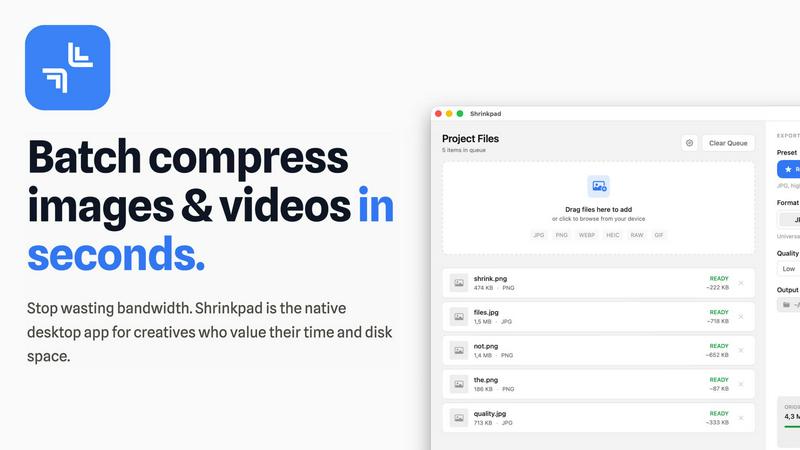
About Shrinkpad
Shrinkpad is an innovative batch compression tool designed specifically for Mac users who want to efficiently manage their media files. It allows you to compress hundreds of images and videos simultaneously, ensuring that everything stays on your device for maximum privacy. With a focus on speed and efficiency, Shrinkpad utilizes native macOS frameworks to process files locally, eliminating the need for cloud uploads or slow server processing. This makes it ideal for photographers, designers, content creators, and anyone overwhelmed by bloated media files. By reducing file sizes by up to 90% without sacrificing quality, Shrinkpad helps you reclaim valuable disk space and optimize your workflow. Its user-friendly interface and powerful features make it an essential tool for anyone looking to streamline their media management.
Features of Shrinkpad
Batch Compression
Shrinkpad allows you to drag and drop entire folders filled with images and videos for batch processing. This feature dramatically reduces the time spent on individual file compression, handling everything in seconds rather than hours.
Local Processing
With Shrinkpad, all your files are processed locally on your Mac. This means no uploads, no cloud dependencies, and complete privacy. Your sensitive assets remain on your device, giving you peace of mind.
Format Support
The app supports over 50 file formats, including popular image formats like JPG, PNG, and HEIC, as well as video formats such as MP4 and MOV. You can compress a variety of media types without worrying about compatibility issues.
Customization Options
Shrinkpad provides extensive customization options to fit your workflow. You can choose from quality presets, manually adjust compression settings, and even create custom file naming patterns. This allows for tailored outputs based on your specific needs.
Use Cases of Shrinkpad
Photographer Workflow Optimization
Photographers can use Shrinkpad to quickly compress large batches of high-resolution images from a shoot. This not only saves storage space but also speeds up the process of preparing images for sharing or printing.
Web Development and Design
Web designers can benefit from Shrinkpad by optimizing images and videos before uploading them to websites. This leads to faster load times and improved user experience, essential for maintaining visitor engagement.
Content Creation for Social Media
Content creators can leverage Shrinkpad to compress video files for platforms like Instagram and YouTube. By maintaining high visual quality while reducing file sizes, creators can easily share their work without worrying about upload limits.
Team Collaboration in Studios
Small studios can utilize Shrinkpad to streamline their asset management. With the ability to batch process files and maintain quality, teams can collaborate effectively, ensuring that everyone has access to optimized media.
Frequently Asked Questions
Can I use Shrinkpad for free?
Yes, Shrinkpad offers a Free Starter plan that includes essential tools for casual use, allowing you to compress up to 10 files per batch with standard compression.
What file formats does Shrinkpad support?
Shrinkpad supports over 50 formats out of the box, including JPG, PNG, HEIC, WEBP for images, and MP4, MOV for videos, ensuring compatibility with a wide range of media types.
Does Shrinkpad support video compression?
Absolutely! Shrinkpad allows users to compress video files alongside images, making it an all-in-one solution for managing various media formats efficiently.
Can I control the compression quality?
Yes, Shrinkpad offers both automatic and manual compression settings. You can choose from quality presets or fine-tune the compression parameters to achieve the desired balance between file size and visual quality.
Explore more in this category:
Top Alternatives to Shrinkpad
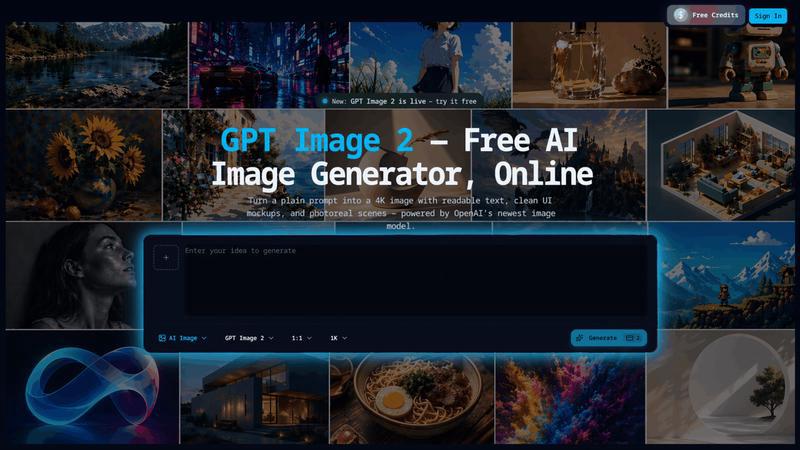
GPT Image 2
Transform simple prompts into stunning 4K images with readable text and multilingual support using the powerful GPT Image 2 AI generator.
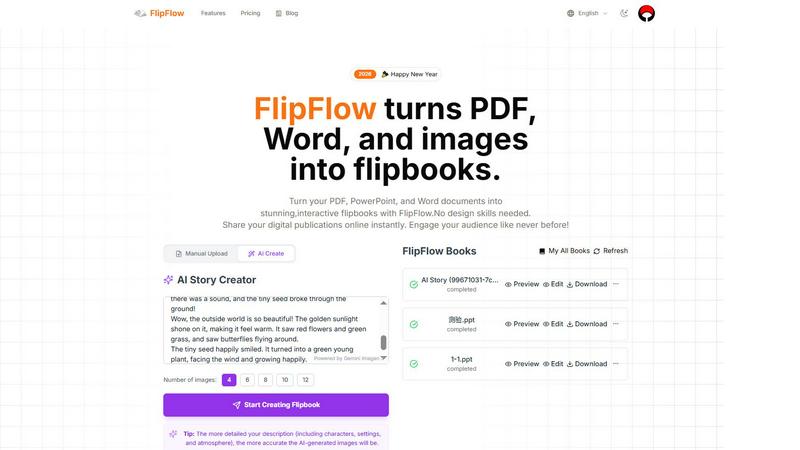
FlipFlow
FlipFlow instantly converts your PDFs, Word docs, and images into stunning, interactive flipbooks with AI, no design skills needed.
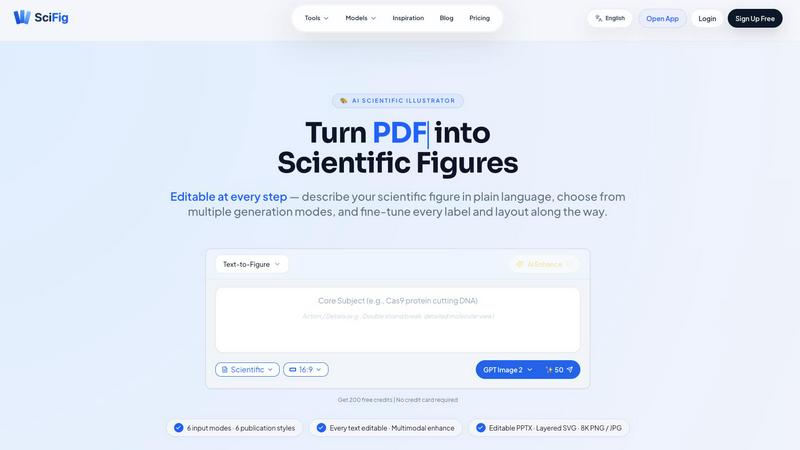
SciFig
SciFig turns text, sketches, PDFs, or photos into editable, publication-ready scientific figures with AI.
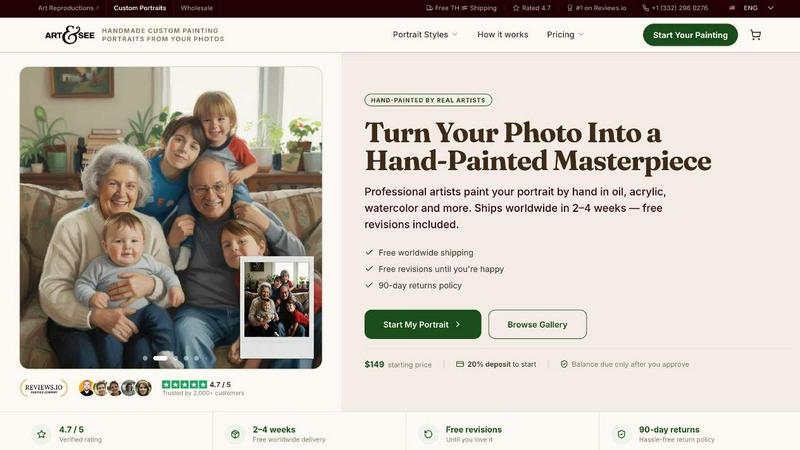
Art & See Custom Oil Painting Portraits
Transform your cherished memories into stunning custom oil painting portraits crafted by master artists, with free shipping included.
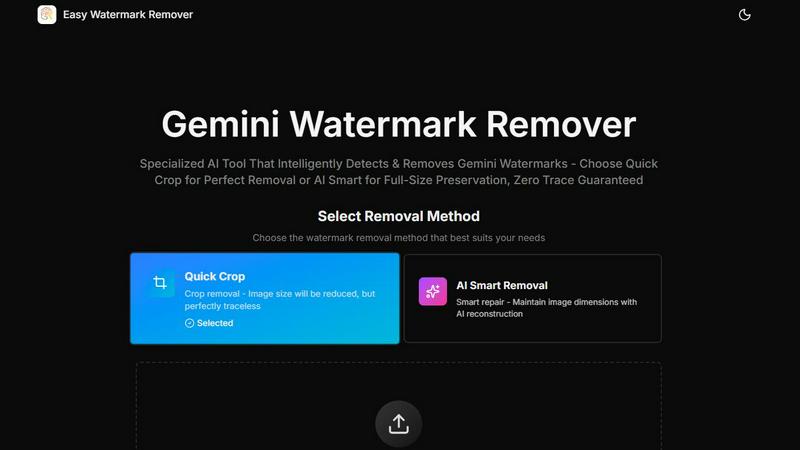
Easy Watermark Remover
Remove Google Gemini AI watermarks and SynthID instantly with AI smart removal or crop, no signup needed.
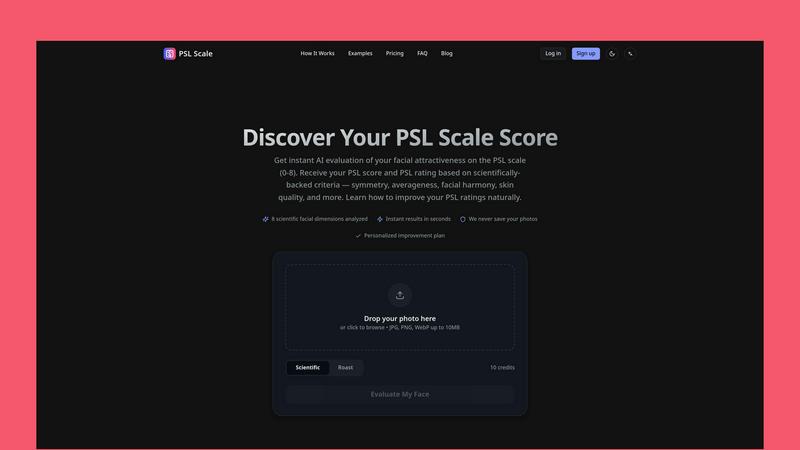
PSL SCALE
Get instant AI evaluation of your facial attractiveness with a PSL score from 0 to 8 based on scientific criteria like symmetry and harmony.
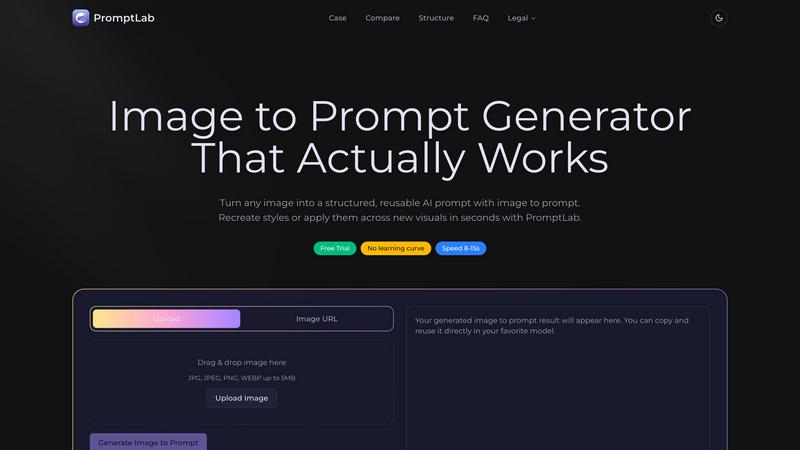
PromptLab Image to Prompt
Turn any image into a structured, reusable AI prompt to instantly recreate styles across new visuals with PromptLab.
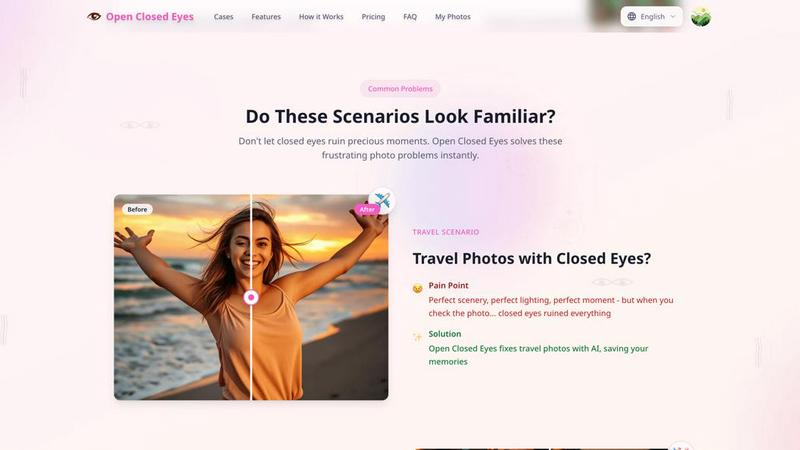
Open Closed Eyes
Fix closed eyes in any photo instantly with AI - no login required, free to try.