
Skin Enhancer vs Vidlyo
Side-by-side comparison to help you choose the right product.


Visual Comparison
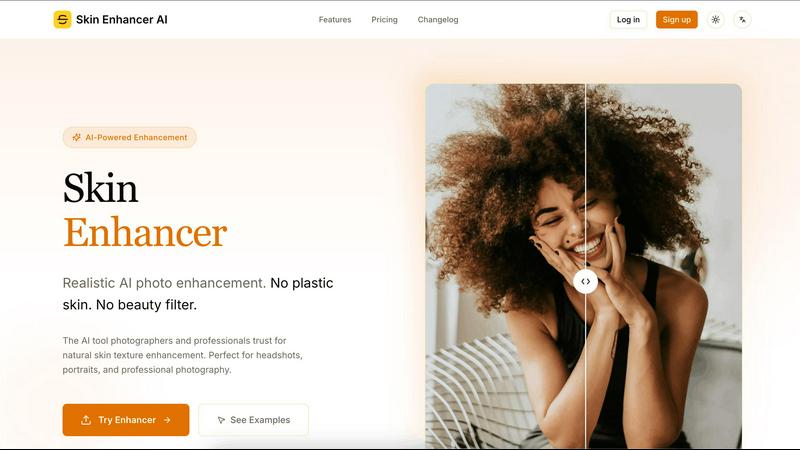
Skin Enhancer
Vidlyo
Overview
About Skin Enhancer
Skin Enhancer AI — Overview
Skin Enhancer AI is a privacy-focused image enhancement web service that uses machine learning to reconstruct and enhance skin texture at the pixel level while preserving natural pores and micro-details.
Key features
- Texture reconstruction: Rebuilds realistic skin texture rather than smoothing it away, preserving pores, freckles and micro-details.
- Smart detail detection: Distinguishes natural features from blemishes so it removes imperfections without erasing character (freckles, beauty marks).
- Multiple enhancement modes: Balanced, Strong and HD Texture modes to match different use cases and artistic intent.
- High-resolution export: Upscale and export enhanced photos up to 4K, suitable for print and professional portfolios.
- Fast, in-browser workflow: Drag-and-drop upload, before/after slider preview, and one-click download.
- File support & limits: Accepts JPG, PNG, WEBP; Free users: up to 2MB, Paid users: up to 20MB (larger sizes via contact).
- Privacy & security: End-to-end encryption, isolated processing environments, no third-party sharing and automatic deletion after processing.
Target users / use cases
- Professional photographers and retouchers who need natural, high-fidelity skin improvements for headshots and portraits.
- Content creators and social media users who want authentic-looking avatars and thumbnails without heavy filters.
About Vidlyo
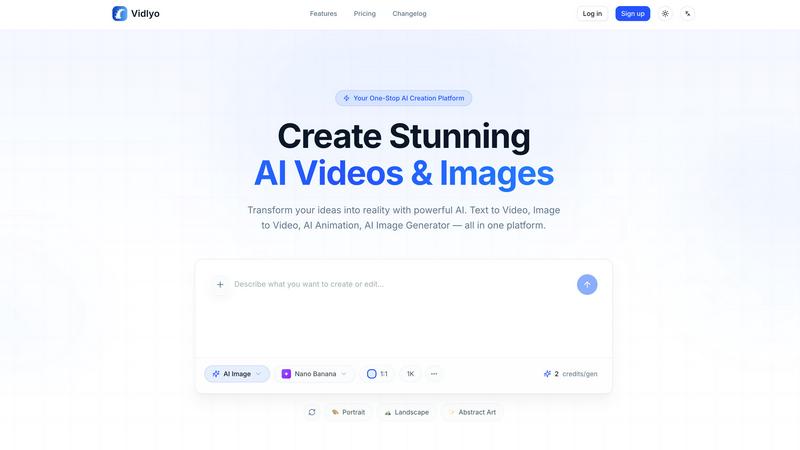
Vidlyo is a web-based platform that converts text and image inputs into high-quality images and videos using multiple AI models. It targets content creators, marketers, e‑commerce teams, and hobbyists who need fast, production-ready visual content without manual design or animation skills.
Key features
- Text-to-Image and Text-to-Video: generate visuals directly from natural-language prompts.
- Image-to-Video & Image-to-Image: convert photos into animated clips or apply style transfers (Ghibli, anime, hand-made painting, etc.).
- AI Animation Generator: produce anime/cartoon style videos and avatar animations (reference-based character consistency).
- Editing tools: background removal, object removal, image enhancer, upscaler (up to 4K for images), and style transfer.
- Specialized tools: AI outfit changer, multi-scene shorts generator, music-video generator, and avatar video creation with lip-sync.
- Controls & presets: aspect ratios (16:9, 9:16, 1:1), durations (5s–120s choices), credits-based usage and selectable models (fast vs. high-quality).
- Security & privacy: SSL encryption, isolated processing, GDPR compliance, and private creations.