
Vidlyo
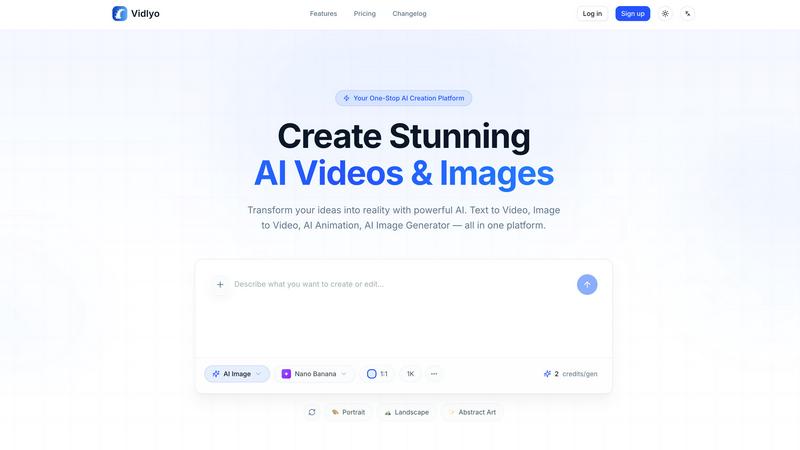
Create stunning, viral videos for social media effortlessly with Vidlyo's all-in-one AI platform.
About Vidlyo
Vidlyo is an innovative web-based platform designed to revolutionize the way content creators, marketers, e-commerce teams, and hobbyists generate visual content. By harnessing the power of multiple AI models, Vidlyo transforms text and image inputs into high-quality images and videos in mere minutes. This cutting-edge tool eliminates the need for manual design or animation skills, allowing users to focus on creativity rather than technical obstacles. With its user-friendly interface, Vidlyo empowers users to create engaging and production-ready visual content tailored for platforms like TikTok, Instagram, and YouTube. Whether you're telling a story, promoting a product, or simply sharing moments, Vidlyo provides the tools needed to make ideas come alive visually, ensuring that your content stands out in an increasingly crowded digital landscape.
Features of Vidlyo
Text-to-Image and Text-to-Video
Vidlyo allows users to generate stunning visuals directly from natural language prompts. This feature is a game-changer for those looking to create images or videos quickly, as it enables the transformation of simple text descriptions into captivating visual narratives without any graphic design expertise.
Image-to-Video & Image-to-Image
This feature lets users convert existing photos into dynamic animated clips or apply artistic style transfers, such as Ghibli or anime aesthetics. With Vidlyo, your static images can come to life or be reimagined in various artistic styles, enhancing your storytelling capabilities.
AI Animation Generator
Vidlyo's AI Animation Generator produces cartoon and anime-style videos, offering reference-based character consistency. This feature is perfect for creators looking to develop unique characters or animated content, as it simplifies the animation process and enhances creativity.
Editing Tools
Vidlyo includes a suite of editing tools such as background removal, object removal, and image enhancement. Users can upscale images up to 4K resolution and apply style transfers, giving them the flexibility to refine their visuals and achieve professional-quality results effortlessly.
Use Cases of Vidlyo
Social Media Content Creation
For content creators on platforms like TikTok and Instagram, Vidlyo streamlines the creation of engaging videos. Users can quickly generate eye-catching visuals and animations that resonate with their audiences, boosting engagement and follower growth.
E-commerce Product Promotion
E-commerce teams can leverage Vidlyo to create promotional videos showcasing products in unique ways. By transforming product images into dynamic clips or applying style transfers, businesses can create visually appealing content that drives sales and enhances brand visibility.
Educational Content Development
Educators and trainers can utilize Vidlyo to produce informative and engaging videos that explain complex topics visually. By generating animations and illustrations from text-based lessons, they can enhance learning experiences and reach diverse audiences.
Marketing Campaigns
Marketers can harness Vidlyo to create compelling video ads and promotional content. With features like the AI script generator and editing tools, campaigns can be tailored to specific audiences quickly, ensuring that marketing efforts are both efficient and effective.
Frequently Asked Questions
How does Vidlyo generate visuals from text?
Vidlyo uses advanced AI models that interpret natural language prompts to create high-quality images and videos. Users simply input descriptive text, and the platform processes it to deliver stunning visuals.
Is there a learning curve for using Vidlyo?
Not at all! Vidlyo is designed with user-friendliness in mind, enabling anyone—regardless of technical skills—to create professional-quality visual content in minutes. The intuitive interface guides users through each step.
Can I customize my videos after generating them?
Yes, Vidlyo provides a range of editing tools that allow users to customize their generated videos further. You can add effects, remove backgrounds, and enhance images to fit your specific needs.
Is my data secure with Vidlyo?
Absolutely. Vidlyo prioritizes user security and privacy, employing SSL encryption and ensuring GDPR compliance. Your creations and data are processed in isolation, maintaining confidentiality and safety.
Top Alternatives to Vidlyo
UnboundAI
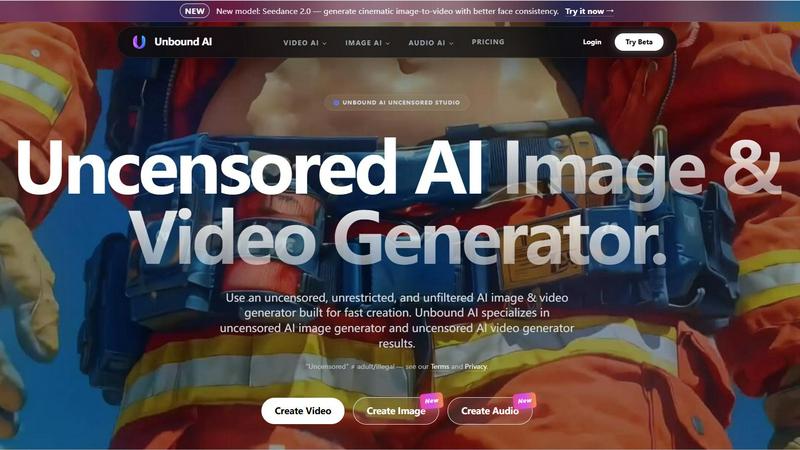
UnboundAI is your uncensored studio for generating cinematic images and videos from text or images, now supercharged with Seedance 2.0 and Wan 2.7.
Graffiti Generator
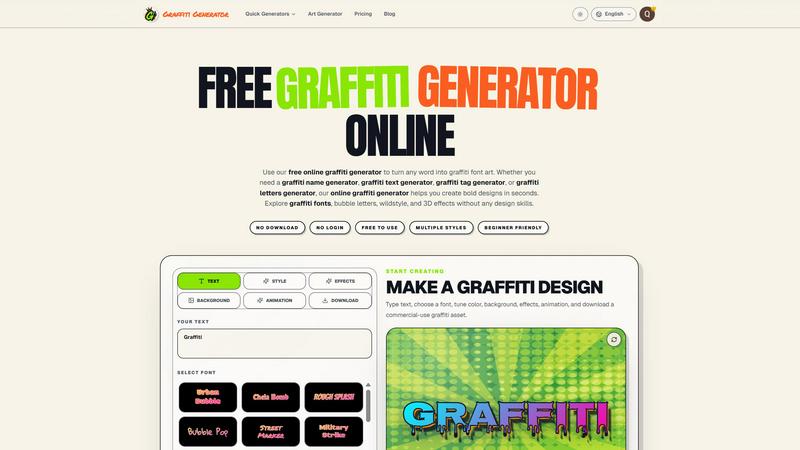
Turn any text into bold graffiti art instantly with 30+ fonts, AI enhancement, and one-click export, no skills required.
SciFig
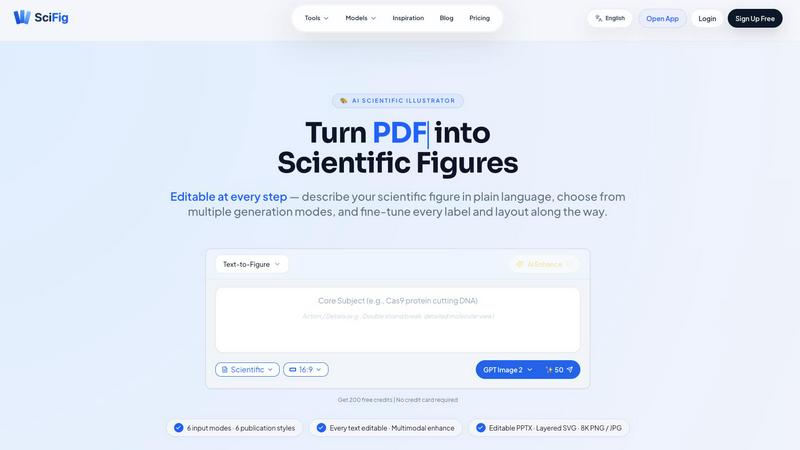
SciFig turns text, sketches, PDFs, or photos into editable, publication-ready scientific figures with AI.
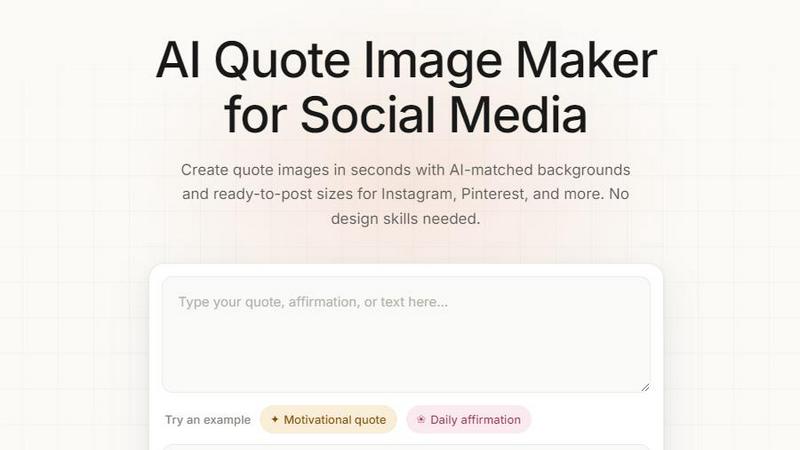
Quote Image Maker
Turn any quote into a stunning social graphic instantly with AI that matches backgrounds to your words, no design skills required.
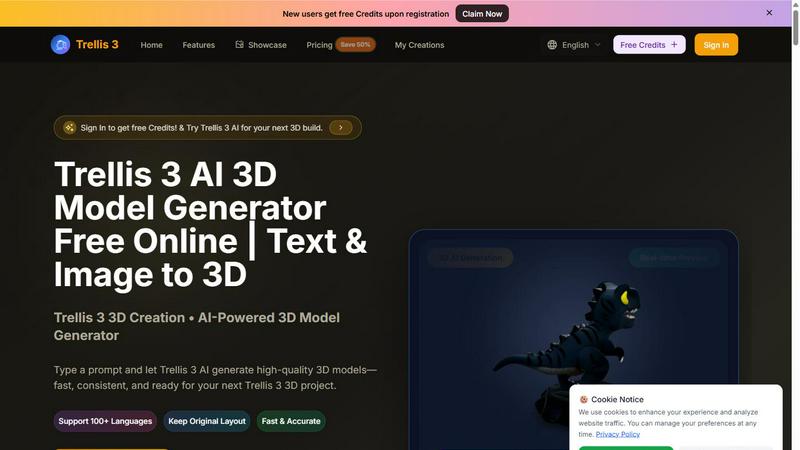
TRELLIS.3
Transform text and images into stunning 3D models in seconds with Trellis 3, your go-to AI-powered 3D model generator.
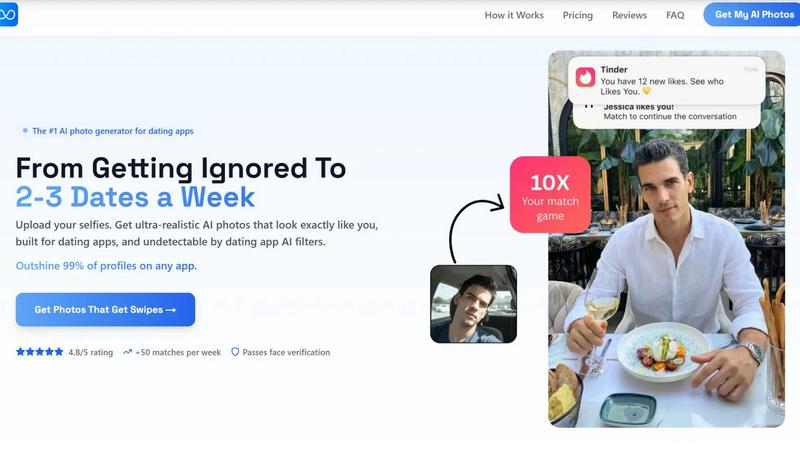
TruShot App
TruShot uses your selfies to create ultra-realistic, undetectable AI dating photos that get you 10x more matches on Tinder, Hinge, and Bumble.
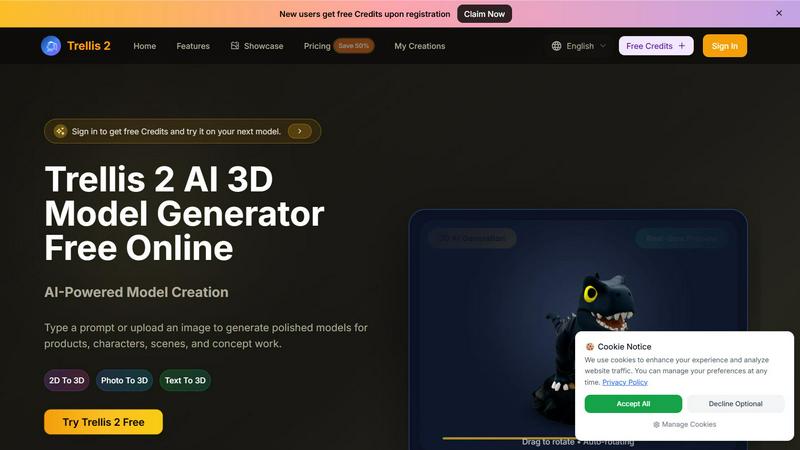
Trellis 2
Transform your ideas into stunning 3D models with Trellis 2, the AI tool that converts text and images into polished designs effortlessly.
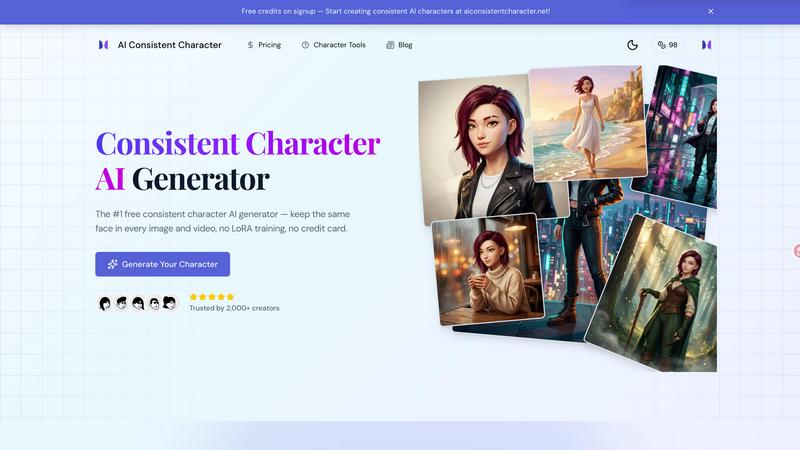
AI Consistent Character
Generate any character once and reuse them in every image and video instantly with zero training, completely free.