
Caricature Generator vs Vidlyo

Caricature Generator
Transform your photos into fun, unique caricatures with our easy-to-use Caricature Generator!.
Last updated: February 28, 2026

Visual Comparison
Caricature Generator
Vidlyo
Overview
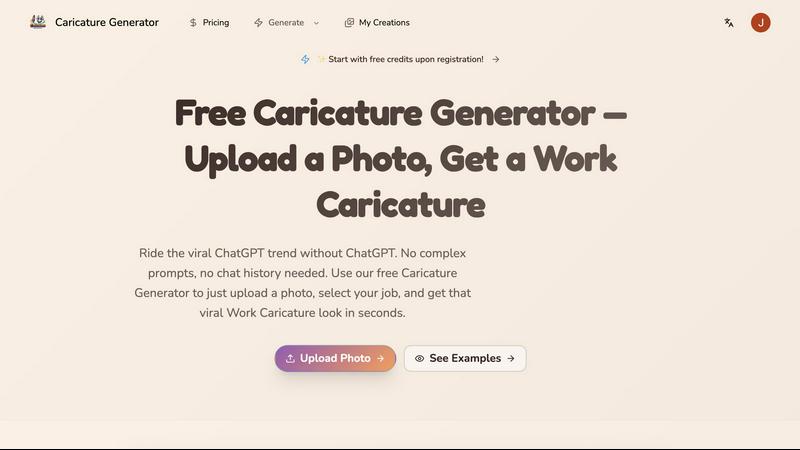
About Caricature Generator
Caricature Generator is an innovative AI-driven platform designed to transform ordinary photos and descriptions into vibrant, exaggerated artistic portraits in mere seconds. This tool caters to individuals, professionals, and businesses looking for a unique way to express their personality, promote their brand, or simply have fun with creative art. With its user-friendly interface, users can easily upload a photo and watch as their caricature is generated instantly, removing the hassle of complex setups or extensive prompts. The main value proposition lies in its ability to deliver high-quality, personalized caricatures that can be used for various purposes, from social media branding to professional presentations. Whether you are an artist seeking inspiration or a business professional looking to stand out, Caricature Generator has you covered with its exceptional features that encourage creativity and individuality.
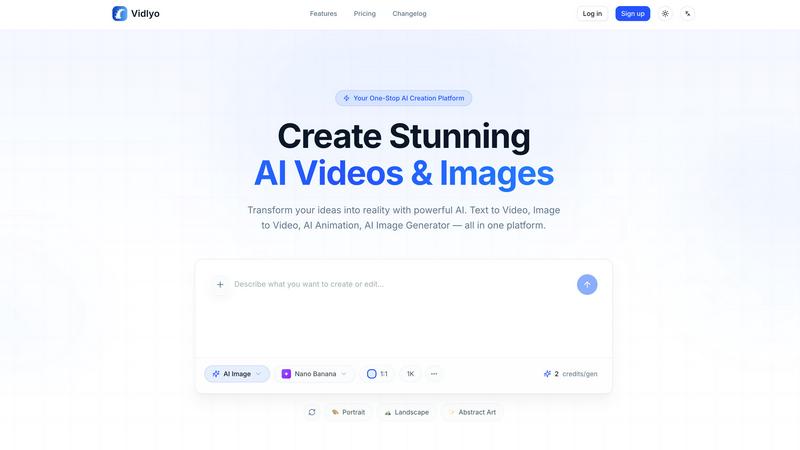
About Vidlyo
Vidlyo is a web-based platform that converts text and image inputs into high-quality images and videos using multiple AI models. It targets content creators, marketers, e‑commerce teams, and hobbyists who need fast, production-ready visual content without manual design or animation skills.
Key features
- Text-to-Image and Text-to-Video: generate visuals directly from natural-language prompts.
- Image-to-Video & Image-to-Image: convert photos into animated clips or apply style transfers (Ghibli, anime, hand-made painting, etc.).
- AI Animation Generator: produce anime/cartoon style videos and avatar animations (reference-based character consistency).
- Editing tools: background removal, object removal, image enhancer, upscaler (up to 4K for images), and style transfer.
- Specialized tools: AI outfit changer, multi-scene shorts generator, music-video generator, and avatar video creation with lip-sync.
- Controls & presets: aspect ratios (16:9, 9:16, 1:1), durations (5s–120s choices), credits-based usage and selectable models (fast vs. high-quality).
- Security & privacy: SSL encryption, isolated processing, GDPR compliance, and private creations.