
Kling Motion Control
Kling Motion Control enables precise AI-driven motion transfer for character animation using real video reference clips.
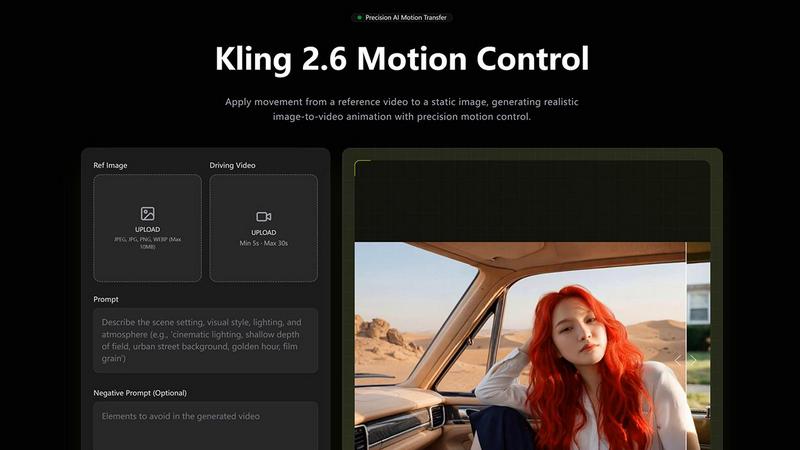
About Kling Motion Control
Kling Motion Control is a groundbreaking AI motion transfer technology integrated into Kling Video 2.6 Pro, designed to revolutionize character animation and video production. By harnessing advanced algorithms, it allows creators to apply real-life motion from reference videos to their character images seamlessly. This innovative tool is ideal for animators, marketers, educators, and social media content creators looking to enhance their visual storytelling. With Kling Motion Control, the tedious process of manual animation is transformed into a quick, efficient workflow that ensures intentional and accurate movements. By simply uploading a character image and a motion reference video, users can generate dynamic, high-quality videos that maintain visual identity while replicating lifelike motions. This capability not only accelerates content production but also significantly boosts engagement with audiences, making it a cost-effective solution for professionals and small teams alike.
Features of Kling Motion Control
Motion Extraction and Transfer
Kling Motion Control captures extensive motion sequences from reference videos lasting 3 to 30 seconds. This includes everything from walking and dancing to intricate gestures and choreography, ensuring that every motion is transferred accurately to your static character images.
Full-Body Motion Accuracy
The technology guarantees smooth and cohesive motion across various body parts, even during rapid or complex movements. This level of precision is essential for creating realistic animations that resonate with viewers, whether in martial arts displays or dynamic dance routines.
Precision Hand and Gesture Control
Unlike standard animation models, Kling Motion Control excels at preserving nuanced hand movements and expressive gestures. This feature enables creators to deliver lifelike performances, making it perfect for projects that demand close-up shots and detailed character interactions.
Flexible Character Orientation Modes
Kling Motion Control offers two orientation modes: one that matches the video framing for accurate replication and another that aligns with the character image to maintain composition while allowing for camera motion adjustments. This flexibility enhances creative control over the final output.
Use Cases of Kling Motion Control
Character Animation & Illustration
Animators can use Kling Motion Control to apply authentic dance or action choreography to illustrated characters, mascots, or concept art. This opens avenues for creativity, transforming static illustrations into lively animations that captivate audiences.
Product & Brand Videos
Marketers can leverage Kling Motion Control to transfer human gestures to animated brand characters, creating engaging product demos and explainer videos. This approach enhances brand storytelling, making marketing assets more relatable and visually appealing.
Storyboarding & Pre-Visualization
Production teams can generate realistic character performances early in the creative pipeline using Kling Motion Control. This capability aids in rapid ideation, enabling teams to visualize scenes effectively and make informed decisions on character movements and interactions.
Social Media Content Creation
Content creators can apply trending motion clips to custom characters, generating engaging short-form videos with consistent motion quality. This adaptability makes Kling Motion Control a valuable tool for enhancing social media engagement and presence.
Frequently Asked Questions
What types of videos can I create with Kling Motion Control?
You can create a wide range of videos, including character animations, marketing materials, educational content, and social media posts, all enhanced by realistic motion transfer.
How do I upload my character image and motion video?
Simply upload your character image and select a motion reference video from your library or upload a custom one. The process is user-friendly and designed for quick setup.
Can I adjust the background and scene details after applying motion?
Yes, Kling Motion Control allows you to use text prompts to refine background elements, lighting, atmosphere, and visual style without altering the transferred motion, providing significant flexibility in your creative process.
Is there support for audio in the generated videos?
Absolutely! Kling Motion Control offers the option to preserve the original audio from your reference video or to generate silent outputs, giving you full control over your sound design choices in the final product.
Top Alternatives to Kling Motion Control
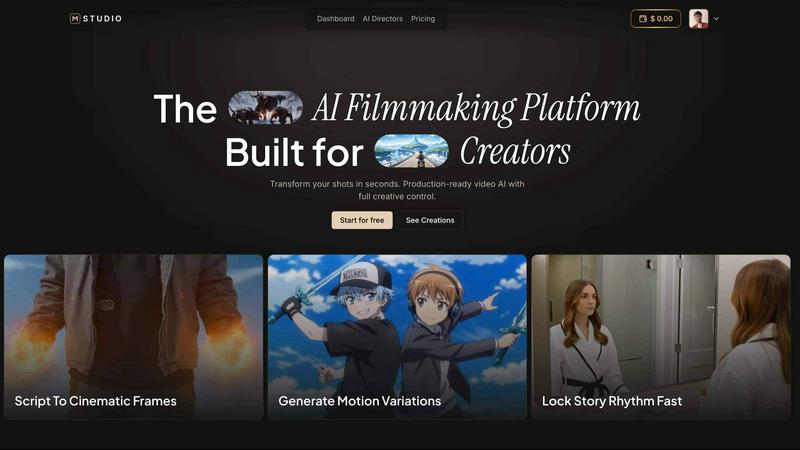
MStudio
MStudio is the all-in-one AI filmmaking platform that turns your script into a pitch-ready storyboard with motion and sound in one session.
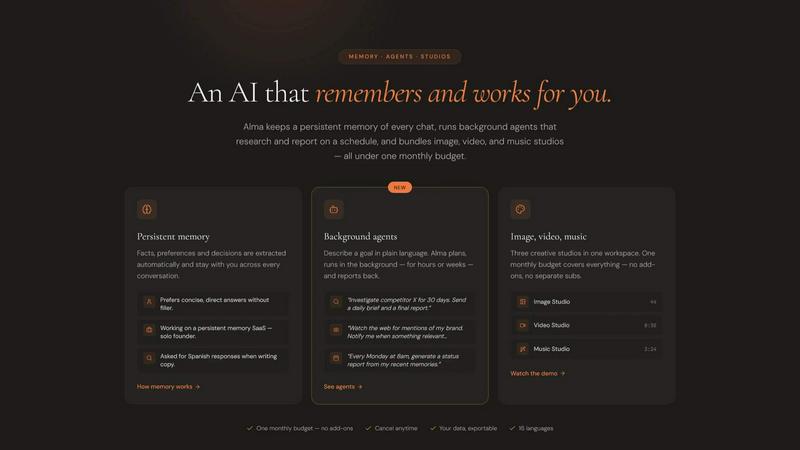
Alma by Olivares AI
Alma by Olivares AI is your smart assistant that remembers, researches, and creates across image, video, and music all under one budget.
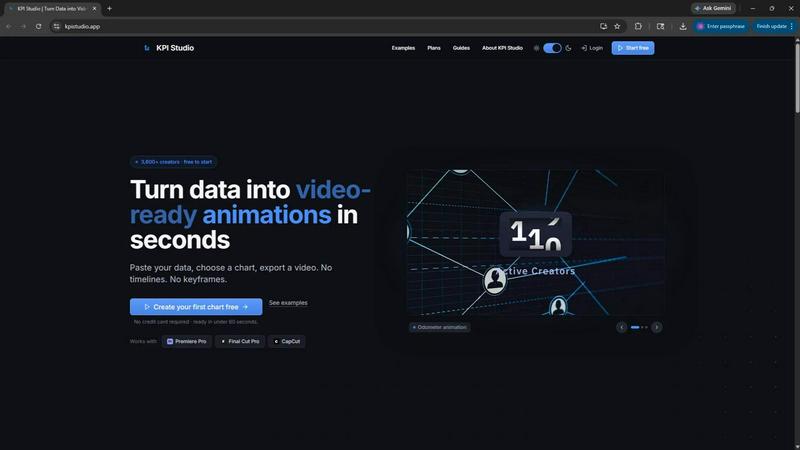
KPI Studio
KPI Studio transforms your data into stunning video animations in seconds, making metrics engaging and easy to share with no design skills needed.
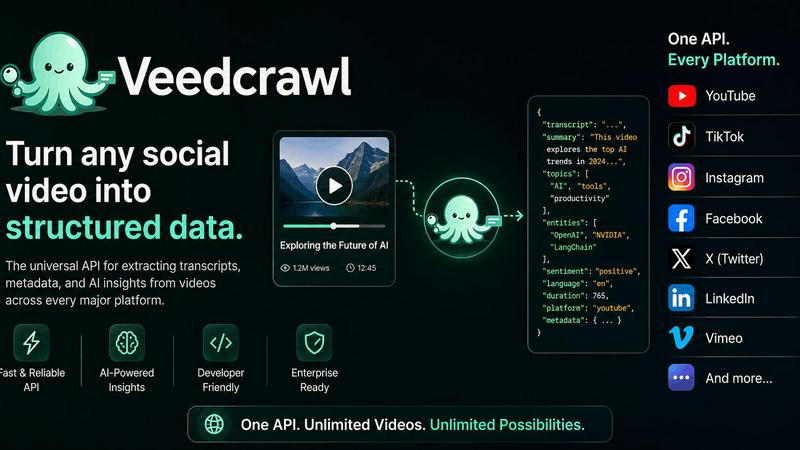
Veed Crawl
Turn any public social video URL into transcripts, metadata, and structured insights for your AI agents.
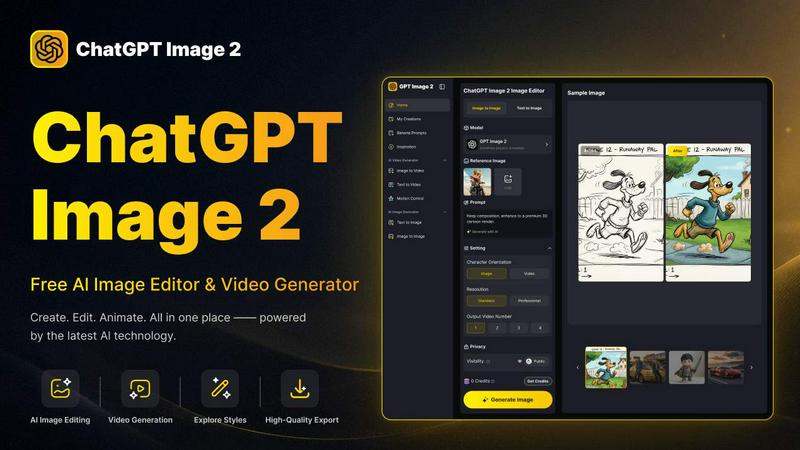
ChatGPT Image 2
Create stunning images, flawless text, and dynamic videos with ChatGPT Image 2, now 50% off for a limited time.
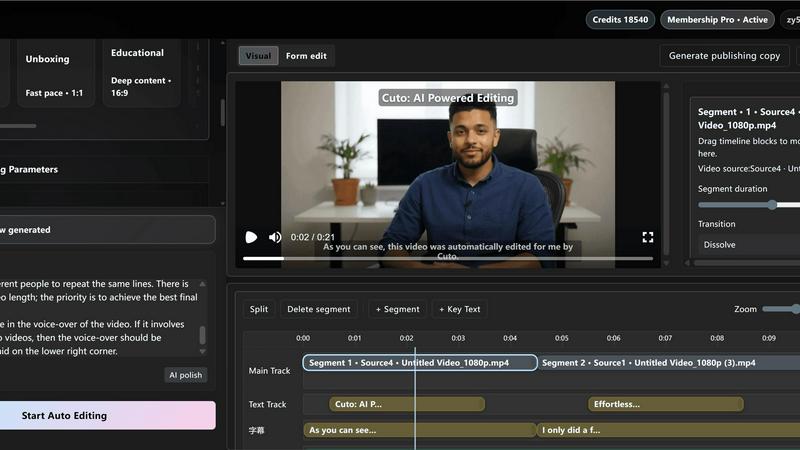
Cuto
Cuto turns your raw footage into polished, commercial-grade videos in 30 seconds with just one prompt and an editable AI edit plan.
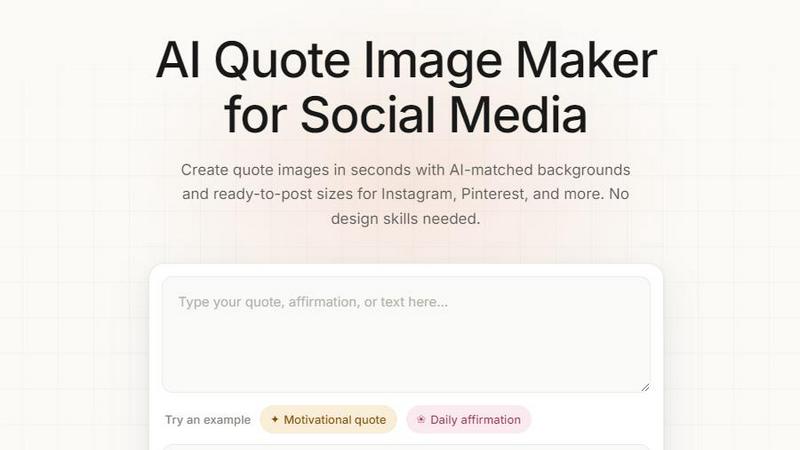
Quote Image Maker
Turn any quote into a stunning social graphic instantly with AI that matches backgrounds to your words, no design skills required.
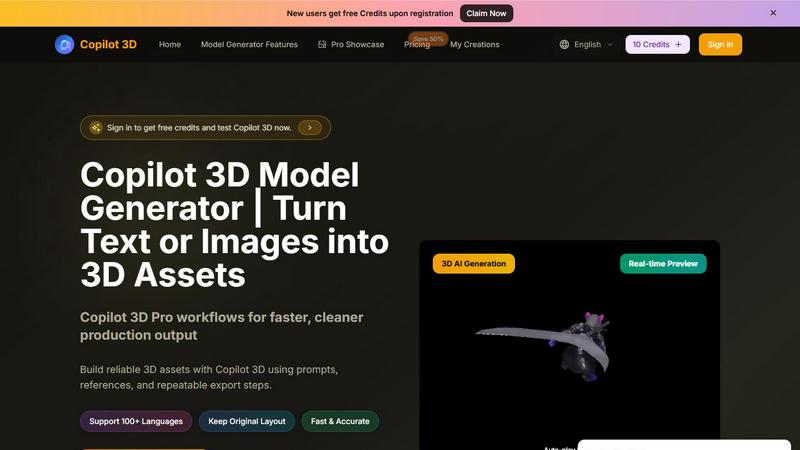
Copilot 3D
Copilot 3D instantly turns your text or images into production-ready 3D assets with fast, accurate AI generation and free credits for new users.