
BlitzCut
Transform raw videos into engaging posts in minutes with AI-powered silence removal and.
About BlitzCut
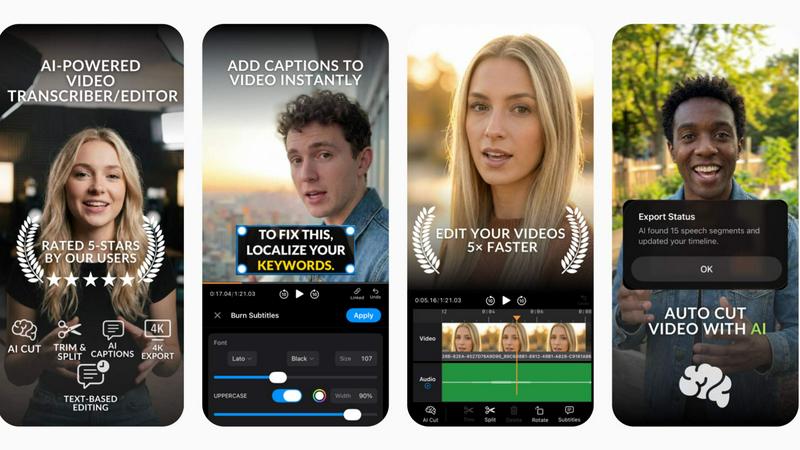
BlitzCut is a revolutionary AI-powered video editing application designed to make professional video editing accessible to every content creator. Whether you are a seasoned videographer or a novice looking to enhance your social media presence, BlitzCut offers a fast, mobile-first solution tailored for TikTok, Instagram Reels, and YouTube Shorts. Its primary value proposition lies in its ability to automate time-consuming tasks like silence removal and caption generation, allowing creators to focus on what truly matters—creating engaging content. With BlitzCut, users can transform raw footage into polished, post-ready videos in just two minutes, making daily posting not just feasible but effortless.
Features of BlitzCut
Automatic Silence Removal
BlitzCut's Automatic Silence Removal feature utilizes advanced AI algorithms to detect and eliminate silent pauses from your videos instantly. This means you can say goodbye to the tedious manual editing that often takes 15-20 minutes. With just a single tap, the AI processes your video, ensuring a smooth and engaging viewing experience without dead air.
AI Captions
Creating captions has never been easier! BlitzCut's AI Captions feature boasts over 95% accuracy and incorporates trendy, viral styles that resonate with viewers. This feature not only saves time but also enhances your video’s accessibility and engagement, making it a must-have for creators who want to keep their audience hooked.
Text-Based Editing
With BlitzCut's Text-Based Editing, you can now edit your videos directly from the transcription. Simply delete sentences or phrases that you do not want, and let the AI handle the adjustments. This intuitive approach streamlines the editing process, allowing creators to make quick changes without having to scrub through the video timeline.
2-Minute Workflow
BlitzCut is designed for speed. The 2-Minute Workflow allows users to import their raw clips, remove silence, add captions, and export the final product in under two minutes. This rapid process empowers creators to produce high-quality content quickly, ensuring that they can maintain a consistent posting schedule without sacrificing quality.
Use Cases of BlitzCut
Daily Social Media Posting
BlitzCut is perfect for creators who need to produce daily content for platforms like TikTok and Instagram. With its quick editing capabilities, users can turn around multiple videos in a day, keeping their content fresh and engaging without overwhelming themselves with editing tasks.
Content for Marketing Campaigns
Businesses looking to enhance their marketing efforts can leverage BlitzCut to create promotional videos swiftly. The automatic captioning and silence removal features allow marketers to focus on strategy and creativity rather than getting bogged down by the technical aspects of video editing.
Educational Video Creation
Educators and online instructors can utilize BlitzCut to create instructional videos. The text-based editing feature enables them to refine their content easily, ensuring that their lessons are concise and impactful, enhancing the learning experience for students.
Vlog Production
Vloggers can benefit immensely from BlitzCut's features, allowing them to edit their content on-the-go. With the mobile-first design and rapid workflow, they can capture, edit, and share their adventures in real-time, maximizing their engagement with viewers.
Frequently Asked Questions
How does BlitzCut's Automatic Silence Removal work?
BlitzCut uses advanced AI to identify silent gaps in your video and removes them automatically, drastically reducing editing time from 15-20 minutes to mere seconds.
Can I use BlitzCut on multiple devices?
Yes, BlitzCut is built specifically for iPhone, iPad, and Mac, offering a seamless mobile-first experience that allows you to edit videos anytime, anywhere.
What types of videos can I create with BlitzCut?
BlitzCut is designed primarily for social media videos, including TikToks, Instagram Reels, and YouTube Shorts, making it ideal for any content creator looking to enhance their online presence.
Is there a cost associated with using BlitzCut?
BlitzCut is free to download and use, making it accessible for all creators. There is no need for an account, and you can start editing videos right away without any upfront costs.
Explore more in this category:
Top Alternatives to BlitzCut
MStudio
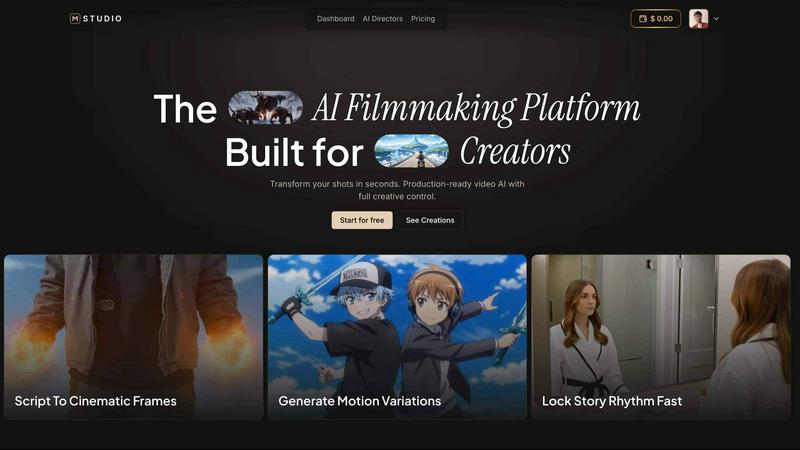
MStudio is the all-in-one AI filmmaking platform that turns your script into a pitch-ready storyboard with motion and sound in one session.
Alma by Olivares AI
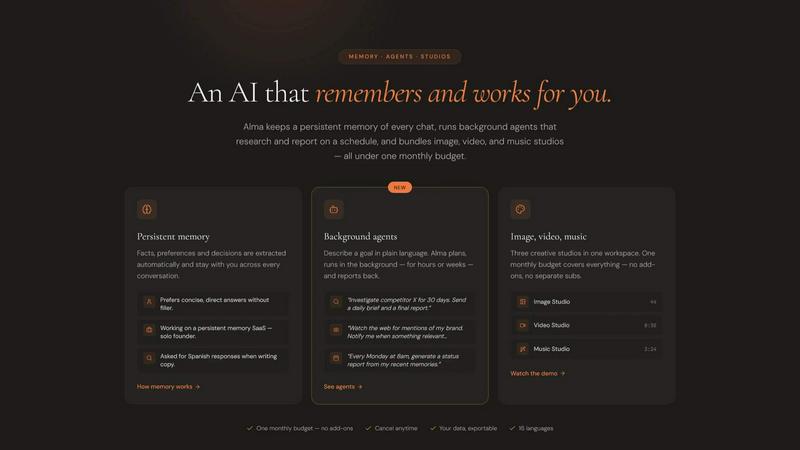
Alma by Olivares AI is your smart assistant that remembers, researches, and creates across image, video, and music all under one budget.
KPI Studio
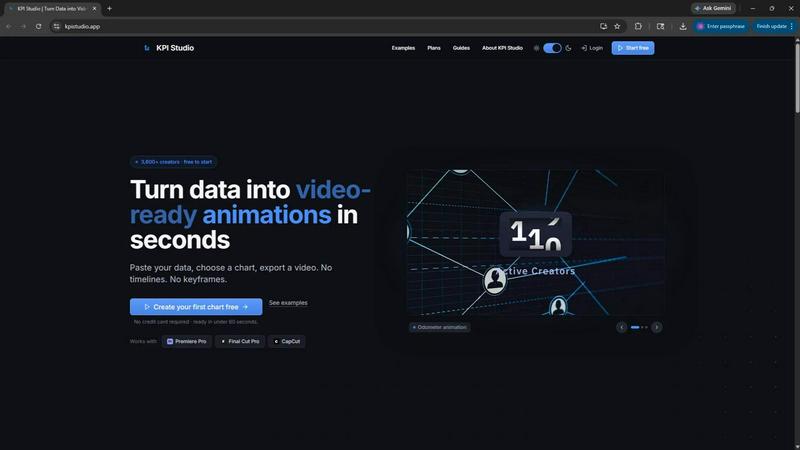
KPI Studio transforms your data into stunning video animations in seconds, making metrics engaging and easy to share with no design skills needed.
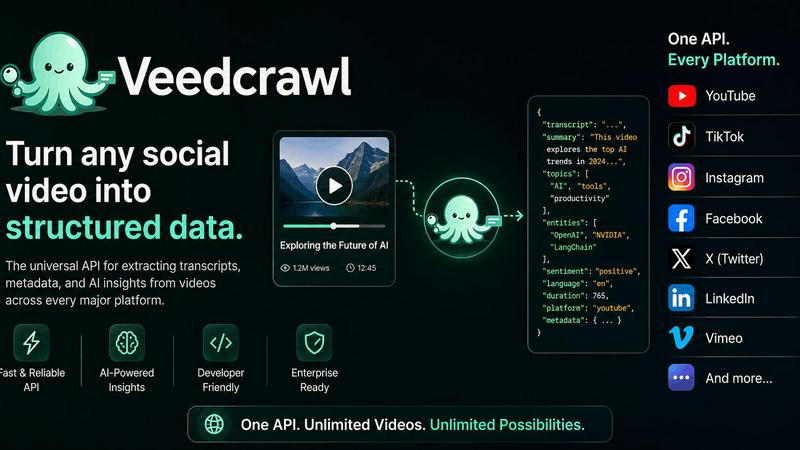
Veed Crawl
Turn any public social video URL into transcripts, metadata, and structured insights for your AI agents.
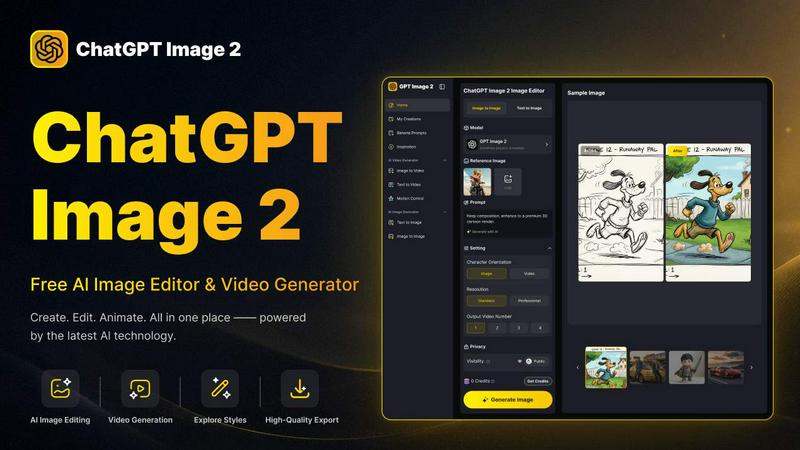
ChatGPT Image 2
Create stunning images, flawless text, and dynamic videos with ChatGPT Image 2, now 50% off for a limited time.
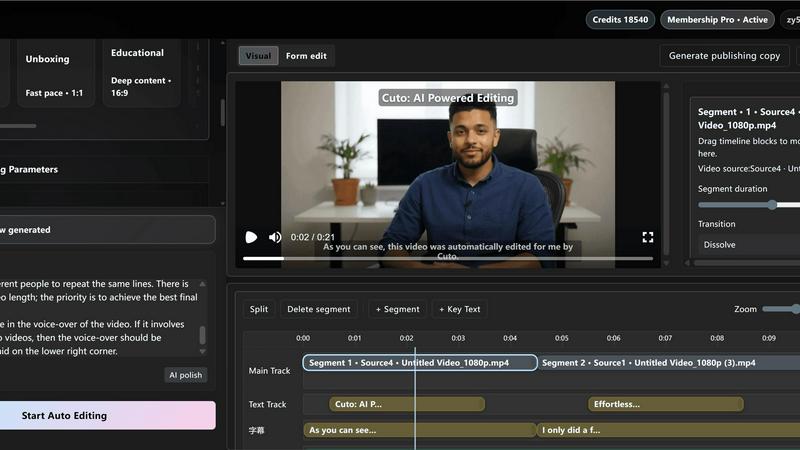
Cuto
Cuto turns your raw footage into polished, commercial-grade videos in 30 seconds with just one prompt and an editable AI edit plan.
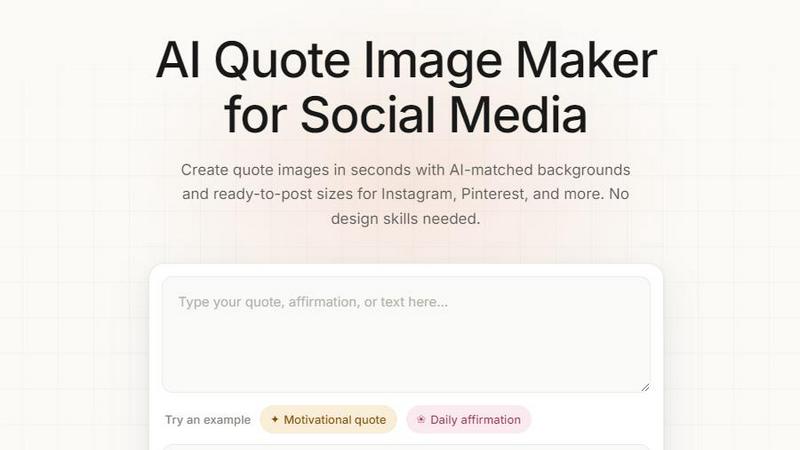
Quote Image Maker
Turn any quote into a stunning social graphic instantly with AI that matches backgrounds to your words, no design skills required.
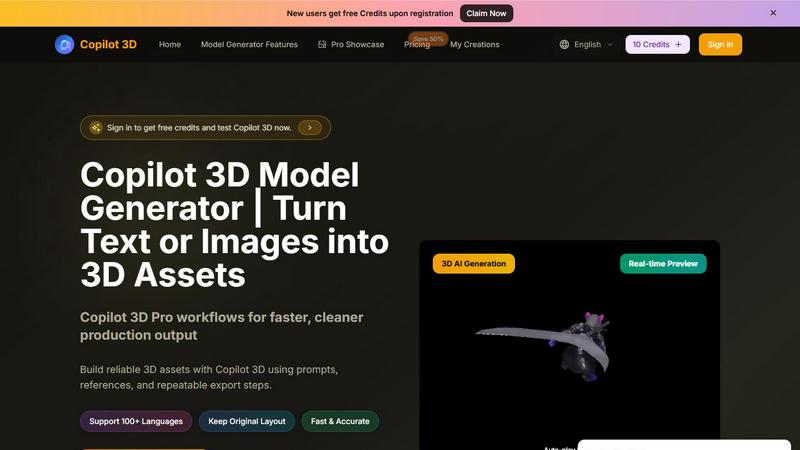
Copilot 3D
Copilot 3D instantly turns your text or images into production-ready 3D assets with fast, accurate AI generation and free credits for new users.