
Cuto
Cuto turns your raw footage into polished, commercial-grade videos in 30 seconds with just one prompt and an editable AI edit plan.
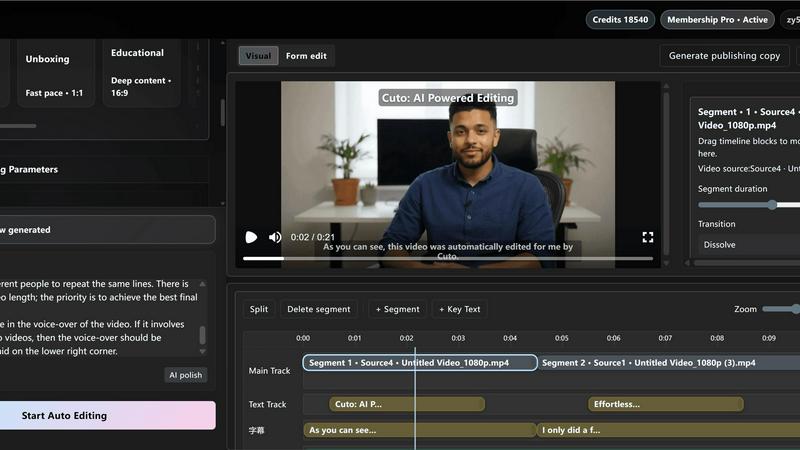
About Cuto
Cuto is an AI-powered video editing assistant designed to transform how creators, ecommerce teams, educators, and marketers produce short-form video content. Instead of spending hours manually cutting footage, adjusting transitions, and syncing captions, you simply upload your raw clips and describe the result you want in plain language. Cuto’s AI engine automatically analyzes your footage to find the best highlights, remove weak or redundant segments, organize pacing for maximum engagement, and deliver a ready-to-edit first cut in as fast as 30 seconds. From there, you refine everything in a single workspace: subtitles, text emphasis, visual style, transitions, and branded watermarks. Cuto supports multiple short-form workflows including talking-head videos, product demos, store visits, and livestream clips. It even generates platform-ready titles, descriptions, and hashtag suggestions for TikTok, YouTube Shorts, Instagram Reels, and Xiaohongshu. The core value proposition is speed and simplicity: move from raw footage to distribution-ready content in minutes instead of hours, all without hopping between different tools. Whether you are a solo creator or part of a fast-moving team, Cuto gives you professional-grade editing capabilities with the ease of a single prompt.
Features of Cuto
AI-Driven Smart Editing
Describe your editing goal in natural language, and Cuto analyzes your footage to determine rhythm, highlight high-performing clips, and automatically match transitions. The AI performs parallel multi-clip analysis, highlight extraction with de-duplication, and auto-matched rhythm adjustments. You get a polished first cut that captures the essence of your content without manual timeline work. This feature dramatically reduces the time from idea to publishable video, letting you focus on storytelling rather than technical editing.
Subtitle, Highlight, and Watermark in One Flow
Cuto brings all visual enhancements into a single panel. You can choose from four subtitle styles with AI-driven segmentation, six adaptive highlight styles that automatically emphasize key information, and a fully controllable branded watermark. The system syncs captions with your audio, detects shot changes, and applies smart transitions. Everything updates in real time, so you see exactly how your final video will look as you tweak each element. This unified workflow eliminates the need to switch between separate tools for captions, graphics, and branding.
Multi-Platform Copy Generation
While you export your video, Cuto automatically generates platform-optimized titles, descriptions, and hashtags for TikTok, YouTube Shorts, Instagram Reels, Xiaohongshu, and Douyin. The copy is tailored to each platform’s best practices, ensuring your content is discoverable and engaging from the moment it goes live. You can also switch between Chinese and English generation, making it easy to repurpose content for different audiences. This feature turns the final export step into a launch-ready moment, saving you the extra work of writing social copy separately.
Multi-Format Asset Ingest and Three Editing Modes
Cuto supports uploading multiple video files and importing external .srt or .vtt subtitle files. It automatically detects media metadata to streamline organization. For editing, you have three distinct modes: a visual timeline for drag-and-drop control, a form parameters panel for precise numeric adjustments, and raw JSON for developers or advanced users who want full programmatic control. This flexibility means beginners can start visually while power users can fine-tune every detail. Additionally, built-in scene presets for talking head, unboxing, education, and live clips allow one-click reuse and saving of custom templates.
Use Cases of Cuto
Talking Head Content Creation
Creators producing vlogs, educational videos, or thought leadership content can upload long talking-head footage and describe the desired outcome. Cuto extracts high-energy clips, removes pauses and redundancy, and aligns captions automatically. The result is a polished, engaging short video that keeps viewers hooked from the opening hook to the closing call to action. This is perfect for YouTube Shorts or Instagram Reels where audience retention is critical.
Product Demos and Unboxing Videos
Ecommerce teams and product reviewers can upload unboxing or demo footage and let Cuto handle the heavy lifting. The AI identifies key close-ups, switches between main shots and detail shots with fast pacing, and emphasizes product features through smart highlights and text overlays. The final cut is a tight, conversion-focused video that showcases value in under 30 seconds, ready for platforms like TikTok and Xiaohongshu.
Livestream Clip Repurposing
Brands and influencers who livestream can upload recorded streams and ask Cuto to extract the best moments. The AI detects high-energy segments, removes slow sections, and organizes clips into a cohesive narrative. You can then add branded watermarks and platform-specific copy, turning hours of live content into multiple short-form videos for ongoing distribution. This maximizes the value of every livestream.
Educational and Deep Content Breakdowns
Educators and trainers can use Cuto to turn long lectures or deep dives into digestible short videos. The AI can lead with a conclusion, then present examples with one information point every six seconds. Key sentences are automatically highlighted, and subtitles are segmented for clarity. This makes complex topics accessible and shareable on platforms like YouTube Shorts and Instagram Reels, expanding reach for educational content.
Frequently Asked Questions
How fast does Cuto generate the first cut?
Cuto typically delivers your first AI-generated edit in about 30 seconds. The exact time depends on the length and number of clips you upload, but the engine is optimized for rapid processing. You can then refine the cut in the workspace with real-time previews.
Do I need any video editing experience to use Cuto?
No, Cuto is designed for users of all skill levels. You simply upload footage and describe your goal in plain language. The AI handles the complex editing decisions. If you want more control, you can use the visual timeline or form parameters, but it is entirely optional.
What platforms can I publish to with Cuto?
Cuto supports export and copy generation for TikTok, YouTube Shorts, Instagram Reels, Xiaohongshu, and Douyin. The AI generates platform-optimized titles, descriptions, and hashtags tailored to each platform’s best practices, helping you move from edit to distribution in minutes.
Can I save my own editing presets for future use?
Yes, Cuto includes built-in scene presets for talking head, unboxing, education, and live clips. You can also customize any edit and save it as your own reusable scene. This allows you to maintain consistent branding and style across all your content with one click.
Explore more in this category:
Top Alternatives to Cuto
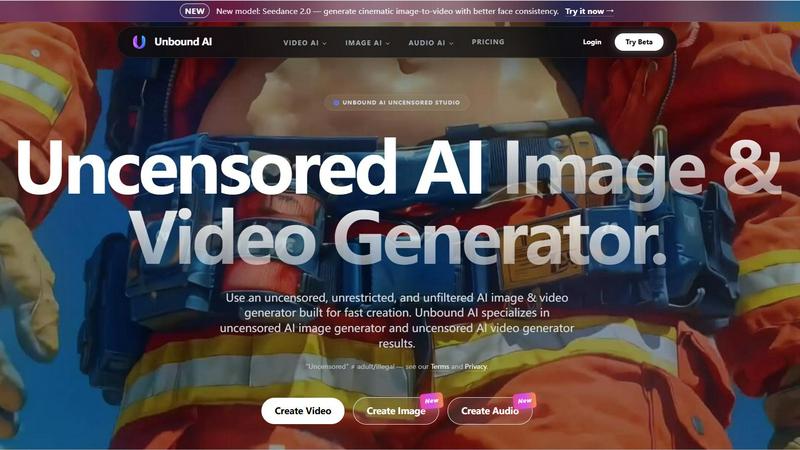
UnboundAI
AI, Text To Image, Image To Image, Text To Video, Image To Video
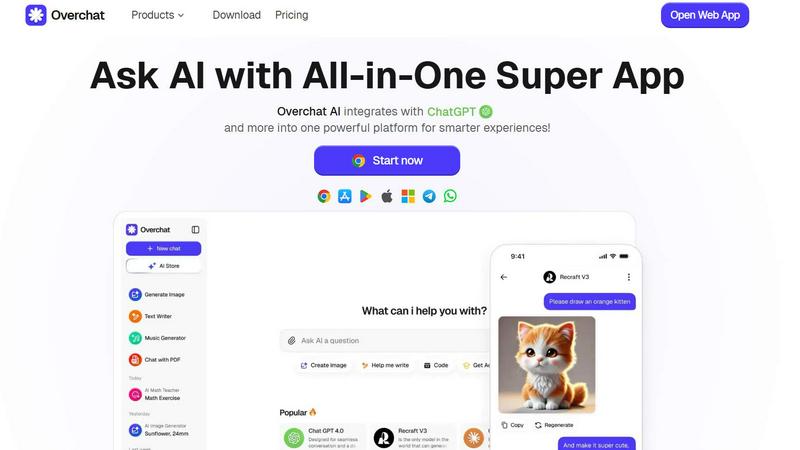


OriginBrief
Weekly AI research reports from primary sources

OGTV
OGTV is a fast and modern Omegle alternative designed
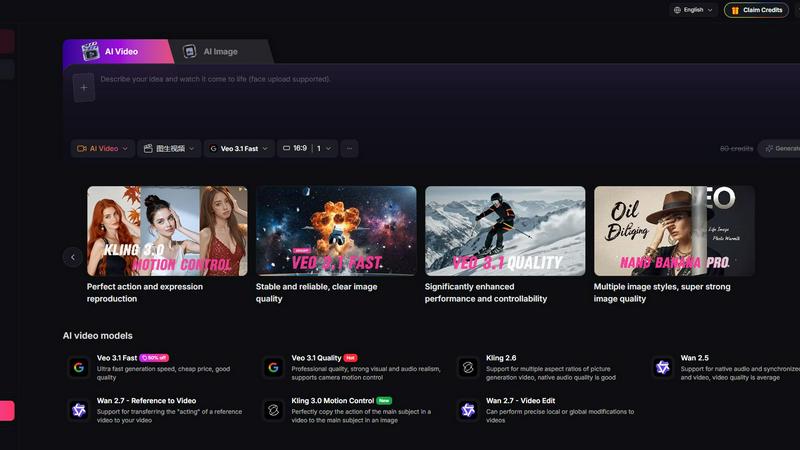
Yevideo - AI Video & Image Creation Platform
Yevideo: All-in-One AI Video & Image Creation Platform
Buildwhat
Buildwhat is an AI development platform that turns your ideas into fully functional apps in minutes with no complex setup.
VRChat Avatar Maker
Turn character ideas into previewable, rigged VRChat avatars in minutes using text, images, or multi-view references.