

Explore 20 alternatives to Cuto. Compare features, pricing, and find the best fit for your needs.





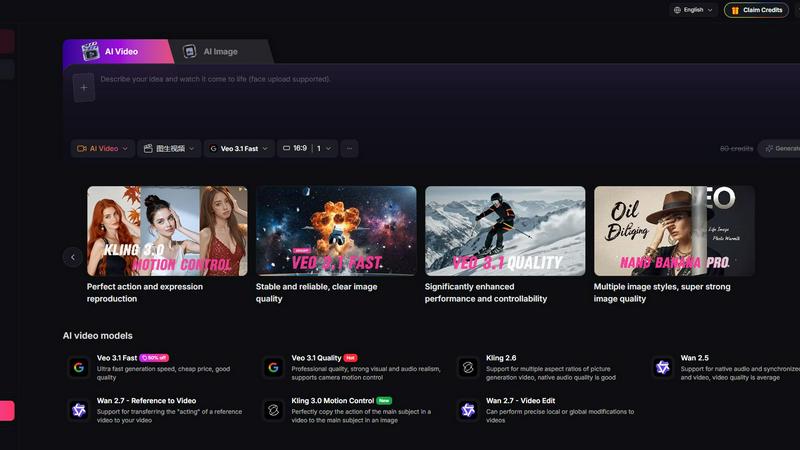
Yevideo - AI Video & Image Creation Platform
Yevideo: All-in-One AI Video & Image Creation Platform

Buildwhat
Buildwhat is an AI development platform that turns your ideas into fully functional apps in minutes with no complex setup.
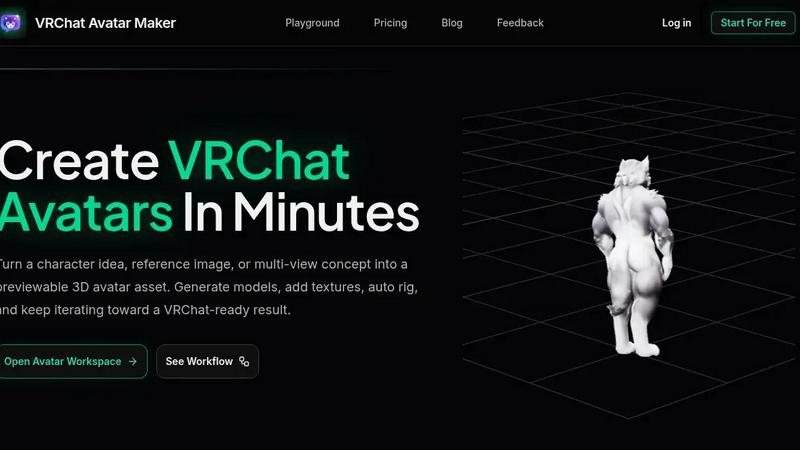
VRChat Avatar Maker
Turn character ideas into previewable, rigged VRChat avatars in minutes using text, images, or multi-view references.
Interviews Chat
Ace your interviews with Interviews Chat, the AI-powered copilot providing real-time support, live transcription, and tailored responses.

VO4 AI
Create stunning viral videos in minutes from text or images with VO4 AI's powerful and intuitive video generation technology.

Self-Healing Integrations
Plumbed.io delivers self-healing enterprise integrations that stay operational and evolve automatically, so you launch in days without costly.

Woz
Woz lets entrepreneurs build mobile apps with AI, then supercharges Claude Code to cut costs by 50% and boost speed up to 10x.
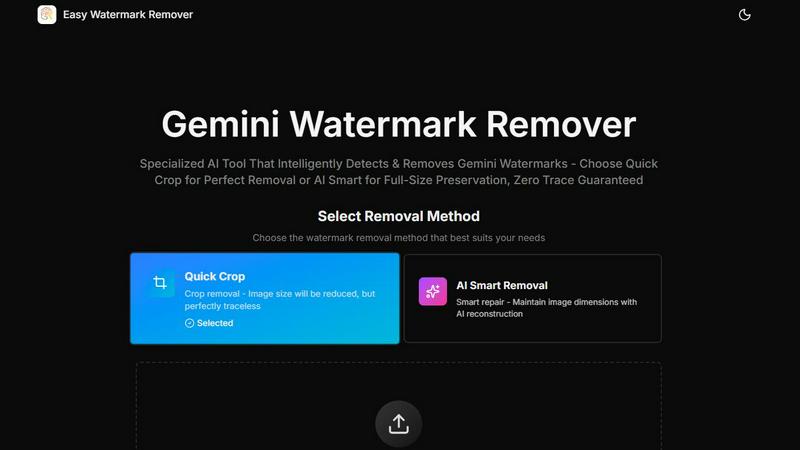
Easy Watermark Remover
Remove Google Gemini AI watermarks and SynthID instantly with AI smart removal or crop, no signup needed.

AI Consistent Character
Generate any character once and reuse them in every image and video instantly with zero training, completely free.


FormBlink - AI-powered form builder
FormBlink instantly creates ready-to-use forms from your prompts, eliminating setup time and hassle for seamless data collection.

GPT Image 2
Transform ideas into stunning images effortlessly with GPT Image 2, your AI-powered generator and editor for text prompts and remixes.

Seedance 2.0
Seedance 2.0 transforms your text or images into stunning cinematic 1080p AI videos with advanced motion synthesis.
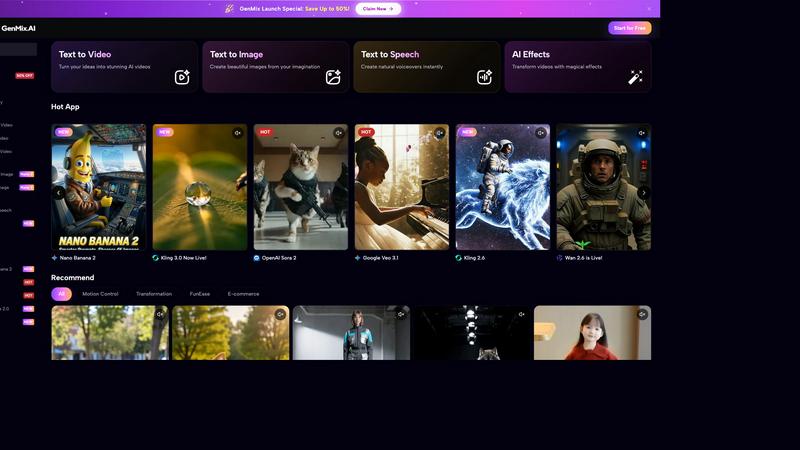
GenMix
GenMix instantly creates stunning AI videos, images, and voiceovers from your text using the world's best models.

About Cuto Alternatives
Cuto is a high-speed AI video editing assistant that lands squarely in the content creation and AI assistant categories. It is designed to take raw, unpolished footage and transform it into short, platform-ready videos in roughly thirty seconds, making it a powerful tool for anyone who needs to publish frequently. Users often begin looking for alternatives to Cuto for a few common reasons: they may need a more robust set of manual editing controls, require a specific integration with an existing enterprise software stack, or find that the pricing model does not align with their low-volume or high-volume production needs. Others might seek a tool that specializes in a different video format, such as long-form storytelling or complex multi-track audio editing, which are beyond Cuto’s core focus on short-form content. When evaluating an alternative, you should prioritize three key factors: the depth of the AI’s editing intelligence, the flexibility of the final editing workspace, and the breadth of export and distribution options. Look for a solution that understands pacing and narrative structure as well as Cuto does, but also offers a more granular timeline for manual adjustments if your workflow demands it. Consider whether the alternative supports your specific output formats, like vertical Reels, horizontal YouTube videos, or platform-specific captioning. Finally, assess the pricing structure carefully—some tools charge per render, others per user seat, and a few offer unlimited exports—so choose the model that matches your actual publishing volume without surprise costs.
FAQs about Cuto Alternatives
What is Cuto?
Cuto is an AI video editing assistant that turns raw video clips into polished, ready-to-edit first cuts in about 30 seconds. It automates the process of finding highlights, removing weak segments, and organizing pacing based on a plain language description of your desired result. The tool is designed for short-form content workflows like talking-head videos, product demos, and livestream clips, and it provides a unified workspace for refining subtitles, transitions, and branding.
Who is Cuto for?
Cuto is built for creators, ecommerce teams, educators, and anyone who needs to publish short videos quickly and consistently. It is especially useful for individuals or teams who produce high volumes of content for platforms like TikTok, YouTube Shorts, Instagram Reels, and Xiaohongshu. The tool streamlines the editing process so that non-professional editors can produce polished results without extensive video editing experience.
Is Cuto free?
The provided content does not specify whether Cuto offers a free tier or a paid subscription model. To get accurate information about pricing, including any free trials or free versions, you should visit the official Cuto website or contact their sales team directly. Pricing models for such tools often vary based on the number of exports, users, or advanced features.
What are the main features of Cuto?
Cuto’s main features include automatic highlight detection, weak segment removal, intelligent pacing organization, and the generation of a first cut from a plain language prompt. It also offers a unified workspace for refining subtitles, text emphasis, visual styles, transitions, and branding elements. Additionally, Cuto can generate platform-ready titles, descriptions, and hashtag suggestions for TikTok, YouTube Shorts, Instagram Reels, and Xiaohongshu, helping users move from editing to distribution in minutes.