
Buildwhat
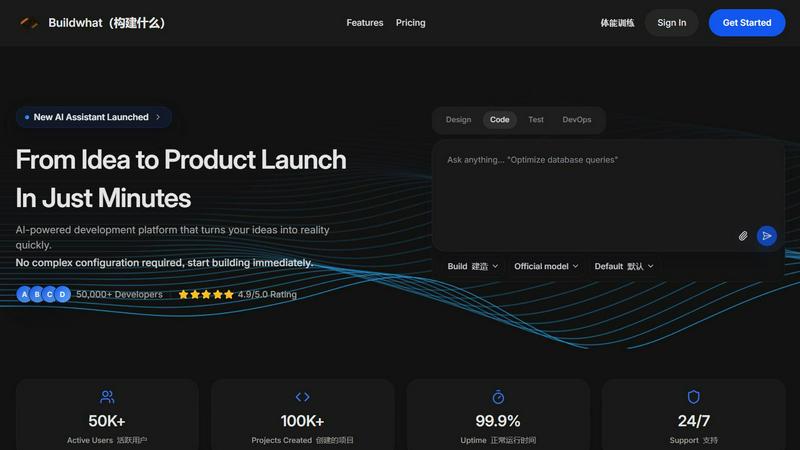
Buildwhat is an AI development platform that turns your ideas into fully functional apps in minutes with no complex setup.
About Buildwhat
Buildwhat is an AI-powered development platform that redefines how software is built, from the initial spark of an idea to a fully launched product. It is designed for founders, indie hackers, and product builders who want to move at startup speed without getting bogged down by complex configurations or boilerplate code. The platform integrates AI assistance directly into the development workflow, offering tools for coding, testing, and deployment all in one place. With over 50,000 active developers and 100,000 projects created, Buildwhat has proven its ability to accelerate the development lifecycle. Its core value proposition is simple: turn your ideas into reality in just minutes. Whether you are a solo entrepreneur or part of a small team, Buildwhat provides everything you need to design, code, test, and deploy your application. The platform boasts a 4.9 out of 5.0 rating, 99.9% uptime, and 24/7 support, making it a reliable partner for mission-critical projects. It eliminates the friction of traditional development by offering instant hot reloads, intelligent debugging, and AI code generation that produces production-ready code from simple descriptions. Buildwhat is not just a tool; it is a complete ecosystem for modern software creation, enabling non-technical team members to contribute through vibe coding while empowering experienced developers to focus on core logic. It is the ultimate launchpad for anyone looking to build products faster and smarter.
Features of Buildwhat
AI Assistant
The AI Assistant is the cornerstone of Buildwhat, offering advanced code suggestions, automated testing, and intelligent debugging. Instead of writing every line of code from scratch, you can describe what you need in plain language, and the AI generates production-ready code instantly. This feature dramatically reduces development time and helps eliminate common errors. It also learns from your codebase to provide context-aware recommendations, making it feel like you have a senior engineer pair programming with you at all times. The AI Assistant is designed to handle everything from simple functions to complex algorithms, ensuring that your code is both efficient and maintainable.
Fast Development
Buildwhat provides a lightning-fast development environment with instant hot reload and optimized performance. You do not have to wait for compilations or restarts; every change you make is reflected in real-time. This feature is ready to use out of the box, with no complex configuration required. It supports multiple programming languages and frameworks, allowing you to start building immediately. The environment is optimized for speed, ensuring that your development cycle is as short as possible. Whether you are prototyping a new feature or debugging a critical issue, the fast development environment keeps you in the flow without interruptions.
Enterprise Security
Security is a top priority for Buildwhat, which is why it offers bank-level security assurance. The platform is SOC 2 compliant, meaning it meets the highest standards for data protection and privacy. It also supports Single Sign-On (SSO) integration, making it easy to manage access for your entire team. All data is encrypted both in transit and at rest, ensuring that your intellectual property and user data are safe. This feature is crucial for startups and enterprises alike, as it allows you to build with confidence, knowing that your application is protected against threats and vulnerabilities.
Vibe Coding Experience
Buildwhat introduces a unique "vibe coding" experience that allows non-technical teammates to contribute ideas directly to the development process. This feature bridges the gap between product vision and technical implementation, enabling designers, product managers, and founders to participate in coding without needing to write complex syntax. Through an intuitive interface, users can describe features or modifications, and the AI translates these into functional code. This collaborative approach ensures that everyone on the team can have a hand in shaping the final product, fostering innovation and speeding up the decision-making process.
Use Cases of Buildwhat
Rapid MVP Development for Startups
Startup founders can use Buildwhat to build a Minimum Viable Product (MVP) in a fraction of the time it would normally take. By leveraging the AI code generation and fast development environment, you can go from concept to a working prototype in minutes. This allows you to test your ideas with real users quickly and iterate based on feedback. The platform handles all the boilerplate and infrastructure, so you can focus on the unique value proposition of your product. With Buildwhat, startups can ship features at startup speed, giving them a competitive edge in the market.
Cross-Platform Mobile App Development
Mobile developers can use Buildwhat to build apps for both iOS and Android simultaneously. The platform's cross-platform support eliminates the need to write separate codebases for different operating systems, saving time and reducing maintenance overhead. The AI Assistant helps with platform-specific optimizations, ensuring that your app performs well on both ecosystems. Whether you are building a social media app, a productivity tool, or a game, Buildwhat streamlines the entire process from coding to deployment, allowing you to reach a wider audience faster.
Enterprise Application Modernization
Enterprises looking to modernize their legacy applications can use Buildwhat to rewrite or refactor their code efficiently. The AI Assistant can analyze existing codebases and suggest improvements, while the fast development environment allows for rapid testing and deployment. The platform's enterprise security features ensure that sensitive business logic and data remain protected throughout the modernization process. This use case is ideal for companies that need to update their technology stack without disrupting their current operations, enabling a smooth transition to modern architectures.
Collaborative Product Building for Non-Technical Teams
Product managers and designers can use Buildwhat to contribute directly to the development process through the vibe coding experience. Instead of writing detailed technical specifications and waiting for developers to implement them, non-technical team members can describe features in natural language and see them come to life. This reduces the communication gap between teams and accelerates the product development lifecycle. It is perfect for agile environments where rapid prototyping and frequent iterations are key to success.
Frequently Asked Questions
How does Buildwhat's AI code generation work?
Buildwhat's AI code generation works by analyzing your natural language description of what you want to build. You simply type or speak your requirements, and the AI translates them into production-ready code. The AI is trained on millions of code samples and understands multiple programming languages and frameworks. It considers best practices, performance, and security to generate code that is not only functional but also efficient and maintainable. You can then review, edit, and integrate the generated code directly into your project.
Is Buildwhat suitable for solo developers and small teams?
Yes, Buildwhat is designed for both solo developers and small teams. For solo developers, it acts as a force multiplier, handling tasks like code generation, testing, and debugging so you can focus on the core logic of your application. For small teams, it provides a collaborative environment where both technical and non-technical members can contribute. Features like vibe coding and SSO integration make it easy for everyone to work together efficiently, regardless of their technical background.
What kind of support and uptime does Buildwhat offer?
Buildwhat offers 24/7 support to ensure you can get help whenever you need it. The platform also boasts a 99.9% uptime guarantee, meaning your development environment is almost always available. This reliability is crucial for teams working on tight deadlines or mission-critical projects. Support is available through multiple channels, including live chat and email, and the team is known for its quick response times and helpful guidance.
Can I integrate Buildwhat with my existing tools and workflows?
Yes, Buildwhat is designed to integrate seamlessly with your existing tools and workflows. It supports SSO for identity management, and its API allows for custom integrations with CI/CD pipelines, project management tools, and version control systems. The platform is built to be flexible, so you can adopt it without having to overhaul your current setup. Whether you use GitHub, GitLab, Jira, or Slack, Buildwhat can fit into your ecosystem and enhance your productivity.
Pricing of Buildwhat
Buildwhat offers a range of pricing plans to suit different needs, from solo developers to large enterprises. The platform provides a free tier that includes basic features and limited usage, allowing you to try it out before committing. Paid plans unlock additional AI capabilities, higher usage limits, and priority support. For the most current pricing details, including specific plan tiers and costs, please visit the official Buildwhat pricing page.
Explore more in this category:
Top Alternatives to Buildwhat
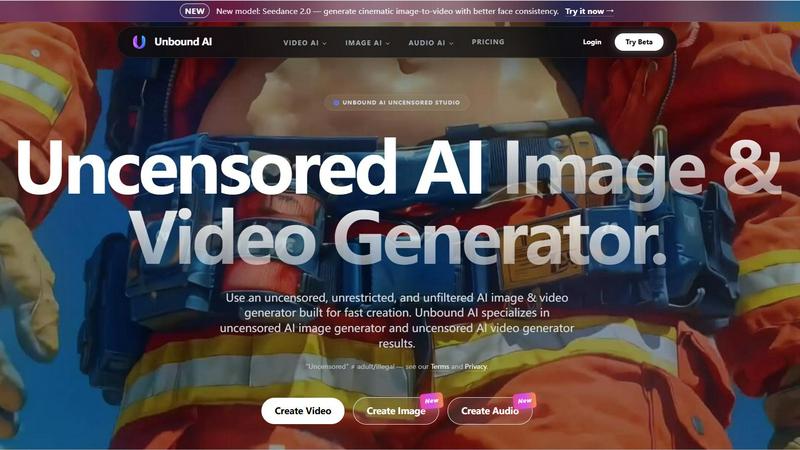
UnboundAI
AI, Text To Image, Image To Image, Text To Video, Image To Video
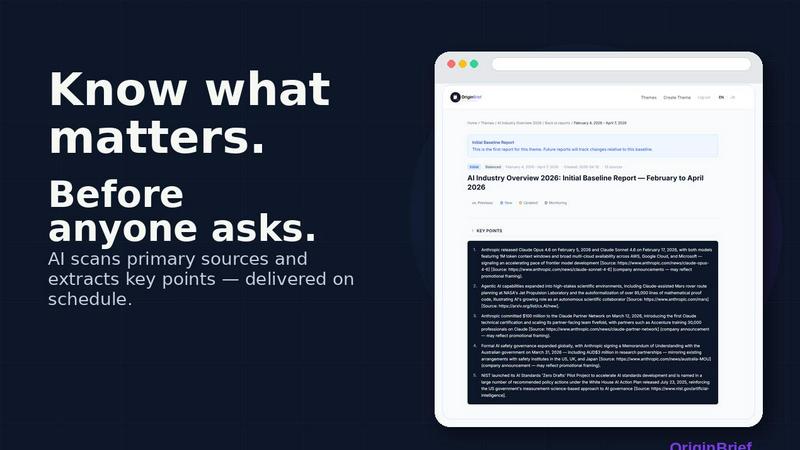
OriginBrief
Weekly AI research reports from primary sources

OGTV
OGTV is a fast and modern Omegle alternative designed
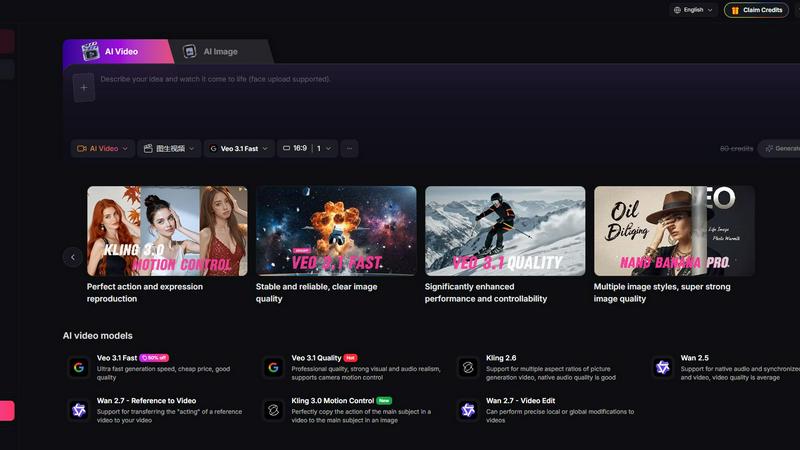
Yevideo - AI Video & Image Creation Platform
Yevideo: All-in-One AI Video & Image Creation Platform
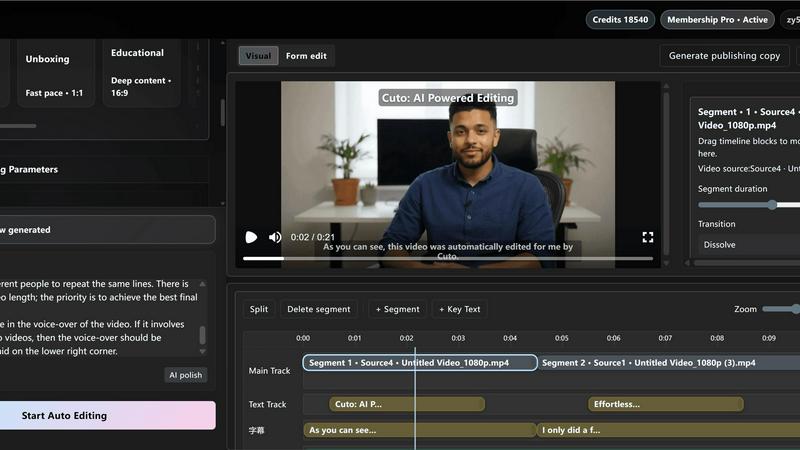
Cuto
Cuto turns your raw footage into polished, commercial-grade videos in 30 seconds with just one prompt and an editable AI edit plan.
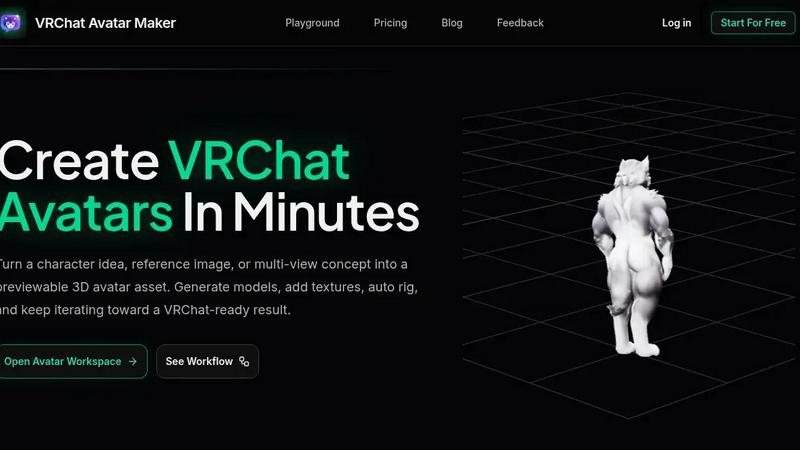
VRChat Avatar Maker
Turn character ideas into previewable, rigged VRChat avatars in minutes using text, images, or multi-view references.