
VRChat Avatar Maker
Turn character ideas into previewable, rigged VRChat avatars in minutes using text, images, or multi-view references.
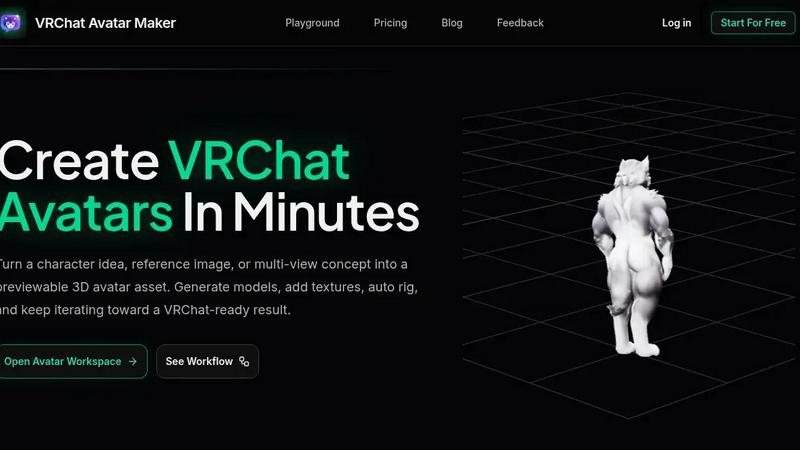
About VRChat Avatar Maker
VRChat Avatar Maker is a creator workspace that transforms the way you build avatars for VRChat. Instead of jumping between disconnected tools for modeling, texturing, and rigging, this product brings the entire pipeline into one streamlined workflow. You can start from a simple text prompt, a single reference image, or a full set of multi-view concept art, and move directly into generating a previewable 3D avatar asset. The workspace then lets you continue through texture generation, auto rigging, and preview, all without restarting from scratch at each stage. This product is built specifically for VRChat avatar creators who want to move from idea to a downloadable, rigged asset faster than ever before. It supports popular styles like anime, furry, and cute characters, and it is designed to reduce the slowest early-stage work of concept exploration and model generation. The main value proposition is simple: you get a complete, VRChat-focused creation pipeline that turns your character ideas into real, usable avatar assets in minutes. Whether you are a seasoned creator or just starting out, VRChat Avatar Maker gives you the tools to iterate, refine, and preview your work until it is ready for export. It is not just another AI image generator; it is a full asset creation workspace that respects how avatar creators actually work.
Features of VRChat Avatar Maker
Text to Avatar
Turn a written character idea into a 3D avatar model so you can move from concept to asset faster. This feature supports prompt-based avatar generation, allowing you to describe style, clothing, mood, and silhouette direction in natural language. It is perfect for first-pass custom avatar concepts when you have a clear vision but no reference images. The generated model serves as a strong foundation that you can immediately take into texturing and rigging.
Image to Avatar
Upload a single character image and convert it directly into a 3D avatar model. This feature is ideal when you have concept art, a screenshot, or any visual reference that captures the look you want. The system analyzes the image to understand proportions, colors, and design elements, then generates a fully previewable 3D asset. You can then continue refining that asset with textures and rigging without needing to start over.
Multi-view Avatar Generation
Provide front, left, back, and right reference views to create a stronger avatar foundation. This feature is essential for creators who have detailed character turnaround sheets or want maximum accuracy in their model generation. By using multiple angles, the system captures depth, volume, and proportion details that a single image cannot convey. The result is a more robust 3D model that requires less manual correction later in the pipeline.
Texture Generation and Repainting
Add high-quality textures to your existing generated models or repaint specific areas to refine the look. This feature allows you to move from a plain gray model to a fully textured, visually complete avatar in one step. You can generate textures that match your original concept, then use the repainting tool to adjust colors, patterns, or details. It keeps your asset moving forward in the pipeline without requiring external image editing software.
Use Cases of VRChat Avatar Maker
Rapid Concept Exploration for New Avatars
When you have a new character idea but no visual assets, use Text to Avatar or Text to Image to quickly generate multiple concept directions. You can test different styles, outfits, and moods by simply changing your prompt. This eliminates the need to sketch or find reference images, letting you explore a wide range of possibilities in minutes. Once you find a direction you like, you can immediately move into model generation and refinement.
Converting Existing Concept Art into 3D Models
If you already have character art or reference images, use Image to Avatar or Multi-view Avatar Generation to convert them into previewable 3D assets. This is perfect for creators who have drawn their character but lack 3D modeling skills. The generated model preserves the design intent from your art, and you can then add textures and auto rig it for VRChat. It bridges the gap between 2D concept and 3D reality without manual modeling.
Iterative Refinement of Avatar Assets
Use the workspace to treat each result as part of a continuing asset workflow. Generate a model first, then add textures, auto rig it, and preview the result. If something is not right, you can go back and regenerate the model or adjust the textures without starting from scratch. This iterative approach saves hours of work compared to traditional pipelines where each mistake requires a full restart.
Building a Full Avatar Pipeline for VRChat Export
Start from a text prompt or image, generate the model, apply textures, auto rig with motion presets, and preview the final result all in one workspace. When you are satisfied, download the asset and continue your VRChat export pipeline. This use case is for creators who want a complete, end-to-end solution that reduces the time from idea to usable avatar from days to minutes.
Frequently Asked Questions
What is VRChat Avatar Maker and how does it work?
VRChat Avatar Maker is a creator workspace that helps you turn a prompt, concept image, or reference set into a previewable 3D avatar asset. It supports the full pipeline from concept to model generation, texturing, auto rigging, preview, and download. You start by choosing a creation mode like Text to Avatar, Image to Avatar, or Multi-view Avatar Generation. Then you submit your input, track progress in the workspace, preview results, and decide whether to refine or download the asset.
What styles of avatars can I create with this tool?
The tool supports popular VRChat avatar styles including anime, furry, cute, and other character types. You can guide the style through your text prompts or reference images. The system is designed to handle a wide range of aesthetic directions, from realistic to stylized. As long as you provide clear input, the generated models will align with your intended style.
Can I use my own reference images to create avatars?
Yes, absolutely. You can upload a single character image using Image to Avatar or provide front, left, back, and right reference views using Multi-view Avatar Generation. The system analyzes your images to create a 3D model that matches the proportions, design, and details from your references. This is perfect for creators who have existing concept art or character sheets.
Do I need 3D modeling experience to use this product?
No, you do not need any 3D modeling experience. VRChat Avatar Maker is designed to handle the complex tasks of model generation, texturing, and auto rigging for you. You simply provide the input through text or images, and the workspace guides you through each step. The preview feature lets you see results before committing, so you can refine and iterate without technical knowledge.
Explore more in this category:
Top Alternatives to VRChat Avatar Maker
UnboundAI
AI, Text To Image, Image To Image, Text To Video, Image To Video
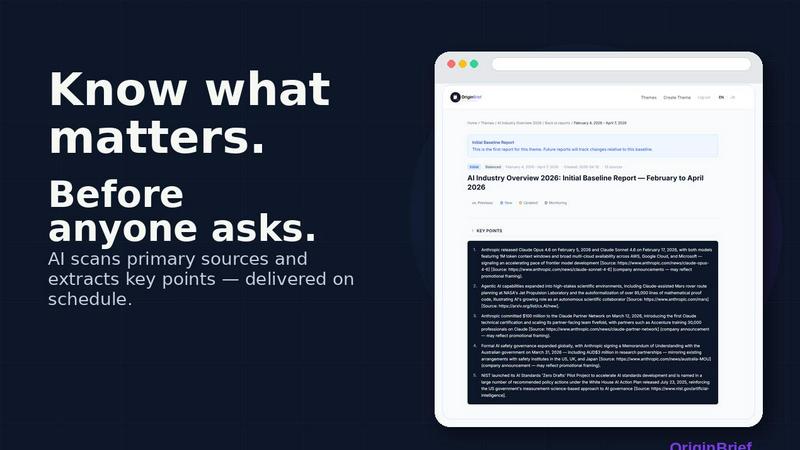
OriginBrief
Weekly AI research reports from primary sources
OGTV
OGTV is a fast and modern Omegle alternative designed
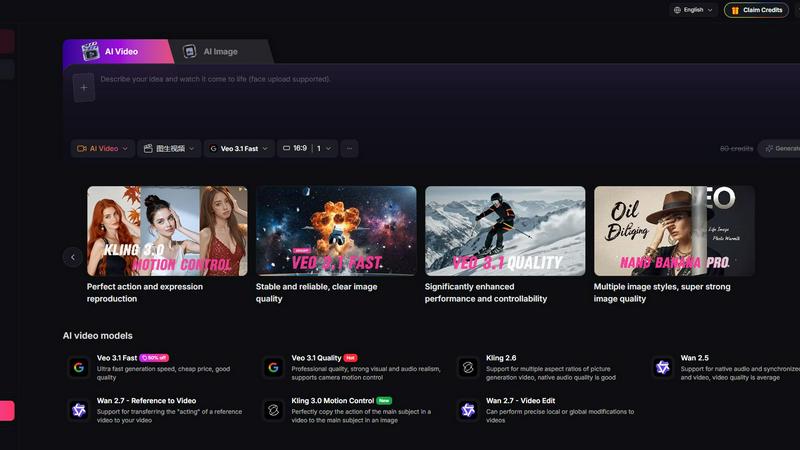
Yevideo - AI Video & Image Creation Platform
Yevideo: All-in-One AI Video & Image Creation Platform
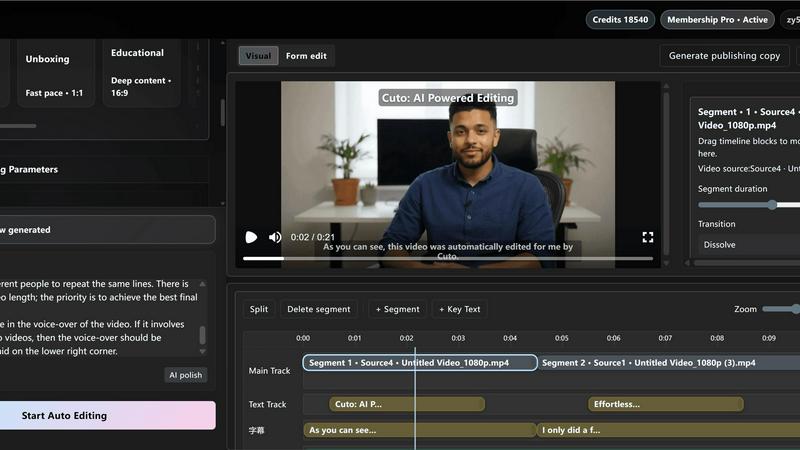
Cuto
Cuto turns your raw footage into polished, commercial-grade videos in 30 seconds with just one prompt and an editable AI edit plan.
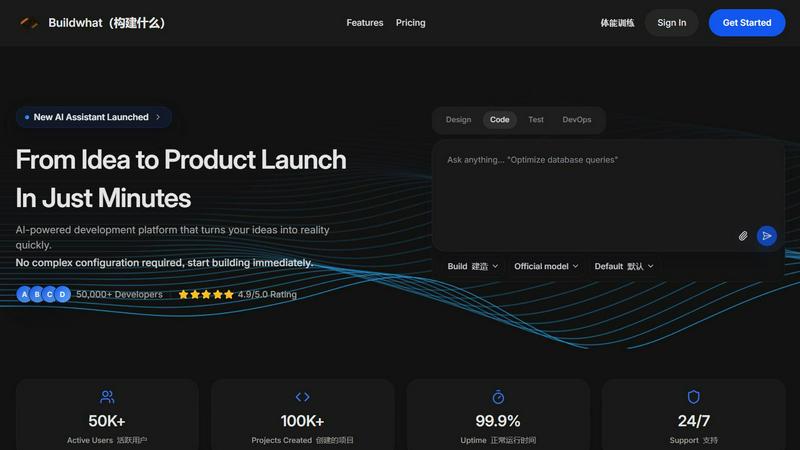
Buildwhat
Buildwhat is an AI development platform that turns your ideas into fully functional apps in minutes with no complex setup.