

Alternatives to VRChat Avatar Maker
Turn character ideas into previewable, rigged VRChat avatars in minutes using text, images, or multi-view references.
Explore 20 alternatives to VRChat Avatar Maker. Compare features, pricing, and find the best fit for your needs.
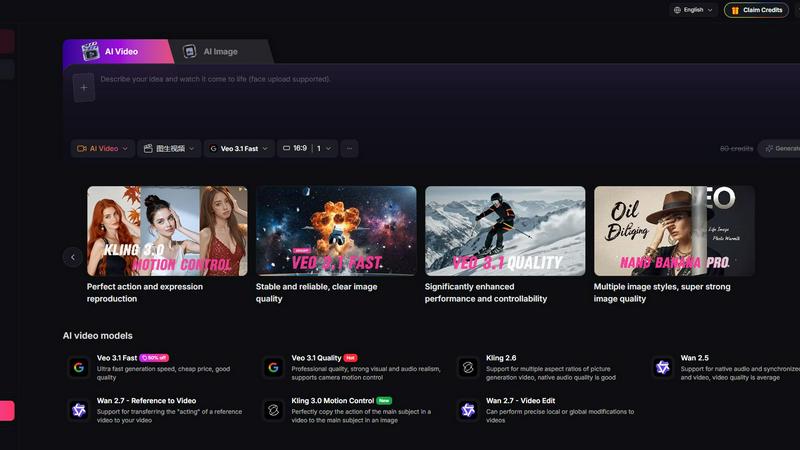
Yevideo - AI Video & Image Creation Platform
Yevideo: All-in-One AI Video & Image Creation Platform
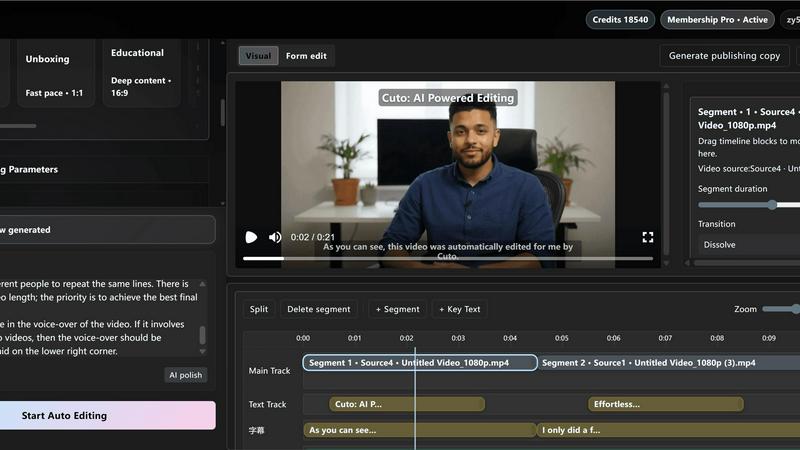
Cuto
Cuto turns your raw footage into polished, commercial-grade videos in 30 seconds with just one prompt and an editable AI edit plan.
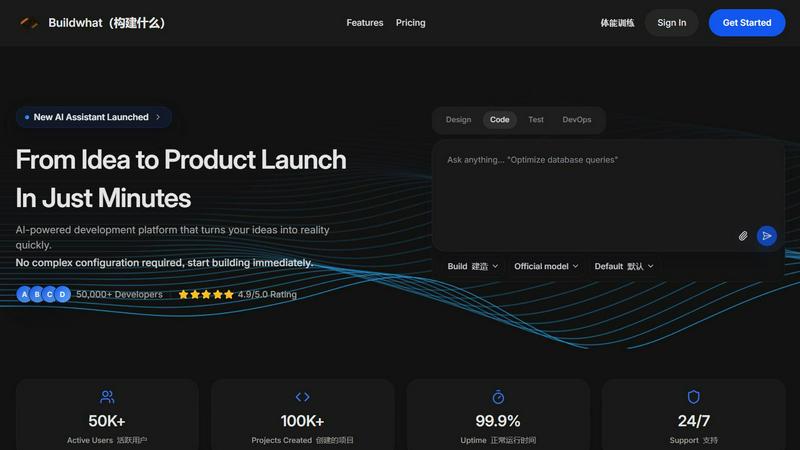
Buildwhat
Buildwhat is an AI development platform that turns your ideas into fully functional apps in minutes with no complex setup.
Interviews Chat
Ace your interviews with Interviews Chat, the AI-powered copilot providing real-time support, live transcription, and tailored responses.
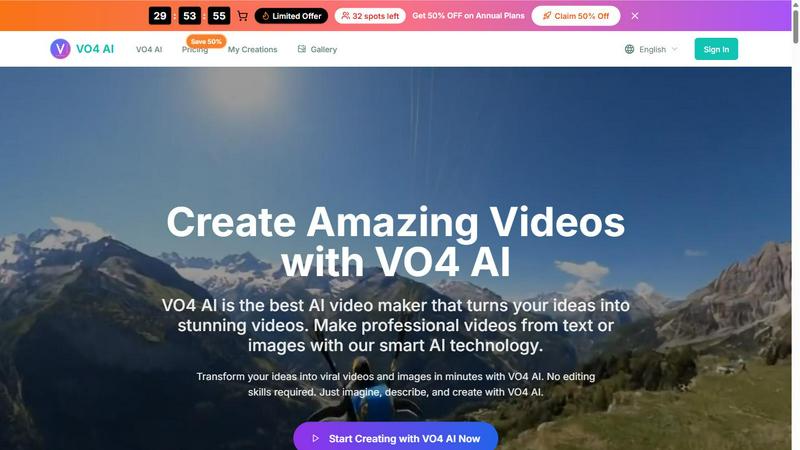
VO4 AI
Create stunning viral videos in minutes from text or images with VO4 AI's powerful and intuitive video generation technology.
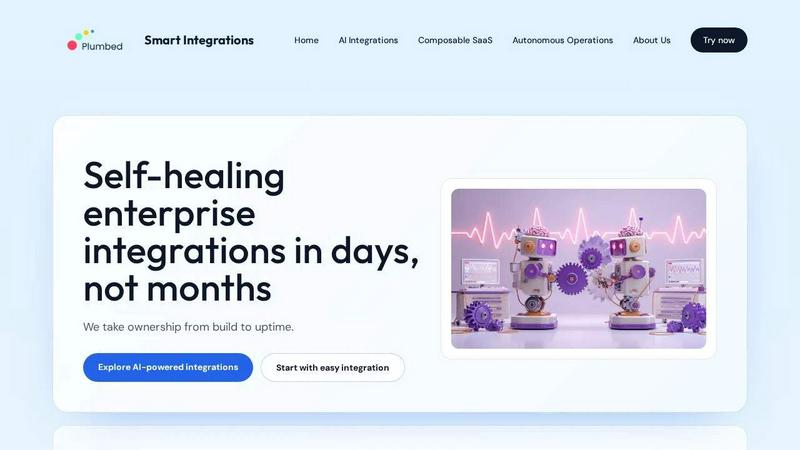
Self-Healing Integrations
Plumbed.io delivers self-healing enterprise integrations that stay operational and evolve automatically, so you launch in days without costly.
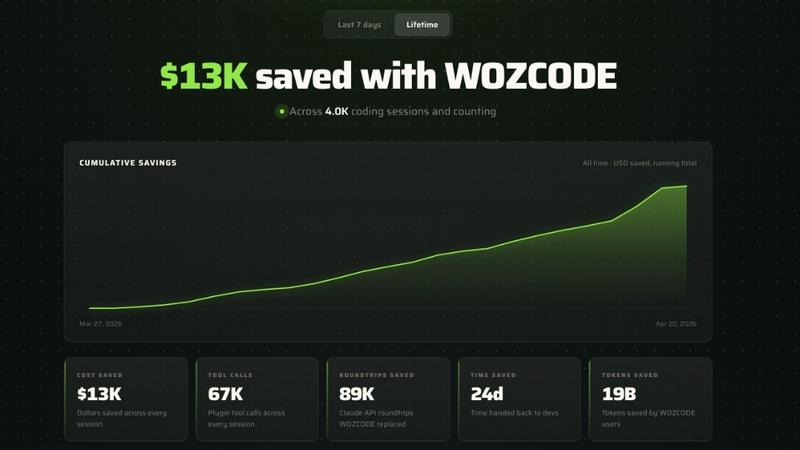
Woz
Woz lets entrepreneurs build mobile apps with AI, then supercharges Claude Code to cut costs by 50% and boost speed up to 10x.
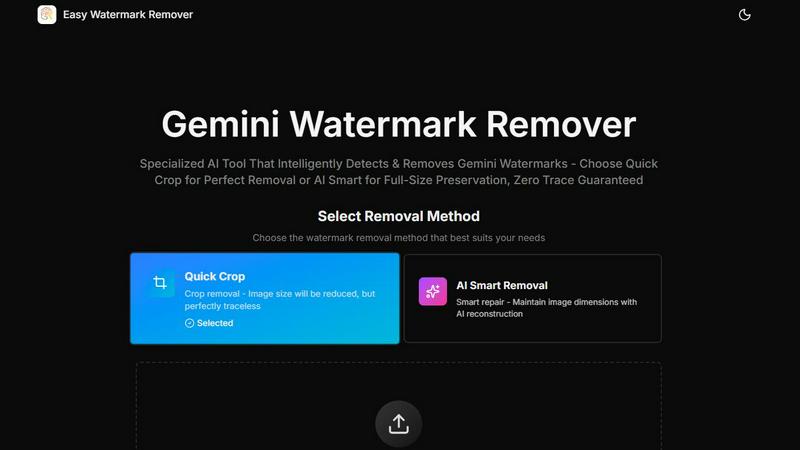
Easy Watermark Remover
Remove Google Gemini AI watermarks and SynthID instantly with AI smart removal or crop, no signup needed.
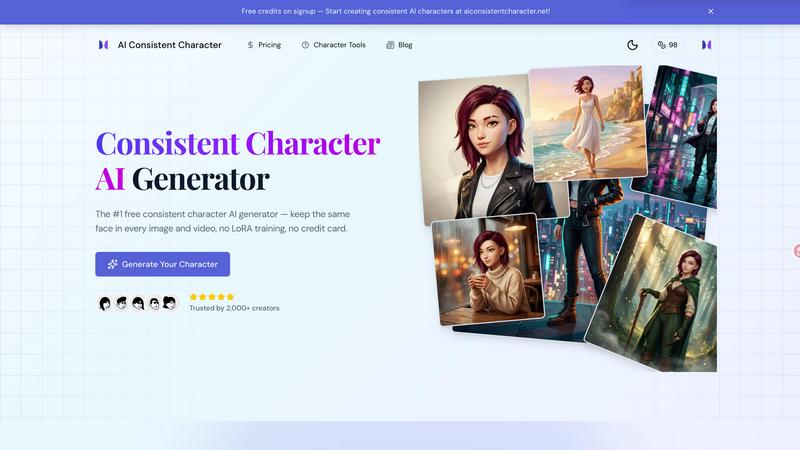
AI Consistent Character
Generate any character once and reuse them in every image and video instantly with zero training, completely free.
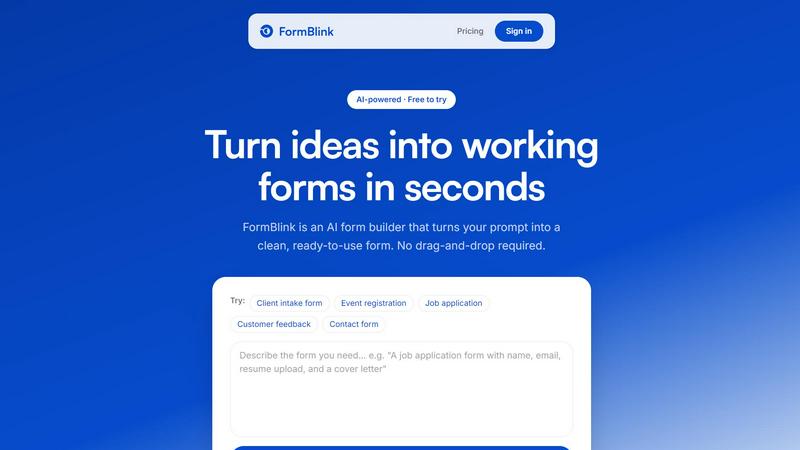
FormBlink - AI-powered form builder
FormBlink instantly creates ready-to-use forms from your prompts, eliminating setup time and hassle for seamless data collection.
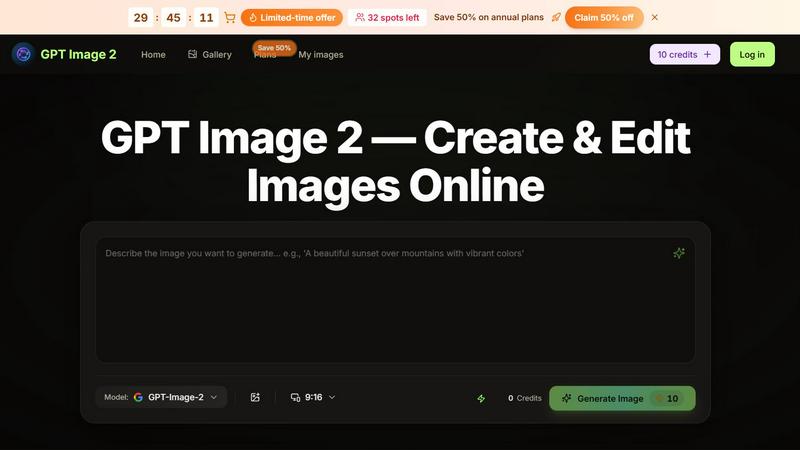
GPT Image 2
Transform ideas into stunning images effortlessly with GPT Image 2, your AI-powered generator and editor for text prompts and remixes.
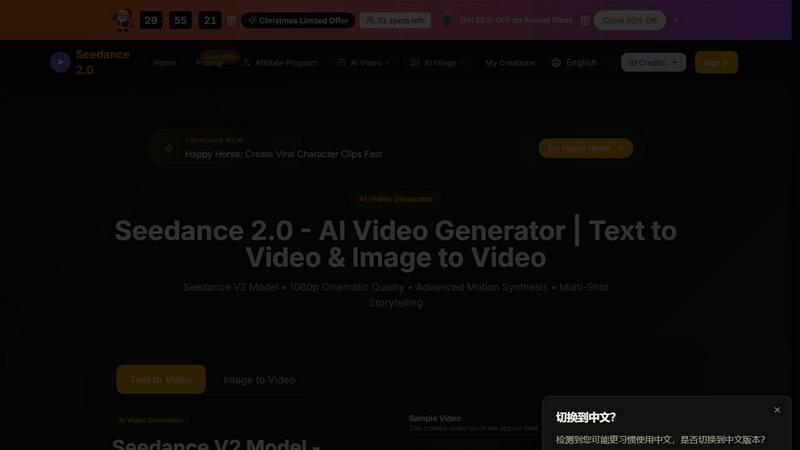
Seedance 2.0
Seedance 2.0 transforms your text or images into stunning cinematic 1080p AI videos with advanced motion synthesis.
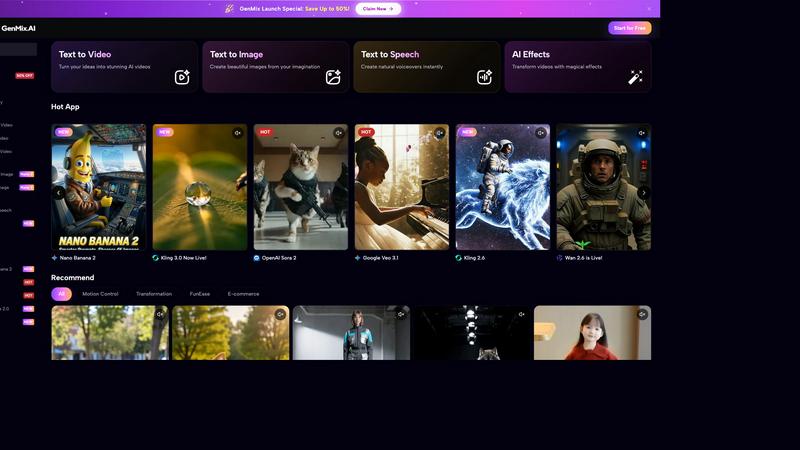
GenMix
GenMix instantly creates stunning AI videos, images, and voiceovers from your text using the world's best models.

About VRChat Avatar Maker Alternatives
VRChat Avatar Maker is an AI-powered creator workspace designed to streamline the entire process of building 3D avatars for VRChat, falling squarely into the category of AI Assistants for digital content creation. It allows users to transform a simple text prompt, a concept image, or a full reference set into a fully previewable 3D avatar asset in minutes, handling everything from generation to texturing, rigging, and final download. Despite its impressive speed and feature set, users often seek alternatives due to specific needs like a more generous free tier, deeper customization controls for advanced rigging, or a preference for a different platform ecosystem that supports avatars beyond just VRChat. Others might be looking for tools that offer more granular control over polygon counts or specific art styles not fully covered by the current model. When evaluating an alternative to VRChat Avatar Maker, you should prioritize tools that offer a seamless pipeline from concept to export, specifically looking for robust auto-rigging and multi-view texture generation to save time. Consider the breadth of supported input methods—whether you need image-to-avatar, text-to-avatar, or both—and check if the platform provides a live preview environment to test animations and expressions before committing to a download. Finally, assess the pricing structure carefully; the best alternative will offer transparent costs for high-resolution exports, commercial usage rights if needed, and frequent updates to keep pace with VRChat’s evolving avatar standards.
FAQs about VRChat Avatar Maker Alternatives
What is VRChat Avatar Maker?
VRChat Avatar Maker is a creator workspace that functions as an AI Assistant, designed to help you turn a prompt, concept image, or reference set into a previewable 3D avatar asset in minutes. It streamlines the entire pipeline from initial generation through texturing, auto-rigging, and preview, culminating in a downloadable avatar file. This tool is built specifically for VRChat users who want to rapidly prototype and finalize custom avatars without needing deep expertise in 3D modeling software.
Who is VRChat Avatar Maker for?
VRChat Avatar Maker is for anyone who wants to create custom VRChat avatars quickly and efficiently, from complete beginners to experienced creators. It is ideal for users who want to generate avatars from a simple text description or a reference image without learning complex 3D modeling workflows. The tool also serves intermediate creators who need rapid prototyping and automated rigging to speed up their production pipeline.
What are the main features of VRChat Avatar Maker?
The main features include Text to Avatar and Image to Avatar generation, allowing you to create 3D assets from prompts or concept art. It also offers Multi-view and Texture generation capabilities to add detail and color, plus Auto rigging to prepare the avatar for animation. Finally, it provides a live preview environment before you download the final asset.
Is VRChat Avatar Maker free?
Based on the provided product description, VRChat Avatar Maker is positioned as a creator workspace with premium features like auto-rigging and multi-view generation, suggesting it likely operates on a freemium or subscription model. While the specific pricing is not detailed here, users should expect that advanced capabilities like high-resolution exports and batch processing may require a paid plan. For exact pricing details, it is best to check the official product page.