KPI Studio

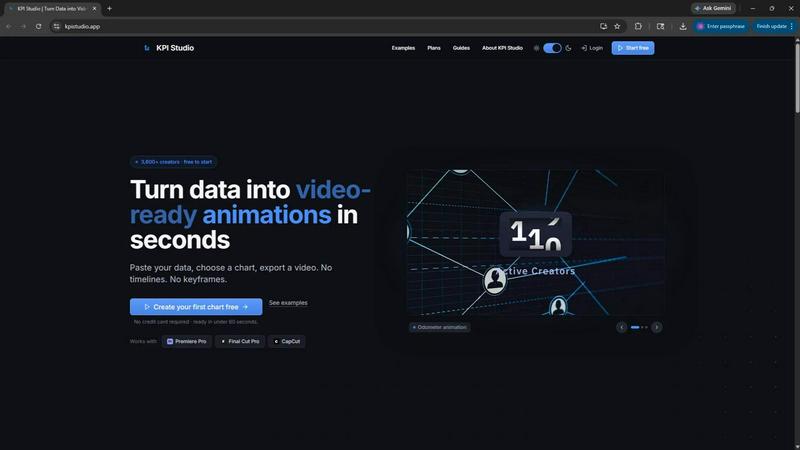
KPI Studio transforms your data into stunning video animations in seconds, making metrics engaging and easy to share with no design skills needed.

KPI Studio application interface and features

About KPI Studio

KPI Studio is an innovative tool designed specifically for data-driven video creators who are tired of the cumbersome, time-consuming process of integrating charts into their videos. The platform addresses the common pain points faced by creators, such as low-quality screenshots, inflexible templates from design software like Canva, and the extensive time investment required when using complex software like After Effects. With KPI Studio, users can effortlessly transform their raw data into dynamic, animated visuals in under 60 seconds. The tool is perfect for creators on a publishing schedule, enabling them to quickly produce high-quality charts that enhance their storytelling. With seamless integration into popular editing software such as Premiere Pro, Final Cut, and CapCut, KPI Studio is redefining how video creators utilize data, ensuring every number is not just accurate but visually engaging.

Features of KPI Studio

Quick Data Integration

With KPI Studio, users can paste their data directly into the platform, streamlining the entire chart creation process. This eliminates the need for complicated timelines and keyframes, allowing creators to focus on their content rather than the design process.

Customizable Chart Options

KPI Studio offers a diverse range of chart types, including growth counters, bar charts, and line charts. Users can easily customize these charts to best represent their data, ensuring their visuals are not only accurate but also aligned with their brand's aesthetic.

Fast Exporting Capabilities

One of the standout features of KPI Studio is its ability to export fully animated, video-ready visuals in under 60 seconds. This speed is crucial for creators who are often under tight deadlines and need to deliver high-quality content quickly.

Transparent Background Exports

KPI Studio allows exports with transparent backgrounds, meaning that users can drop their charts directly into any video editing software without additional editing. This feature ensures a smooth workflow and enhances the efficiency of video production.

Use Cases of KPI Studio

Enhancing YouTube Videos

YouTube creators can elevate their content by adding animated charts to illustrate data points, such as subscriber growth or revenue trends. This not only makes the video more engaging but also helps viewers understand complex information at a glance.

Social Media Content Creation

For creators focusing on platforms like Instagram and TikTok, KPI Studio enables the quick production of visually appealing metrics that can attract more viewers and increase engagement. Animated visuals are proven to perform better than static images, making this tool invaluable for social media strategies.

Client Projects for Freelancers

Freelancers working on client projects can utilize KPI Studio to deliver high-quality charts within tight deadlines. The ability to quickly create and customize charts allows freelancers to impress clients with timely and professional results.

Educational Content Development

Educators and eLearning developers can use KPI Studio to create engaging instructional videos that include animated charts. This helps illustrate concepts and data effectively, enhancing the learning experience for students.

Frequently Asked Questions

What types of charts can I create with KPI Studio?

KPI Studio supports various chart types, including growth counters, bar charts, and line charts, allowing users to represent their data in a visually appealing way that suits their needs.

How quickly can I export my charts?

You can export fully animated, video-ready charts in under 60 seconds, making KPI Studio an efficient choice for creators who are often racing against deadlines.

What video editing software is compatible with KPI Studio?

KPI Studio exports visuals that are compatible with several video editing platforms, including Premiere Pro, Final Cut, CapCut, and more, ensuring versatility in your editing workflow.

Is there a free trial available?

Yes, KPI Studio offers a free plan that allows users to start creating animated charts without the need for a credit card. This is perfect for trying out the tool before committing to a paid plan.

Top Alternatives to KPI Studio

Ribbi

Scroll-stopping social ads. Automated.

ShotLab

Turn boring screenshots into scroll-stopping content!

MStudio

MStudio is the all-in-one AI filmmaking platform that turns your script into a pitch-ready storyboard with motion and sound in one session.

Alma by Olivares AI

Alma by Olivares AI is your smart assistant that remembers, researches, and creates across image, video, and music all under one budget.

Veed Crawl

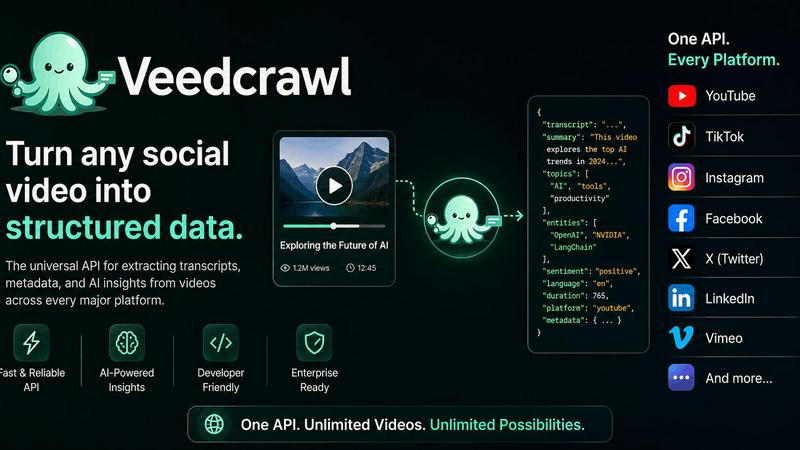
Turn any public social video URL into transcripts, metadata, and structured insights for your AI agents.

ChatGPT Image 2

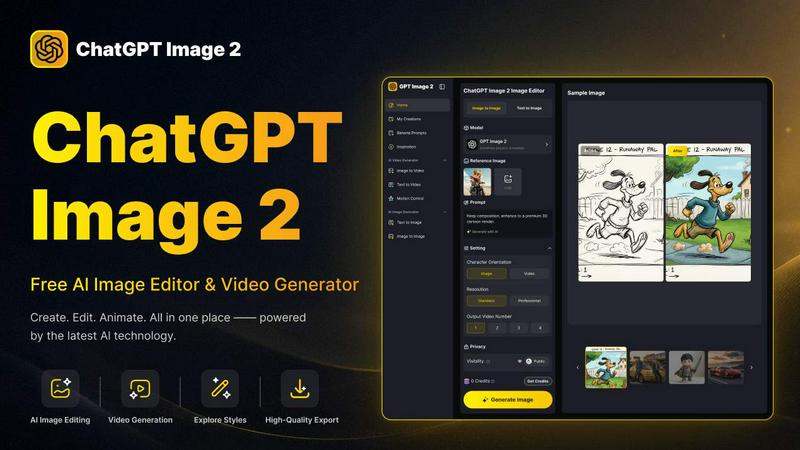
Create stunning images, flawless text, and dynamic videos with ChatGPT Image 2, now 50% off for a limited time.

Cuto

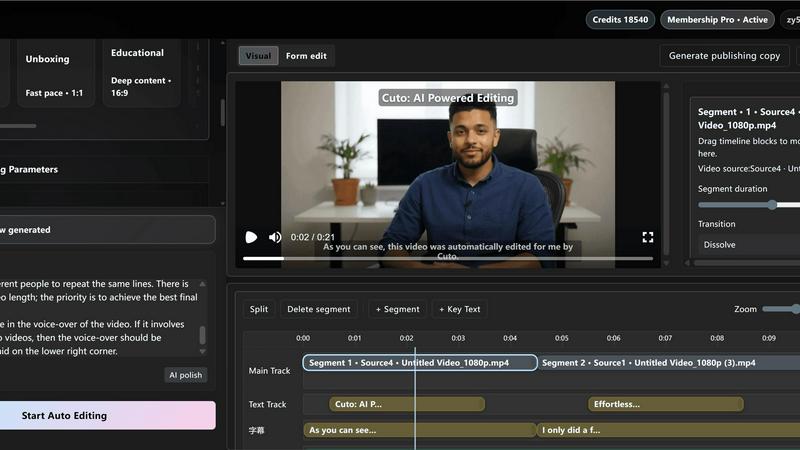
Cuto turns your raw footage into polished, commercial-grade videos in 30 seconds with just one prompt and an editable AI edit plan.

Quote Image Maker

Turn any quote into a stunning social graphic instantly with AI that matches backgrounds to your words, no design skills required.