
EditPhoto AI vs Nani

EditPhoto AI
Elevate your creativity with EditPhoto AI, the ultimate online photo editor powered by advanced AI tools and effects.
Last updated: February 28, 2026

Visual Comparison
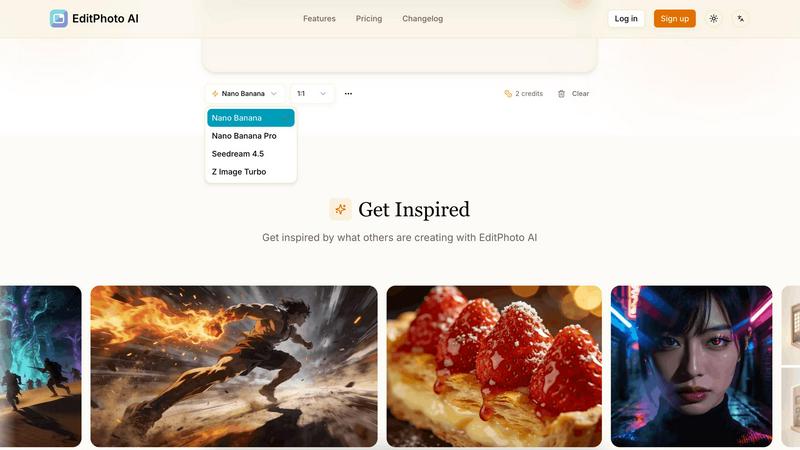
EditPhoto AI
Nani
Overview
About EditPhoto AI
EditPhoto AI is an innovative, free, browser-based AI image editor that redefines the way users approach photo editing. By transforming traditional editing into a prompt-driven workflow, it empowers users to upload images in various formats such as JPG, PNG, and WebP. With the ability to describe desired edits in natural language, the platform efficiently applies high-quality model-based operations. Users can engage in complex tasks like background removal, object removal, portrait retouching, and upscaling images to 4K resolution. EditPhoto AI caters to a diverse audience including e-commerce professionals, photographers, and graphic designers, fundamentally enhancing productivity and creativity. Its emphasis on privacy-first processing ensures that user data remains secure while delivering high-quality results. The platform is ideal for anyone looking to streamline their photo editing experience without the need for complex software, making professional-grade edits accessible to all.
About Nani
Most AI image tools are built for one-off generations, not regular repetitive work. You end up rewriting the same prompts, re-pasting the same reference images, and scrolling through endless feeds to find anything.
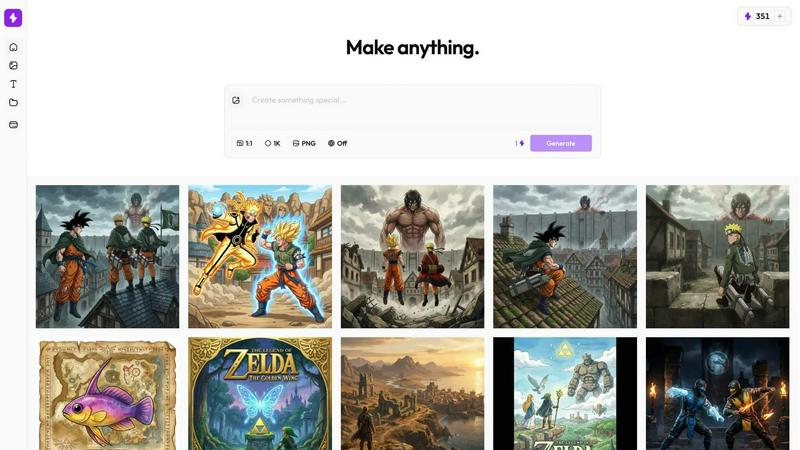
Nani is a workflow tool built on top of Google's Nano Banana Pro (Gemini) that fixes the repetitive, disorganized experience of AI image generation.
What Nani Does:
- Image Sets – Upload reference images once and reuse them across all your generations.
- Prompt Sets – Save style directions, character descriptions, and brand guidelines as reusable building blocks.
- Composable Prompts – Combine saved sets naturally instead of rewriting everything from scratch.
- Visual Iteration – Drag previous results back in as references without downloading and re-uploading.
- Folder Organization – Keep your library organized as it grows instead of scrolling through one long feed.
- Fast UI – No sluggish loading or navigation delays.