
Nani
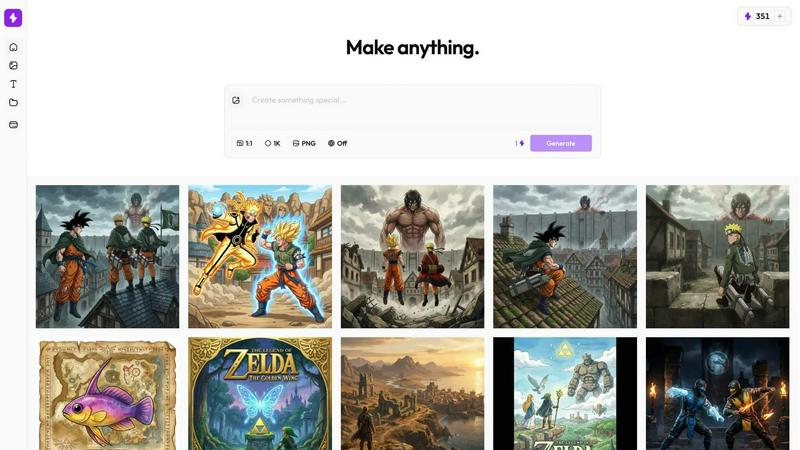
Supercharge your creativity with Nani, the intuitive AI tool for generating stunning images effortlessly and.
About Nani
Nani is a groundbreaking workflow tool designed to revolutionize the way creators approach AI image generation. Built on the powerful foundations of Google's Nano Banana Pro (Gemini), Nani addresses the common pain points associated with traditional AI image tools, which often cater to one-off generations rather than facilitating regular, repetitive tasks. With Nani, users can streamline their creative processes by uploading reference images and prompts just once, allowing for a more organized and efficient workflow. This tool is perfect for artists, designers, marketers, and anyone looking to enhance their visual content creation. Its main value proposition lies in its ability to supercharge the image generation experience, making it faster, more intuitive, and less chaotic. By combining reusable image and prompt sets, Nani empowers users to maintain consistency in their work while saving precious time and mental energy.
Features of Nani
Image Sets
With Nani's Image Sets feature, you can upload reference images just once and seamlessly reuse them across all your generations. This eliminates the hassle of repeatedly uploading and managing multiple images, making your creative process smoother and more efficient.
Prompt Sets
Nani allows you to create Prompt Sets, where you can save your style directions, character descriptions, and brand guidelines as reusable building blocks. This feature ensures that you can easily maintain a cohesive narrative or aesthetic across your projects without starting from scratch.
Composable Prompts
The Composable Prompts feature enables you to combine saved sets naturally. Rather than rewriting everything every time, you can mix and match elements from your saved prompts to create new, unique outputs quickly and efficiently.
Visual Iteration
Nani enhances your workflow through Visual Iteration, enabling you to drag previous results back into your current project as references. This eliminates the need to download and re-upload images, saving you time and keeping your workspace clutter-free.
Use Cases of Nani
Graphic Designers
Graphic designers can leverage Nani to streamline their workflow, saving time on repetitive tasks like prompt writing and image uploads. By utilizing reusable sets, they can focus more on creativity and less on logistics, enhancing overall productivity.
Marketing Professionals
Marketing professionals can use Nani to maintain consistent branding across campaigns. By saving brand guidelines and style directions as Prompt Sets, they ensure that every image aligns perfectly with their marketing strategy, reinforcing brand identity.
Content Creators
Content creators can benefit significantly from Nani's features by creating visually appealing content without the hassle of repetitive tasks. This allows them to spend more time engaging with their audience while producing stunning visuals effortlessly.
Educators and Trainers
Educators and trainers can utilize Nani to create visually engaging materials for their classes. By organizing images and prompts effectively, they can produce high-quality educational content that captures their students' attention and enhances learning.
Frequently Asked Questions
How does Nani improve the AI image generation process?
Nani simplifies the AI image generation process by allowing users to upload images and prompts just once, enabling easy reuse. This streamlines workflows, reduces repetitive tasks, and keeps projects organized.
Is there a learning curve to using Nani?
No, Nani is designed with a simple and intuitive interface that allows users to start creating immediately. You won't encounter a steep learning curve; just sign in and begin generating stunning images in seconds.
Are there any hidden fees or subscriptions with Nani?
Nani operates on a credit-based billing system, meaning you only pay for what you generate. There are no subscriptions or hidden fees, making it a flexible and cost-effective solution for creators.
Can I share my creations with others?
Absolutely! Nani allows you to share your creations easily through public links. Others can view your work and even recreate your images in their accounts, promoting collaboration and inspiration within the creative community.
Explore more in this category:
Top Alternatives to Nani
SciFig
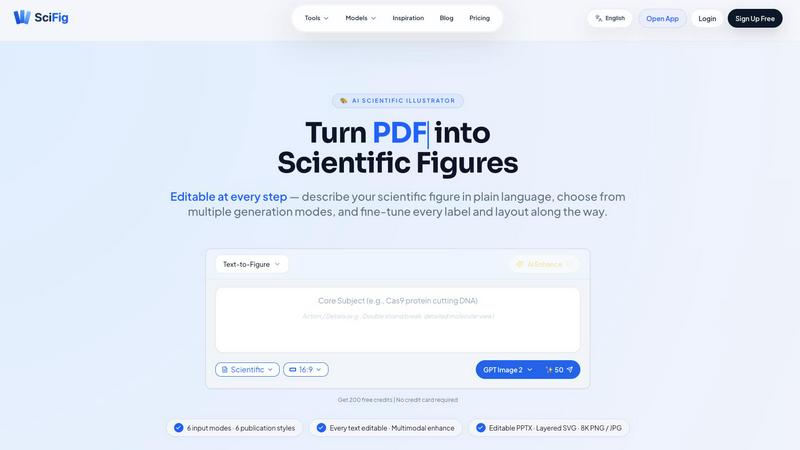
SciFig turns text, sketches, PDFs, or photos into editable, publication-ready scientific figures with AI.
Quote Image Maker
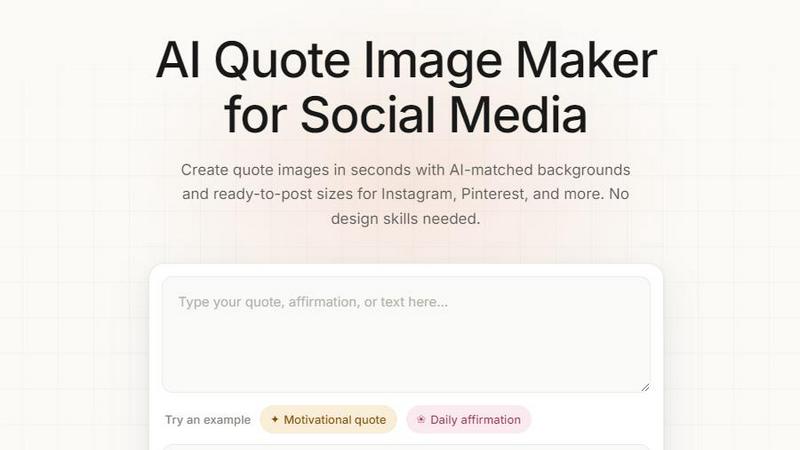
Turn any quote into a stunning social graphic instantly with AI that matches backgrounds to your words, no design skills required.
TRELLIS.3
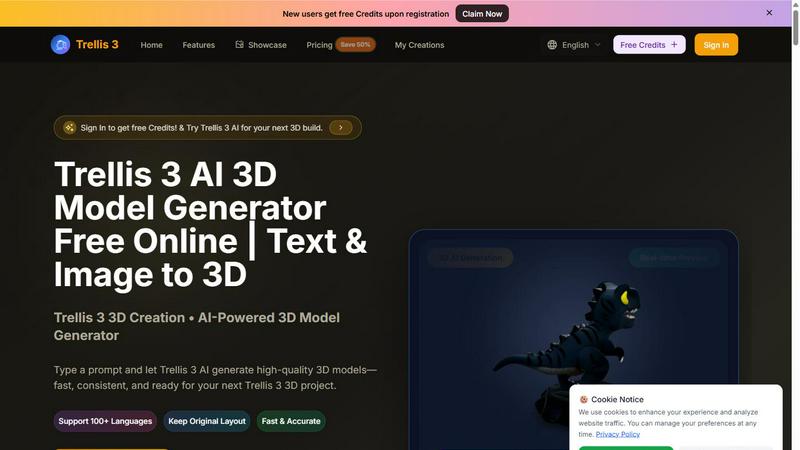
Transform text and images into stunning 3D models in seconds with Trellis 3, your go-to AI-powered 3D model generator.
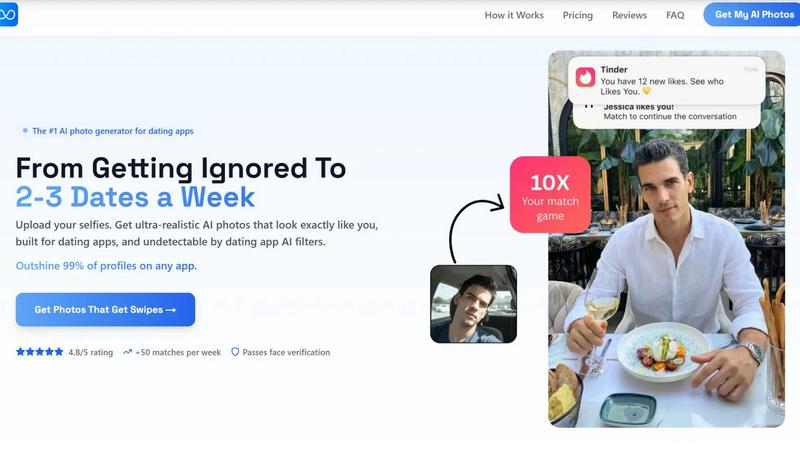
TruShot App
TruShot uses your selfies to create ultra-realistic, undetectable AI dating photos that get you 10x more matches on Tinder, Hinge, and Bumble.
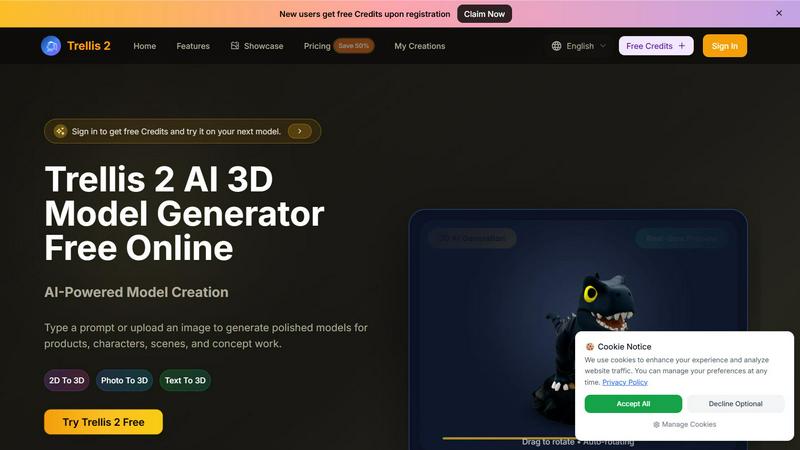
Trellis 2
Transform your ideas into stunning 3D models with Trellis 2, the AI tool that converts text and images into polished designs effortlessly.
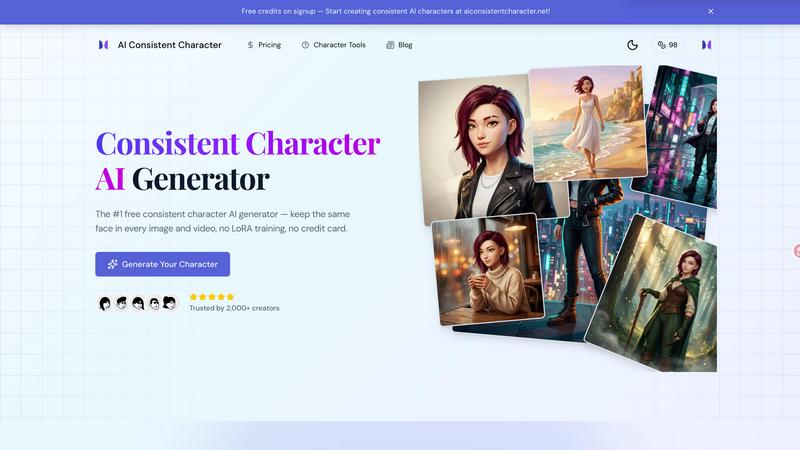
AI Consistent Character
Generate any character once and reuse them in every image and video instantly with zero training, completely free.
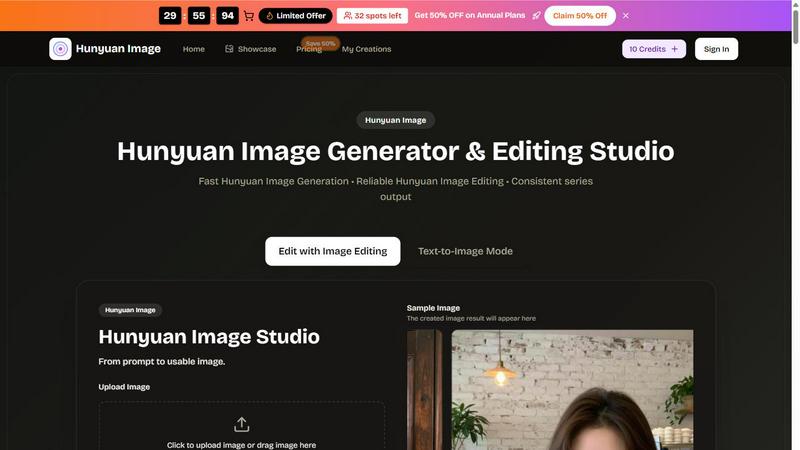
Hunyuan Image
Hunyuan Image is an AI-powered generator and editor that transforms prompts into stunning images quickly and effortlessly for creators.