
CodaOne AI
CodaOne AI offers 101 free tools to transform AI text into human-sounding content effortlessly, all in your browser with no signup required.
About CodaOne AI
CodaOne AI is an innovative all-in-one toolkit designed to streamline your digital workflow with over 101 free online tools. Offering capabilities across four primary categories—AI Writing, PDF, Image, and Developer utilities—CodaOne is tailored for individuals, students, professionals, and teams who seek to enhance their productivity without the hassle of sign-ups or hidden fees. The standout feature, the AI Humanizer, effortlessly transforms AI-generated text into natural, human-like writing, making it ideal for anyone looking to create authentic content. Furthermore, the platform hosts a powerful AI Detector that checks any text for AI fingerprints at no cost. With tools for grammar checking, summarizing, translating, and even a full suite of PDF and image processing tools that operate entirely within your browser, CodaOne AI is the ultimate solution for those who value efficiency, privacy, and versatility in their digital tasks.
Features of CodaOne AI
AI Humanizer
The flagship AI Humanizer transforms AI-generated content into natural, human-sounding text. It features nine distinct writing modes, including Standard, Academic, and Blog formats, ensuring that your content fits the context perfectly. This tool not only maintains the original meaning of the text but also significantly reduces its likelihood of being flagged as AI-generated by major detection tools.
AI Detector
CodaOne's AI Detector is a completely free tool that allows users to check any text for AI patterns without limits or sign-up requirements. This feature is perfect for academics, writers, and anyone who needs to ensure their content appears human-written. With instant results, it enables a seamless workflow from writing to checking and iterating.
PDF Tools
CodaOne offers a comprehensive suite of 12 browser-based PDF tools that let you merge, split, compress, rotate, and convert PDF files effortlessly. All processing happens locally in your browser via WebAssembly, meaning your files never leave your device, ensuring privacy and security without any upload limits or watermarks.
Developer Utilities
For developers, CodaOne provides an array of utilities including JSON/CSV processing, JWT decoding, regex testing, and Base64 encoding. These tools are designed to enhance coding efficiency and streamline various programming tasks, making them essential for both individual developers and teams.
Use Cases of CodaOne AI
Academic Writing
Students can leverage CodaOne's AI Humanizer and Detector to produce essays and research papers that not only adhere to academic standards but also pass AI detection checks. This ensures their submissions are authentic, original, and reflect their own voice.
Content Creation
Bloggers and content creators can use the AI Humanizer to turn AI-generated ideas into engaging articles that resonate with their target audience. The various writing modes allow for tailored content that fits different platforms and styles seamlessly.
Business Documentation
Professionals can utilize CodaOne's PDF tools to manage business documents efficiently. Whether merging reports, converting files, or compressing PDFs for easier sharing, these tools provide a hassle-free experience without compromising data privacy.
Coding and Development
Developers will find CodaOne's utilities invaluable for testing and processing data formats like JSON and CSV. The JWT decoder and regex tester are especially useful for debugging and enhancing the efficiency of coding projects.
Frequently Asked Questions
How does the AI Humanizer work?
The AI Humanizer rewrites AI-generated text into a more natural and human-like format, offering nine different writing modes to suit various contexts. It preserves the original meaning while making the text less detectable as AI-generated.
Is the AI Detector really free to use?
Yes, the AI Detector is completely free and allows unlimited checks without requiring any sign-up or account creation. This makes it an accessible tool for anyone needing to verify the authenticity of their written content.
Do I need to sign up to use the PDF tools?
No sign-up is required to use CodaOne's PDF tools. All features are available for free, and users can access them directly in their browser without any limitations or hidden fees.
What languages does CodaOne support?
CodaOne AI is available in seven languages, including English, Arabic, Turkish, Spanish, Chinese, Portuguese, and Indonesian. This wide range ensures that a diverse global audience can benefit from its features.
Top Alternatives to CodaOne AI
Salnly
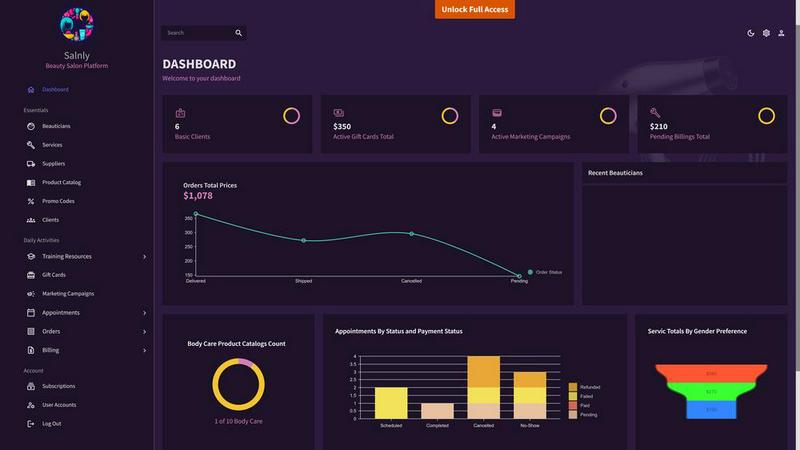
Streamline Your Salon Success, Stay Organized, and Elevate Your Business.
Relevant SaaS
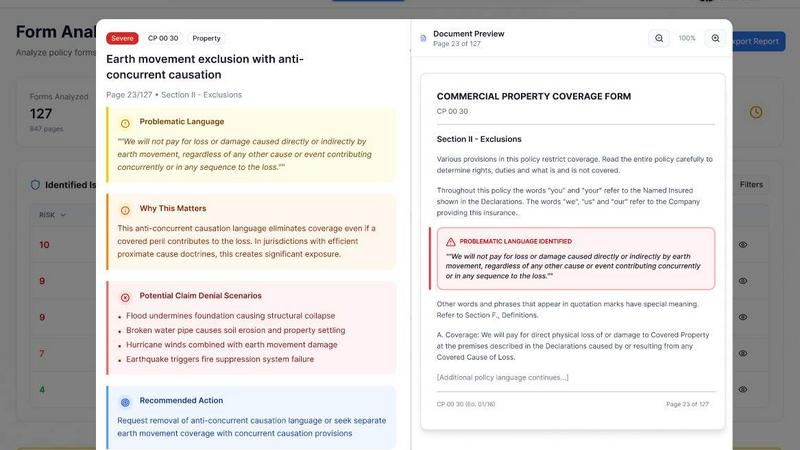
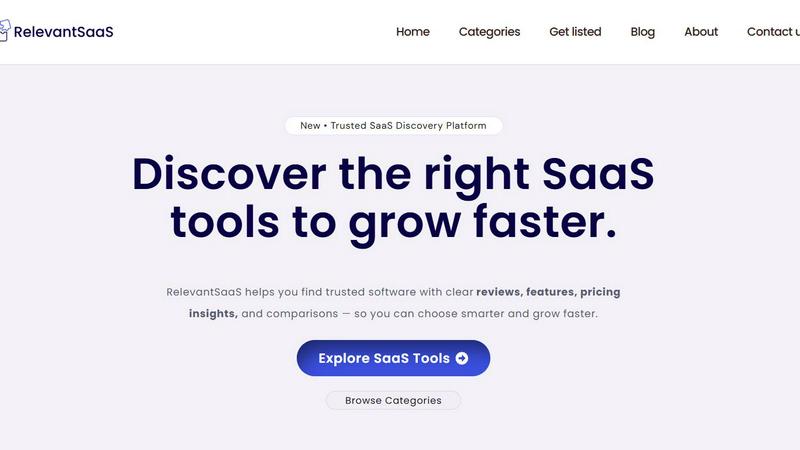
Relevant SaaS – Smart Software Solutions for Modern Business Growth

CorpusIQ
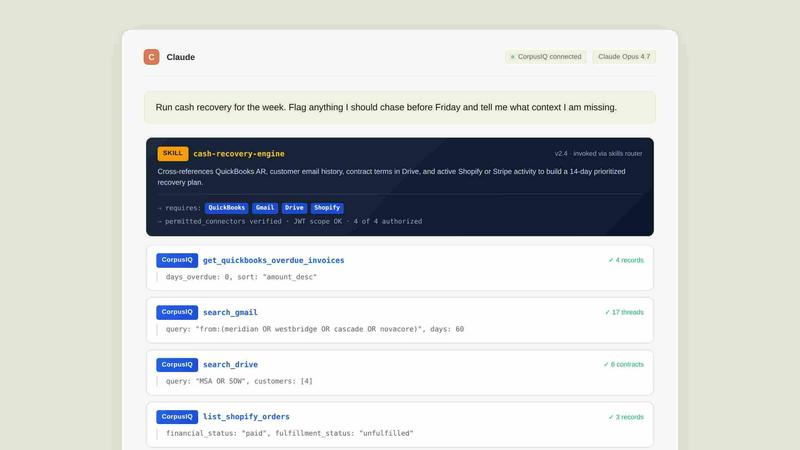
CorpusIQ connects your 43+ business tools to AI, delivering cited answers from 250+ skills in one private acceleration layer.