
ConvertBankToExcel
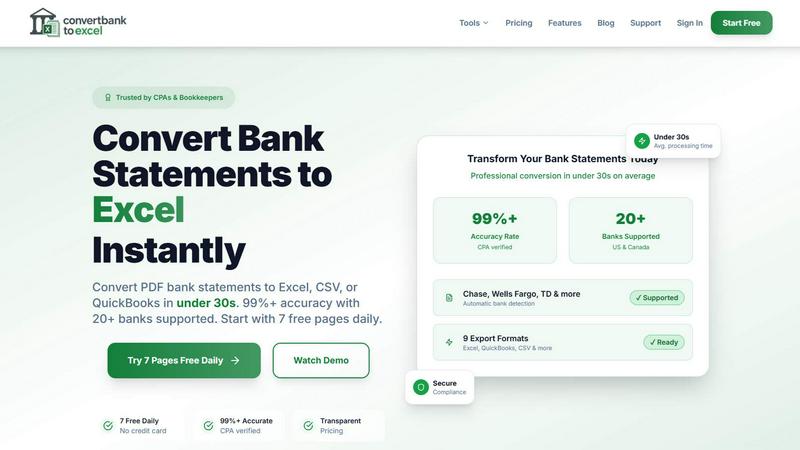
Effortlessly convert bank PDFs to Excel or CSV in under 30 seconds with 99% accuracy, trusted by professionals.
About ConvertBankToExcel
ConvertBankToExcel is a revolutionary AI-powered platform designed specifically for accounting professionals who seek to streamline their workflow and eliminate the tedious task of manual data entry. This innovative tool automatically extracts transaction data from PDF bank statements, transforming them into easily accessible formats such as Excel, CSV, and various QuickBooks formats in under 30 seconds. With a remarkable accuracy rate of over 99%, verified by CPAs, ConvertBankToExcel is trusted by more than 50,000 CPAs, bookkeepers, and accounting experts. The platform supports over 20 major US and Canadian banks, ensuring seamless integration with the financial systems that professionals rely on. With a free tier offering daily conversions, ConvertBankToExcel empowers users to focus on what truly matters—providing value to their clients and enhancing their productivity.
Features of ConvertBankToExcel
99%+ Accuracy Rate
ConvertBankToExcel boasts a CPA-verified accuracy rate of over 99%, ensuring that the extracted transaction data from bank statements is reliable and precise. This level of accuracy minimizes errors that can occur with manual data entry, providing peace of mind for accounting professionals.
Fast Processing Time
Time is money, especially in the world of accounting. ConvertBankToExcel processes bank statements in under 30 seconds on average, allowing users to convert multiple files quickly and efficiently. This rapid turnaround time significantly improves productivity, enabling accountants to focus on higher-value tasks.
Multiple Export Formats
With support for nine different export formats, including Excel, CSV, and various QuickBooks formats (QBO, QFX, OFX, and IIF), ConvertBankToExcel provides flexibility for users to import their data into any accounting software seamlessly. This versatility is tailored to meet the diverse needs of accounting professionals.
AI-Powered OCR Technology
The platform utilizes advanced AI-powered Optical Character Recognition (OCR) technology to handle both digital and scanned PDFs. This means that users can convert statements from a variety of sources, ensuring that even scanned documents are accurately transformed into usable data.
Use Cases of ConvertBankToExcel
Tax Preparation
During tax season, accounting professionals can use ConvertBankToExcel to quickly gather and organize financial statements, ensuring compliance with IRS requirements. This tool simplifies the process of preparing documents for tax filing, saving valuable time and effort.
Mortgage Applications
ConvertBankToExcel is an essential tool for preparing organized bank statements required by mortgage lenders. By providing clear and accurate financial information, accountants can expedite the approval process for their clients' mortgage applications.
Visa Applications
When applying for visas or immigration, applicants often need to submit detailed financial statements. ConvertBankToExcel enables users to convert bank statements swiftly, ensuring they meet the financial documentation requirements set by embassies or immigration offices.
Batch Processing for Multiple Files
For firms handling numerous client accounts, ConvertBankToExcel's batch processing feature allows users to convert multiple bank statements simultaneously. This capability streamlines workflows, making it easier to manage high volumes of documents without sacrificing accuracy.
Frequently Asked Questions
How does ConvertBankToExcel ensure data security?
ConvertBankToExcel employs bank-grade encryption to protect sensitive financial information during the conversion process. Additionally, all uploaded documents are automatically deleted after 24 hours to enhance user privacy and data security.
Can I convert scanned bank statements?
Yes! ConvertBankToExcel's advanced AI-powered OCR technology allows for the conversion of both digital and scanned PDF bank statements. This feature ensures that users can work with a variety of document types without hassle.
What types of banks are supported?
ConvertBankToExcel supports over 20 major US and Canadian banks, including Chase, Bank of America, Wells Fargo, and TD Bank. This extensive support ensures that users can convert statements from the financial institutions they utilize.
Is there a free trial available?
Absolutely! ConvertBankToExcel offers a free tier that allows users to convert up to 7 pages daily without requiring a credit card. This gives new users an opportunity to experience the platform's capabilities before committing to a paid plan.
Top Alternatives to ConvertBankToExcel

Liners Africa
Discover, compare, and review over 1,500 African software products with insights from human researchers and AI for smarter choices.

Fake Mayo
Fake Mayo delivers real startup stories with exact traction tactics, no fluff, just proven moves.

WhoFixedIt
WhoFixedIt is your ultimate logbook to track repairs and trusted service providers for your home or business, making maintenance a breeze.

VolRadar
VolRadar scans 500 stocks overnight to give you the best premium selling setups before the bell, so your morning research takes 30 seconds.
PopPay
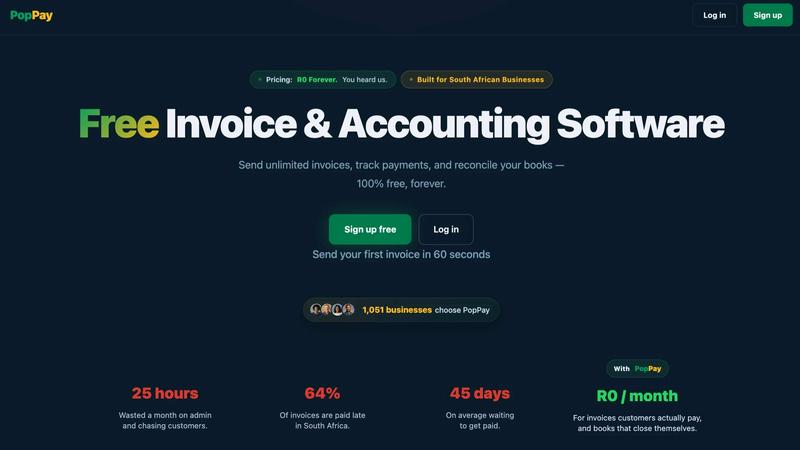
PopPay brings free, end-to-end AI business management to your fingertips with launch-day energy and total control.
Online Invoice Generator
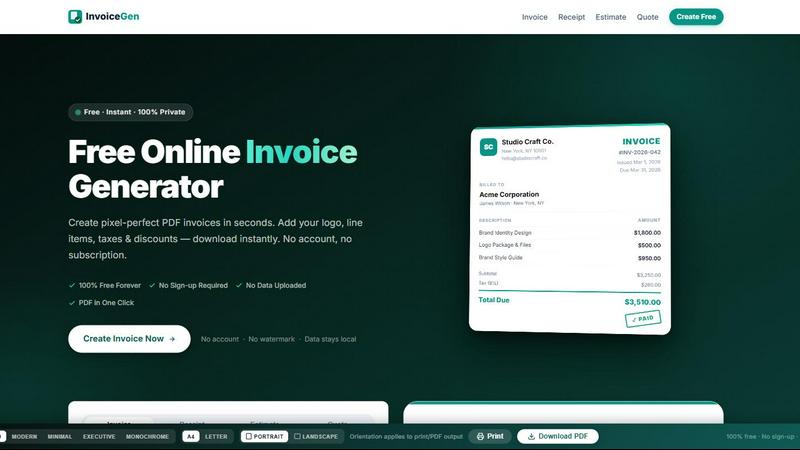
Create stunning PDF invoices instantly with zero sign-up, no data uploads, and 100% free forever.
StockFit API
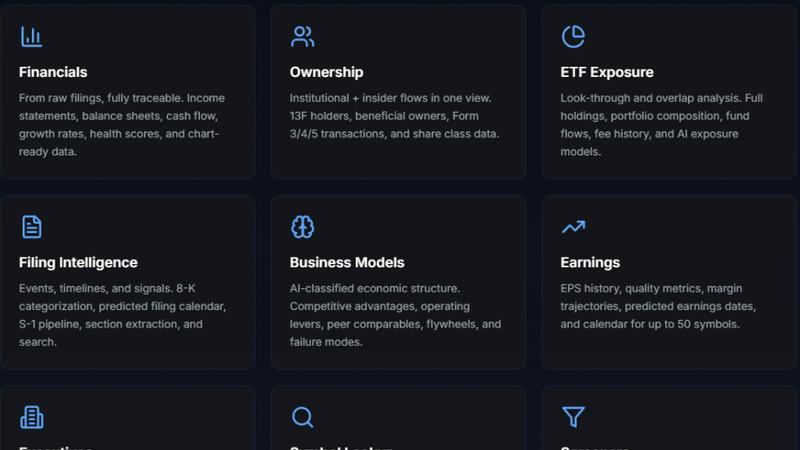
Unlock powerful financial modeling with StockFit API, delivering standardized data and sector-aware metrics for accurate valuation and backtesting.

CalcFi
CalcFi uses live IRS and Fed data to give you one AI-powered Financial Picture from 300+ free calculators.