
Editly AI
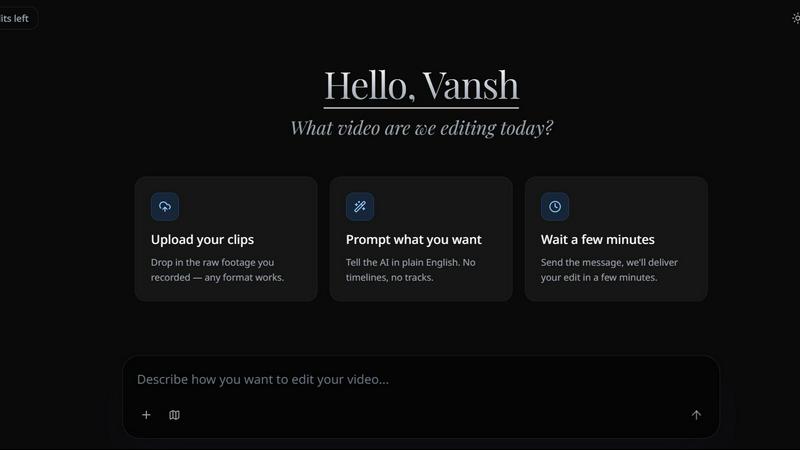
Editly AI turns raw footage into polished videos in minutes using simple text prompts, replacing expensive human editors.
About Editly AI
Editly AI is a groundbreaking video editing platform that revolutionizes how creators, marketers, and businesses produce video content. Instead of wrestling with complex timelines, layers, and effects in traditional software like Premiere Pro or CapCut, Editly lets you simply describe what you want in plain English and get a polished, finished video in minutes. Think of it as having a professional video editor in your pocket, available 24/7, for a flat monthly subscription. The core value proposition is staggering: cut video production costs by up to 90% and ship content in minutes instead of weeks. No more paying $200 to $2,500 per video to agencies, no more week-long waits for revisions. Editly is built for founders, marketers, creators, and course businesses who need high-quality video content at scale. Upload your raw footage, type a prompt like "remove silences, add captions, and make it suitable for TikTok," and the AI agent analyzes the audio, visuals, and context to execute the edit autonomously. It handles automatic captions, multi-format reframing for Reels, YouTube, and Shorts from a single source, and allows unlimited revisions through a simple chat interface. With round-the-clock turnaround and a cloud-based architecture that works on any device, Editly is not just a tool; it is a complete replacement for the traditional, expensive, and slow video editing workflow.
Features of Editly AI
Natural Language Editing
Editly's core innovation is its agentic AI that understands plain-English instructions. You do not need to learn a single editing shortcut or timeline technique. Simply type commands like "highlight the funny parts," "add B-roll here," or "cut for YouTube Shorts with dynamic captions." The AI analyzes your video content, audio, and pacing to execute these edits autonomously. This feature eliminates the learning curve entirely, making professional video editing accessible to anyone who can describe what they want.
Automatic Multi-Format Reframing
Create content for every major platform from a single source video. Editly automatically reframes your footage for TikTok, Instagram Reels, and YouTube Shorts simultaneously, ensuring your subject stays perfectly centered and the aspect ratio is correct. This feature is a massive time-saver for creators who need to repurpose long-form content into short, viral clips. No more manually adjusting keyframes or cropping for each platform; Editly handles the entire process in one go.
Instant Revisions via Chat
Forget the painful back-and-forth emails with human editors. With Editly, you can request unlimited revisions through a simple chat interface. If the first cut is too slow, just type "speed it up" or "add more transitions." The AI instantly re-processes the video based on your new instructions. This creates a fluid, collaborative editing experience where you iterate in real-time, getting the perfect edit without the delays and costs associated with traditional agencies.
Cloud-Based Processing
Editly is entirely cloud-based, meaning your computer does none of the heavy lifting. All video analysis, processing, and rendering happen on Editly's powerful servers. You can use the platform on any device with a web browser, including laptops, tablets, and even smartphones. This eliminates the need for expensive, high-performance computers and allows you to edit videos on the go. The cloud architecture also enables the fast, round-the-clock turnaround that Editly promises.
Use Cases of Editly AI
Social Media Content Creation
Creators and influencers can use Editly to rapidly produce high-performing content for TikTok, Instagram Reels, and YouTube Shorts. By uploading raw footage and prompting the AI to "make it viral with fast cuts and trending captions," creators can generate multiple polished clips in minutes. This use case is ideal for staying on top of trends, maintaining a consistent posting schedule, and scaling content output without hiring a full-time editor.
Long-Form Video Editing for YouTube
Editly is powerful enough to handle long-form content like podcasts, vlogs, and tutorials. You can upload a one-hour recording and instruct the AI to "trim the fluff, remove dead air, add chapter markers, and create a 15-minute highlight reel." This dramatically reduces the time spent on tedious tasks like cutting silence and pacing a long video, allowing creators to focus on the content itself.
Course and Educational Content
Course creators and educators can leverage Editly to transform raw lecture recordings into polished, engaging educational videos. The AI can automatically add captions for accessibility, insert B-roll or screen recordings at the right moments, and repurpose a single long lecture into multiple short promotional clips for social media. This helps course businesses produce professional-looking content at a fraction of the cost of a human editor.
Marketing and Brand Video Production
Marketing teams can use Editly to quickly produce product demos, testimonials, and promotional videos. Instead of waiting weeks for an agency to deliver a single video, a team can upload raw footage, type a prompt like "add our brand intro, overlay text for key benefits, and create a 60-second ad," and have a finished asset in minutes. This agility is crucial for time-sensitive campaigns and A/B testing different video variations.
Frequently Asked Questions
Is Editly good for TikTok and Instagram Reels?
Yes, Editly is specifically trained on high-performing social media content. It understands pacing, trends, and formats for TikTok, Instagram Reels, and YouTube Shorts. You can ask it to "make it viral" or "cut for TikTok," and it will automatically apply fast cuts, dynamic captions, and trending styles. The multi-format reframing feature also ensures your content looks perfect on every platform.
How does the AI video editor work?
Unlike traditional editors where you manually move clips on a timeline, Editly works with natural language prompts. You upload your raw footage and type instructions like "remove silences, add B-roll, or highlight the funny parts." The agentic AI analyzes the video content, audio, and context to execute these edits autonomously. It is a completely new paradigm for video editing that prioritizes speed and simplicity.
Can I use Editly for long-form YouTube videos?
Absolutely. Editly can process long recordings, podcasts, or vlogs. You can use it to trim fluff, remove dead air, add chapter markers, or even repurpose a long video into multiple short viral clips for social media. The AI is designed to handle both short and long-form content with equal efficiency.
Do I need a powerful computer to use Editly?
No. Editly is entirely cloud-based. All the heavy lifting for video analysis, processing, and rendering happens on our powerful servers. You can use Editly on any device with a web browser, including laptops, tablets, and even smartphones. This makes professional video editing accessible without requiring expensive hardware.
Pricing of Editly AI
Editly offers a flexible pricing model designed to fit different needs. You can start with a Free Trial for $0 per month, which includes 3 lifetime credits, community support, and basic rendering, perfect for testing the waters. For serious creators, the Pro plan is the most popular option at $28 per month (billed yearly), which unlocks 100 credits per month, founder support, high upload limits, and access to all core features. This flat monthly subscription with unlimited renders replaces the costly $200 to $2,500 per-video invoices from agencies, saving creators up to 90% on their video production costs.
Top Alternatives to Editly AI
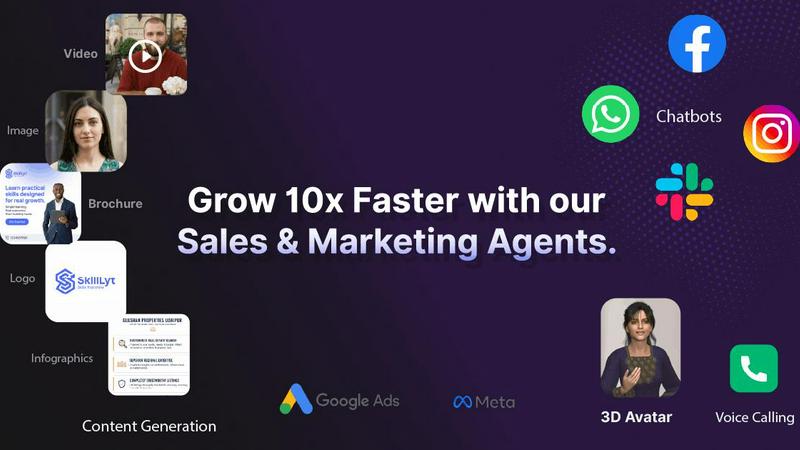
AgentZee
AI agents for sales, support, and marketing automation.
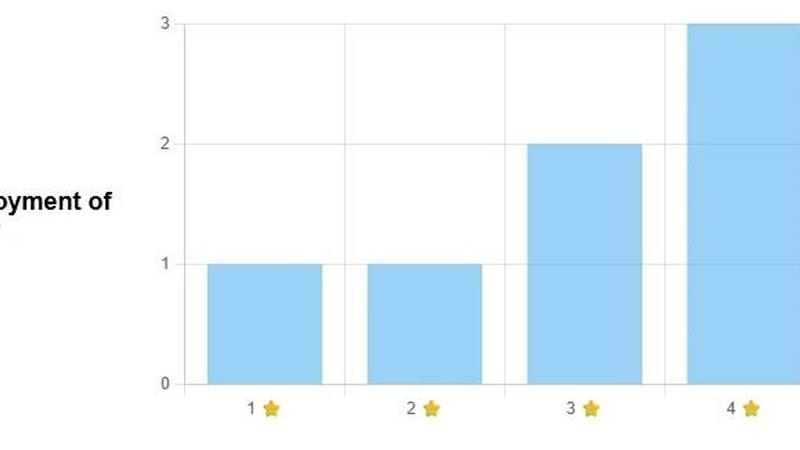
FormRoyale
Run Smarter Surveys and Turn Feedback Into Actionable Insights
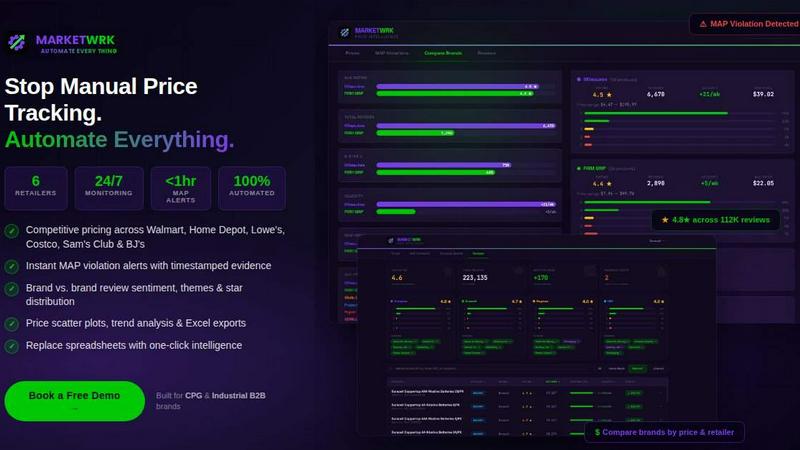
MarketWrk
Automate retail price monitoring and MAP violation alerts to save time and boost profitability with MarketWrk's intelligent dashboard.
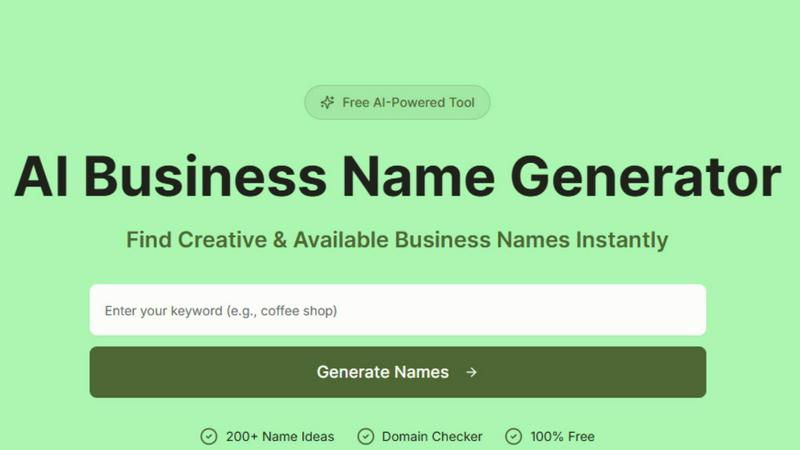
AI Business Name Generator
Unlock your brand's potential with our AI Business Name Generator, creating unique, relevant names and checking domain availability in seconds.

Fusedash
Fusedash transforms your data into interactive dashboards, charts, and reports for quick insights and seamless.
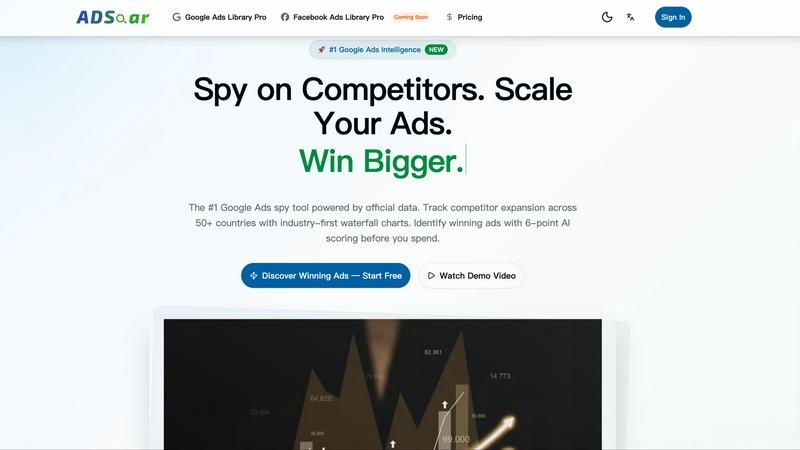
ADSoar
ADSoar is the ultimate Google Ads spy tool that unveils competitor strategies and boosts your ad performance.
ClearTok
ClearTok instantly cleans your TikTok profile by removing all reposted videos with one click.

Linkjob
Linkjob is your stealthy AI interview assistant that provides real-time support and tailored responses for job seekers.