
Graphviz Online
Graphviz Online is a dynamic platform for effortlessly creating, visualizing, and sharing stunning graphs and diagrams.
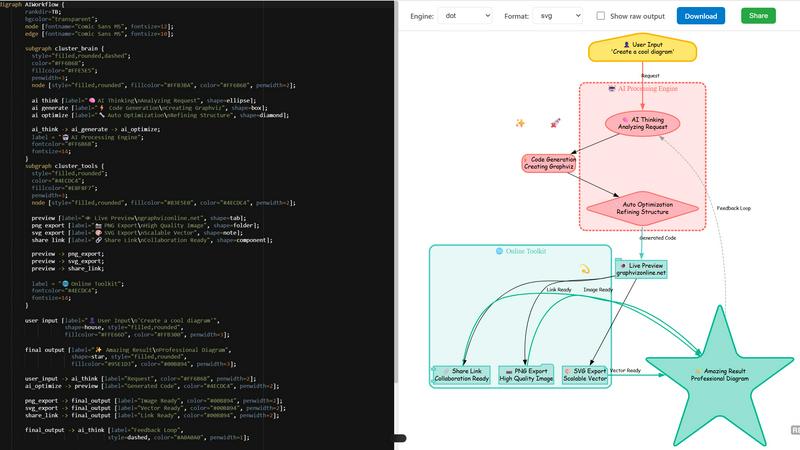
About Graphviz Online
Graphviz Online is a powerful, user-friendly web tool designed to transform Graphviz code into stunning visual diagrams in formats like PNG and SVG. Perfect for developers, data scientists, educators, and anyone needing to visualize complex information, this online platform simplifies the process of creating professional diagrams. Imagine being able to generate intricate graphs with just a few lines of code! With Graphviz Online, you can effortlessly paste AI-generated Graphviz code directly into the interface and watch as it comes to life in real time. No need for cumbersome installations—this tool operates entirely within your browser, making it accessible from anywhere. The intuitive design and real-time rendering capabilities not only save time but also enhance collaboration by allowing users to easily share and export their visualizations. Unleash your creativity and streamline your workflow with Graphviz Online!
Features of Graphviz Online
Easy-to-Use Interface
Graphviz Online boasts a clean and intuitive interface that allows users of all skill levels to create diagrams with ease. The straightforward design helps you focus on crafting your visualizations without distractions, making it easy to paste your code and see results instantly.
Real-Time Rendering
Experience the magic of real-time rendering! As you input your Graphviz code, the tool automatically generates a live preview of your diagram, allowing for immediate feedback and adjustments. This feature is invaluable for fine-tuning designs and ensuring that your visualizations meet your expectations.
Multiple Export Formats
With Graphviz Online, exporting your diagrams is a breeze. Choose from high-quality PNG and scalable SVG formats to ensure your visuals look great in any context. Whether you need a quick image for a presentation or a high-resolution file for printing, this tool has you covered.
Collaboration and Sharing Options
Collaboration has never been easier! Graphviz Online allows you to generate shareable links for your diagrams, making it simple to work with colleagues or clients. This feature promotes teamwork and enables effective communication through visual aids, enhancing the overall project workflow.
Use Cases of Graphviz Online
Software Development
Developers can use Graphviz Online to visualize complex architectures, workflows, or algorithms. By generating diagrams from code, they can improve understanding and communication among team members, ultimately leading to more efficient project execution.
Education and Training
Educators can leverage Graphviz Online to create engaging visual aids for lessons, helping students grasp intricate topics more easily. Diagrams can illustrate concepts in subjects like computer science, mathematics, or organizational behavior, making learning more interactive and memorable.
Data Visualization
Data scientists can transform raw data into visually appealing graphs that highlight trends and insights. With Graphviz Online, they can quickly create visualizations that support their analyses, making presentations more impactful and informative.
Project Management
Project managers can utilize Graphviz Online to outline project workflows, timelines, or dependencies. By creating visual representations of project components, they can enhance clarity and communication among stakeholders, ensuring everyone is aligned on goals and progress.
Frequently Asked Questions
What is Graphviz Online?
Graphviz Online is a web-based tool that allows users to create professional diagrams from Graphviz code. It supports various export formats and requires no installation, making it accessible from any browser.
How do I use Graphviz Online?
Simply paste your Graphviz code into the tool's interface, and watch as it generates a live preview of your diagram. You can then export it in your desired format or share it using a generated link.
What formats can I export my diagrams in?
Graphviz Online supports multiple export formats, including high-quality PNG for images and scalable SVG for vector graphics. This flexibility ensures your diagrams are suitable for various applications.
Do I need to install anything to use Graphviz Online?
No, Graphviz Online is entirely browser-based, meaning you can access it from any device with internet connectivity without the need for downloads or installations. Just open your browser and get started!
Explore more in this category:
Top Alternatives to Graphviz Online
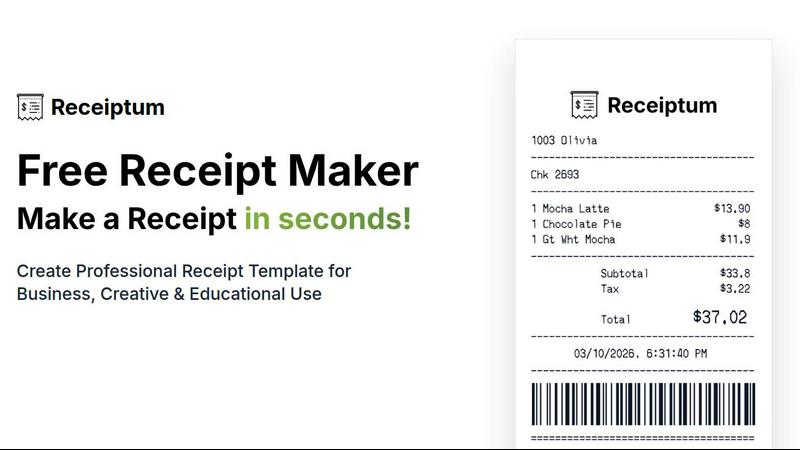
Receiptum
Receiptum lets you create professional, fully customizable receipts in seconds with zero design skills needed.
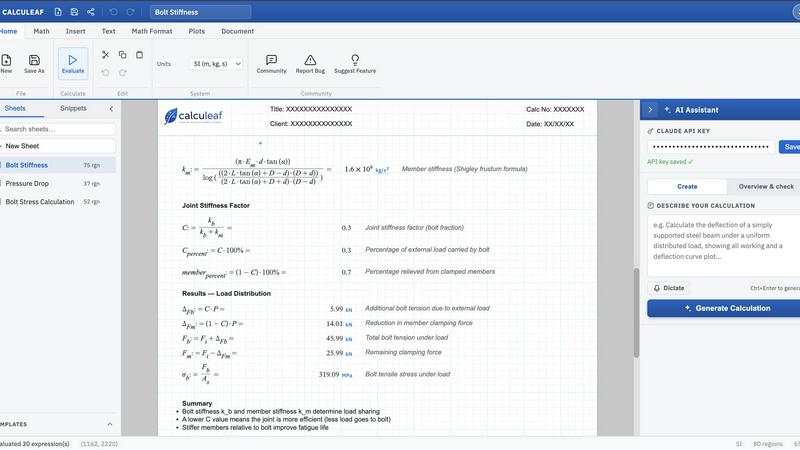
Calculeaf
Calculeaf is the next-generation web-based engineering worksheet for unit-aware math, notes, plots, and reusable calculations.

BrandMaker
BrandMaker delivers a complete brand identity system in under 3 minutes, providing logos, mascots, colors, and more for instant brand cohesion.
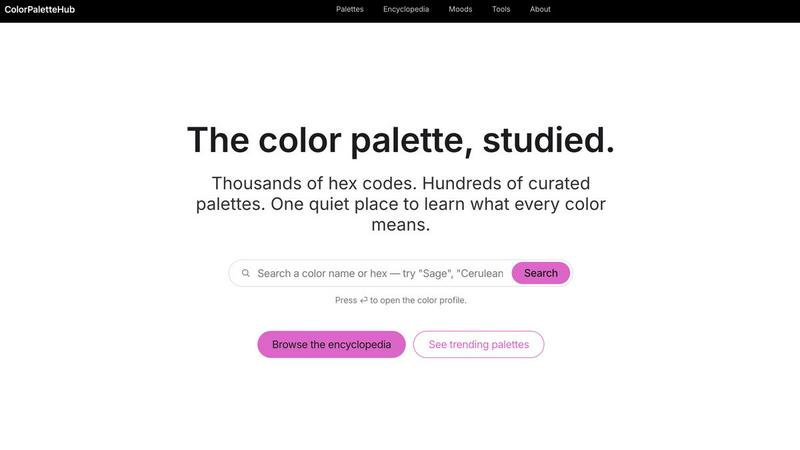
ColorPaletteHub
ColorPaletteHub is your quiet encyclopedia of thousands of curated hex codes and design tools to explore every color's meaning.

Mockupanda
Mockupanda lets you upload one print design and instantly generate unlimited professional mockups to boost your Etsy and POD sales.
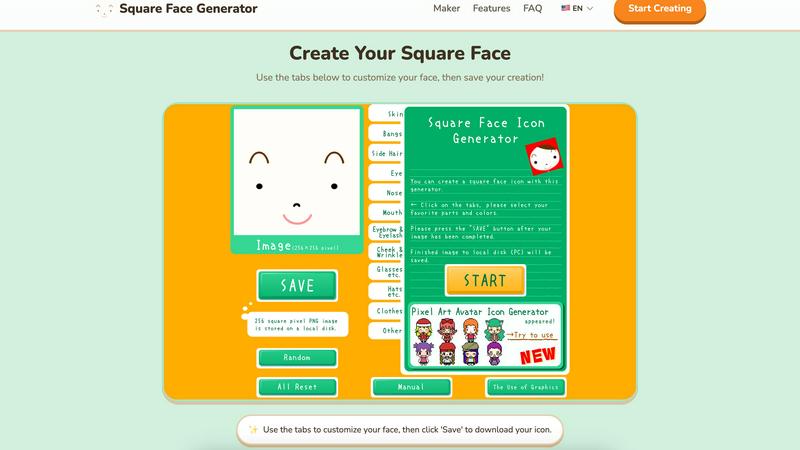
Square Face Generator
Create custom square face icons and pixel avatars instantly with this free, no-signup tool for social media, games, and creative projects.

GPT Imagine
Transform prompts and reference images into stunning, high-fidelity visuals in seconds with GPT Imagine's powerful AI image generation tools.

Lip Flip
Lip Flip lets you preview your smile with AI, showcasing real before and after results to set realistic expectations for a subtle lip transformation.