
Hunyuan Video
Tencent Hunyuan Video turns text or images into high-quality AI-generated videos with simple prompts and fast, polished results.
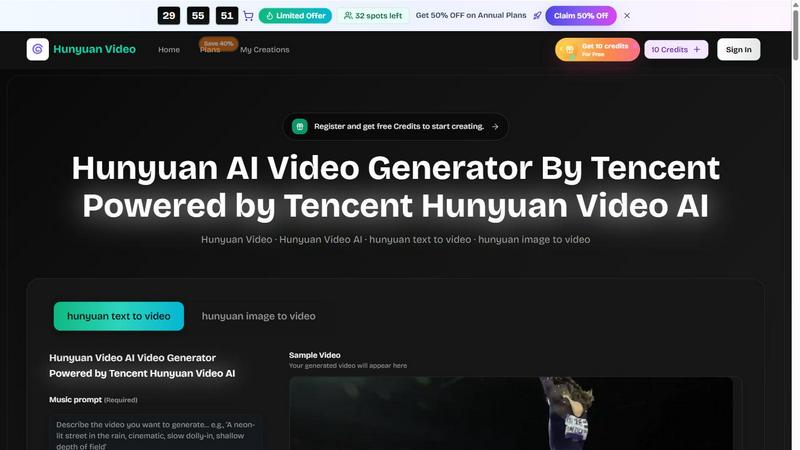
About Hunyuan Video
Hunyuan Video is an AI video generator powered by Tencent that brings professional-grade video creation into your browser. This tool is built for creators, marketers, and teams who need to produce cinematic clips, product demos, and social media videos faster without sacrificing quality. Instead of juggling multiple tools for image generation and video creation, Hunyuan Video unifies text-to-video and image-to-video workflows into one seamless pipeline. You start with a clear text prompt or a reference image, add practical constraints like duration, aspect ratio, and platform, and the AI generates coherent motion clips that feel intentional rather than glitchy. The core value proposition is simple: you describe the idea, Hunyuan Video handles the execution. It delivers cinematic clarity across both realistic and stylized looks, ensuring that complex movements finish cleanly instead of smearing into artifacts. Camera work reads like a director framed each shot, not like an algorithm guessed the angles. For teams scaling their content output, Hunyuan Video offers repeatable prompt recipes that preserve brand identity across batches. Whether you are shipping a single demo or a full campaign calendar, this tool reduces the time from brief to publish by generating parallel takes that reviewers can compare on real pixels. The result is faster iteration, fewer handoffs, and more time spent choosing the best take instead of rebuilding timelines from scratch.
Features of Hunyuan Video
Brief to Publish Workflow
Start with one aligned brief and Hunyuan Video generates parallel takes that reviewers can compare on motion, camera, and finish using real pixels. You promote the cut that clears the bar, and the next launch reuses the same recipe without rebuilding the timeline from zero every week. This feature eliminates repetitive setup work for teams producing recurring content.
Prompt Led Refinement
Use Hunyuan Video like a conversation with the timeline. Ask for a tighter open, a different tone, fewer beats, or a sharper punchline, then regenerate until the motion matches your note. You iterate on the same brief using plain language tweaks instead of guessing hidden controls, so pacing and mood land exactly as intended without reshooting from scratch.
Fast First Output
Describe your idea, add practical constraints like length, aspect ratio, platform, and any voice or camera direction, then review AI generated takes you can ship or hand to an editor the same day. Structured inputs ensure the first render is already on format, so you spend less time in docs and more time choosing the better take.
Unified Creation for Images and Video
Build stories where still references and short motion clips stay in the same Hunyuan Video loop. Look, lighting, and framing remain related across image and video outputs instead of bouncing files between separate generators. This unified pipeline reduces handoffs before you reach a real edit timeline, keeping your creative vision consistent from reference stills to moving shots.
Use Cases of Hunyuan Video
Marketing and Social Media Content
Marketing teams can generate short cinematic clips for social platforms, product launches, and ad campaigns directly from text briefs. Hunyuan Video handles aspect ratio variations like 16:9 for YouTube, 9:16 for TikTok and Reels, and 1:1 for Instagram, so you get platform ready outputs in seconds. The prompt led refinement lets you adjust tone and pacing until the video matches brand guidelines without redoing the entire generation.
Product Demos and Explainer Videos
Create quick product demos by describing the product features, motion, and camera angles in a text prompt. Hunyuan Video generates coherent movement that showcases the product clearly, whether it is a tangible item or a digital interface. Teams can iterate on the same brief to produce multiple takes, then select the one that best communicates the value proposition to customers.
Creative Storyboarding and Pre Visualization
Filmmakers and content creators can use Hunyuan Video to visualize scenes before production. Input a text description of the action, setting, and camera movement, and the AI generates a short clip that serves as a storyboard reference. This speeds up pre production by giving directors and editors a tangible visual to discuss, refine, and align on before committing to full production.
Internal Communications and Training Videos
Corporate teams can produce training materials and internal updates without hiring video production crews. Describe the key message, add brand tone and visual direction, and Hunyuan Video generates clips that feel professional and on brand. The unified creation feature ensures that any still images used in training decks can be extended into motion clips, keeping visual consistency across all internal communications.
Frequently Asked Questions
What is Hunyuan Video and who is it for?
Hunyuan Video is an AI video generator powered by Tencent that converts text prompts and images into short cinematic clips. It is designed for creators, marketers, and teams who need to produce videos for social media, product demos, and internal communications quickly in a browser. The tool supports both text-to-video and image-to-video workflows in one unified pipeline.
How do I get started with Hunyuan Video?
You can sign up on the Hunyuan Video website and receive free credits to start creating immediately. Simply enter a text prompt describing your desired video, choose settings like aspect ratio, video quality, and duration, then click generate. The AI produces a video clip that you can preview, refine with additional prompts, or download for use.
What video formats and settings does Hunyuan Video support?
Hunyuan Video supports multiple aspect ratios including 16:9, 9:16, 4:3, 3:4, 21:9, and 1:1 to fit different platforms. You can choose between 720p HD and 1080p Full HD quality, and set video duration to 5 or 10 seconds. These settings ensure your output is ready for specific social media platforms or presentation formats without additional editing.
Can I use Hunyuan Video for commercial projects?
Yes, Hunyuan Video is built for creators and teams producing commercial content including marketing campaigns, product demos, and social media ads. The tool includes guardrails that let you bake brand palette, tone, and product truth into repeatable prompts, so every batch stays recognizable while automation handles volume. You can ship a pilot project through the same gates used for paid media or internal comms.
Pricing of Hunyuan Video
Limited Offer: 32 spots left for 50% OFF on Annual Plans. Register and get 10 free credits to start creating. Save 40% on plans with the current promotion.
Explore more in this category:
Top Alternatives to Hunyuan Video
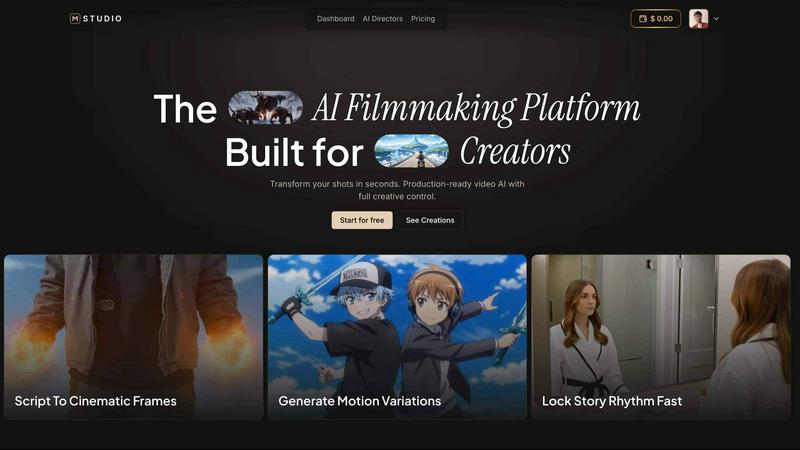
MStudio
MStudio is the all-in-one AI filmmaking platform that turns your script into a pitch-ready storyboard with motion and sound in one session.
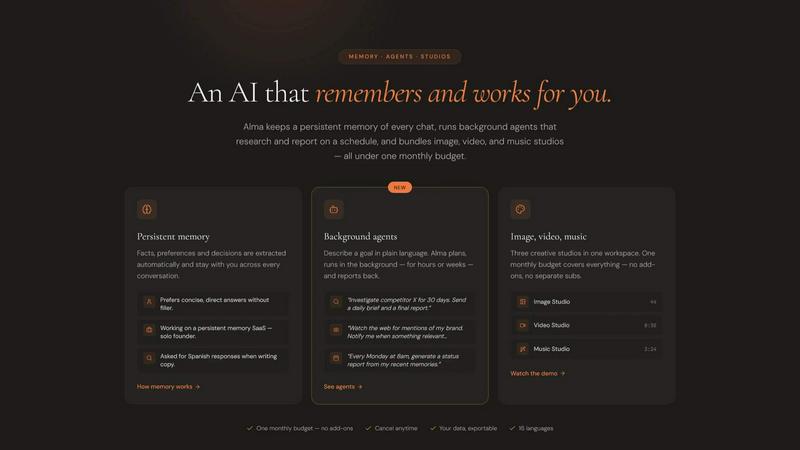
Alma by Olivares AI
Alma by Olivares AI is your smart assistant that remembers, researches, and creates across image, video, and music all under one budget.
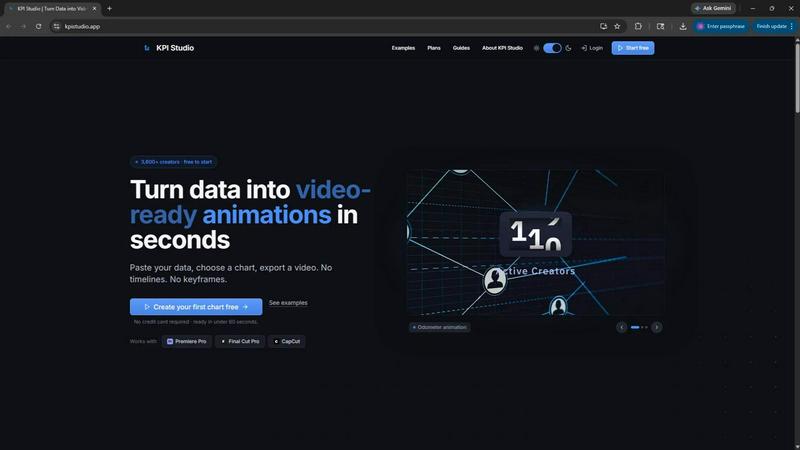
KPI Studio
KPI Studio transforms your data into stunning video animations in seconds, making metrics engaging and easy to share with no design skills needed.
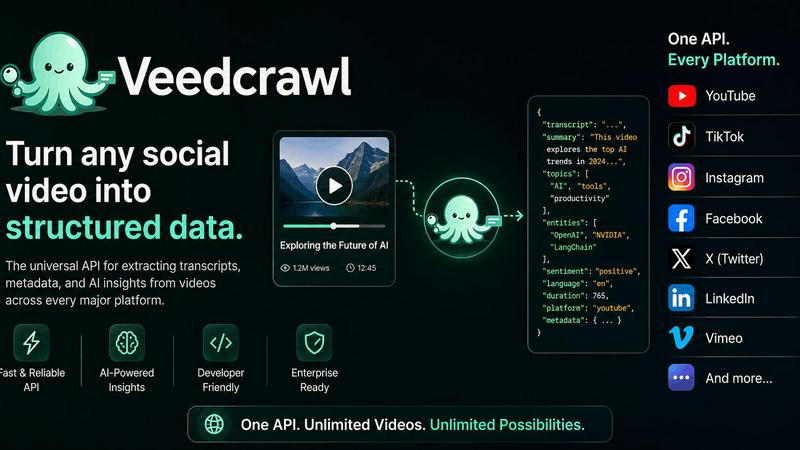
Veed Crawl
Turn any public social video URL into transcripts, metadata, and structured insights for your AI agents.
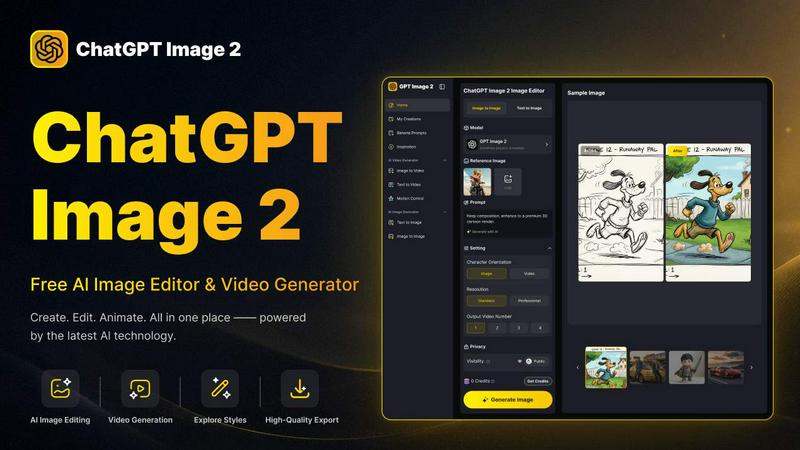
ChatGPT Image 2
Create stunning images, flawless text, and dynamic videos with ChatGPT Image 2, now 50% off for a limited time.
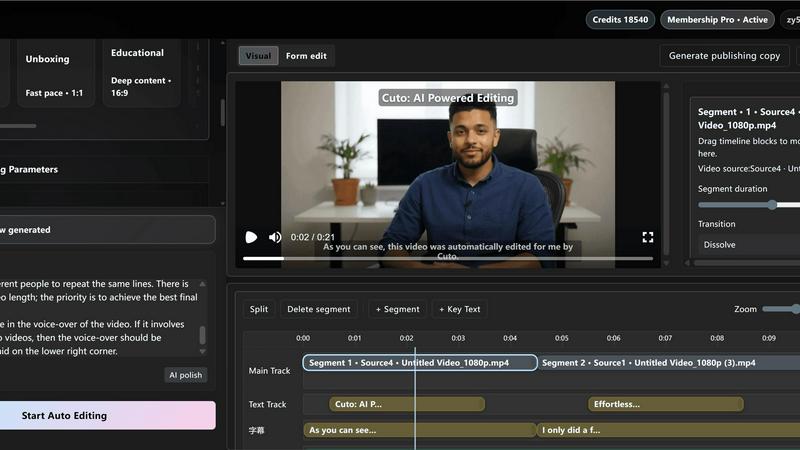
Cuto
Cuto turns your raw footage into polished, commercial-grade videos in 30 seconds with just one prompt and an editable AI edit plan.
Quote Image Maker
Turn any quote into a stunning social graphic instantly with AI that matches backgrounds to your words, no design skills required.