
Imgexpand
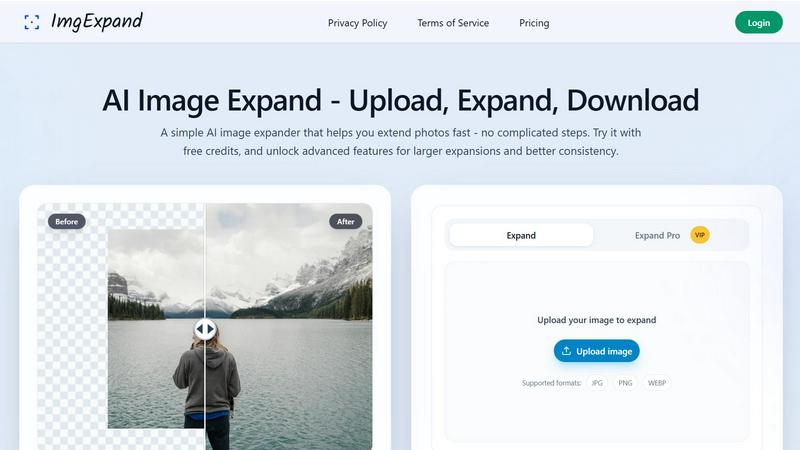
Imgexpand instantly extends your photos with AI, filling in backgrounds perfectly to fit any frame or ratio.
About Imgexpand
Welcome to the future of image editing, where the boundaries of your photos are a thing of the past. Imgexpand is your instant AI-powered image expansion tool, designed to extend backgrounds, uncrop photos, and outpaint images with breathtaking ease and speed. Gone are the days of awkward cropping or tedious manual editing to fit a new aspect ratio. Whether you're a social media creator needing the perfect 9:16 story, an e-commerce manager crafting product listings, or a photographer looking to perfect a frame, Imgexpand delivers. Its core magic lies in intelligent outpainting technology that analyzes your original image's lighting, perspective, and textures to generate new, natural-looking background content that seamlessly blends in. The subject stays perfectly intact, sharp, and unchanged. With a simple four-step process—upload, frame, generate, download—you can transform any image in seconds. Start with free daily credits on the standard model and unlock larger, more consistent expansions with Expand Pro. Imgexpand isn't just a tool; it's your creative partner for making every image fit every canvas, perfectly.
Features of Imgexpand
Intelligent AI Outpainting
At the heart of Imgexpand is advanced AI that doesn't just stretch pixels—it intelligently generates them. The system meticulously analyzes your photo's scene, lighting, textures, and perspective to create new background content that matches perfectly. This ensures seamless extensions with no obvious seams, blurry edges, or distortions, making the final result look authentically natural as if it was originally shot that way.
Flexible Aspect Ratio Expansion
Break free from fixed dimensions. Imgexpand lets you expand your images to any common aspect ratio instantly, including 1:1 (square), 4:5, 3:4, 16:9, and 9:16. This is perfect for adapting one photo across all social platforms like Instagram, YouTube, and Facebook. You can also set a completely custom ratio for unique layouts, web graphics, or print designs, all without ever cropping out your main subject.
Subject-Aware Canvas Control
You have complete creative control. After uploading, you can pick your desired ratio and then simply drag your photo within the preview canvas to reposition your subject exactly where you want it. The tool is designed to keep your main subject 100% intact and sharp, while the AI fills in the empty space around it. The preview updates in real-time, so you know exactly what you'll get before you generate.
Two-Tier Generation Models
Choose the power that fits your project. Use the standard Expand model for quick, free daily background extensions. When you need higher consistency, larger canvas growth, and cleaner edge continuity for professional work, switch to Expand Pro. This advanced model is available through affordable subscriptions or credit packs, giving you the flexibility to scale your editing power on demand.
Use Cases of Imgexpand
Social Media Content Creation
Remix one hero photo into platform-perfect posts for every channel. Instantly expand portraits or landscapes to a 1:1 square for Instagram feeds, a 9:16 ratio for Stories and Reels, or a 16:9 format for YouTube thumbnails. Create extra negative space for text overlays, captions, and call-to-action buttons without ever cutting off your subject, saving hours of manual editing.
E-commerce & Product Photography
Generate studio-ready product photos in a click. Extend tight shots to create valuable negative space for price tags, promotional text, and layout elements. Imgexpand rebuilds backgrounds to look clean and professional, keeping your product razor-sharp. This is ideal for creating consistent, eye-catching imagery for Amazon listings, Shopify stores, and marketing banners.
Professional Photography Retouching
Elevate client deliverables and portfolio shots by transforming tight crops into beautifully balanced compositions. Photographers can extend backgrounds to improve framing, correct proportions, or add atmospheric space while perfectly preserving the original lighting, textures, and mood of the shot. It's ideal for fast turnarounds without compromising artistic integrity.
Real Estate & Architectural Visualization
Make interior and exterior property shots feel more spacious and inviting. Widen rooms, extend garden views, or add more sky to architectural photos to provide better context and scale. Imgexpand intelligently preserves straight lines and accurate perspective, ensuring that expanded real estate listings look both stunning and credible to potential buyers.
Frequently Asked Questions
What is AI Image Expand?
AI Image Expand, or outpainting, is an intelligent process where artificial intelligence generates new pixels to extend the borders of your existing photo. Imgexpand's AI analyzes your image's content, style, lighting, and textures to create a seamless, natural-looking background extension that keeps your original subject completely unchanged and sharp.
How do I use Imgexpand?
Using Imgexpand is a simple four-step process. First, upload your JPG, PNG, or WebP image. Second, choose your desired aspect ratio (Original, preset, or Custom) and drag your subject to frame it. Third, click the Generate button to let the AI expand the background. Fourth, use the Compare slider to review the before/after result and download your expanded image with one click.
What is the difference between Standard Expand and Expand Pro?
The standard Expand model is great for everyday use and comes with free daily credits. Expand Pro is our advanced model designed for professional needs, offering higher consistency in details and textures, support for larger canvas expansions, and superior continuity around the edges. Expand Pro is available via subscription plans or credit pack purchases.
What image formats are supported?
Imgexpand supports all common image formats for upload, including JPG, PNG, and WEBP. Your final expanded image can be downloaded in a high-quality format ready for immediate use on the web, social media, or in print projects. The preview loads instantly upon upload so you can start framing your shot right away.
Explore more in this category:
Top Alternatives to Imgexpand
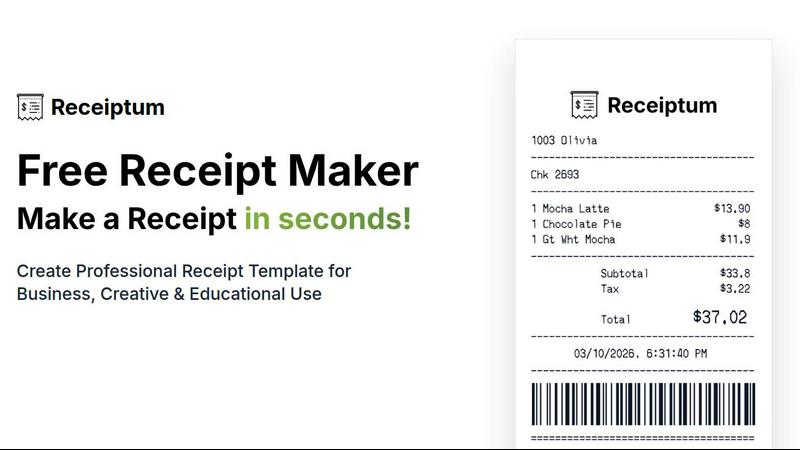
Receiptum
Receiptum lets you create professional, fully customizable receipts in seconds with zero design skills needed.
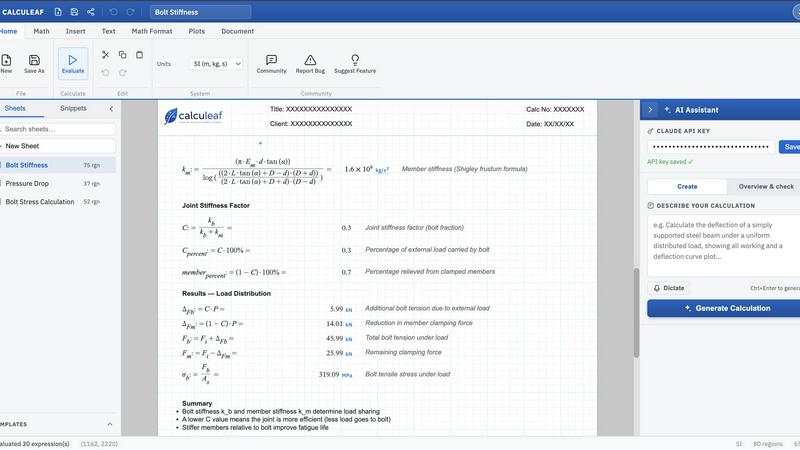
Calculeaf
Calculeaf is the next-generation web-based engineering worksheet for unit-aware math, notes, plots, and reusable calculations.
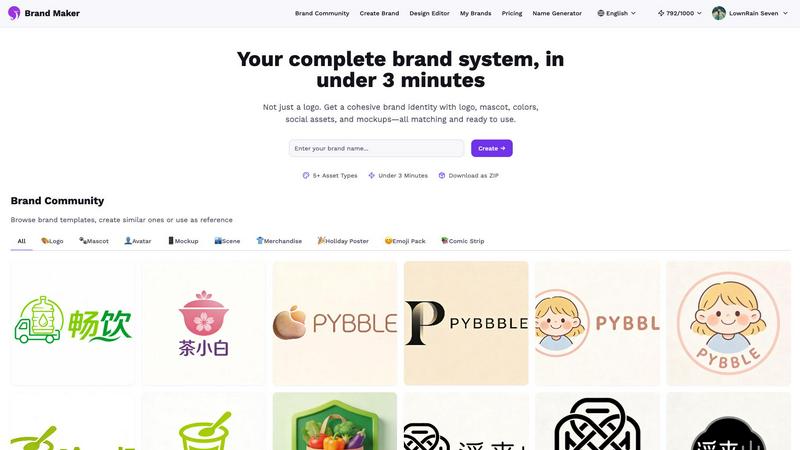
BrandMaker
BrandMaker delivers a complete brand identity system in under 3 minutes, providing logos, mascots, colors, and more for instant brand cohesion.
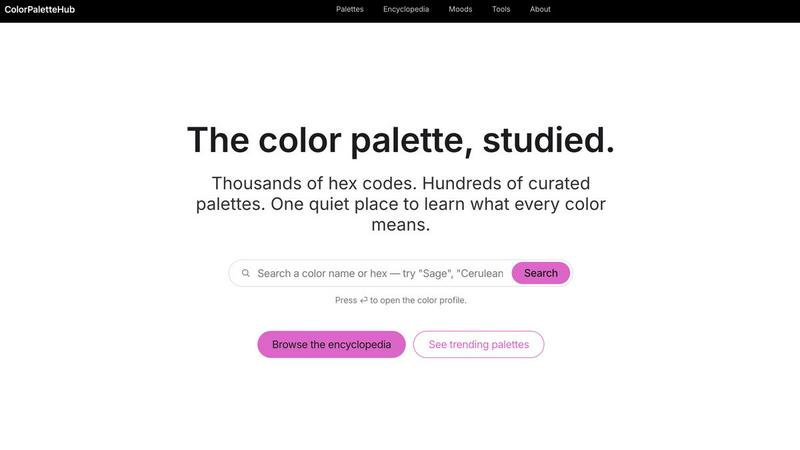
ColorPaletteHub
ColorPaletteHub is your quiet encyclopedia of thousands of curated hex codes and design tools to explore every color's meaning.
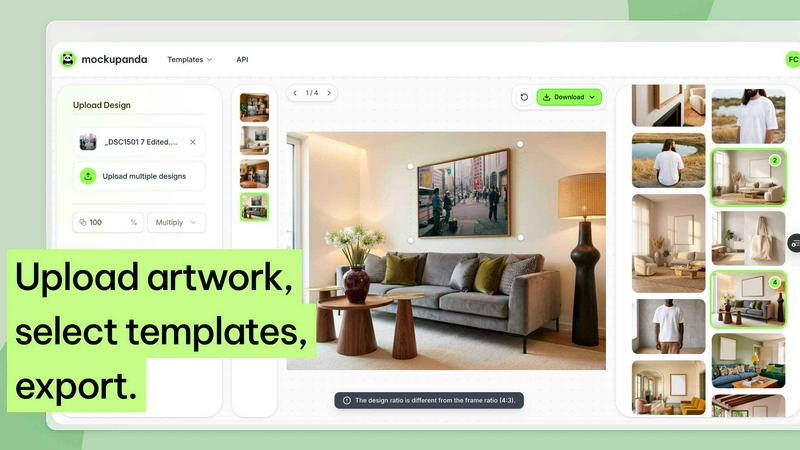
Mockupanda
Mockupanda lets you upload one print design and instantly generate unlimited professional mockups to boost your Etsy and POD sales.
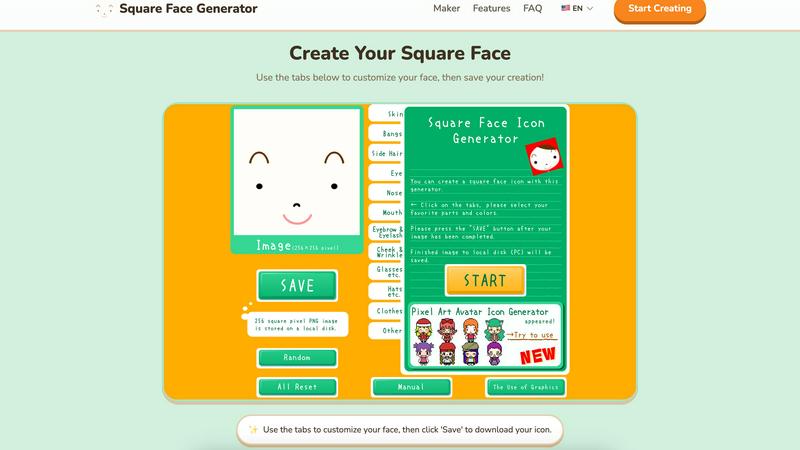
Square Face Generator
Create custom square face icons and pixel avatars instantly with this free, no-signup tool for social media, games, and creative projects.
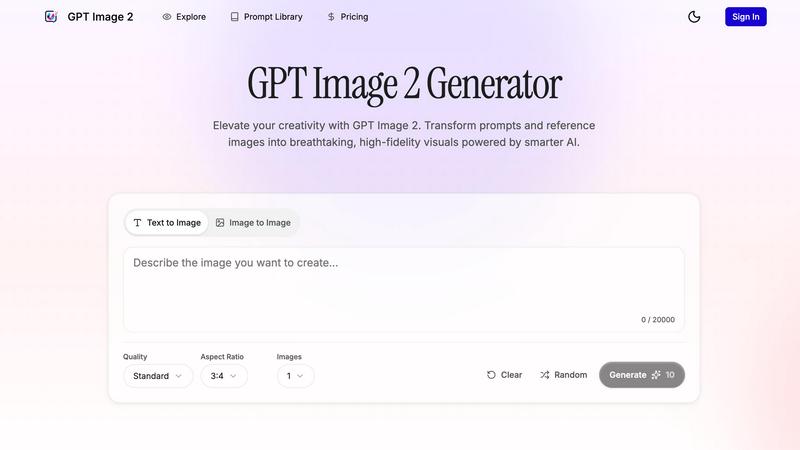
GPT Imagine
Transform prompts and reference images into stunning, high-fidelity visuals in seconds with GPT Imagine's powerful AI image generation tools.
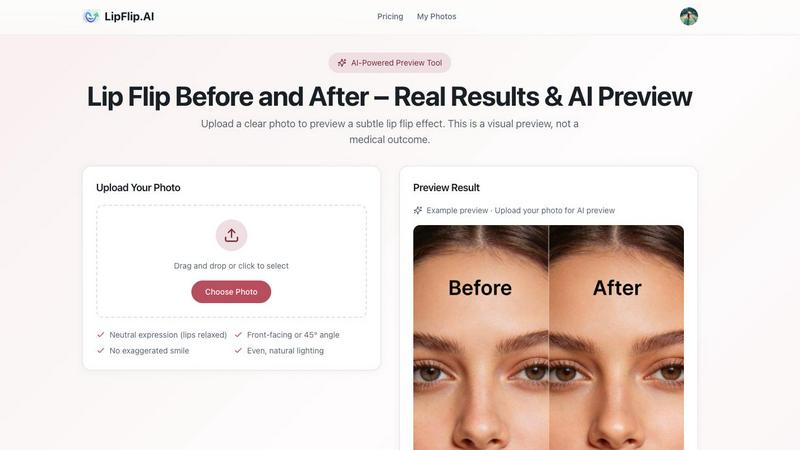
Lip Flip
Lip Flip lets you preview your smile with AI, showcasing real before and after results to set realistic expectations for a subtle lip transformation.