
Infinite Talk AI
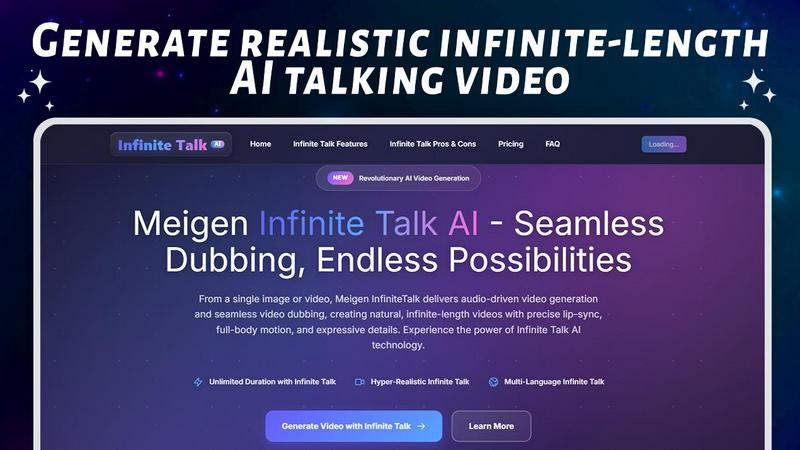
Create endless talking videos with lifelike lip sync, body movement, and expressions using just audio and images.
About Infinite Talk AI
Infinite Talk AI is a groundbreaking tool designed to revolutionize the way we create video content. By combining innovative AI technology with user-friendly features, this platform enables users to transform static images and existing videos into dynamic talking videos, all without the need for filming or complex editing skills. Perfect for creators, educators, marketers, and businesses alike, Infinite Talk AI allows users to upload a portrait or any image, add their voice or an audio track, and instantly generate lifelike talking videos. The key value proposition lies in its ability to produce realistic animated speech content effortlessly, making it accessible to everyone, regardless of technical expertise. With support for long videos, diverse formats, and natural facial animations, Infinite Talk AI is the ultimate solution for anyone looking to enhance their visual storytelling.
Features of Infinite Talk AI
Image-to-Video Animation
Upload a portrait or any image, and pair it with your voice or audio file. Infinite Talk AI will generate a talking video complete with synchronized lip movement, facial expressions, and realistic head or body gestures, creating an engaging viewing experience.
Video-to-Video Dubbing & Re-voicing
Easily transform existing videos by uploading the original footage alongside a new audio track. The tool automatically aligns the new speech with realistic lip-sync and facial animations, enabling seamless dubbing and re-voicing without manual effort.
Full Face & Motion Synchronization
Beyond just lip-sync, Infinite Talk AI provides full facial animation, including mouth movements, eye expressions, head tilts, and subtle posture changes. This comprehensive approach ensures your talking videos feel natural and alive, captivating your audience.
Support for Long Videos and Various Formats
Infinite Talk AI accommodates both short clips and lengthy presentations, supporting extensive durations and multiple output formats. Whether it's for social media, educational content, or business use, this flexibility makes it an ideal solution for diverse video production needs.
Use Cases of Infinite Talk AI
Educational Content Creation
Teachers and educators can use Infinite Talk AI to create engaging video lectures or tutorials by simply uploading images and audio. This allows for more dynamic presentations that capture students' attention.
Marketing and Promotional Videos
Businesses can utilize the platform to create promotional videos featuring spokesperson-like avatars. By uploading product images and voiceovers, brands can craft compelling marketing content that resonates with their audience.
Social Media Content
Content creators can leverage Infinite Talk AI to produce attention-grabbing talking videos for social media platforms. Whether it's for personal branding or business promotion, the tool helps make videos that stand out in crowded feeds.
Creative Storytelling
Writers and storytellers can bring their narratives to life by creating animated storybook videos. By uploading illustrations and narrating the story, they can engage viewers in a unique and interactive way, enhancing the storytelling experience.
Frequently Asked Questions
How does Infinite Talk AI ensure accurate lip synchronization?
Infinite Talk AI uses advanced audio analysis techniques to drive precise lip synchronization. This ensures that the lip movements align perfectly with the rhythm, timing, and intonation of the speech being used.
Can I use Infinite Talk AI for long videos?
Yes! Infinite Talk AI supports infinite-length video generation, allowing you to create lip-synced videos of any duration without sacrificing quality or identity consistency.
What formats can I export my videos in?
You can export your videos in various resolutions, including 480p, 720p, and 1080p. This flexibility ensures that your content is suitable for a range of platforms, from social media to professional presentations.
Do I need special equipment or editing skills to use Infinite Talk AI?
No, you do not need any special equipment or editing skills. All you need is an image or video and an audio track. The AI will handle the rest, making it accessible for anyone looking to create talking video content easily.
Explore more in this category:
Top Alternatives to Infinite Talk AI

Calculeaf
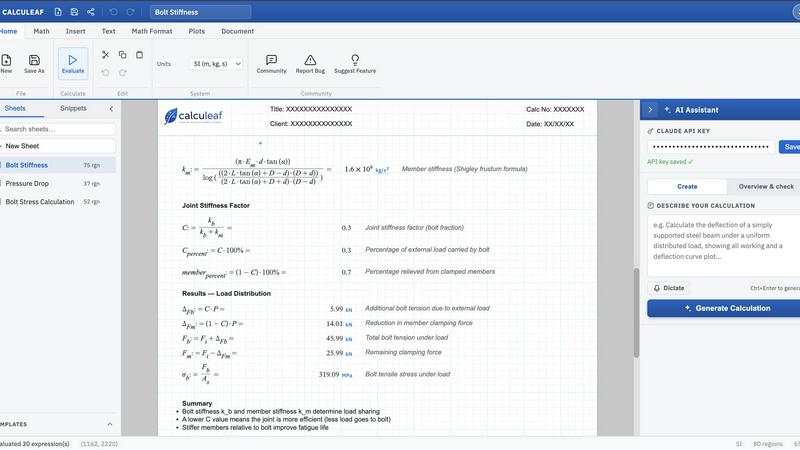
Calculeaf is the next-generation web-based engineering worksheet for unit-aware math, notes, plots, and reusable calculations.
BrandMaker
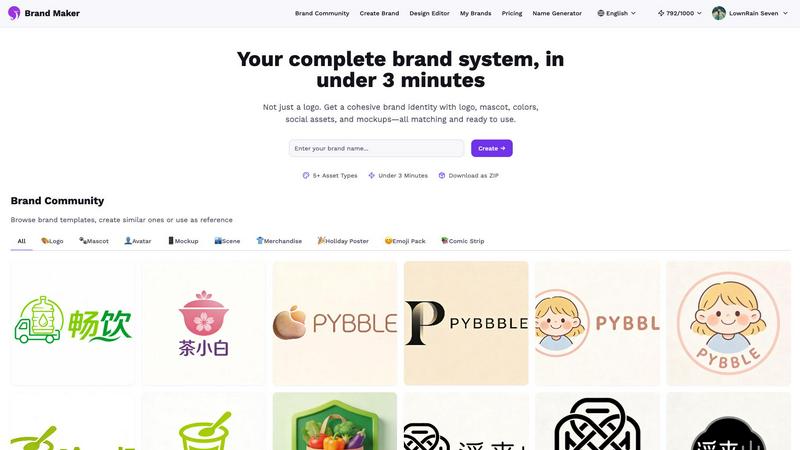
BrandMaker delivers a complete brand identity system in under 3 minutes, providing logos, mascots, colors, and more for instant brand cohesion.
ColorPaletteHub
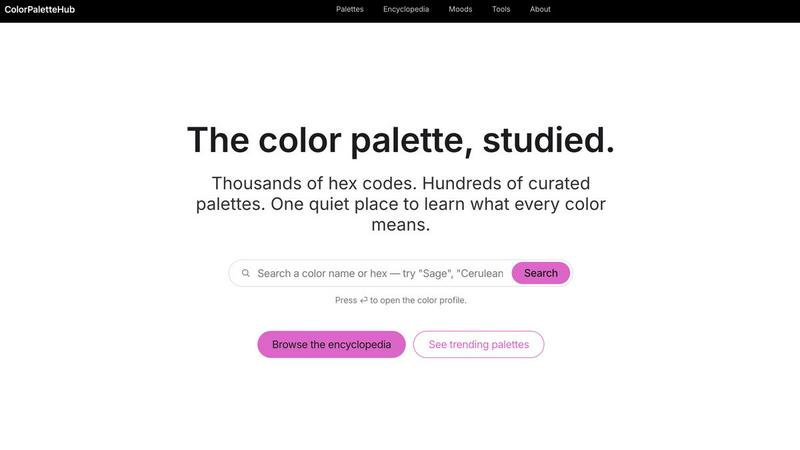
ColorPaletteHub is your quiet encyclopedia of thousands of curated hex codes and design tools to explore every color's meaning.
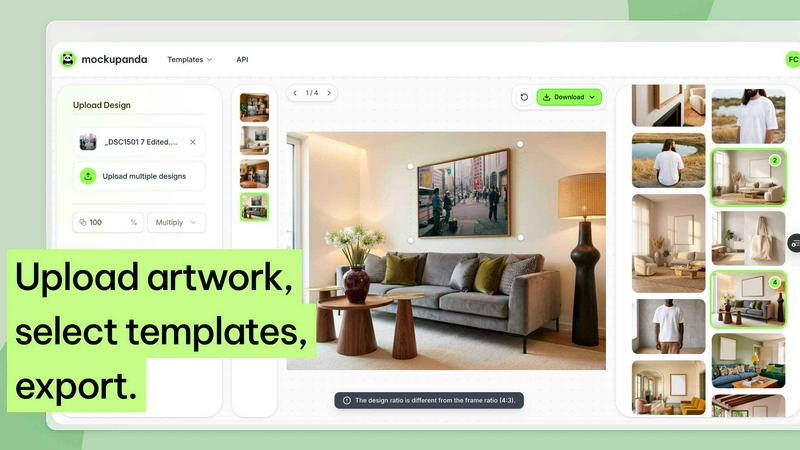
Mockupanda
Mockupanda lets you upload one print design and instantly generate unlimited professional mockups to boost your Etsy and POD sales.
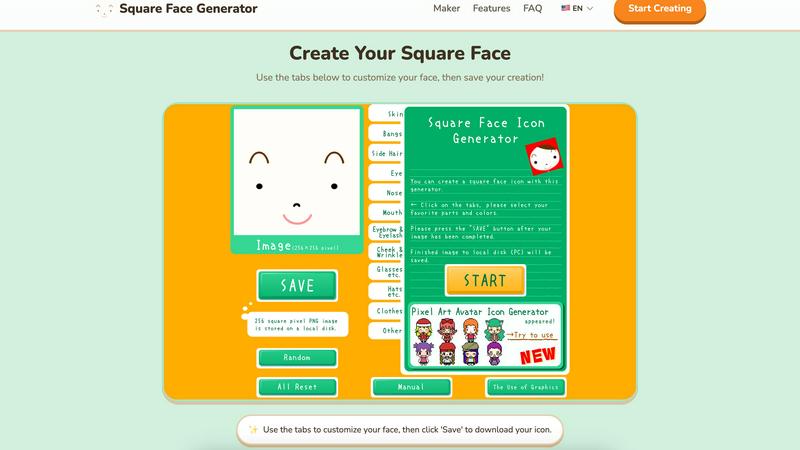
Square Face Generator
Create custom square face icons and pixel avatars instantly with this free, no-signup tool for social media, games, and creative projects.
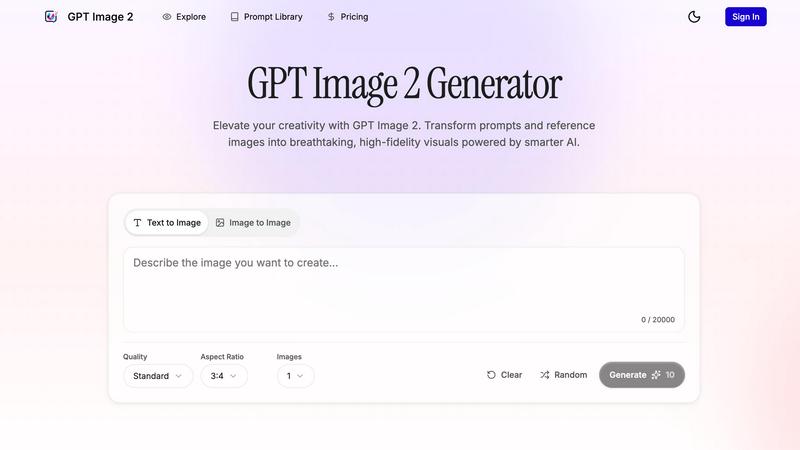
GPT Imagine
Transform prompts and reference images into stunning, high-fidelity visuals in seconds with GPT Imagine's powerful AI image generation tools.
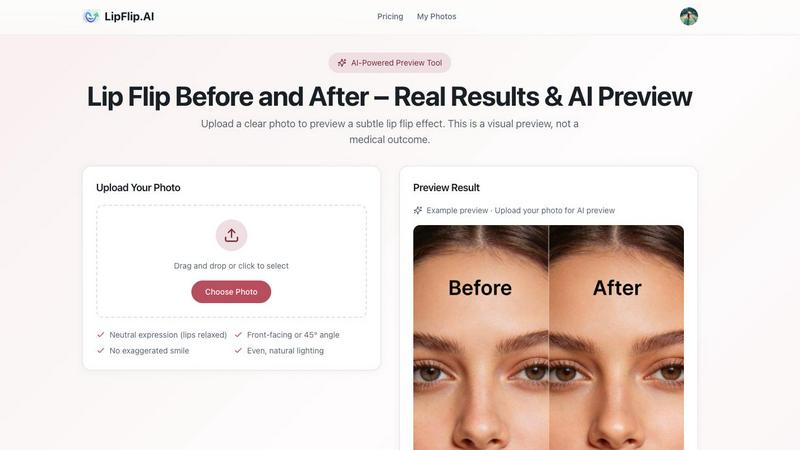
Lip Flip
Lip Flip lets you preview your smile with AI, showcasing real before and after results to set realistic expectations for a subtle lip transformation.