
Invoice Guru
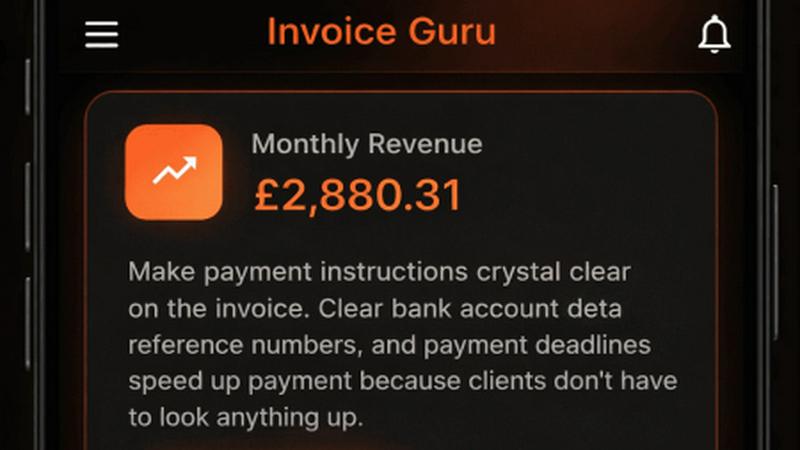
Create professional invoices in under 60 seconds with Invoice Guru, the ultimate HMRC-compliant tool for UK.
About Invoice Guru
Invoice Guru is a groundbreaking mobile-first invoicing application specifically designed for tradespeople and small service businesses. Unlike typical invoicing tools that cater to desktop environments, Invoice Guru empowers professionals on the go — from painters to plumbers and electricians — to swiftly generate and send invoices directly from their smartphones. The app's core focus is on speed, simplicity, and real-world automation, allowing users to create invoices in mere seconds, track payment statuses, and minimize administrative tasks. Features like automatic accountant reports, seamless bank integration for payment matching, and OCR receipt scanning for expenses significantly reduce manual work. Furthermore, Invoice Guru stays ahead of regulatory requirements, ensuring compliance with upcoming regulations, including UK MTD and Poland’s KSeF. This unique tool is crafted by a tradesperson who understands the daily hurdles of running a small business, making it a perfect fit for those who need reliable invoicing solutions without the complexities of traditional accounting software.
Features of Invoice Guru
Instant Invoice Creation
Create and send a professional invoice in less than a minute. Just enter your client’s details, add items, and Invoice Guru automatically includes your logo, VAT, payment terms, and due dates. This speed ensures that you can focus on your work while managing your invoicing efficiently.
Automatic Invoice Numbering
Invoices are systematically numbered and dated based on your fiscal year settings, eliminating the hassle of manual tracking. This feature ensures that your invoices are organized and compliant, making it easier for you and your accountant to manage records.
OCR Receipt Scanner (AI)
Simply snap a photo of your receipts, and Invoice Guru’s AI technology will read all necessary details, saving them as expense entries. This eliminates the tedious task of manual data entry, allowing you to keep your financial records accurate and up-to-date effortlessly.
Smart Payment Tracking
With smart payment tracking, Invoice Guru automatically matches incoming bank transactions with unpaid invoices. You will receive notifications about which clients have paid and which invoices are overdue, helping you maintain a clear view of your cash flow.
Use Cases of Invoice Guru
On-Site Invoicing for Tradespeople
Imagine finishing a job and needing to bill your client immediately. With Invoice Guru, tradespeople can create and send professional invoices right from their mobile devices while still on-site, ensuring prompt payment and satisfied clients.
Automated Expense Management
For small businesses juggling multiple expenses, Invoice Guru’s OCR receipt scanning feature allows users to effortlessly track costs without manual input. This facilitates better expense management and financial organization, saving precious time.
Compliance with Tax Regulations
As regulations evolve, keeping up can be a daunting task for small business owners. Invoice Guru’s built-in compliance features, including automatic updates for UK MTD and Poland’s KSeF, ensure businesses remain compliant without needing to switch tools or services.
Streamlined Client Communication
Invoice Guru enables users to send invoices instantly via email, accompanied by notifications when clients view or pay their bills. This feature streamlines communication and fosters prompt responses, enhancing client relationships and satisfaction.
Frequently Asked Questions
How long does it take to create an invoice using Invoice Guru?
Creating an invoice takes less than 60 seconds with Invoice Guru. Users can enter client details and items quickly, allowing for efficient invoicing right from their mobile devices.
Is Invoice Guru compliant with tax regulations?
Yes, Invoice Guru is designed with compliance in mind, including adherence to upcoming regulations such as UK MTD and Poland’s KSeF, ensuring that small businesses can confidently manage their invoicing without facing compliance issues.
Can I customize my invoices with my branding?
Absolutely! Invoice Guru allows users to add their logo, company name, address, and terms and conditions automatically on each invoice, enabling a professional and branded appearance for all client communications.
What types of payments can I accept through Invoice Guru?
Invoice Guru supports various payment methods, including bank transfers, PayPal, and Stripe payments, allowing businesses to cater to their clients' payment preferences seamlessly.
Explore more in this category:
Top Alternatives to Invoice Guru

Liners Africa
Discover, compare, and review over 1,500 African software products with insights from human researchers and AI for smarter choices.
Fake Mayo
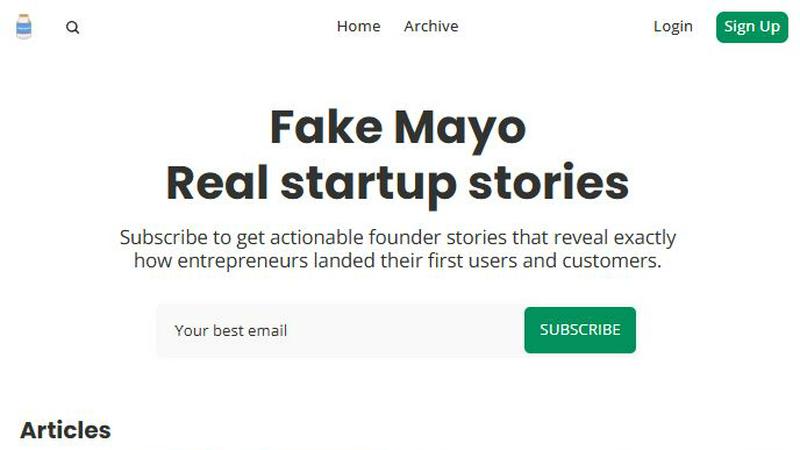
Fake Mayo delivers real startup stories with exact traction tactics, no fluff, just proven moves.

WhoFixedIt
WhoFixedIt is your ultimate logbook to track repairs and trusted service providers for your home or business, making maintenance a breeze.
VolRadar
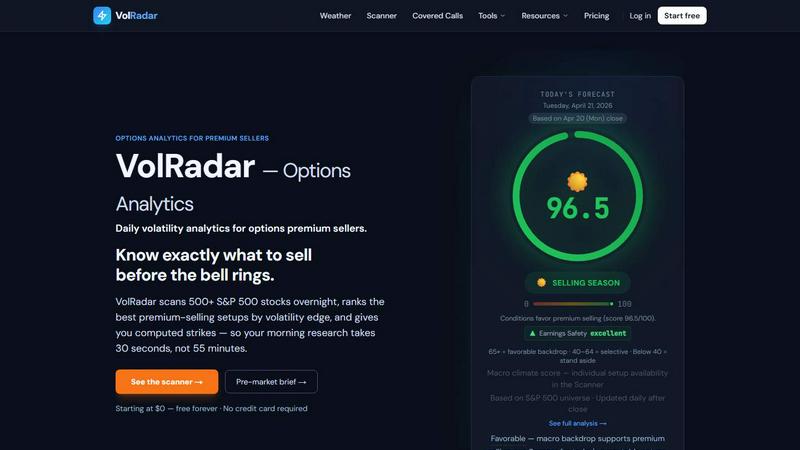
VolRadar scans 500 stocks overnight to give you the best premium selling setups before the bell, so your morning research takes 30 seconds.
PopPay
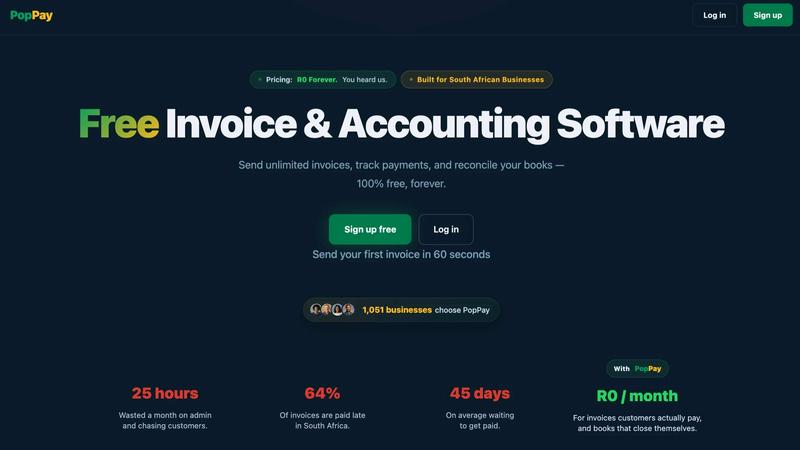
PopPay brings free, end-to-end AI business management to your fingertips with launch-day energy and total control.
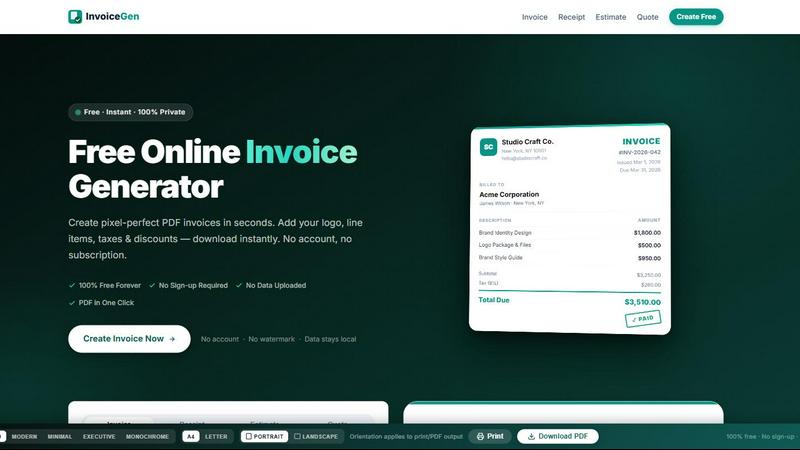
Online Invoice Generator
Create stunning PDF invoices instantly with zero sign-up, no data uploads, and 100% free forever.
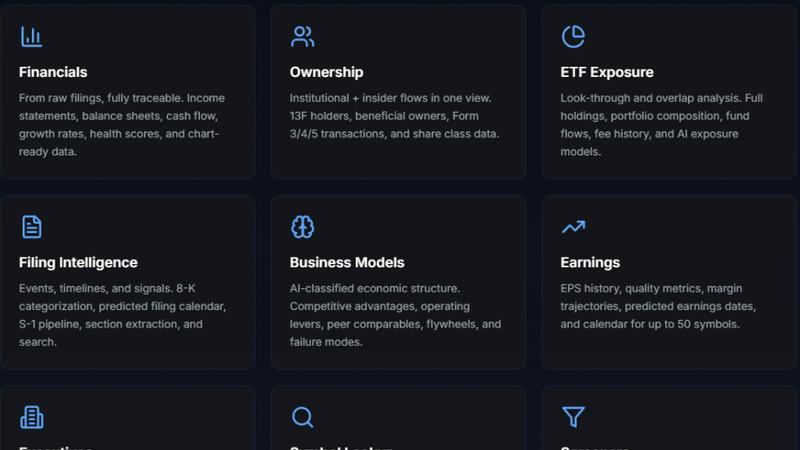
StockFit API
Unlock powerful financial modeling with StockFit API, delivering standardized data and sector-aware metrics for accurate valuation and backtesting.

CalcFi
CalcFi uses live IRS and Fed data to give you one AI-powered Financial Picture from 300+ free calculators.