
LUMI room planner
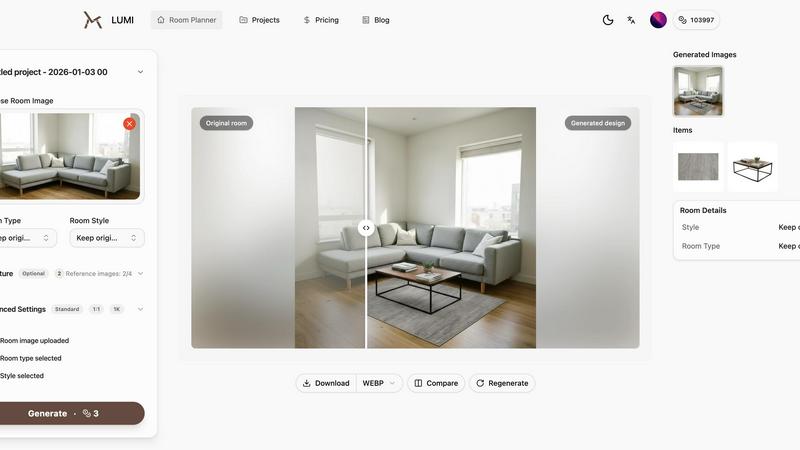
Transform your room photos into stunning layouts and styles effortlessly with LUMI's AI-powered room planner.
About LUMI room planner
LUMI room planner is a cutting-edge AI tool designed to revolutionize the way you envision and design your living spaces. This photo-first platform allows users to transform real room photos into stunning, realistic redesigns without the hassle of measuring or complex floor plans. Perfect for homeowners, interior designers, and real estate agents alike, LUMI empowers you to explore various styles—from Scandinavian to modern minimalism—quickly and efficiently. By uploading a simple photo of your space, you can experiment with different furniture arrangements, swap out pieces, and generate photorealistic "before and after" renders within minutes. With LUMI, you can also export your designs in high-quality, watermark-free formats up to 4K, ensuring that every detail is captured beautifully. The intuitive and project-based workflow allows you to keep all iterations organized, making it easier than ever to visualize your dream space and share your ideas with family, clients, or contractors.
Features of LUMI room planner
Real-room inputs
Start your design journey with authentic inputs. Upload photos, snapshots, or architectural plans to ensure that the room planner reflects the true dimensions and features of your space, leading to more accurate and satisfying designs.
Style redesign
Effortlessly apply new styles to your room with just a few clicks. The AI room planner intelligently adjusts furniture, colors, and decor elements, ensuring that each design remains grounded in reality while showcasing your creativity.
Furniture try-on
Easily test out alternative furniture options without worrying about misalignments or odd angles. The furniture try-on feature allows you to seamlessly swap sofas, beds, tables, and more, ensuring that everything fits together perfectly in your envisioned layout.
Floorplan to 3D views
Transform flat floorplans into dynamic 3D-like visuals. This feature enhances understanding of your space, allowing users to see the relationship between doors, windows, and key zones, making it easier to navigate design decisions.
Use Cases of LUMI room planner
Homeowners redesigning their space
Homeowners can use LUMI to visualize how different furniture and styles will look in their home. By simply uploading a photo, they can explore various design options, making the decision-making process more engaging and informed.
Interior designers presenting concepts
Interior designers can leverage LUMI to create realistic presentations for their clients. By showcasing multiple design options in a visually compelling format, designers can effectively communicate their ideas and gain client approval faster.
Real estate agents enhancing listings
Real estate agents can use LUMI to create striking visual content for property listings. By presenting potential redesigns of a space, agents can help buyers envision the possibilities, making listings more attractive and engaging.
Students and DIY enthusiasts learning design
Students and DIY enthusiasts can hone their design skills using LUMI. The platform allows them to experiment with styles and layouts, offering a hands-on approach to learning the fundamentals of interior design without the need for extensive training.
Frequently Asked Questions
How does LUMI room planner work?
LUMI allows you to upload a real photo of your room and then use AI to suggest redesign options. You can swap furniture, explore different styles, and see realistic before and after renders.
Can I export my designs?
Yes, LUMI enables you to export your designs in custom sizes up to 4K resolution, and they are watermark-free, allowing you to use them for presentations, marketing, or personal use.
Is LUMI suitable for professional designers?
Absolutely! LUMI is designed for both casual users and professional designers. Its intuitive interface and accurate results make it an excellent tool for anyone looking to create realistic room layouts.
What styles can I choose from in LUMI?
LUMI offers a variety of styles to choose from, including Scandinavian, Japandi, modern, and minimal looks. You can easily apply these styles to your existing room setup or create a fresh design from scratch.
Explore more in this category:
Top Alternatives to LUMI room planner
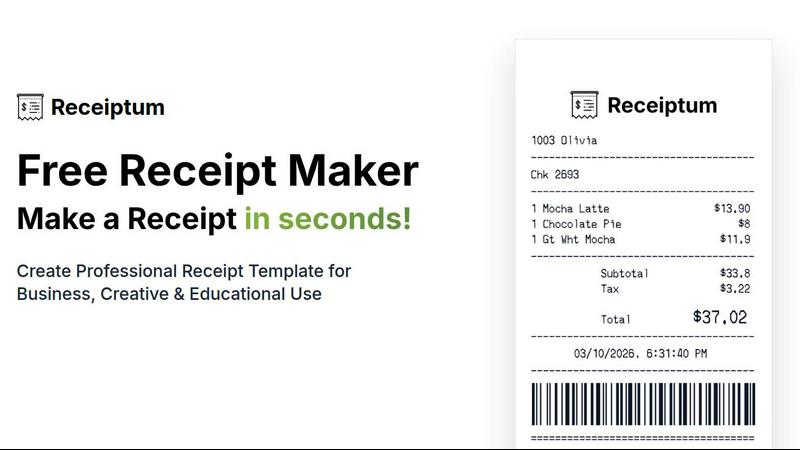
Receiptum
Receiptum lets you create professional, fully customizable receipts in seconds with zero design skills needed.
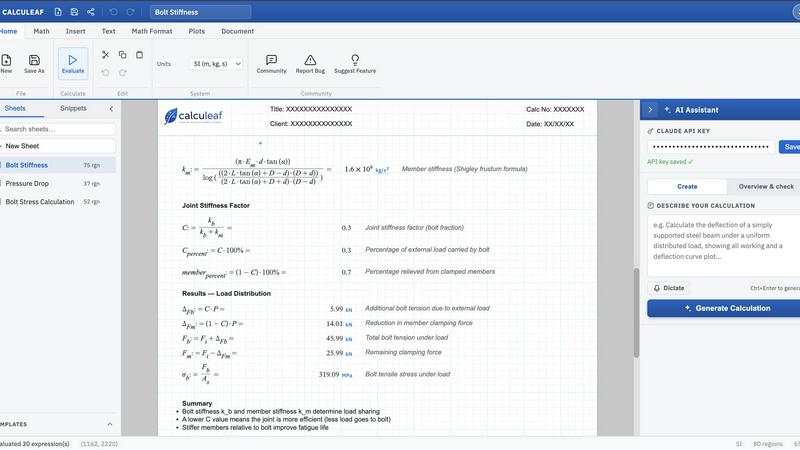
Calculeaf
Calculeaf is the next-generation web-based engineering worksheet for unit-aware math, notes, plots, and reusable calculations.

BrandMaker
BrandMaker delivers a complete brand identity system in under 3 minutes, providing logos, mascots, colors, and more for instant brand cohesion.
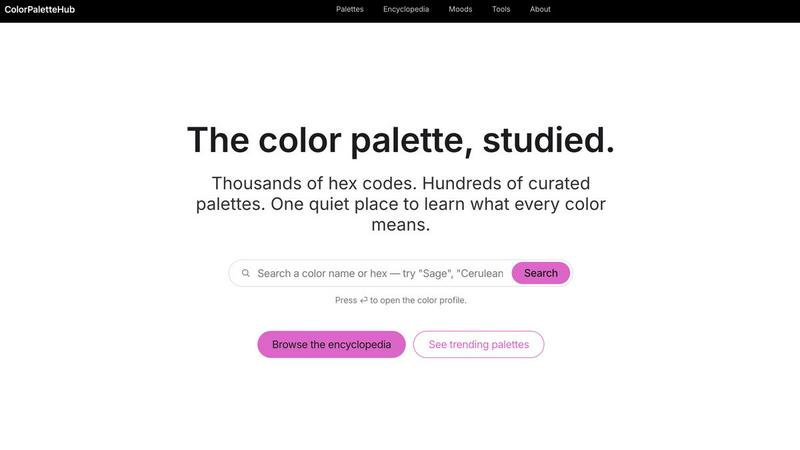
ColorPaletteHub
ColorPaletteHub is your quiet encyclopedia of thousands of curated hex codes and design tools to explore every color's meaning.
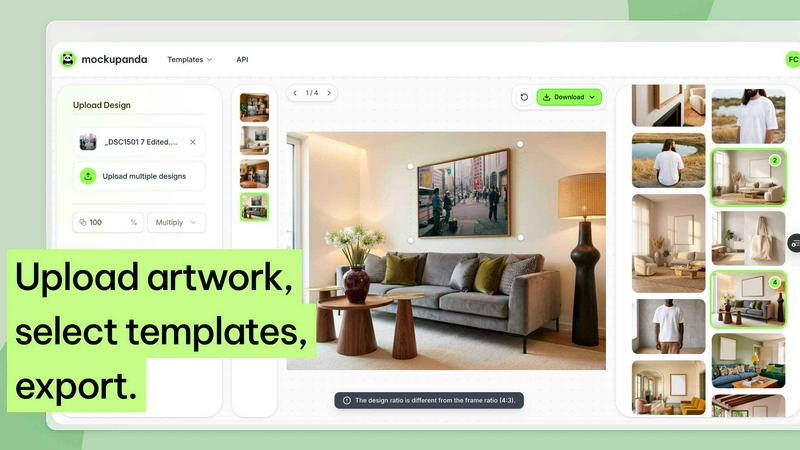
Mockupanda
Mockupanda lets you upload one print design and instantly generate unlimited professional mockups to boost your Etsy and POD sales.
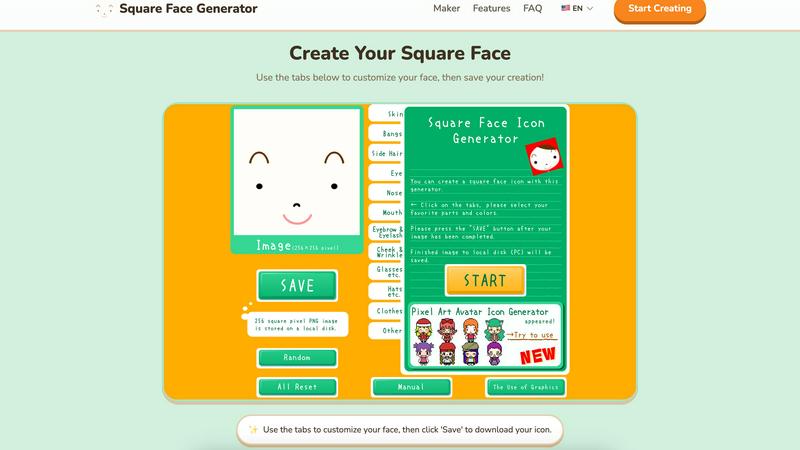
Square Face Generator
Create custom square face icons and pixel avatars instantly with this free, no-signup tool for social media, games, and creative projects.
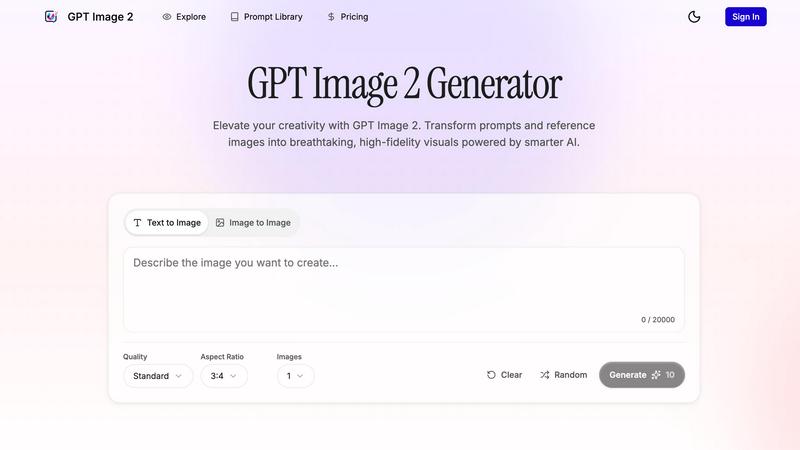
GPT Imagine
Transform prompts and reference images into stunning, high-fidelity visuals in seconds with GPT Imagine's powerful AI image generation tools.

Lip Flip
Lip Flip lets you preview your smile with AI, showcasing real before and after results to set realistic expectations for a subtle lip transformation.