SearchAblePDF.org
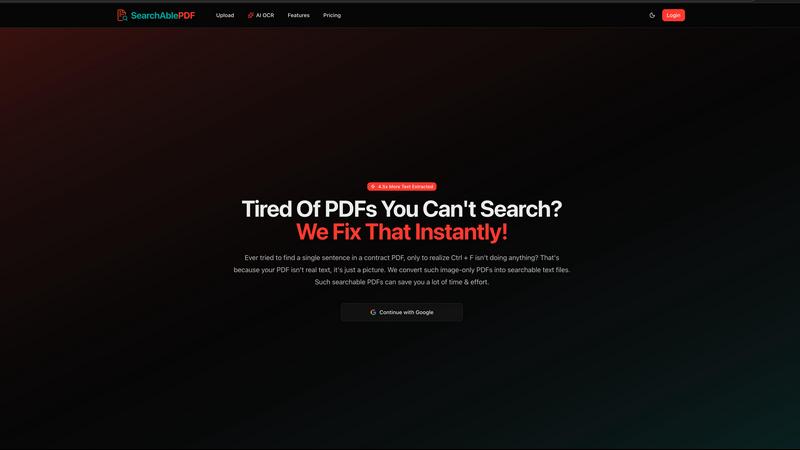
Transform image-only PDFs into searchable text files and save time with instant access to your important information.
About SearchAblePDF.org
SearchAblePDF.org, now rebranded as DocTrux, is an innovative tool designed to transform scanned and image-based PDF documents into fully searchable text files using advanced Optical Character Recognition (OCR) technology. This powerful solution is ideal for anyone dealing with a plethora of PDF files that contain images instead of text, from legal professionals to students and researchers. The main value proposition of DocTrux lies in its ability to extract 4.5 times more text than standard OCR tools, enabling users to efficiently locate essential information in seconds. By making PDFs searchable, DocTrux saves users significant time and effort, enhances document accessibility, and optimizes content for search engines. Whether you are looking to streamline your workflow or improve document management, DocTrux is your go-to solution for making PDFs more functional and user-friendly.
Features of SearchAblePDF.org
Advanced OCR Technology
DocTrux employs cutting-edge OCR technology that excels in text extraction from low-resolution and complex images. This ensures high accuracy and maximizes the amount of text extracted, even from problematic PDFs that conventional tools struggle with.
Invisible Text Layer
Once the text is extracted, DocTrux preserves the original layout, fonts, and formatting of your PDF. An invisible text layer is created, allowing machines to read the content without altering the visual appearance of the document, providing a seamless user experience.
Multi-Language Support
With support for over 35 languages, DocTrux is designed for a global audience. This feature allows users from diverse linguistic backgrounds to convert their PDFs into searchable formats without language barriers, making it a versatile tool for international teams.
Enhanced Document Accessibility
The searchable PDFs created by DocTrux are compatible with screen readers and text-to-speech software, making them accessible for individuals with visual impairments. This feature promotes inclusivity and ensures that everyone can access critical information within those documents.
Use Cases of SearchAblePDF.org
Legal Professionals
Lawyers and paralegals can utilize DocTrux to convert lengthy legal documents into searchable files. This enables them to quickly locate relevant clauses or terms without sifting through pages of text, enhancing productivity and efficiency.
Researchers and Academics
Researchers can benefit from DocTrux by converting scanned articles and research papers into searchable formats. This allows them to easily reference specific data or citations, streamlining their research process and improving information retrieval.
Businesses and Corporations
Companies can convert their internal documents, such as SOPs and manuals, into searchable PDFs. This not only facilitates easy access to information across teams but also enhances collaboration by allowing team members to find relevant content quickly.
Students and Educators
Students can use DocTrux to convert lecture notes and textbook materials into searchable formats. This makes studying more efficient, as they can quickly locate important information or references without manually searching through physical pages.
Frequently Asked Questions
How does DocTrux differ from other OCR tools?
DocTrux stands out due to its ability to extract 4.5 times more text than standard OCR tools, along with producing an invisible text layer that retains the original PDF's formatting and layout.
Is my data safe with DocTrux?
Absolutely! Your account and purchases are completely safe with DocTrux. The rebranding to DocTrux does not change any security measures in place to protect your data.
Can I use DocTrux for documents in languages other than English?
Yes! DocTrux supports over 35 languages, allowing users from various linguistic backgrounds to convert their PDFs into searchable formats seamlessly.
How easy is it to convert my PDFs with DocTrux?
Converting your PDFs is incredibly straightforward. Simply upload your document, let our tool process it, and download the new searchable version in just three easy steps.
Top Alternatives to SearchAblePDF.org

CorpusIQ
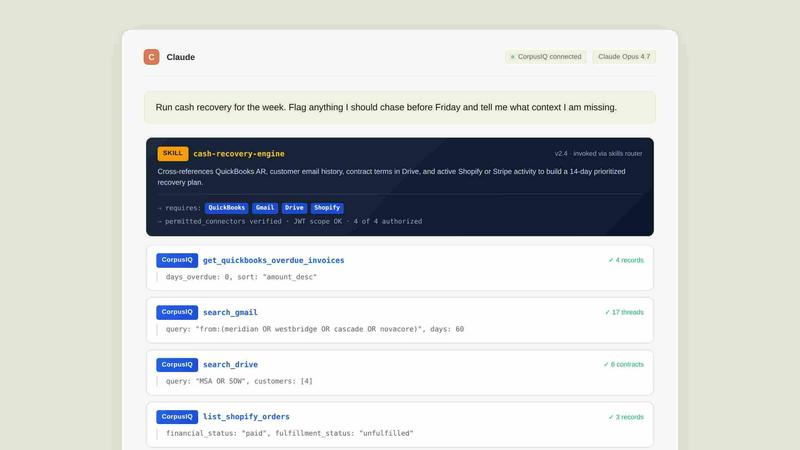
CorpusIQ connects your 43+ business tools to AI, delivering cited answers from 250+ skills in one private acceleration layer.
Eurisko Digital Banking Platform
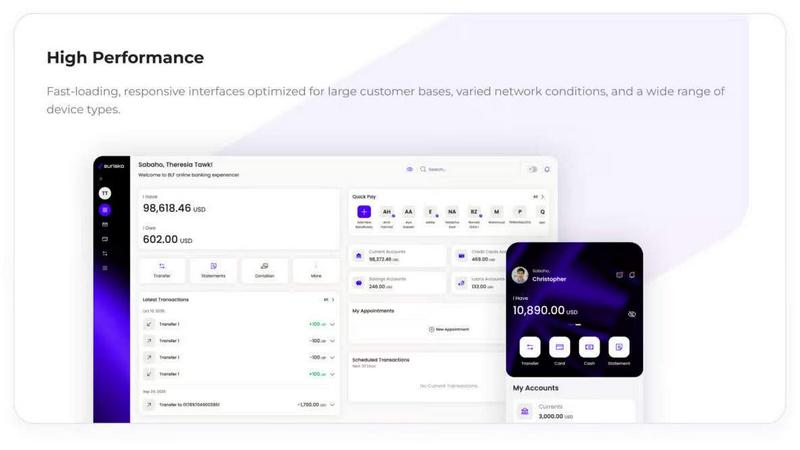
Eurisko Digital Banking Platform lets you launch AI-powered banking journeys 4x faster with full control and zero vendor lock-in.
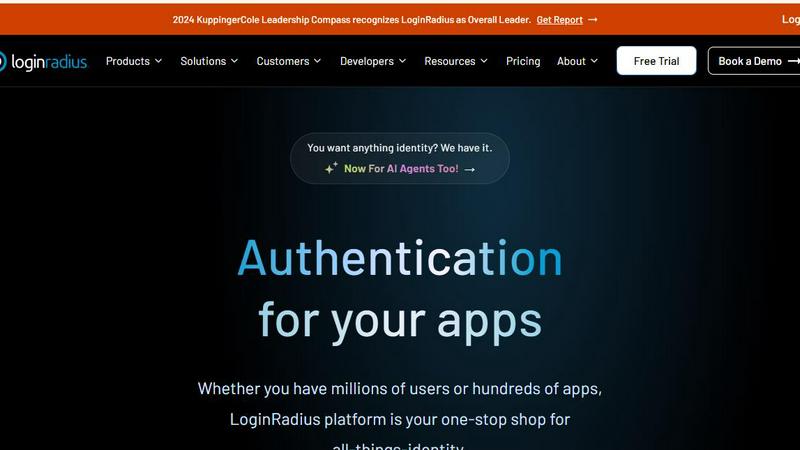
LoginRadius
LoginRadius is an API-first IAM platform delivering enterprise-grade authentication and user management for growing B2B and CIAM apps.
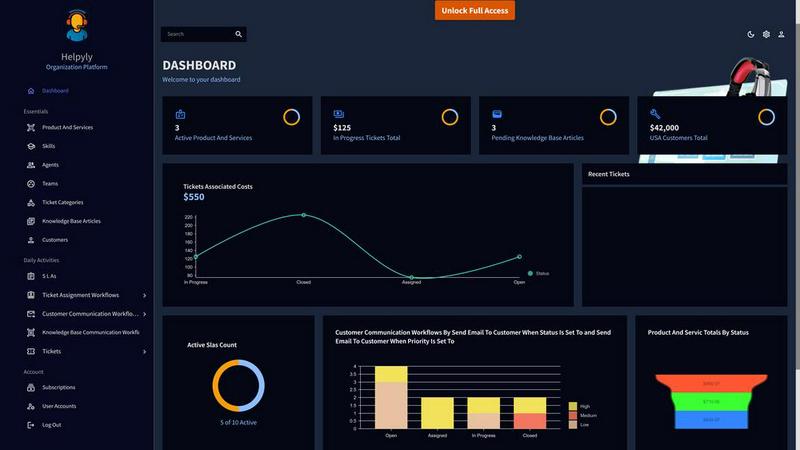
Helpyly
Helpyly is a centralized support hub that automates ticket management and workflows to help your team resolve issues faster.
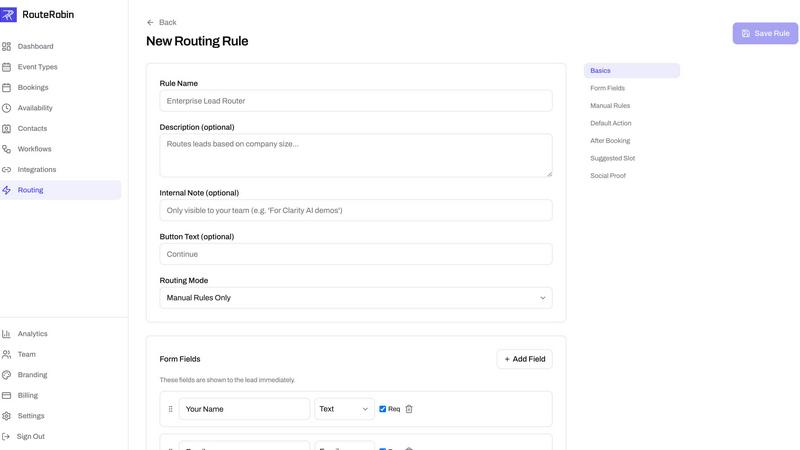
RouteRobin
RouteRobin uses AI to capture, qualify, and route leads to the right rep, transforming them into booked meetings effortlessly.