
Seedance 3 AI Video Generator
Turn text or images into stunning 1080p videos with Seedance 3, featuring consistent characters and cinematic quality.
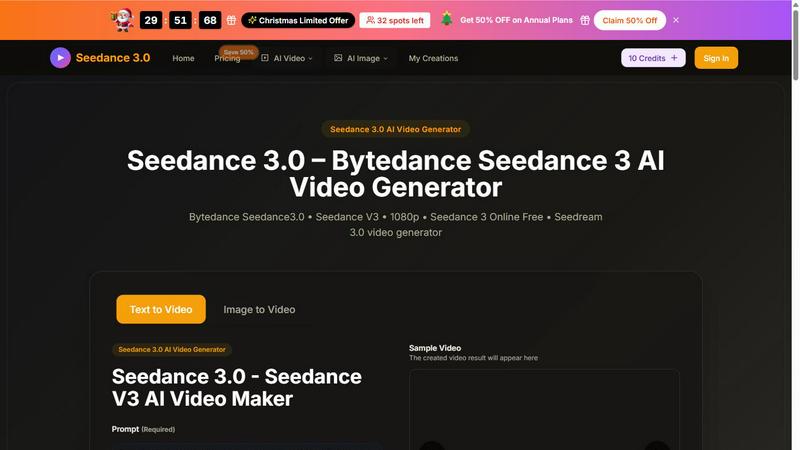
About Seedance 3 AI Video Generator
Seedance 3 AI Video Generator is the latest groundbreaking video creation tool powered by Bytedance, the team behind some of the most innovative AI technologies in the world. This is not just another video maker; it is a state-of-the-art AI model known as Seedance 3.0 (Seedance V3) that transforms your text prompts or uploaded images into stunning, high-definition 1080p video clips. Whether you are a content creator, marketer, filmmaker, or social media enthusiast, Seedance 3 gives you the power to produce professional-grade videos in seconds, directly from your browser. The platform is designed for speed and accessibility, offering free credits to get you started immediately without any upfront investment. Its main value proposition is simplicity: you describe a scene or provide a reference image, and the AI handles the rest, generating smooth, cinematic motion with consistent characters and styles across multiple shots. It supports both text-to-video and image-to-video workflows, making it incredibly versatile for a wide range of creative projects. With native 1080p output, physics-aware motion, and multi-shot storytelling capabilities, Seedance 3 is built to help you go from idea to publish-ready video faster than ever before. It is the ultimate tool for anyone looking to leverage cutting-edge AI without needing complex editing skills or expensive software.
Features of Seedance 3 AI Video Generator
Stable, Natural Motion
Seedance 3 excels at generating complex and dynamic scenes while maintaining smooth, physics-aware motion. Whether you are animating a bustling city street, a flowing waterfall, or a character performing intricate actions, the AI ensures every movement feels natural and realistic. This feature eliminates the jerky or unnatural motion often seen in other AI video generators, giving your clips a polished, cinematic quality that stands out.
Multi-Shot Storytelling with Consistent Characters
One of the most powerful features of Seedance 3 is its ability to maintain character and style consistency across multiple scenes or shots. You can create narrative-driven videos where the same character appears in different settings without any visual drift or identity loss. This is perfect for storytelling, brand videos, or any project where continuity is critical, and it works seamlessly on the Seedance 3 web platform or app.
Accurate Prompt Adherence
Your creative vision drives the output. Seedance 3 is highly responsive to your text prompts, accurately translating scene layouts, actions, and moods into the final video. This means you get exactly what you describe, whether it is a specific camera angle, a particular lighting setup, or a complex character interaction. The AI understands nuance, making it a reliable tool for precise creative control.
Targeted Edits with Rest Unchanged
Editing a video can be tedious, but Seedance 3 simplifies the process. This feature allows you to make targeted edits to a specific part of your clip while leaving the rest of the video untouched. For example, you can change a character's expression or an object's color without regenerating the entire scene. This saves time and gives you granular control over the final output, making iteration fast and efficient.
Use Cases of Seedance 3 AI Video Generator
Social Media Content Creation
Social media managers and influencers can use Seedance 3 to quickly generate engaging video content for platforms like TikTok, Instagram, and YouTube Shorts. From dynamic product showcases to eye-catching transitions and narrative snippets, the AI handles the heavy lifting. You can produce multiple variations of a video in minutes, keeping your feed fresh and your audience engaged without needing a full production team.
Marketing and Advertising Campaigns
Marketers can leverage Seedance 3 to create high-quality promotional videos, ad creatives, and brand stories. The ability to generate consistent characters and styles across different ads ensures brand identity remains strong. Whether you need a 5-second bumper ad or a 10-second storytelling spot, the 1080p output is ready for use on websites, social media, and digital billboards, drastically reducing production costs and turnaround times.
Filmmaking and Storyboarding
Independent filmmakers and storyboard artists can use Seedance 3 to visualize scenes and sequences before actual production. By inputting text prompts or reference images, you can create rough cuts or animatics that convey the mood, movement, and pacing of a scene. This is invaluable for pitching ideas to investors, aligning a creative team, or experimenting with different narrative directions without the expense of live-action shooting.
Educational and Explainer Videos
Educators and trainers can quickly generate animated explainer videos, visual demonstrations, or historical reenactments. Seedance 3 makes it easy to turn complex concepts into engaging visual content. For example, you can animate a scientific process, illustrate a historical event, or create a step-by-step tutorial. The result is a professional-looking educational video that enhances learning and retention, all created from a simple text prompt.
Frequently Asked Questions
What is the difference between text-to-video and image-to-video on Seedance 3?
Text-to-video allows you to generate a video entirely from a written description or prompt, giving you full creative freedom to imagine any scene. Image-to-video lets you upload a starting image, which the AI then animates and expands upon. This is ideal if you have a specific visual reference, like a character design or a location, that you want to bring to life with motion. Both modes support the same high-quality 1080p output.
How long are the videos I can create with Seedance 3?
Currently, Seedance 3 supports video durations of 5 seconds and 10 seconds. This is optimized for social media clips, short ads, and quick visualizations. The focus is on delivering high-quality, cinematic motion within these short timeframes, ensuring every second is impactful and polished. Longer durations may be supported in future updates.
Do I need any video editing experience to use Seedance 3?
No, absolutely not. Seedance 3 is designed for everyone, from beginners to professionals. The interface is simple: you enter your text prompt or upload an image, choose your aspect ratio and quality, and hit generate. The AI handles all the complex video generation. The output is ready to download and use, requiring no additional editing software or skills.
How do free credits work on Seedance 3?
New users are provided with a set number of free credits upon signing up. Each video generation consumes a certain number of credits based on factors like video duration and quality (720p vs. 1080p). You can use these free credits to test the platform and create your first videos without any payment. Once your credits run out, you can choose a paid plan to continue generating more videos.
Pricing of Seedance 3 AI Video Generator
While the website prominently features a Christmas Limited Offer with 50% off on Annual Plans and mentions paid plans for more runs, specific pricing tiers, costs per plan, or credit pack details are not provided in the available content. The platform offers free credits to start, and users can sign in to access their account and view available plans. For detailed pricing information, users are encouraged to visit the Pricing page on the official Seedance 3 website.
Explore more in this category:
Top Alternatives to Seedance 3 AI Video Generator
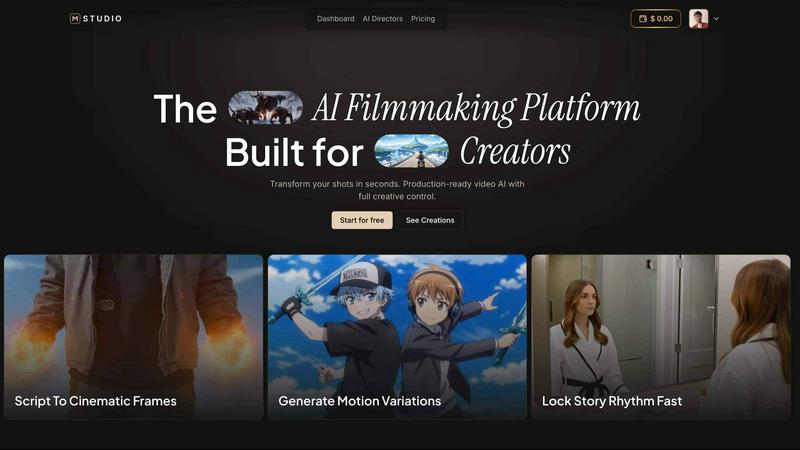
MStudio
MStudio is the all-in-one AI filmmaking platform that turns your script into a pitch-ready storyboard with motion and sound in one session.
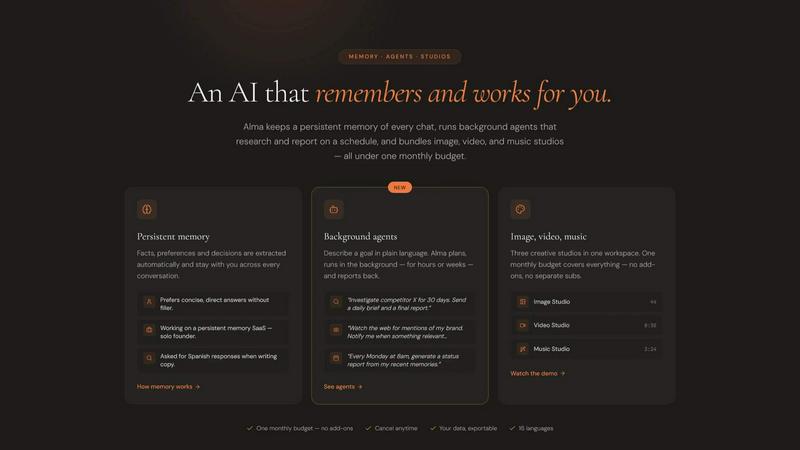
Alma by Olivares AI
Alma by Olivares AI is your smart assistant that remembers, researches, and creates across image, video, and music all under one budget.
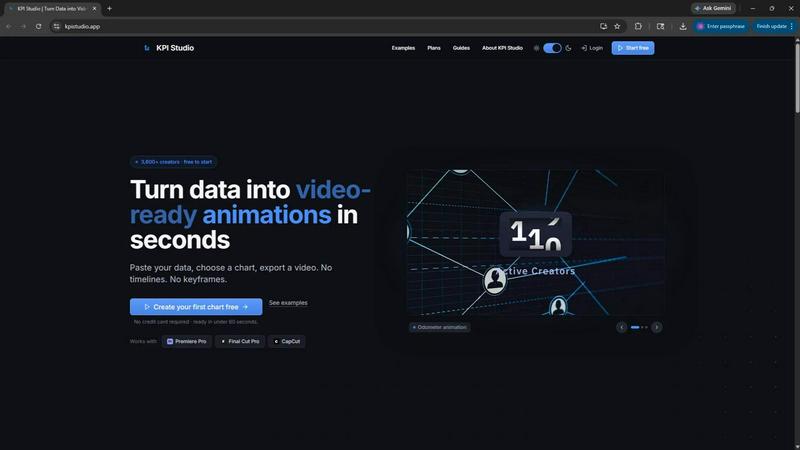
KPI Studio
KPI Studio transforms your data into stunning video animations in seconds, making metrics engaging and easy to share with no design skills needed.
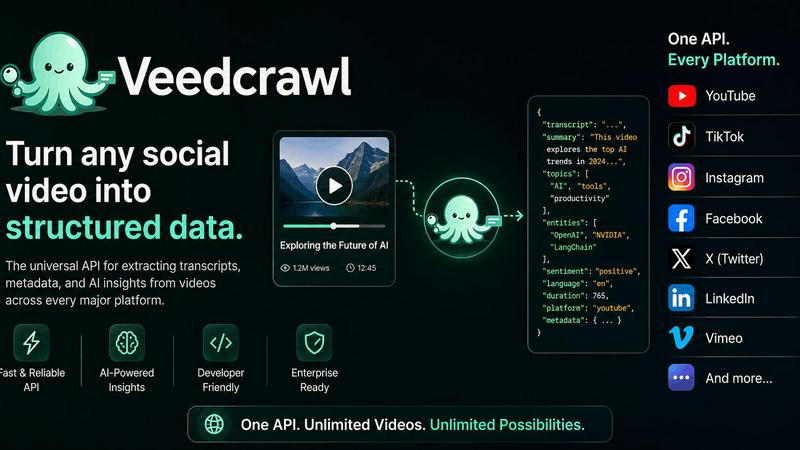
Veed Crawl
Turn any public social video URL into transcripts, metadata, and structured insights for your AI agents.
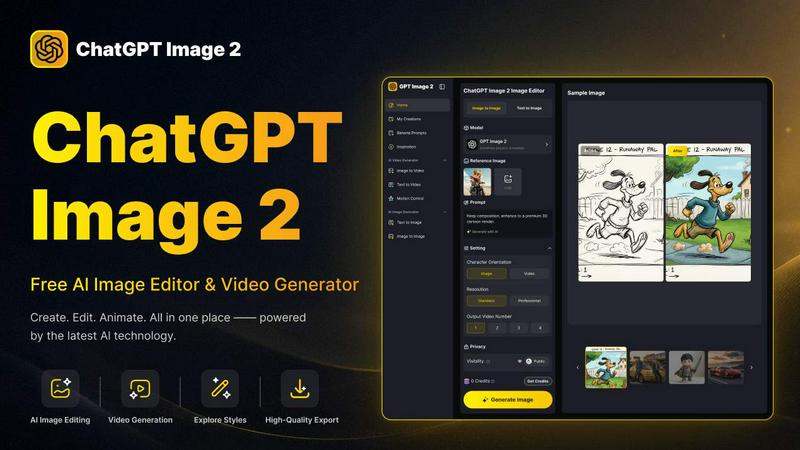
ChatGPT Image 2
Create stunning images, flawless text, and dynamic videos with ChatGPT Image 2, now 50% off for a limited time.
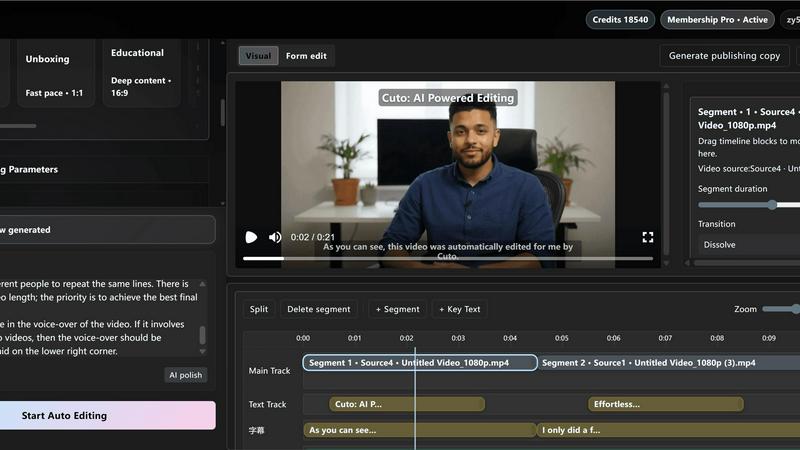
Cuto
Cuto turns your raw footage into polished, commercial-grade videos in 30 seconds with just one prompt and an editable AI edit plan.
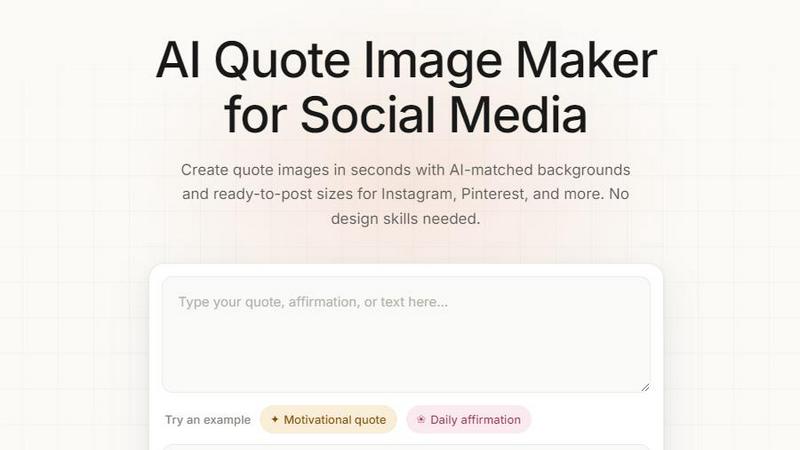
Quote Image Maker
Turn any quote into a stunning social graphic instantly with AI that matches backgrounds to your words, no design skills required.