
Seedream 6.0 AI Image Generator
Transform your ideas into stunning 4K images in seconds with Seedream 6.0, the AI image generator that blends text and visuals effortlessly.
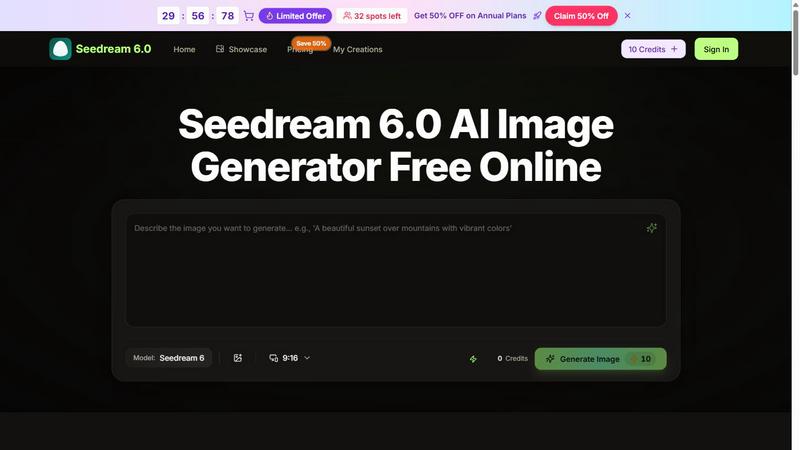
About Seedream 6.0 AI Image Generator
Seedream 6.0 AI Image Generator is a cutting-edge tool designed to transform your text descriptions and reference images into stunning, polished 4K artwork. Perfect for creators, marketers, and hobbyists alike, this innovative software leverages advanced artificial intelligence to understand your vision and deliver high-quality images in a matter of seconds. Whether you want to create lifestyle product shots, restore old photographs, or develop unique character avatars, Seedream 6.0 has the flexibility to cater to diverse needs without requiring any design skills. With both free and paid plans available, it provides an accessible way for anyone to explore their creative potential, making it easier than ever to bring ideas to life with professional-grade imagery.
Features of Seedream 6.0 AI Image Generator
Combine Multiple Images
With Seedream 6.0, you can upload up to three images—one for the subject, one for the scene, and another for the artistic style. The AI efficiently merges these inputs, understanding composition, lighting, and style to create a cohesive artwork that reflects your vision. This feature is ideal for creating complex visuals that require multiple elements to blend seamlessly.
Turn Text into Images
Simply type your ideas into Seedream 6.0 prompts, and watch as the AI interprets your words to generate stunning visuals. This feature is designed for users who may lack design skills, allowing you to convey your concepts in plain language and receive high-quality images in seconds. It democratizes creativity, making professional-grade art accessible to everyone.
Copy Styles to New Images
Seedream 6.0 allows users to take an artistic style from one image and apply it to a new subject, enabling effortless style transfer. Whether you want to maintain consistency in branding or explore creative variations, this feature works with various styles, including realistic photography and artistic illustrations, ensuring your images stand out.
Automatic Lighting and Color Adjustments
The Seedream 6.0 Model automatically enhances your images with optimized lighting and color corrections. This feature guarantees polished results every time, saving you from tedious manual adjustments. Whether you're working with bright or muted tones, the AI ensures that your final image maintains professional quality.
Use Cases of Seedream 6.0 AI Image Generator
Create Lifestyle Product Shots
Seedream 6.0 is perfect for e-commerce businesses looking to create vibrant lifestyle product shots. Simply upload your product images and let the AI generate warm, inviting scenes that highlight your products without the need for costly photo shoots or studio setups.
Restore Old Photos
Transform faded, sepia-toned photographs into vibrant color images with Seedream 6.0. This feature allows you to revive cherished memories by automatically colorizing and sharpening old photos in seconds, giving new life to images that might otherwise be forgotten.
Change Clothes on Models
Need to try out different outfits on the same model? Seedream 6.0 simplifies this process with a one-click solution to swap clothes and accessories. This use case is particularly beneficial for fashion designers and retailers looking to visualize various styles without the hassle of reshoots.
Edit Text in Photos
With Seedream 6.0, you can easily update text directly in your images. Whether you need to change dates, prices, or promotional messages, this feature allows you to keep your layout intact while making necessary edits, ensuring your content stays current and relevant.
Frequently Asked Questions
What types of images can I create with Seedream 6.0?
You can create a wide range of images, from lifestyle product shots and character avatars to restored vintage photographs. The tool supports both text prompts and image uploads for versatile creativity.
Is Seedream 6.0 suitable for beginners?
Absolutely! Seedream 6.0 is designed for users of all skill levels. Its intuitive interface and simple prompt-based system make it accessible for beginners while still offering powerful features for advanced users.
How quickly can I expect to receive my generated images?
The Seedream 6.0 AI Image Generator is optimized for speed, typically delivering your custom-generated images in under 30 seconds, allowing for a fast and efficient creative process.
Are there any costs associated with using Seedream 6.0?
Seedream 6.0 offers both free usage options and paid plans that provide additional credits and features. Users can start with free credits and choose a plan that fits their needs, ensuring flexibility in usage.
Explore more in this category:
Top Alternatives to Seedream 6.0 AI Image Generator
MStudio
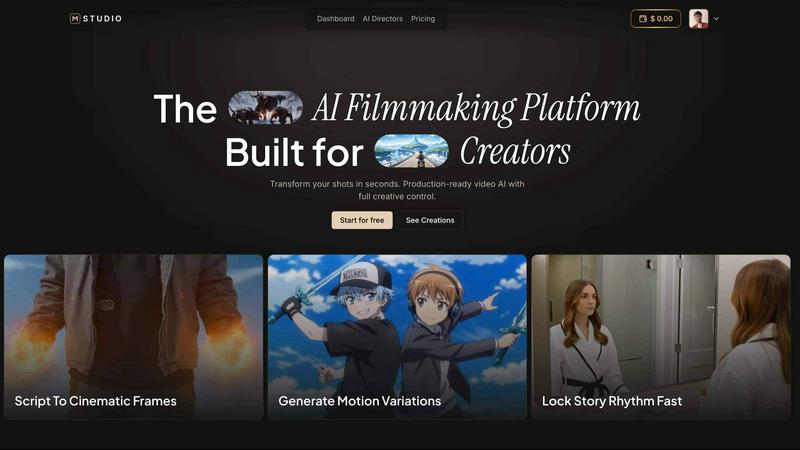
MStudio is the all-in-one AI filmmaking platform that turns your script into a pitch-ready storyboard with motion and sound in one session.
Alma by Olivares AI
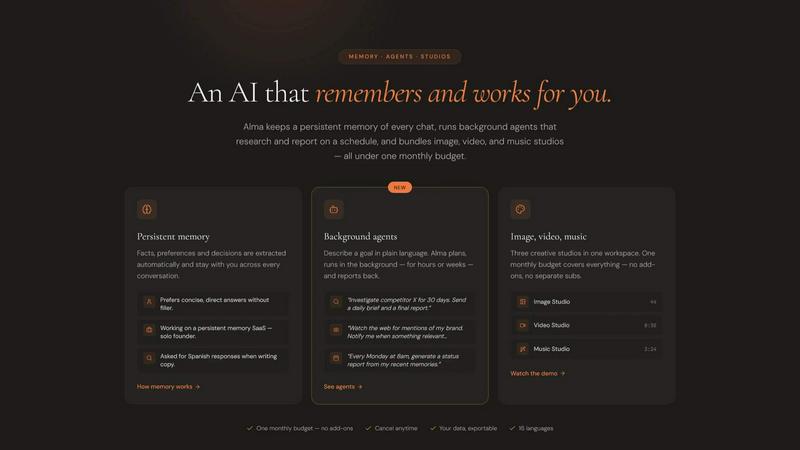
Alma by Olivares AI is your smart assistant that remembers, researches, and creates across image, video, and music all under one budget.
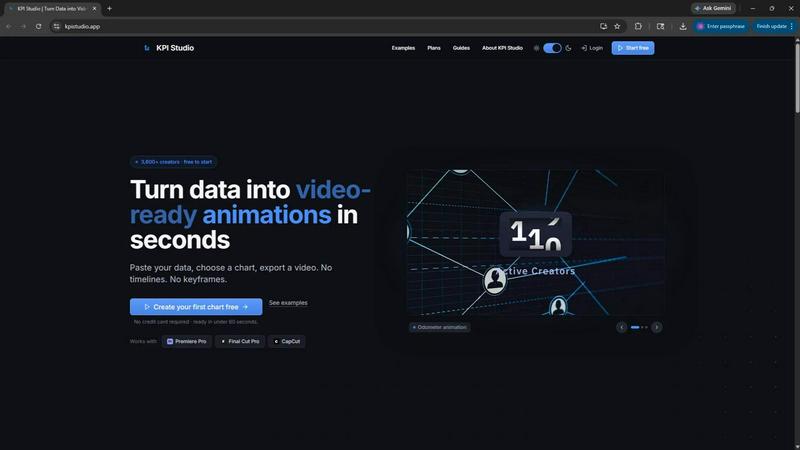
KPI Studio
KPI Studio transforms your data into stunning video animations in seconds, making metrics engaging and easy to share with no design skills needed.
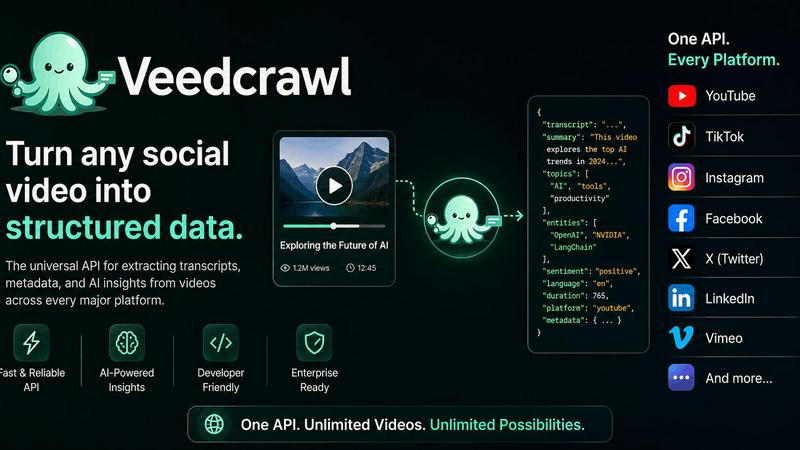
Veed Crawl
Turn any public social video URL into transcripts, metadata, and structured insights for your AI agents.
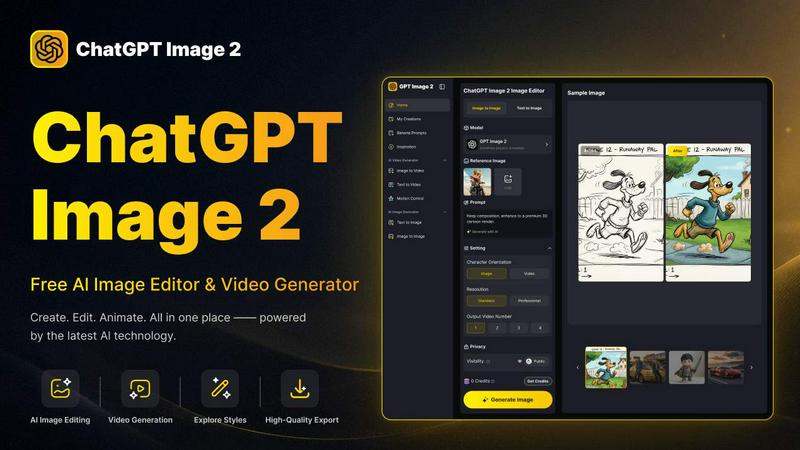
ChatGPT Image 2
Create stunning images, flawless text, and dynamic videos with ChatGPT Image 2, now 50% off for a limited time.
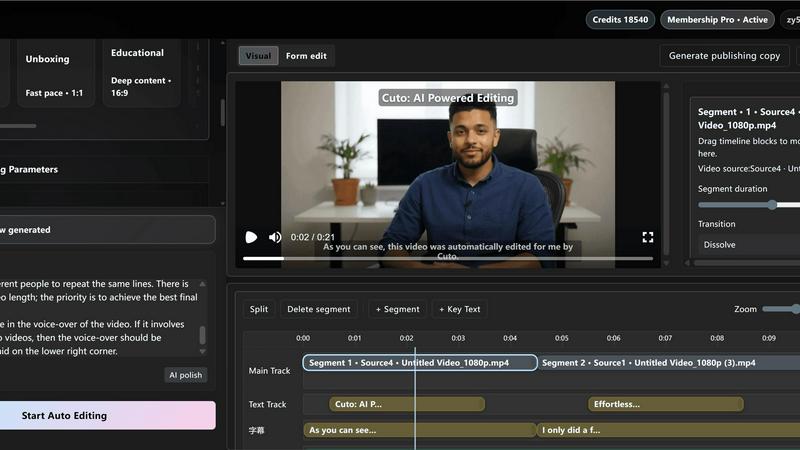
Cuto
Cuto turns your raw footage into polished, commercial-grade videos in 30 seconds with just one prompt and an editable AI edit plan.
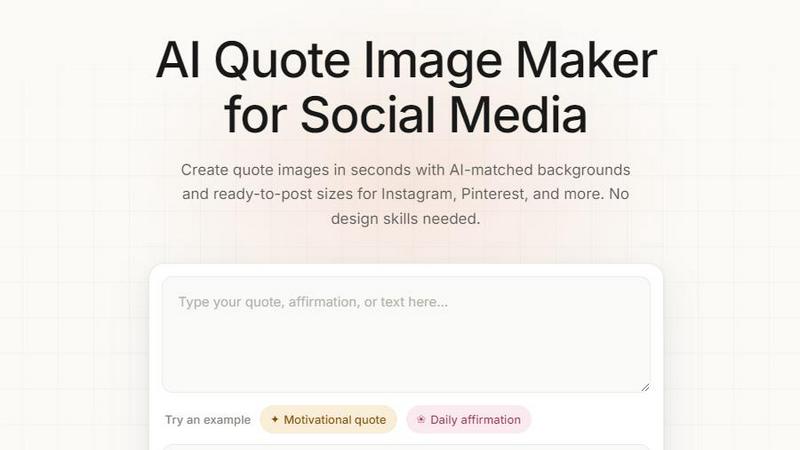
Quote Image Maker
Turn any quote into a stunning social graphic instantly with AI that matches backgrounds to your words, no design skills required.