
SoniqTools
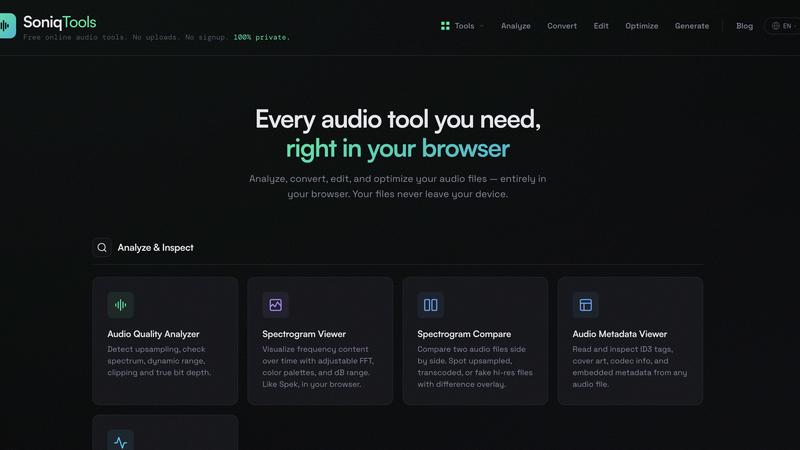
SoniqTools offers powerful audio editing, converting, and analyzing tools directly in your browser, ensuring complete privacy and no uploads required.
About SoniqTools
SoniqTools is an innovative and free suite of 18 powerful browser-based audio tools designed specifically for DJs, producers, and audiophiles. This unique platform allows users to analyze audio quality, visualize sound through spectrograms, convert audio formats, normalize loudness, trim, merge, and so much more. One of the standout features of SoniqTools is that everything runs locally in your browser, ensuring that your files never leave your device. With no uploads, no accounts, and no installations required, SoniqTools provides a seamless and private audio processing experience. The software is accessible on any device and is available in nine languages, making it an inclusive solution for music enthusiasts worldwide. Whether you are a professional DJ looking to refine your mixes or an audiophile wanting to dissect audio quality, SoniqTools equips you with the essential tools to get to work instantly.
Features of SoniqTools
Audio Quality Analyzer
The Audio Quality Analyzer is crucial for audio professionals, allowing users to detect upsampling, check frequency spectrum, dynamic range, clipping, and true bit depth. With this feature, you can ensure your audio files meet the highest quality standards before sharing or using them in projects.
Spectrogram Viewer
Visualize the frequency content of your audio over time with the Spectrogram Viewer. This tool offers adjustable FFT settings, customizable color palettes, and dB range options, enabling users to gain deep insights into their audio files just like using Spek but entirely in your browser.
Audio Converter
Convert your audio files effortlessly with the Audio Converter that supports multiple formats including WAV, AIFF, FLAC, MP3, OGG, and AAC. This feature ensures that you can easily transform your audio to the desired format without compromising quality, all while keeping the process local to your device.
Audio Looper
The Audio Looper feature allows users to loop audio files with professional transitions, including crossfade, fade, gap, or reverse options. You can set a specific count or target duration for the loop, making it perfect for DJs or producers looking to create seamless mixes.
Use Cases of SoniqTools
Enhancing DJ Sets
DJs can leverage SoniqTools to analyze and optimize their music tracks before performances. By using the Audio Quality Analyzer and Spectrogram Viewer, they can ensure that their set sounds impeccable, providing an unforgettable experience for their audience.
Preparing Audio for Production
Music producers can utilize the Audio Converter and Audio Merger to prepare and refine their audio files for production. This feature allows them to combine multiple tracks seamlessly, ensuring that every piece of audio works harmoniously in the final mix.
Educational Purposes
Students and educators in audio engineering can use SoniqTools as a teaching tool to analyze audio quality and understand sound characteristics. The Spectrogram Viewer and Audio Metadata Viewer provide valuable insights into how audio works, making it an excellent resource for learning.
Quick Audio Editing
For those who need to make quick adjustments, the Audio Trimmer and Fade In / Fade Out features allow users to edit their audio files efficiently. Whether it's for social media, podcasts, or video projects, SoniqTools makes audio editing straightforward and accessible.
Frequently Asked Questions
Is SoniqTools really free to use?
Yes, SoniqTools is completely free to use. You can access all features without any subscriptions or hidden fees, ensuring that everyone can benefit from these powerful audio tools.
Do I need to install anything to use SoniqTools?
No, there is no need for installations. SoniqTools operates entirely in your browser, allowing you to start using the tools immediately without any downloads or setup processes.
How does SoniqTools ensure my files remain private?
All processing with SoniqTools occurs locally in your browser. This means your audio files never leave your device, ensuring complete privacy and security for your data.
What devices are compatible with SoniqTools?
SoniqTools is designed to work on any device with a modern web browser. This includes desktops, laptops, tablets, and smartphones, making it versatile and accessible for all users.
Top Alternatives to SoniqTools
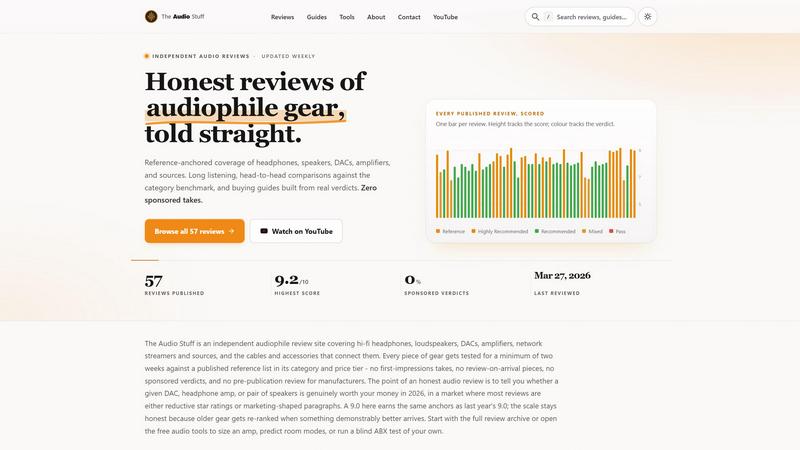
The Audio Stuff
The Audio Stuff delivers brutally honest, benchmarked reviews of headphones, DACs, and amps to help you build a better hi-fi system without the fluff.
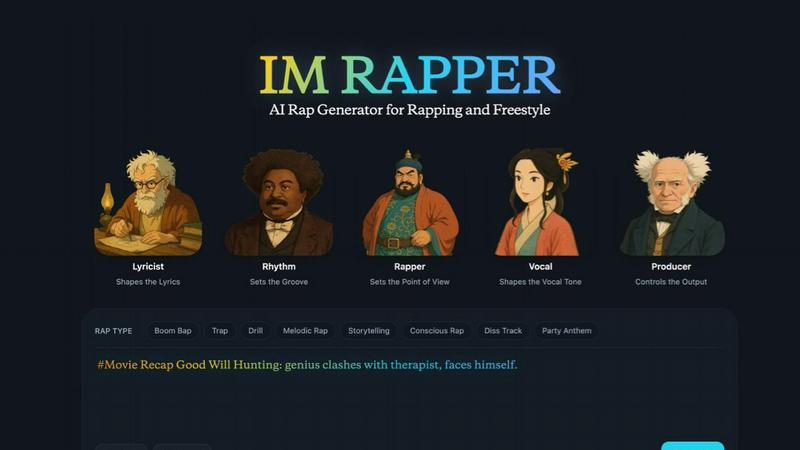
AI Rapper
AI Rapper transforms your ideas into catchy hooks, lyrics, and freestyle beats, empowering creators to elevate their rap game effortlessly.

OGTV
OGTV is a fast, modern Omegle alternative for genuine 1v1 video chats that turns random conversations into real friendships.
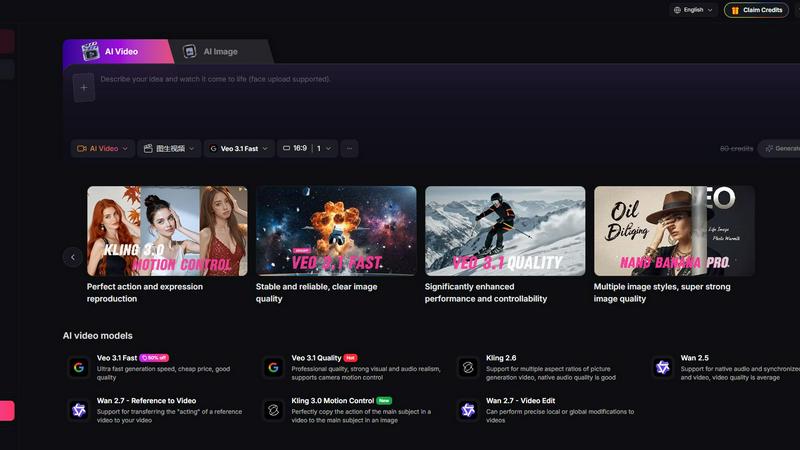
Yevideo - AI Video & Image Creation Platform
Yevideo is your all-in-one AI studio for generating stunning videos and images from text, images, and reference footage with advanced control.
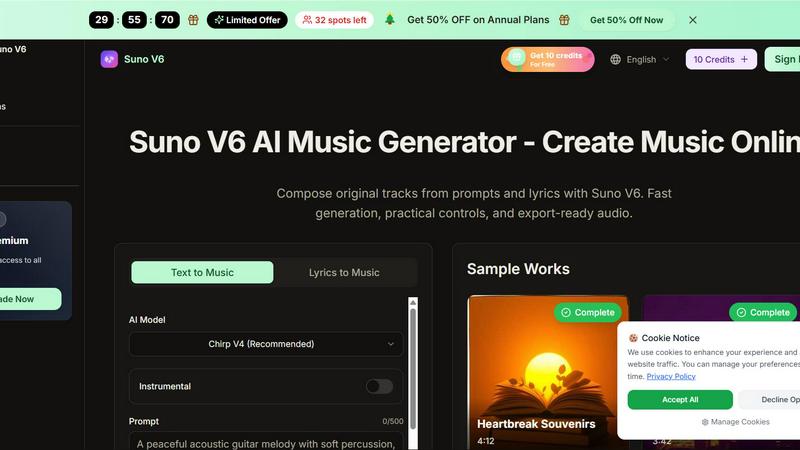
Suno V6 AI Music Generator
Suno V6 AI Music Generator lets you easily create original songs, vocals, and tracks online with fast, export-ready audio.
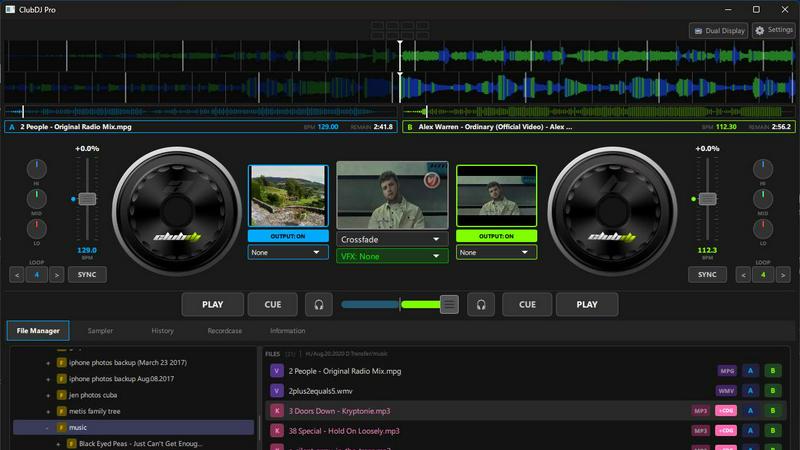
ClubDJ Pro
ClubDJ Pro empowers you to seamlessly mix audio and video like a pro with built-in dual-deck capabilities and stunning effects anywhere you go.
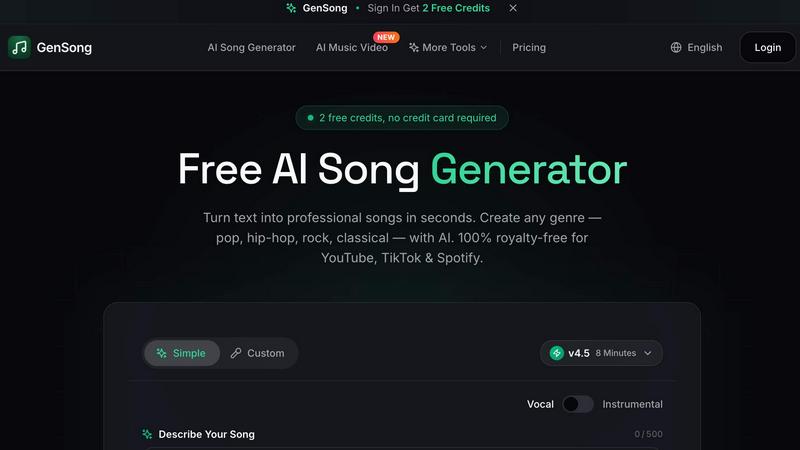
GenSong
GenSong instantly creates professional, royalty-free songs from text for any genre and platform.
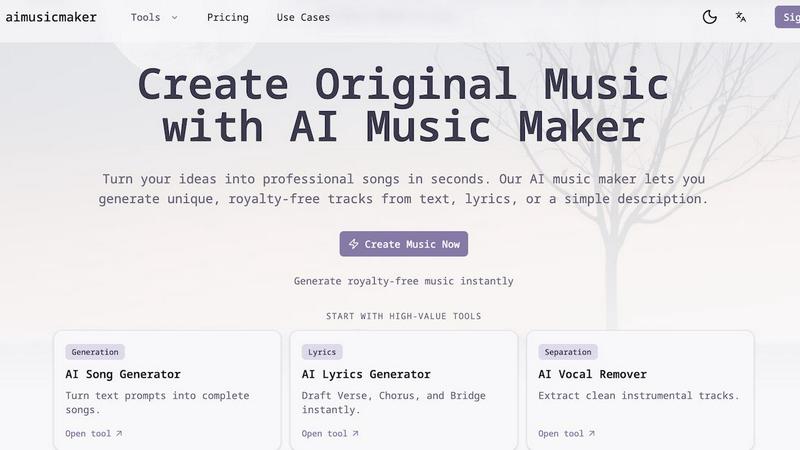
aimusicmaker
Create unique, royalty-free music effortlessly with aimusicmaker's AI-powered tools for instant song generation.