
Veo 3 AI Video Generator
Create stunning videos effortlessly with Veo 3 AI, transforming text and images into high-quality content with perfect.
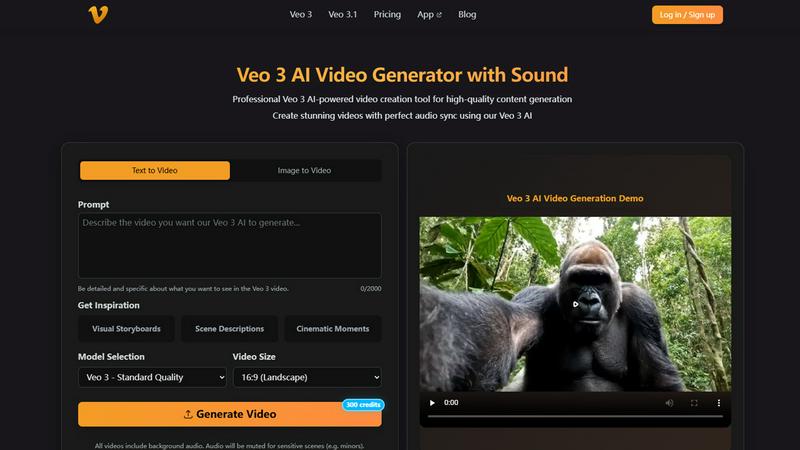
About Veo 3 AI Video Generator
Veo 3 AI Video Generator is a groundbreaking tool designed for content creators, marketers, and businesses looking to produce high-quality videos quickly and effortlessly. By harnessing advanced AI technology, Veo 3 transforms both text descriptions and images into dynamic videos with perfect audio synchronization. Whether you are a professional video producer or a casual user seeking to enhance your social media presence, Veo 3 simplifies the video creation process. Its intuitive interface allows users to generate stunning visuals with automated sound effects, dialogue, and ambient noise generation, ensuring a polished final product. The main value proposition lies in its ability to deliver Hollywood-grade visual effects in minutes, making it an essential tool for those aiming to captivate their audience without investing extensive time or resources.
Features of Veo 3 AI Video Generator
Advanced Veo 3 AI Technology
Veo 3 AI leverages cutting-edge technology to create videos that seamlessly blend motion and sound. This feature ensures natural transitions and fluid animations, resulting in professional-quality outputs that can elevate your content. The AI's context-aware processing allows it to understand and execute your vision with precision, making it an indispensable tool for creators.
Dual Generation Modes
With Veo 3, you have the flexibility to choose between text-to-video and image-to-video generation. Simply upload a single image or input a text prompt to start creating. This versatility caters to various creative needs, allowing users to explore unlimited possibilities in video creation while ensuring their projects align perfectly with their vision.
High-Quality Video Output
Veo 3 guarantees high-definition video output that preserves intricate image details while providing smooth motion and transitions. The advanced technology ensures that your videos are suitable for commercial use, thus offering a professional-grade product that meets industry standards without compromising on quality.
Simple 3-Step Process
Creating videos with Veo 3 is as easy as 1-2-3. Users can upload their chosen image or input their text, configure their preferences, and click generate to receive a high-quality MP4 video in moments. This streamlined process minimizes the time and effort required to create stunning videos, making it accessible for everyone from novice creators to seasoned professionals.
Use Cases of Veo 3 AI Video Generator
Social Media Content Creation
Veo 3 is perfect for social media influencers and marketers looking to create engaging video content quickly. With its intuitive features, users can generate eye-catching videos that captivate their audience and boost engagement on platforms like Instagram, TikTok, and Facebook.
Educational Videos
Educators and trainers can utilize Veo 3 to create informative and visually appealing educational videos. The ability to transform text into engaging video content makes it an ideal tool for e-learning platforms and instructional materials, enhancing the learning experience for students.
Marketing Campaigns
Businesses can leverage Veo 3 to develop promotional videos for their products or services. The high-quality output and rapid generation process enable companies to produce compelling marketing materials that resonate with their target audience, driving conversions and brand recognition.
Creative Projects and Storytelling
Writers, artists, and filmmakers can use Veo 3 to bring their creative visions to life. By converting text prompts into visually stunning narratives or animating images, creators can explore new storytelling avenues and enhance their artistic expression in innovative ways.
Frequently Asked Questions
What is Veo 3 AI and how does it work?
Veo 3 AI is a video generation tool that uses advanced artificial intelligence technology to convert text and images into dynamic videos. By understanding context, it creates natural animations and audio synchronization, making video creation effortless.
What image formats are supported for image-to-video?
Veo 3 supports JPG, JPEG, and PNG image formats for the image-to-video generation process. Users can upload images up to 10MB in size to create captivating motion videos.
How long does it take to generate a video?
The generation process with Veo 3 is remarkably fast. After uploading your image or entering a text prompt and configuring your settings, you can expect to receive a high-quality MP4 video in just moments.
What type of content works best for text-to-video?
Text-to-video works best with descriptive prompts that provide clear context and direction for the AI. Creative storytelling, detailed descriptions, and imaginative scenarios can lead to more engaging and visually rich video outputs.
Explore more in this category:
Top Alternatives to Veo 3 AI Video Generator

Receiptum
Receiptum lets you create professional, fully customizable receipts in seconds with zero design skills needed.
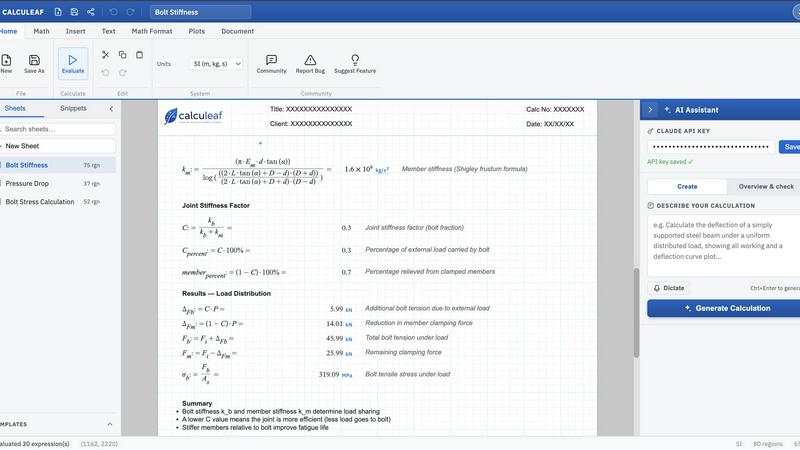
Calculeaf
Calculeaf is the next-generation web-based engineering worksheet for unit-aware math, notes, plots, and reusable calculations.
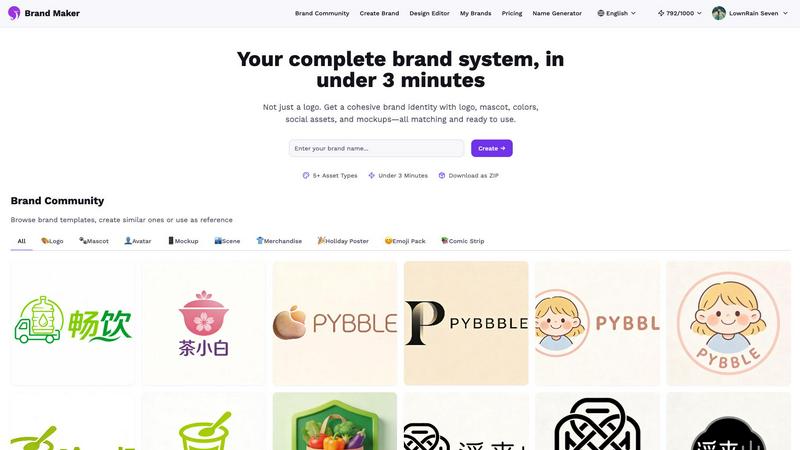
BrandMaker
BrandMaker delivers a complete brand identity system in under 3 minutes, providing logos, mascots, colors, and more for instant brand cohesion.
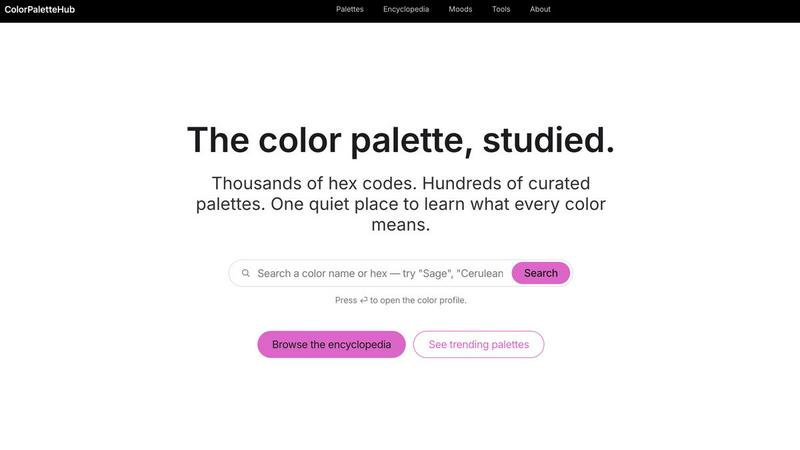
ColorPaletteHub
ColorPaletteHub is your quiet encyclopedia of thousands of curated hex codes and design tools to explore every color's meaning.

Mockupanda
Mockupanda lets you upload one print design and instantly generate unlimited professional mockups to boost your Etsy and POD sales.
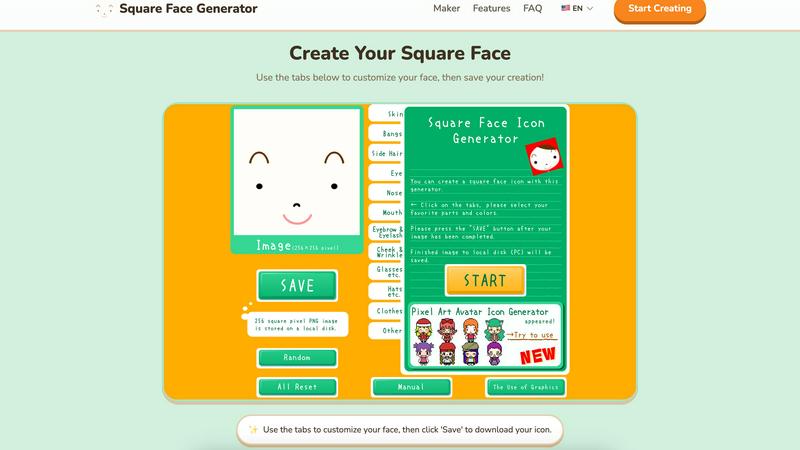
Square Face Generator
Create custom square face icons and pixel avatars instantly with this free, no-signup tool for social media, games, and creative projects.
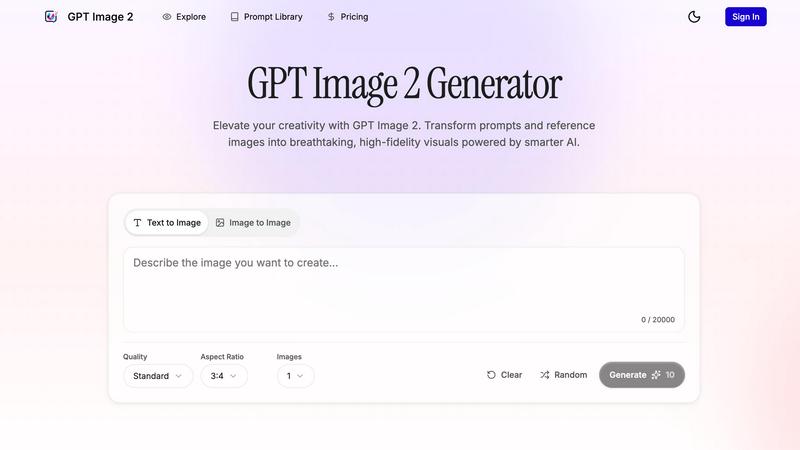
GPT Imagine
Transform prompts and reference images into stunning, high-fidelity visuals in seconds with GPT Imagine's powerful AI image generation tools.
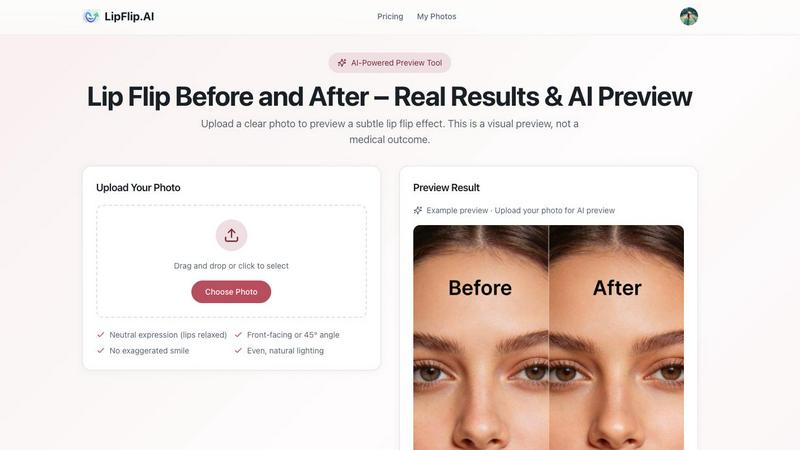
Lip Flip
Lip Flip lets you preview your smile with AI, showcasing real before and after results to set realistic expectations for a subtle lip transformation.