
AssetCenter
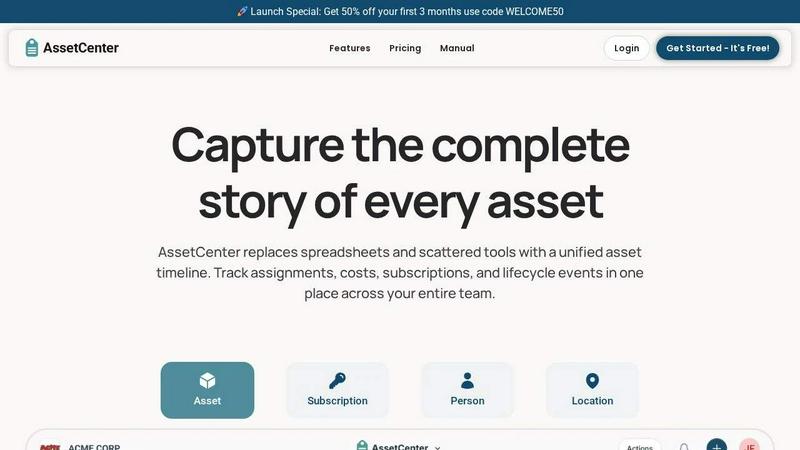
AssetCenter gives you a unified timeline to track every asset from purchase to retirement across your entire team.
About AssetCenter
AssetCenter is a modern, all-in-one asset management platform built to give organizations complete visibility and control over every asset throughout its entire lifecycle. From the moment an asset is acquired, through every assignment, maintenance event, and transfer, all the way to retirement or decommission, AssetCenter captures every single event in one unified timeline. Instead of dealing with scattered data spread across multiple spreadsheets, emails, and disconnected systems, teams get a single source of truth that is easy to understand, search, and act on. This platform is designed for organizations of all sizes and industries, including healthcare, construction, education, government, nonprofits, IT, agriculture, manufacturing, and entertainment. AssetCenter goes beyond just tracking physical assets; it also manages subscriptions, people, and locations, giving you a holistic view of your entire resource ecosystem. With customizable categories and fields, you can model your real-world workflows without being forced into rigid constraints. Every change, from a simple note to a complex transfer, is automatically recorded for full accountability and traceability. Built-in lifecycle tracking, depreciation insights, and an intuitive dashboard help teams make smarter decisions, reduce inefficiencies, and stay organized. Whether you are a small startup or a large enterprise, AssetCenter helps you stop guessing and start tracking with confidence.
Features of AssetCenter
Unified Timeline for Every Resource
Every asset, subscription, person, and location has its own dedicated timeline that shows everything that has happened in a clear, chronological view. You can see acquisition details, assignments, quick notes, todos, maintenance events, and decommission records all in one place. This eliminates the need to jump between systems or dig through old emails to find information. The timeline gives you instant context so you can understand the full story of any resource at a glance.
Customizable Categories and Events
AssetCenter is built for flexibility. You can create unlimited, industry-specific categories to organize assets exactly how your business needs, whether you are tracking vehicles, machinery, software licenses, or office equipment. Every asset goes through three stages: acquisition, lifecycle, and decommission. AssetCenter includes prebuilt events for each stage, but you can fully customize them or create your own events to match your unique workflows. Easily add or adjust categories as your organization grows.
Comprehensive Dashboard for Total Visibility
The dashboard brings everything together in one place. You can track costs, stay ahead of expirations and end-of-life assets, and see recent activity across all your resources without jumping between pages. This visibility helps you identify inefficiencies, plan for replacements, and make data-driven decisions. The dashboard gives you a real-time snapshot of your entire organization, so you always know what is happening and what needs attention.
Bulk Import and Rapid Onboarding
Getting started with AssetCenter is incredibly fast. You can use bulk import Excel templates to quickly load all of your assets, subscriptions, people, and locations into the application. Simply download the templates, fill them in with your existing data, and upload them to get up and running in minutes. This feature is perfect for organizations that already have a large inventory and need a seamless migration without manual data entry.
Use Cases of AssetCenter
IT Asset Management for Growing Companies
IT teams can track every piece of hardware and software from acquisition to retirement. Assign laptops, monitors, and peripherals to specific employees, log maintenance events like firmware updates or repairs, and monitor software subscription renewals. The unified timeline ensures that every transfer, return, or decommission is recorded, giving IT managers full accountability and helping them plan for future purchases based on real usage data.
Equipment Tracking for Construction and Manufacturing
Construction and manufacturing companies can manage heavy machinery, tools, and equipment across multiple job sites. Each asset can be assigned to a specific location or department, with every maintenance event, oil change, or repair logged automatically. The dashboard provides visibility into equipment costs, depreciation, and lifecycle status, helping teams reduce downtime, schedule preventive maintenance, and make informed decisions about replacements.
Asset Management for Healthcare Facilities
Hospitals and clinics can track critical medical devices, computers, and office equipment across multiple departments. AssetCenter helps ensure that all equipment is properly maintained, calibrated, and accounted for. The timeline captures every assignment, transfer, and event, which is essential for compliance and audit readiness. Teams can quickly see where a device is located, who is responsible for it, and when it needs its next service.
Subscription and License Management for Nonprofits
Nonprofits can manage software subscriptions, memberships, and digital assets alongside physical equipment. AssetCenter tracks renewal dates, costs, and usage, ensuring that no subscription expires unexpectedly. The platform provides a clear view of all recurring expenses, helping organizations stay within budget and avoid unnecessary costs. The unified timeline also makes it easy to see when a license was assigned to a specific person or department.
Frequently Asked Questions
What is included in the free trial?
The free trial includes full access to the entire AssetCenter platform with 25 assets and no time limit. You do not need to provide a credit card to start. This gives you plenty of time to explore all features, import your data, and see how AssetCenter can improve your asset management processes.
Can I customize the categories and events to fit my industry?
Absolutely. AssetCenter allows you to create unlimited, industry-specific categories and fully customize timeline events. Whether you are in healthcare, construction, education, or any other field, you can model your real-world workflows exactly how you need them. Prebuilt events are included to get you started quickly.
How do I import my existing assets into AssetCenter?
You can use the bulk import feature to download Excel templates from the application. Simply fill in the templates with your existing asset, subscription, person, and location data, then upload the completed file. This process allows you to get all of your resources loaded into AssetCenter in minutes, without manual data entry.
Is AssetCenter suitable for tracking both physical and digital assets?
Yes. AssetCenter is designed to track any type of resource, including physical assets like equipment and vehicles, as well as digital assets like software licenses and subscriptions. The platform also manages people and locations, giving you a complete view of your entire resource ecosystem in one unified system.
Explore more in this category:
Top Alternatives to AssetCenter

Decker
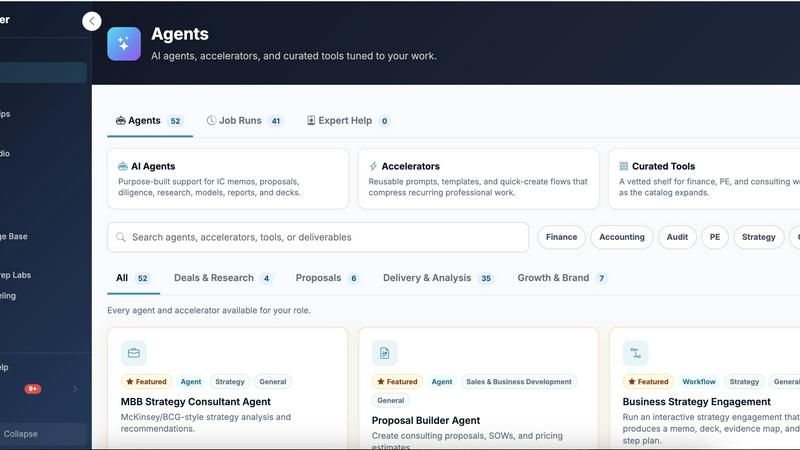
Decker is the all-in-one operating system and monetization platform that helps consultants build, learn, belong, and earn from their deliverables.

QuickTextTools
QuickTextTools gives you instant access to 76 free browser-based text, SEO, and writing tools with no sign-up required.
Very Good Calendar Sync
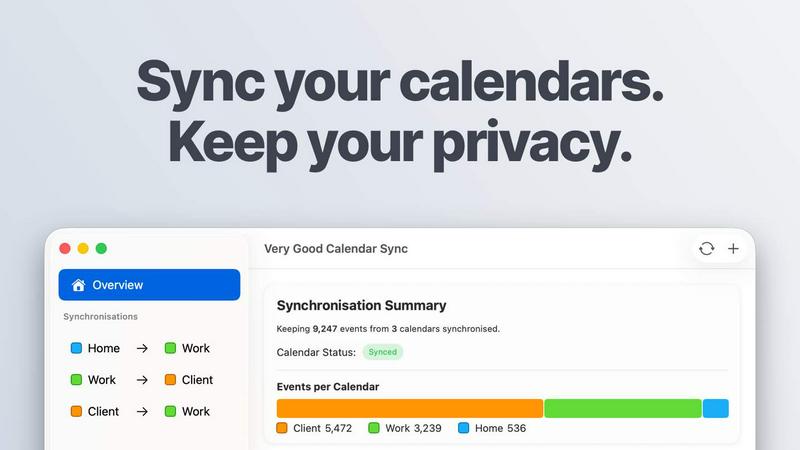
Very Good Calendar Sync effortlessly aligns all your calendars on Mac while keeping your personal data private and secure.
Cece AI
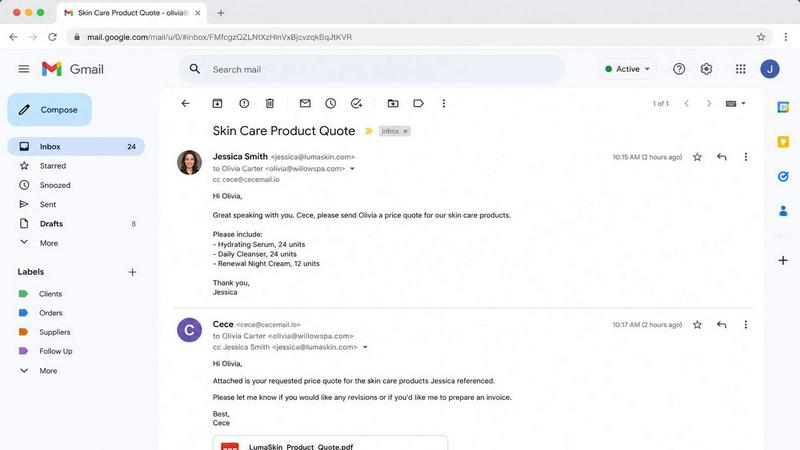
Cece AI runs your small business from your inbox, handling emails, scheduling, invoices, and follow-ups so you can focus on what matters.