
BudgetSheet
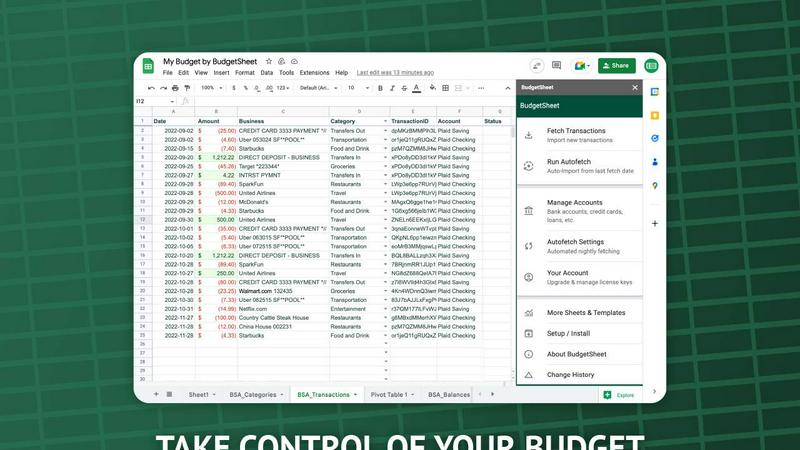
BudgetSheet effortlessly imports your bank transactions into Google Sheets, automating budgeting like never before.
About BudgetSheet
BudgetSheet is a powerful Google Sheets add-on designed to streamline your financial management by importing live bank transactions directly into your spreadsheets. Gone are the days of tedious manual exports and cumbersome CSV files. With BudgetSheet, you can easily link to over 10,000 financial institutions, including checking accounts, savings accounts, credit cards, investment accounts, loans, and mortgages. This tool is perfect for anyone looking to take control of their personal finances, from budgeting enthusiasts to busy professionals seeking an efficient way to track expenses. By harnessing the secure connectivity of Plaid, BudgetSheet ensures that your sensitive data remains safe while providing you with a user-friendly interface to manage your finances. With BudgetSheet, you gain full autonomy over your budgeting process, allowing you to customize your spreadsheets to fit your unique financial goals and strategies.
Features of BudgetSheet
Live Bank Transactions
BudgetSheet allows users to connect their bank accounts securely and import live transactions directly into Google Sheets. This feature eliminates the need for manual data entry, ensuring that your financial records are always up to date and accurate.
Supports 10,000+ Financial Institutions
Whether you have a checking account, savings account, credit card, or investment account, BudgetSheet supports over 10,000 financial institutions. This extensive compatibility means you can manage all your financial data from one centralized location.
Secure Connections with Plaid
BudgetSheet utilizes Plaid to facilitate secure connections to your financial institutions. This means that your sensitive login credentials are never stored or handled by BudgetSheet, providing peace of mind when linking your bank accounts.
Custom Automation with Google Sheets
One of the standout features of BudgetSheet is the ability to automate your budgeting processes using Google Sheets' custom scripts and tools like Zapier. This flexibility allows you to create personalized solutions tailored to your financial needs.
Use Cases of BudgetSheet
Personal Budgeting
BudgetSheet is ideal for individuals who want to create tailored budgets. By automatically importing transactions, users can easily track their income and expenses, ensuring they stay within their financial limits.
Small Business Financial Management
Small business owners can benefit from BudgetSheet by using it to monitor business expenses and revenues. The automation features help streamline financial reporting, making it easier to prepare for taxes or audits.
Investment Tracking
For those managing investment accounts, BudgetSheet offers a straightforward way to keep track of transactions and portfolio performance. Users can analyze their investments directly in Google Sheets, allowing for informed decision-making.
Family Budget Coordination
Families can use BudgetSheet to coordinate finances by sharing a single Google Sheet. This enables all family members to easily view and contribute to the family budget, promoting transparency and collaboration in financial planning.
Frequently Asked Questions
How does BudgetSheet ensure my bank data is secure?
BudgetSheet uses Plaid for secure bank connections, meaning your bank login credentials are never stored or handled by BudgetSheet. All sensitive data is encrypted, ensuring your information remains safe.
Can I try BudgetSheet before purchasing?
Absolutely! BudgetSheet offers a 15-day free trial with no credit card required. This allows you to explore all features and see how it fits your financial management needs.
What types of accounts can I connect with BudgetSheet?
BudgetSheet supports a wide range of account types, including checking accounts, savings accounts, credit cards, investment accounts, and loans. You can check the list of supported banks to see if yours is included.
Is BudgetSheet easy to set up?
Yes! Setting up BudgetSheet is straightforward. Simply enable the add-on in Google Sheets, link your bank accounts, and start importing transactions. The user-friendly interface makes it accessible for everyone, regardless of tech-savviness.
Top Alternatives to BudgetSheet
kill the sub
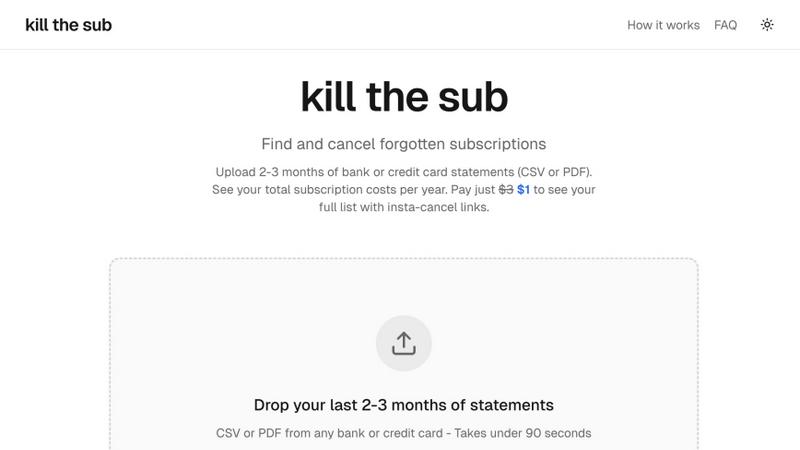
Easily find and cancel forgotten subscriptions with AI-driven analysis and instant cancel links for just $3.
MiniValuator
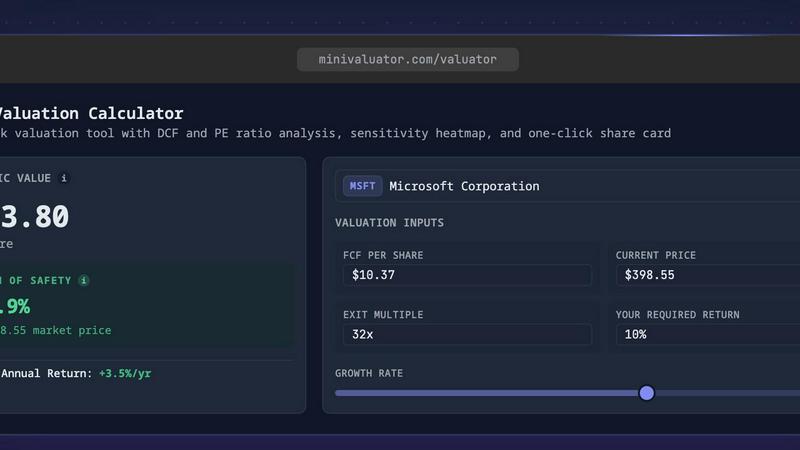
MiniValuator is a free AI stock valuation calculator that delivers quick DCF and PE analyses with intrinsic value, sensitivity heatmaps, and.
Fintrack
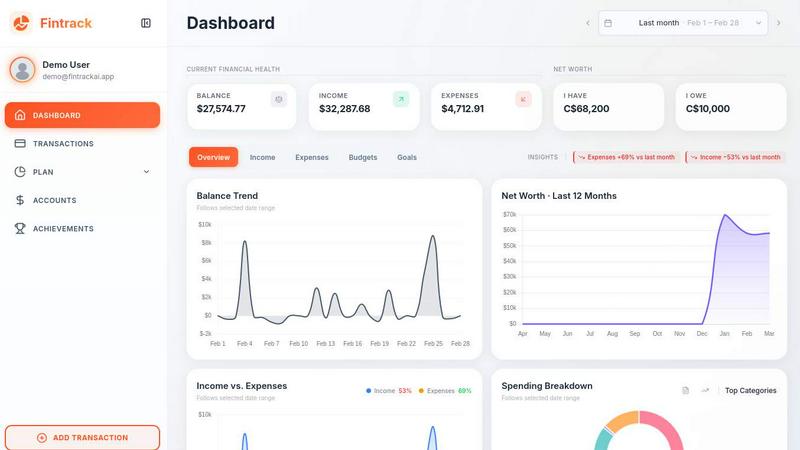
Fintrack is your AI financial companion that gives you full visibility and finds money you're missing.
Redbark
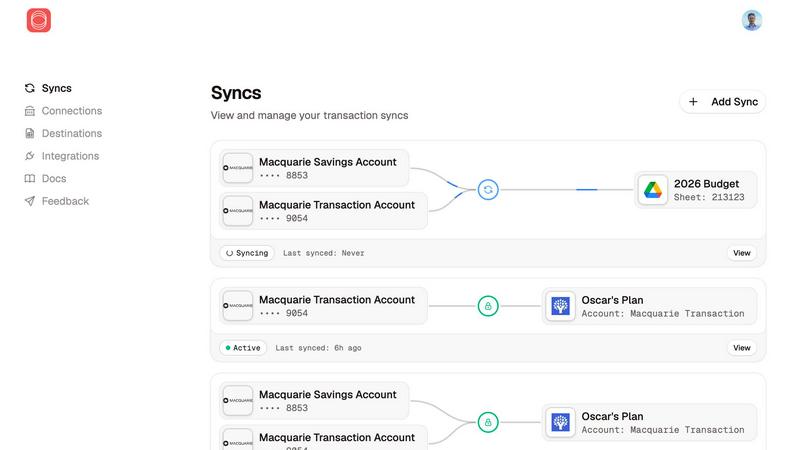
Redbark syncs your Australian bank and brokerage data directly to your favorite tools automatically.

Fetchlyhub
Fetchlyhub finds the best prices by scanning thousands of listings across stores, saving you time and money.

Money Visualiser
Transform any amount of money into interactive 3D bill stacks to visualize and compare real cash dimensions.

ExpenseManager
Track, split, and budget all your expenses in one secure app for individuals, couples, and groups.
ConvertBankToExcel
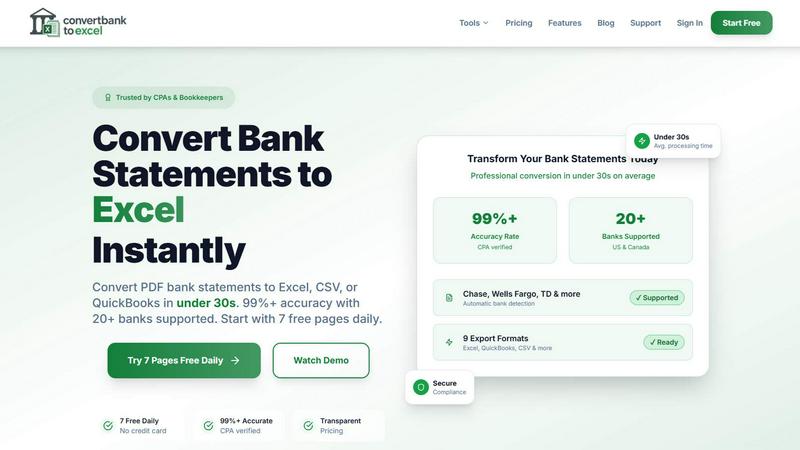
Effortlessly convert bank PDFs to Excel or CSV in under 30 seconds with 99% accuracy, trusted by professionals.